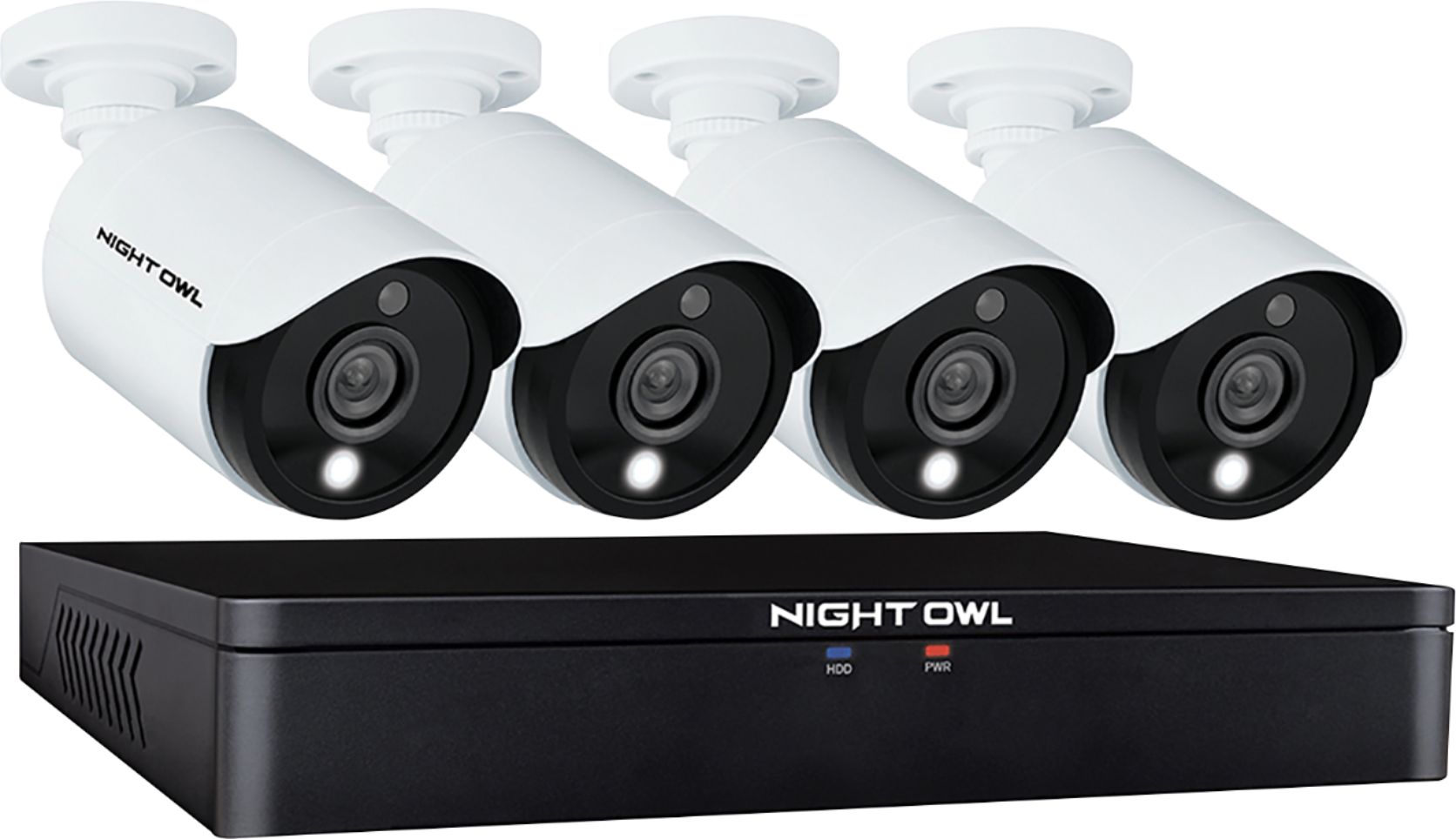
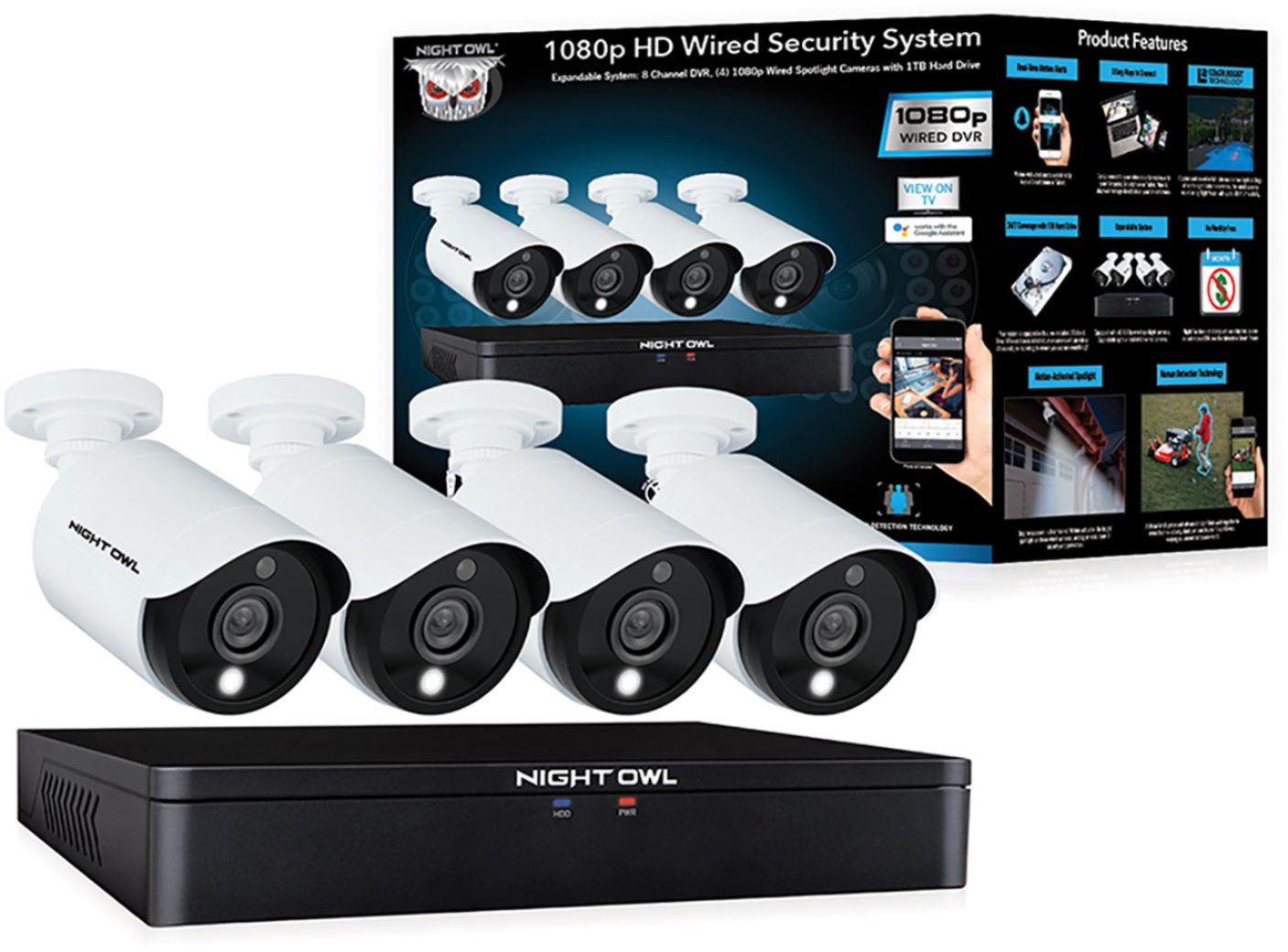
A:Answer Yes, it's possible to turn off the light, so it doesn't respond to motion. In the "settings" under "camera" (I think...I'm not in front of the interface) there is a checkbox for "motion" and "light". I think you have to unclick one before you can unclick the "light" option.
In my case, I did not want to "alert" someone when motion was detected, I am looking to get recorded evidence of them, so I needed the light to NOT activate.
Hope this helps. Wish I was home sitting in front of it to give you better directions, but hopefully this is enough to get you there.