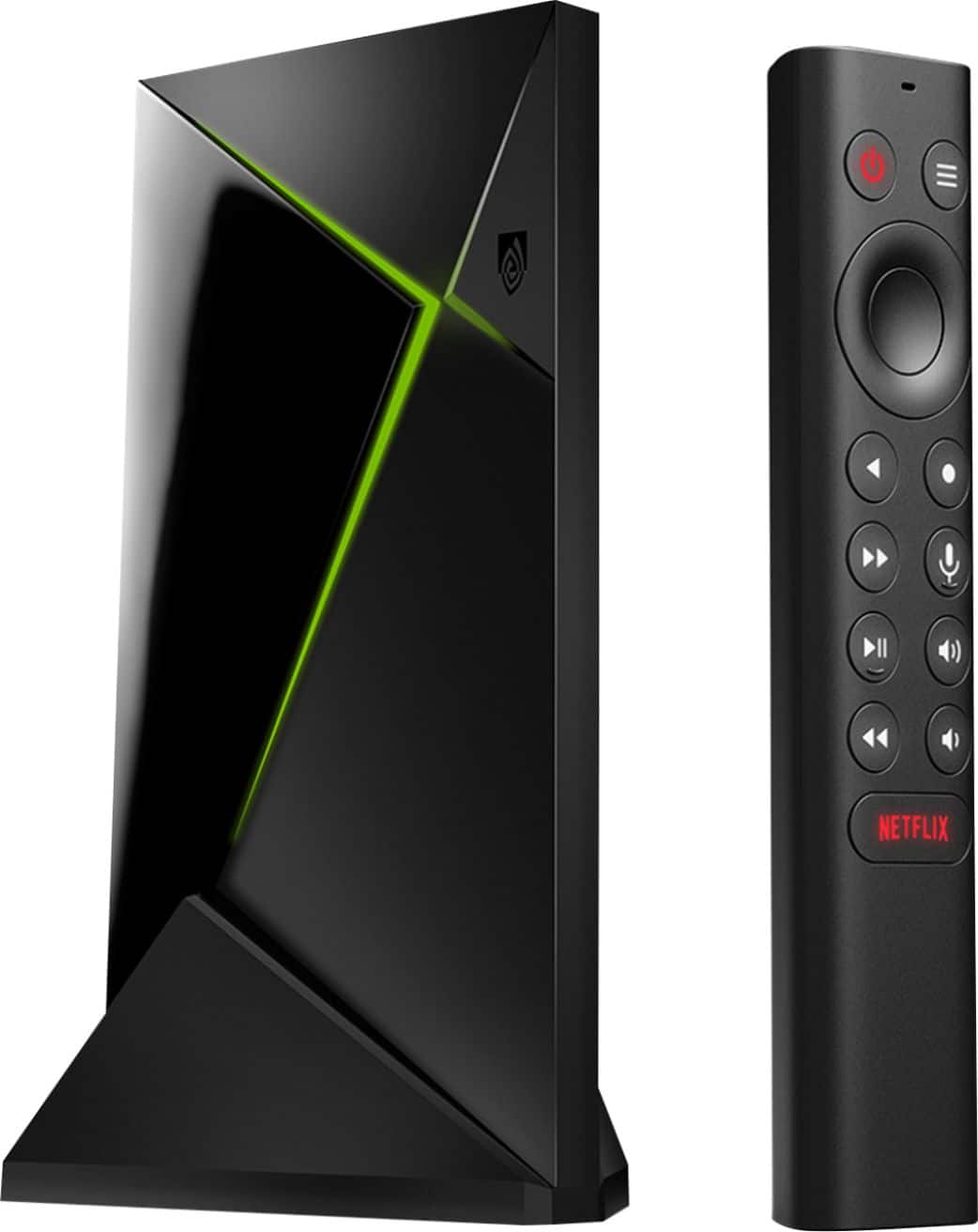
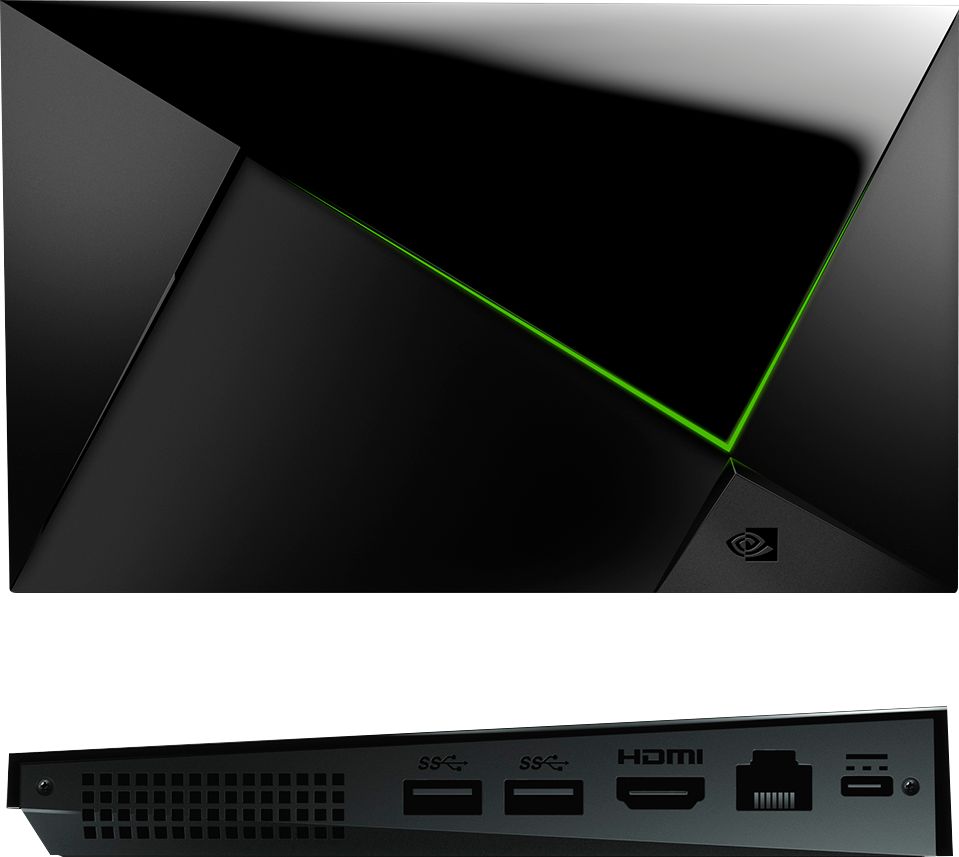
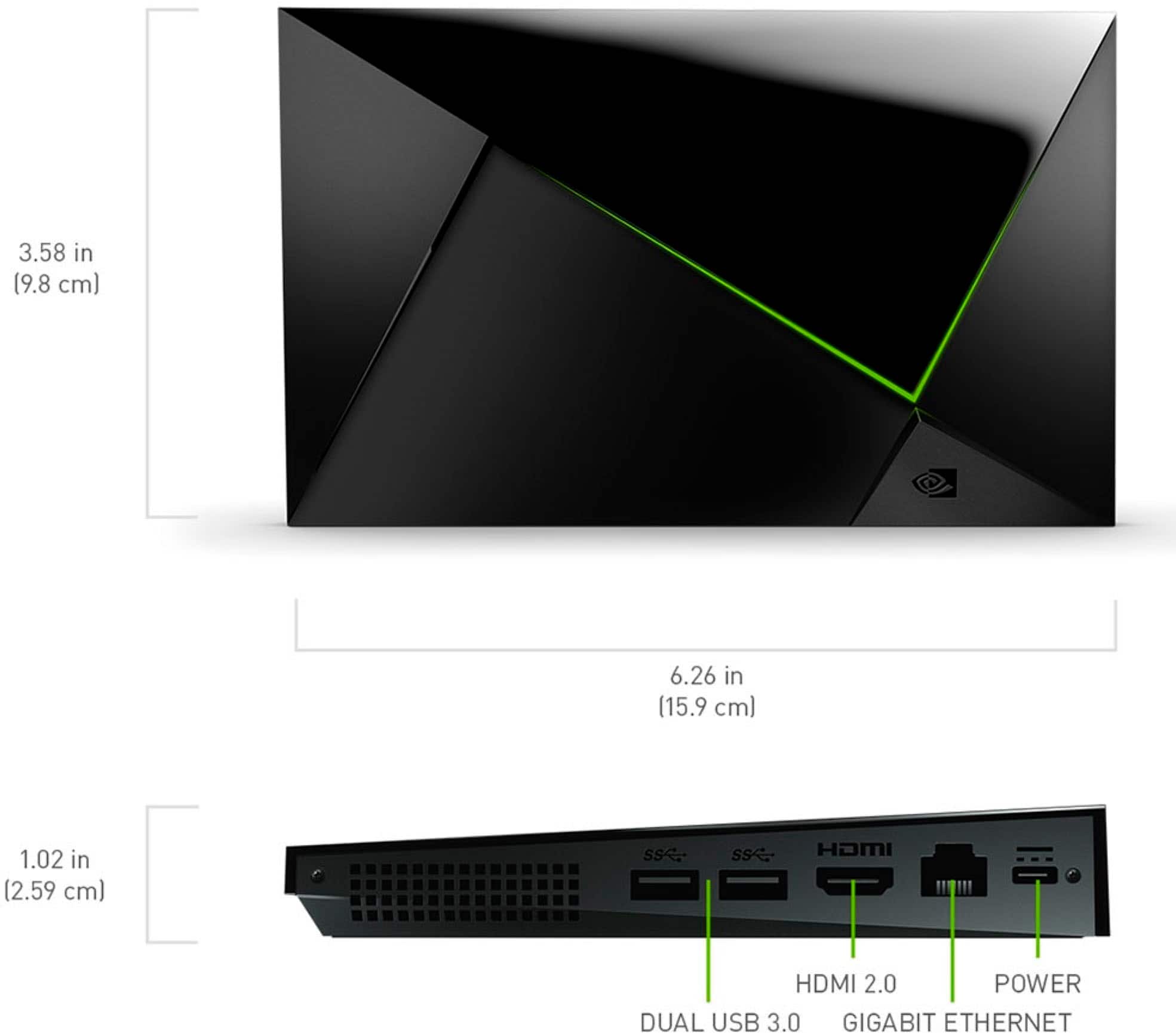
A:AnswerThe Invidia shield can be connected to your receiver. If your receiver supports Dolby Atmos, then you should have it available. I am not sure about the eARC concern.
A:AnswerThe Shield cannot tune over the air TV channels. It doesn't have a tuner. There are network tuners that will work with the Shield, such as what is available from Silicon Dust. I have the HDHomeRun Flex 4K, and can pick up 83 channels/subchannels in the Seattle area. Using the HDHomeRun app, I can watch them on my Shield.
Note that 7 of those channels are new ATSC 3.0 stations, so the same content on those stations' primary channels. There's also 6 channels that are not reliable for reception, since the transmitter is 90 miles from my home. The number of channels one would receive is dependent on how many local stations you have and the size/quality of your antenna.
A:AnswerI added an external hard drive and have no issues. I have IPTV as well as other stations as well. You can add IPTV and other stations. It will obviously reduce storage on the Shield but just buy a hard drive and not have to worry about it. Hope this helps.
A:AnswerThis should be v.8.2.3 nVidia in early January 2022 dropped v.9.0.0 Android 11 update that caused a lot of issues. Subsequently, nVidia pushed out hotfix image 1, 2, and 3. Nvidia certified this for public in late January to early February and pushed to the public v.9.0.1. Again, nVidia still had more issues and dropped another hotfix image 1 (#4). This hasn't been certified yet as v.9.0.2. I have heard the 2nd (#5) hotfix image is soon to be dropped. nVidia's Android 11 updated caused some SERIOUS software issues with storage, apps, sound, connectivity, among others.
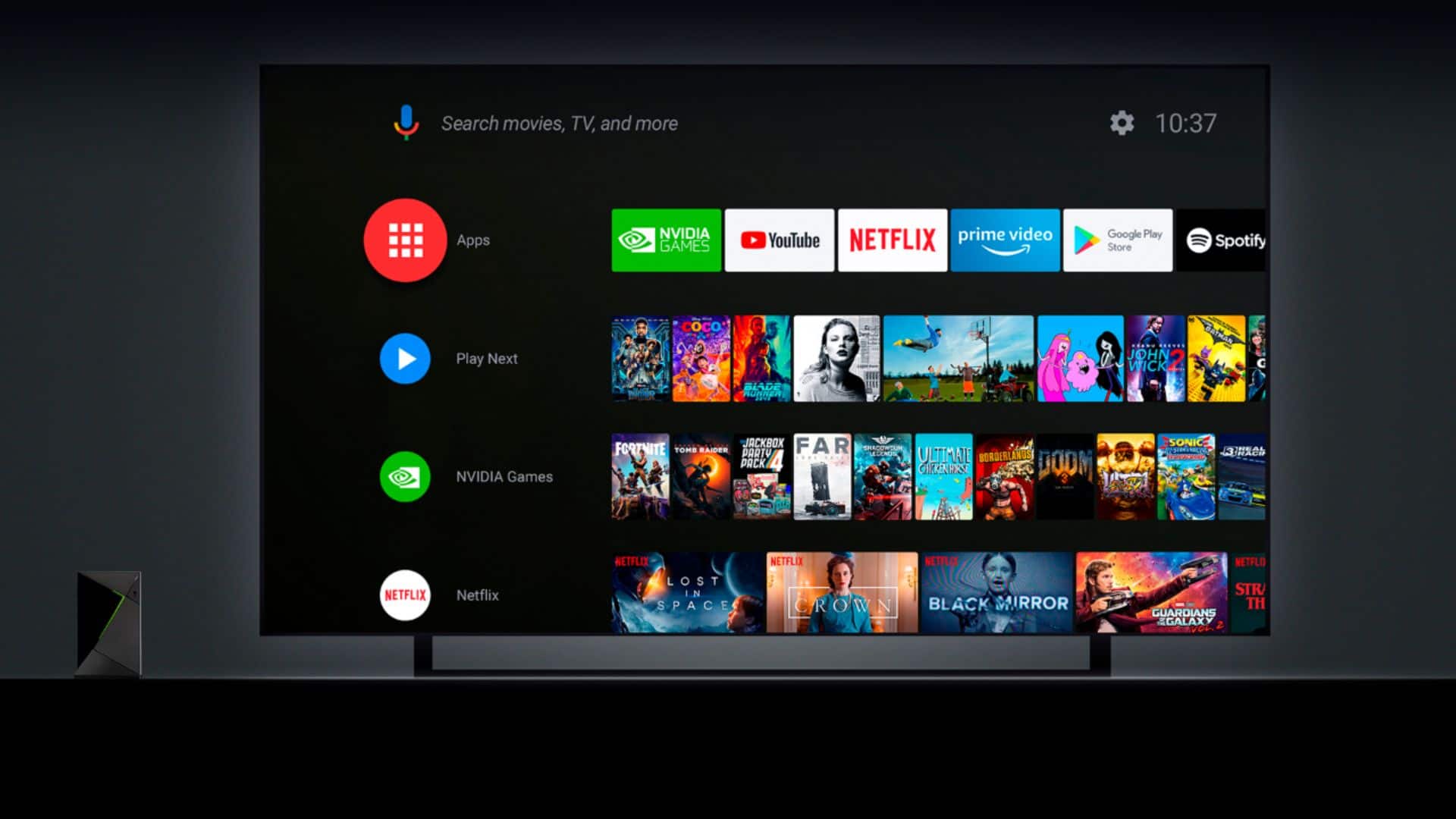
A:AnswerIf you're referring to the banner ads on the home screen then yes. It's not an easy process, but XDA and other sites have guides to do it. Since this is Android you can install another "Launcher" that doesn't include ads instead.
A:AnswerIt means that it is using Android for the OS, and has Chromecast built in to the unit. (Just like the Android system that is on a cell phone)
It will run all programs even ones that The other Systems can't.
https://www.nvidia.com/en-us/shield/shield-tv-pro/
It is one of the best Streaming units out there
I have attached the web page that tells you all about it.
A:AnswerI have had buffering issues with many devices. I will say from past experience, it is not the device. The best thing to do is use a wired network. In an apartment so many people are using wireless, it interferes with yours. I have solved this in two ways in my home. I buy a device I can plugin to my network which the Firestick is not or buy a wireless extender if your wireless router is in another room. I find sometimes the wireless extenders with the antennas can pick up and send the signal better from the router to the device. Also, a good extender has a wired connection on it just in case. I would try one of those. As for this device, I don't own it but was browsing to buy it as I just brought an Android Television and like it. I figured I would answer your question with my past experience. For troubleshooting the firestick I would make sure you are using the 5ghz network on your router 2.4ghz is a crowded bandwidth. Even my microwave can cause interference sometimes. If you have a tv by the router try plugging in your Firestick into that tv as close as possible to the router and see if the issue happens. If it does not then get the extenders and hope they help.