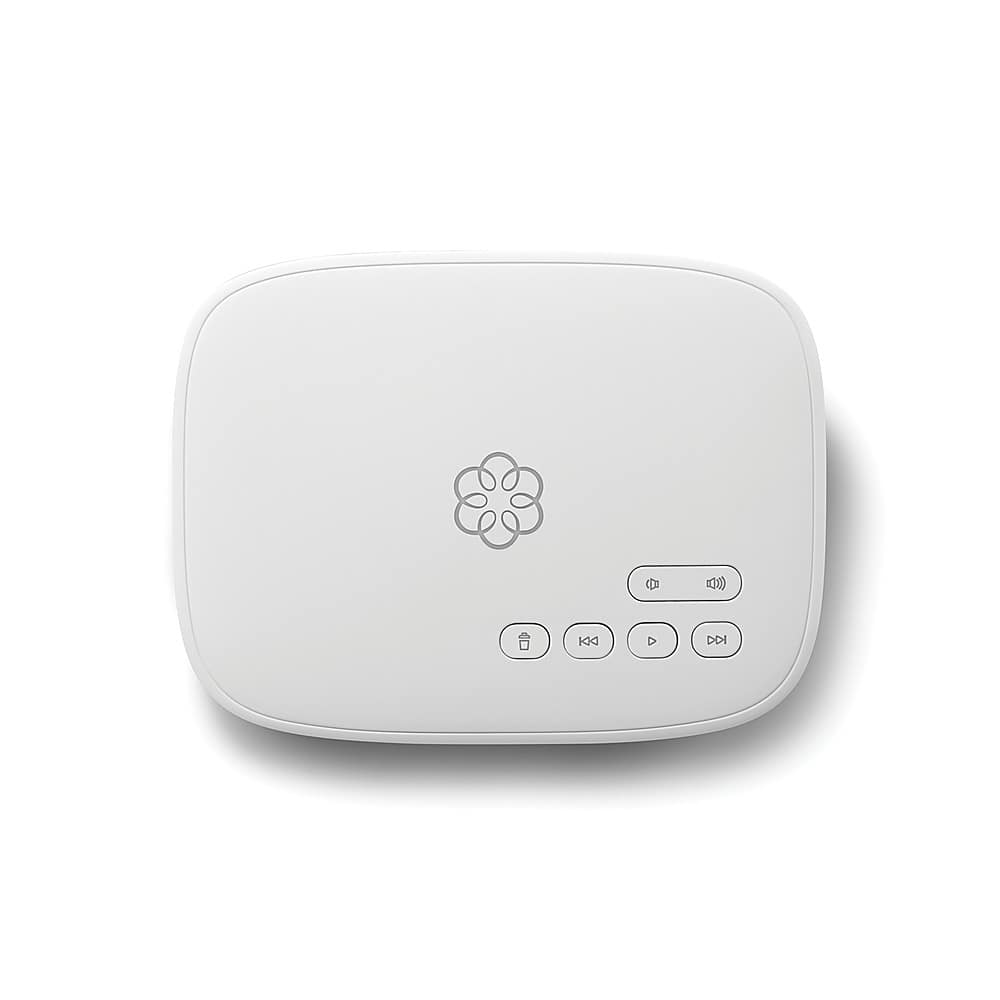
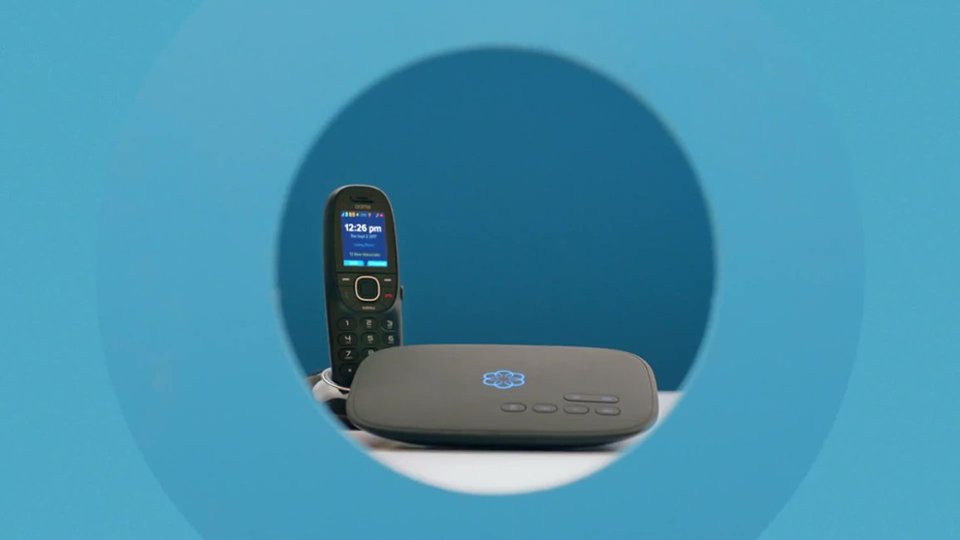
A:AnswerThe Telo has one conventional phone jack in the back. For multiple extensions, it's best to use one base phone with as many wireless extensions as desired (up to the limit of your base phone). We use an AT&T base that allows up to 11 extensions. In theory, a splitter can be used to plug in multiple phones/base units, but the higher power draw can compromise performance of the Ooma service.
A:AnswerBeware of making any purchase until you check with your internet provider that they support Ooma. I have AT&T and they do not support third party connections, they are blocking my Ooma device with a firewall.
A:AnswerYou can have two physical phones with same number such as an expandable phone system where one is connected to your Ooma, and the another in a different location “within” your house as long as your phone signal is strong enough.
If you were to buy two Ooma devices each device has its own serial number that when activated you must select a unique phone number for it, so you wouldn’t be able to select the same number if it’s already assigned to another Ooma device. I recommend you double check w/ Ooma.
A:AnswerYou will need high speed internet to plug this into. Then just plug your existing phone into the back of the Ooma and you still have a landline--but at only $6 per month (for the taxes and access fees). We save $45 per month with this. The only problem I had was the following: the Ooma is plugged in upstairs. My downstairs wall-mounted phone didn't get enough power for it to work correctly. I just got a Uniden cordless phone with multiple handsets (in my case--a 3-phone system) and plugged the base unit into the Ooma. The second handset it upstairs and the third is downstairs. Everything works great!
A:AnswerNo. However, you do need internet. Ooma connects directly to your modem. Then you go online and set up. It works like AT&T U-verse, just A LOT less expensive
A:AnswerYou can hook a Ooma to a range extender and it will work. But it will work badly because it is in competition with your other wireless traffic. So you may hear some echoing but if you don't mind that then it will work.
Ted
A:AnswerThe reason I purchased it was to use it for a dedicated fax line and it works perfectly. I love this device. I can also use it for calls when and if I want to but bought it for a fax line and could not be happier! Great device. Worth every penny.
A:AnswerYes, you can port with AT&T. There are very easy instructions that come with the equipment. AT&T is a little difficult getting to the correct person but I only had to call regarding verifying everything was done. I got a misleading email stating services were disconnected before the number was ported which caused a little concern but I called and made sure the number was still active until the port was completed.
A:Answerour phone system base unit plugged into the Ooma unit and then worked like they did before. Our phone base determined the number of rings before answering and keeps the basic phone functions such as speaker phone, hold and caller ID. Ours has a default automated answer to then leave a message that we can access remotely as we did before. Not sure if Ooma allows your own answering system.
A:AnswerDepends on the taxes in your area. Basic service for me is $6.11 a month. Premium service if you want all the bells and whistles is $19 a month. You can go the ooma website to enter your zip to find out how much basic service will cost you.
A:AnswerI just did this. I had AT&T fiber and AT&T VOIP. I cancelled AT&T VOIP, plugged my OOMA into the fiber router, pulled the phone connector from the fiber router and plugged it into the OOMA. Once registered, the phones worked in all the rooms. I ported my old phone number from AT&T to OOMA and everything works great.
A:AnswerYES! We have T-Mobile 5G wireless internet and Ooma works great with it. You simply plug the Ooma box into your T-Mobile router. Then plug any landline phone into the Ooma phone jack.
A:AnswerThis model requires an Ethernet wired connection to the router. The Telo Air version allows for either a wired or wireless connection. If your intention is to enroll in the Premier Plan for its Second Number feature, consider a Telo or Telo Air packaged with 1-3 HD3 handsets.
A:AnswerSounds like your question should have been directed to Ooma Customer Service. I received this question because I had reviewed the Ooma Telo device. I don't see an option to actually USE your cellphone with this device. With premium service you have the option to download a smart phone app that will allow you to receive notifications on your cellphone. Ooma also offers an extra cost device ($100 - $120) that requires additional monthly charges ($5) for service that allows the Ooma device to work thru a cell network. This would mean your home phones would connect to the Ooma Telo and the Telo would connect to a cell network in place of the internet in the case of Internet outage or power outage. Theoretically it sounds like you could use this in place of an internet connection (for phone service only) within your home. I see no mention of anything that can replace your cell phone provider for calling services to and from your cellphone.
A:AnswerThe basic Ooma Telo has no wireless. You plug a regular phone into it using a regular telephone cable. The phone you plug in can be the base unit of a wireless phone system using DECT, or not.
A:AnswerOur Ooma was purchased for replacing our landline connection with Verizon and keeping our landline number. Ooma $6 versus Verizon $50 (monthly charges). Not sure if or how Ooma could be used for cell phone service or why anyone would want to. Ooma is not a device that you talk into. It uses internet to transfer an incoming call to a regular phone. Would suggest calling Ooma.