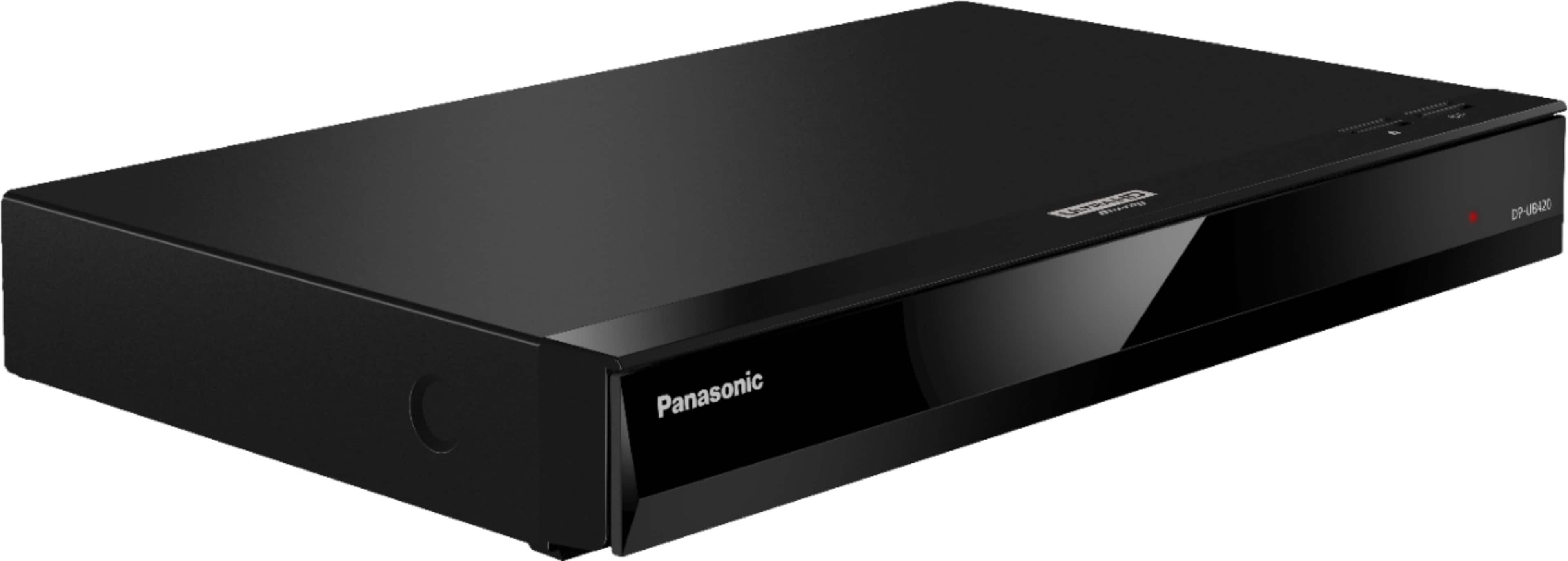
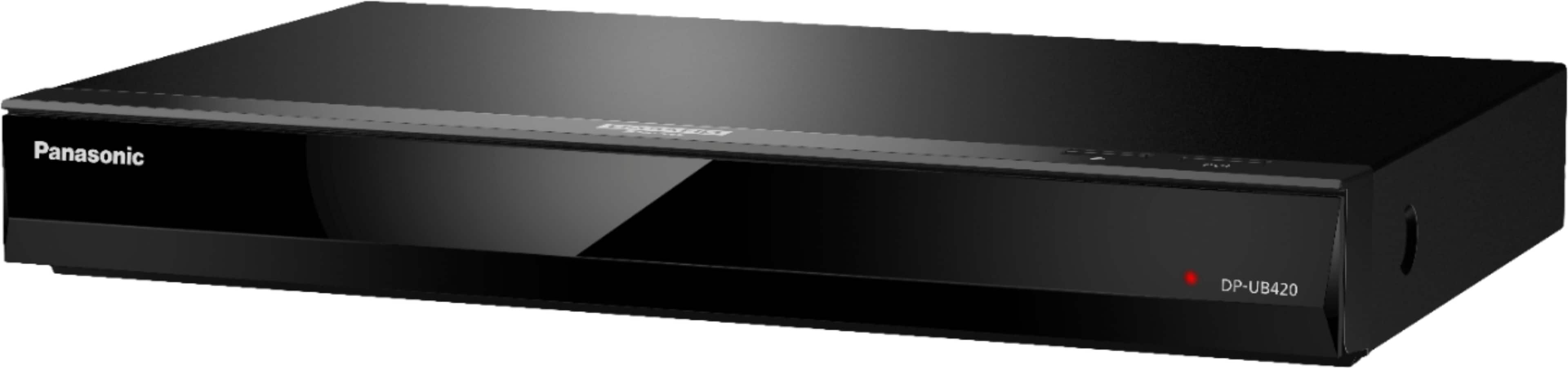
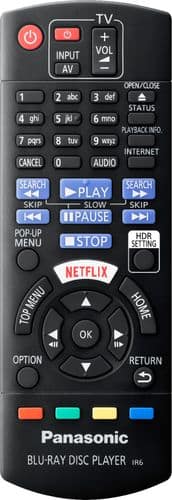
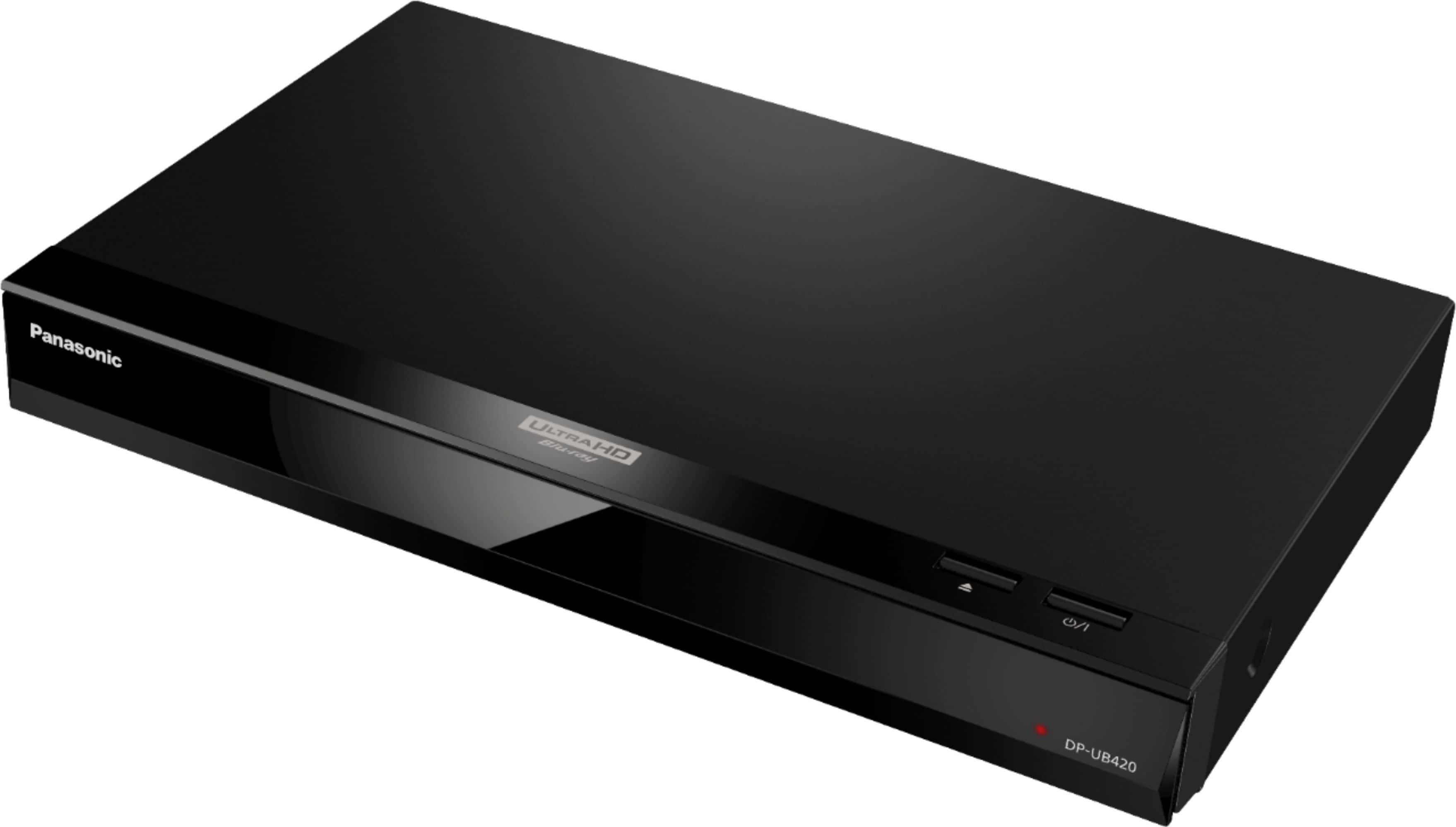
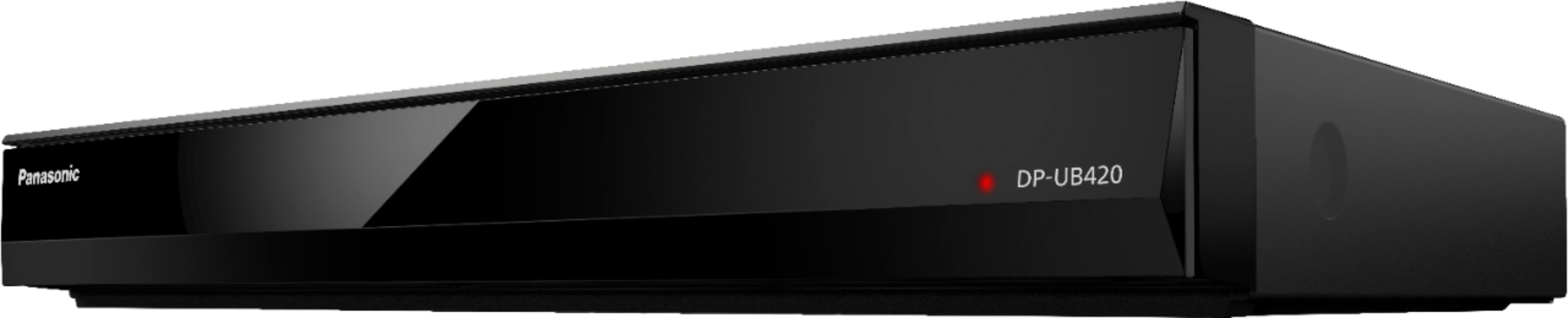
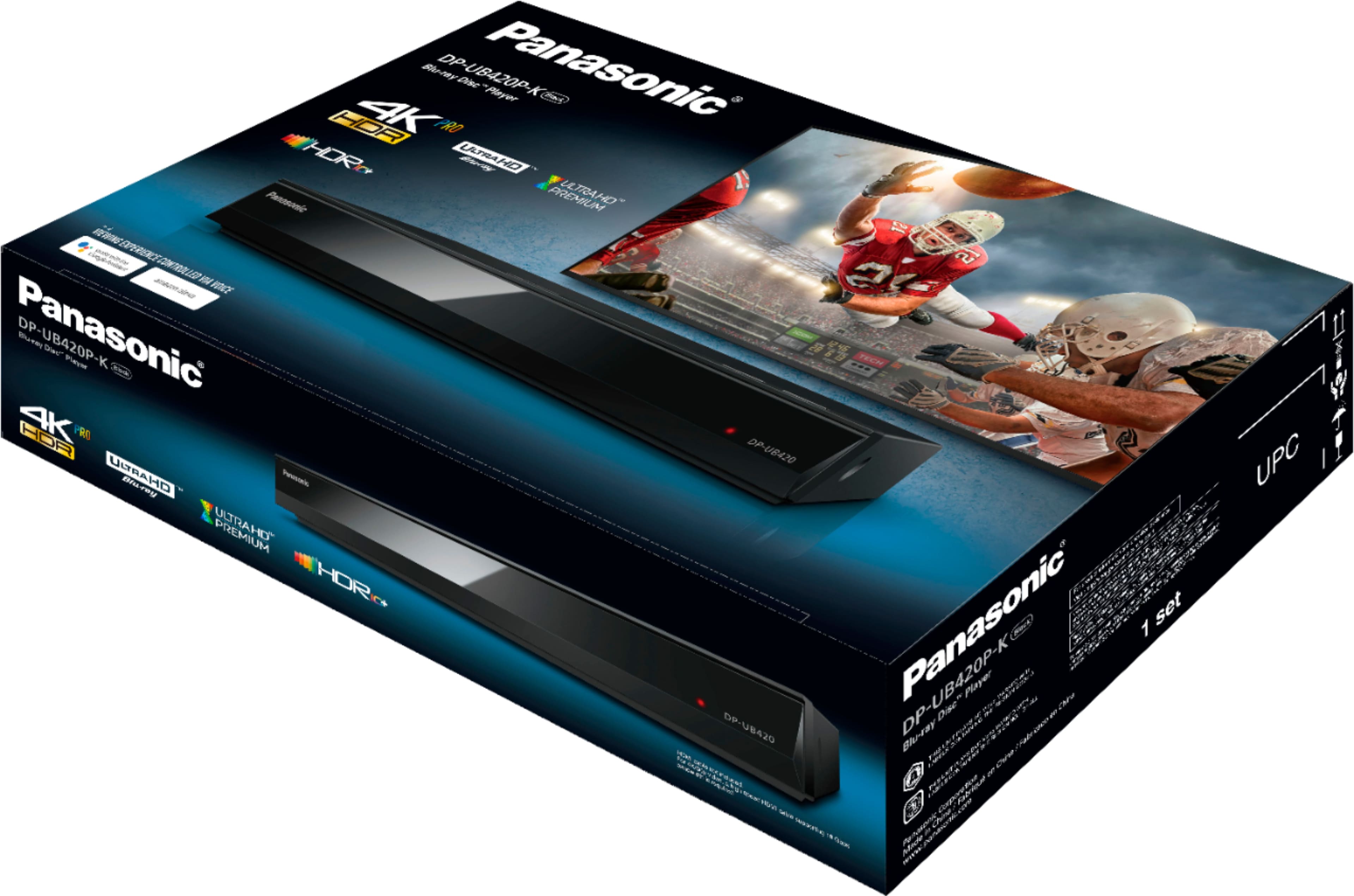
A:AnswerHello! If you have a home network with a 5G router, you may be able to connect the DP-UB420 to your network via Ethernet or Wi-Fi to access online streaming services such as Netflix or YouTube. -M
A:AnswerHello! We would need more details to have a better understanding of your question. Please reach out to our Support Team via Live Chat on the Panasonic Website, Contact Us option, Mon-Fri, 9 am-5 pm EST. -C
A:AnswerAccording to the Basic Owner's Manual the player supports the following formats from various sources: Ultra HD Blu-ray, Blu-ray, DVD, JPEG, MPO, MKV, AVCHD, AAC, AIFF, ALAC, DSD (DFF, DSF), FLAC, MP3, WAV, WMA, MP4, MPEG2, CD-DA
A:AnswerHello! We would need more information in order to have a better understanding of your inquiry. If you’re open to discussing it further, please contact the Support Team via Live Chat on the Panasonic Website, Contact Us option, Mon-Fri, 9am-5pm EST. -C
A:AnswerHi! We advise you to get in touch with our Support Team via Live Chat on the Panasonic website -> Contact Us option, Mon–Fri, 9 am–5 pm EST, as we would need more information to further review this. -C
A:AnswerThank you for your interest in the product! We would be happy to assist you with any further questions about the product. Please contact our Support Team via Live Chat on the Panasonic Website, Contact Us option, Mon-Fri, 9 am-5 pm EST. -C
A:AnswerHi, Jon! 3D videos and 3D still pictures can be played back when this unit is connected to a 3D compatible TV using a High Speed HDMI Cable. -C
A:AnswerHello! This unit supports the following device types: Ultra HD Blu-ray, BD-Video, BD-RE, BD-RE DL, DVD-Video, DVD-R, DVD-R DL, DVD-RW, Music CD, CD-R, CD-RW and USB devices (up to 4 TB). Feel free to check this page for more information on playable media : https://eng-ca.faq.panasonic.com/euf/assets/PDFs/Blu%20Ray%20and%20DVD/DPUB420_TQBS0234_ENG_ESP.pdf#page=6 Hope this helps. -C