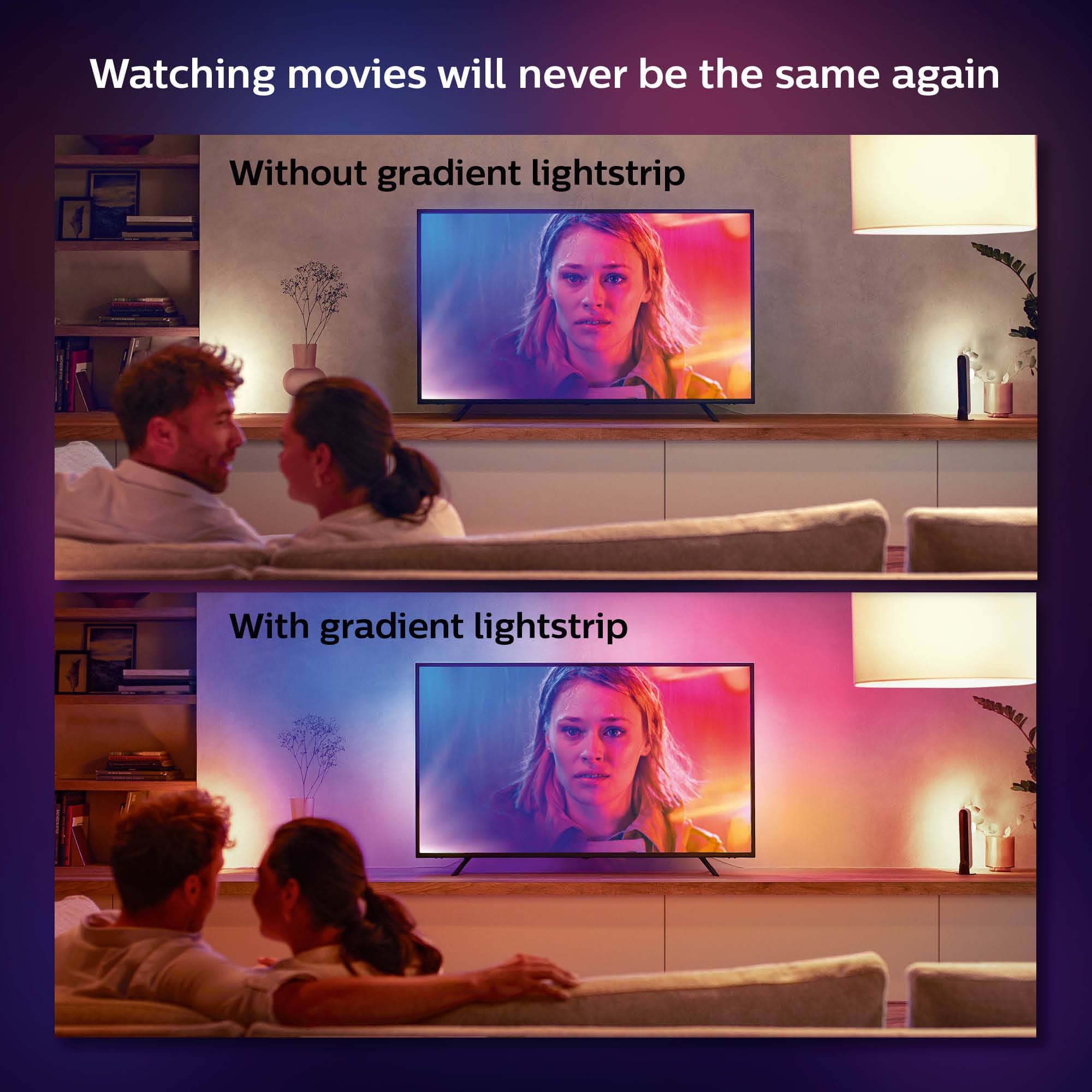
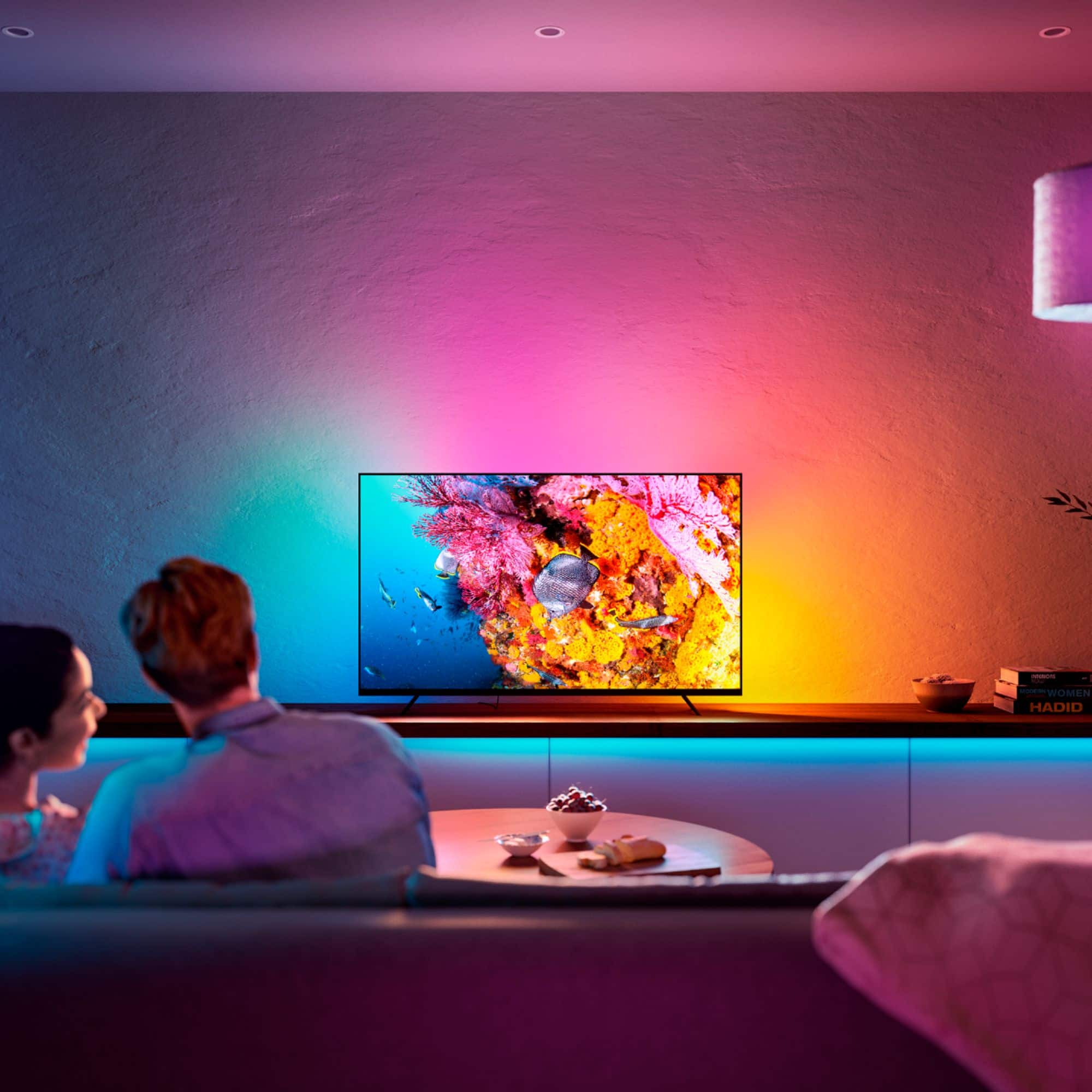
A:AnswerNot sure yet, I have PS5 - but the HDMI Sync box that I bought directly from Phillips was defective. I have read that the gradient lights do work with new consoles, however are not yet compatible with HDMI 2.1 therefore you will not be able to maximize 4K resolutions @ 120Hz. I have the gradient lights installed now but just synced to the Hue app and it looks amazing - waiting for a new sync box to be able to test the immersion features. Best Buy has been great, Phillips/Signify the parent company has not. That’s all I’ll say for now - will update once I get a working Hue Sync box.
A:AnswerHello Nick,
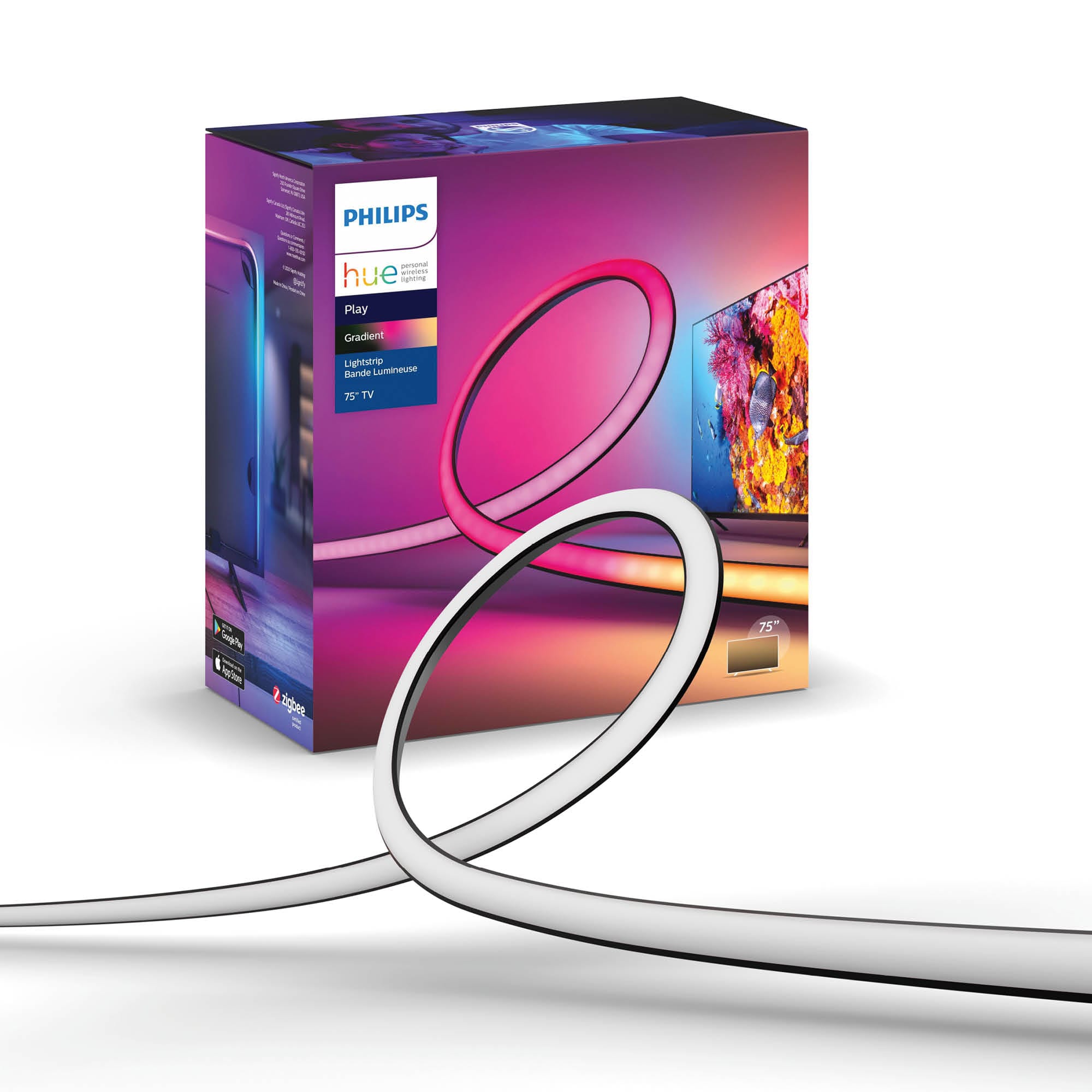
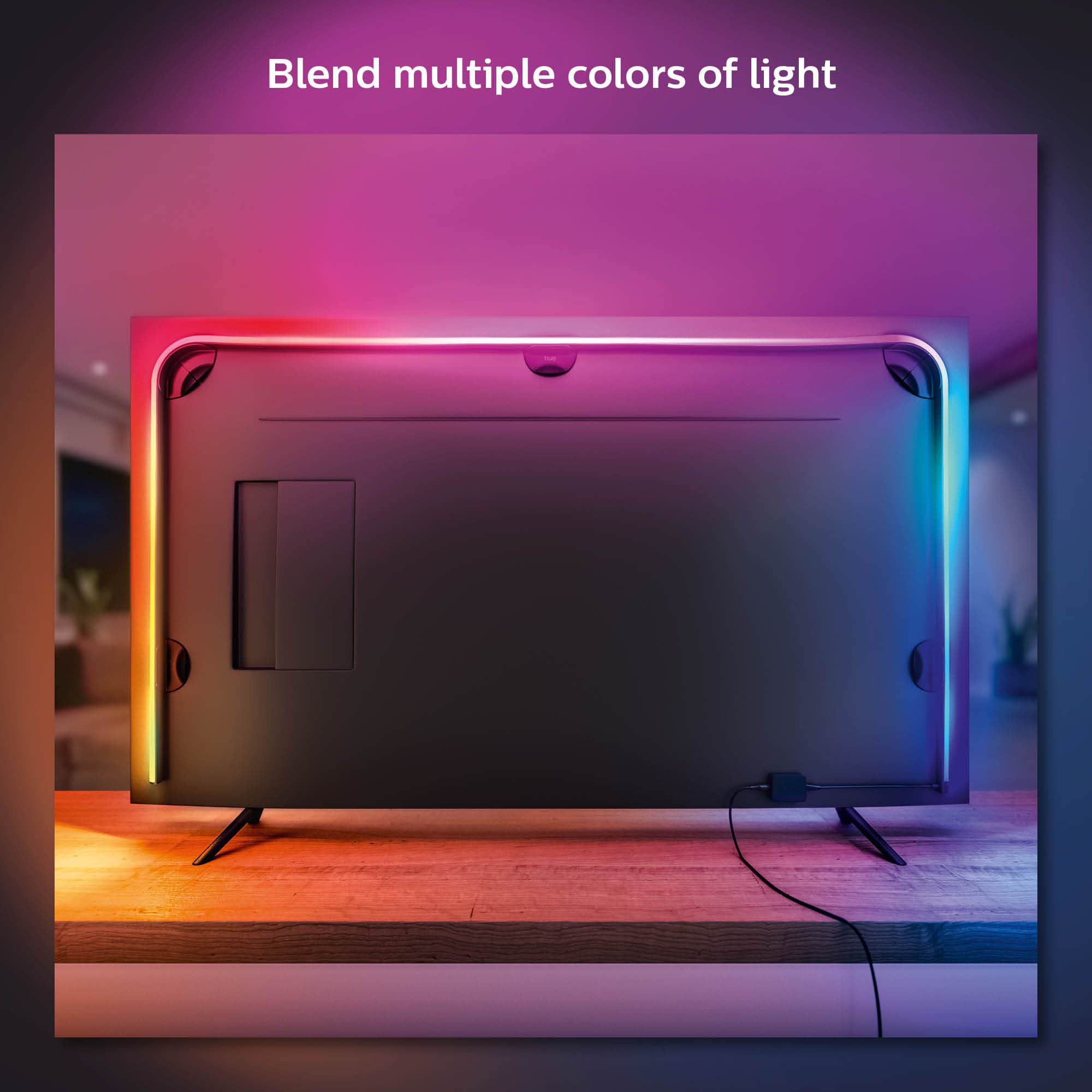
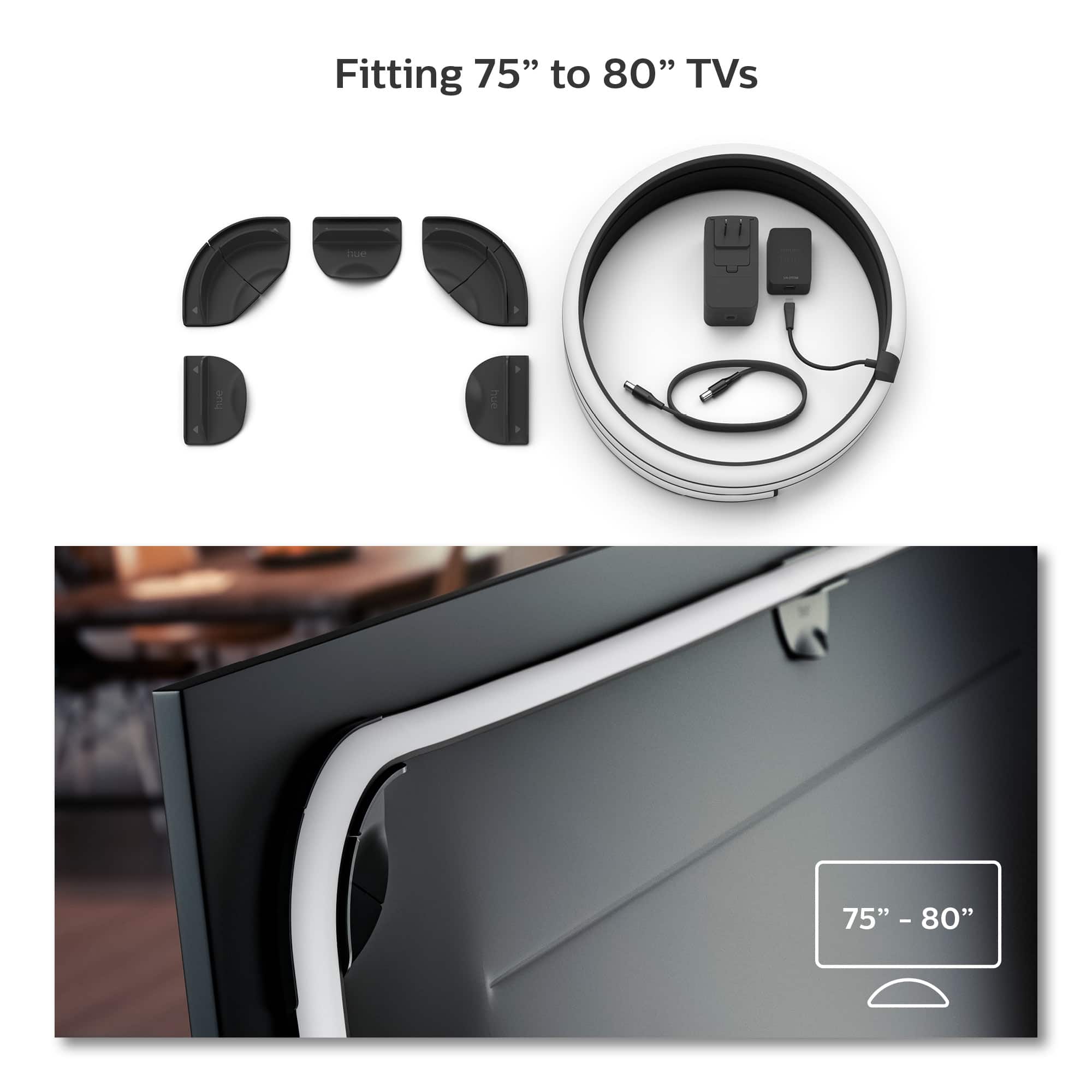
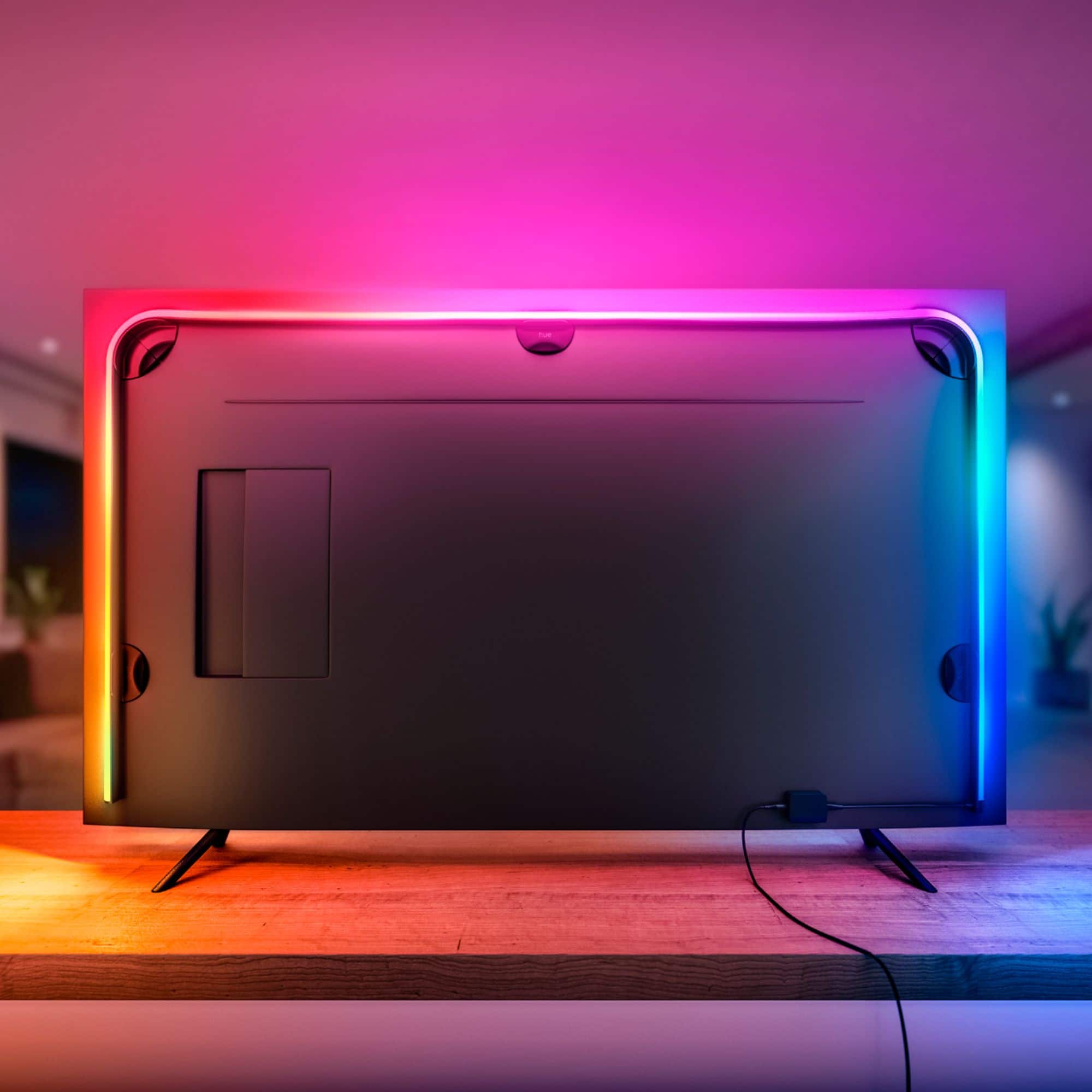
These lights don't go all around the TV. I have a 65" TV which I bought the lights for is and I still have around 4 inches on each side to the bottom. My suggestion is to buy the 75" and this way you will have more lighting coverage. Remember, you will need to buy the Hue Sync Box to have full functionality.
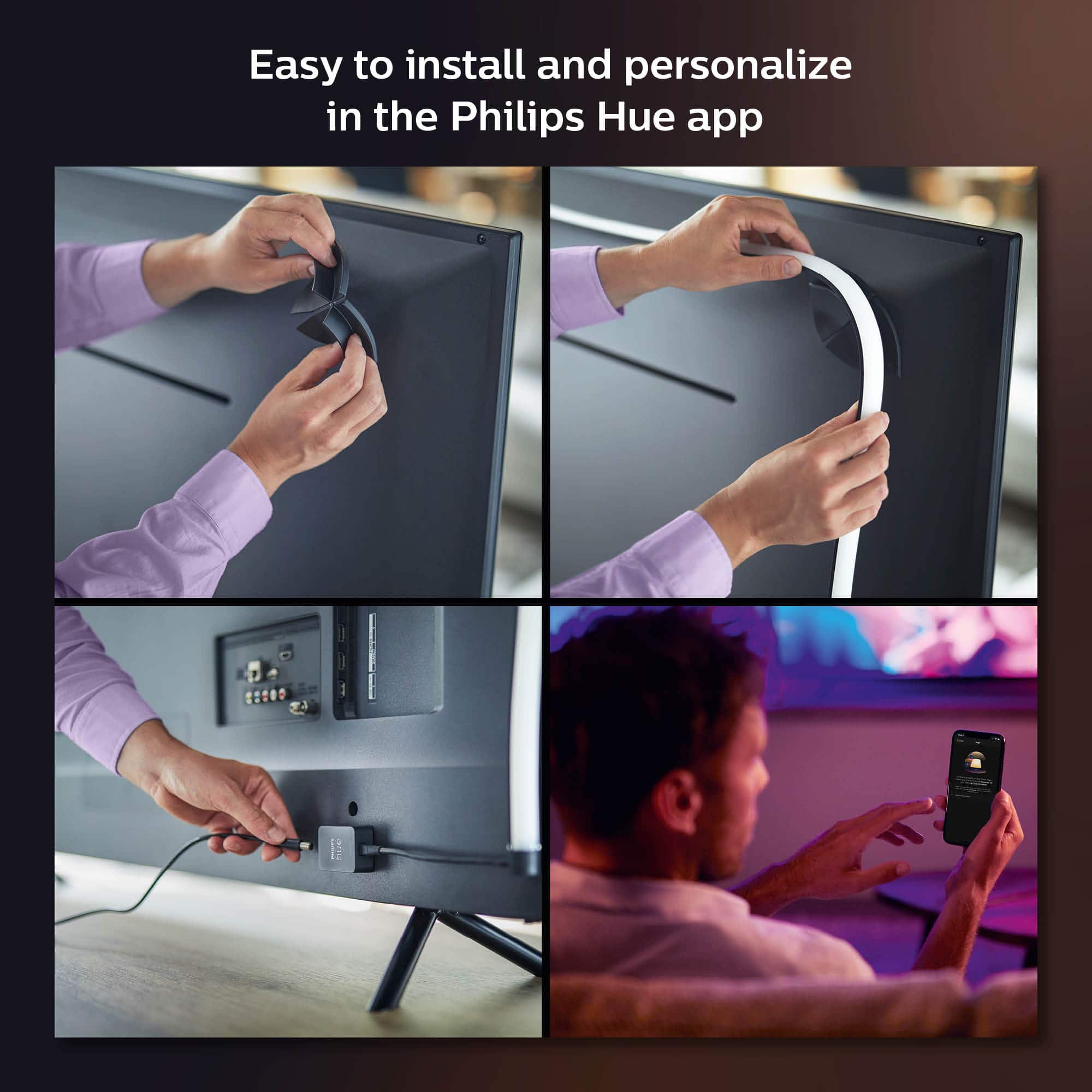
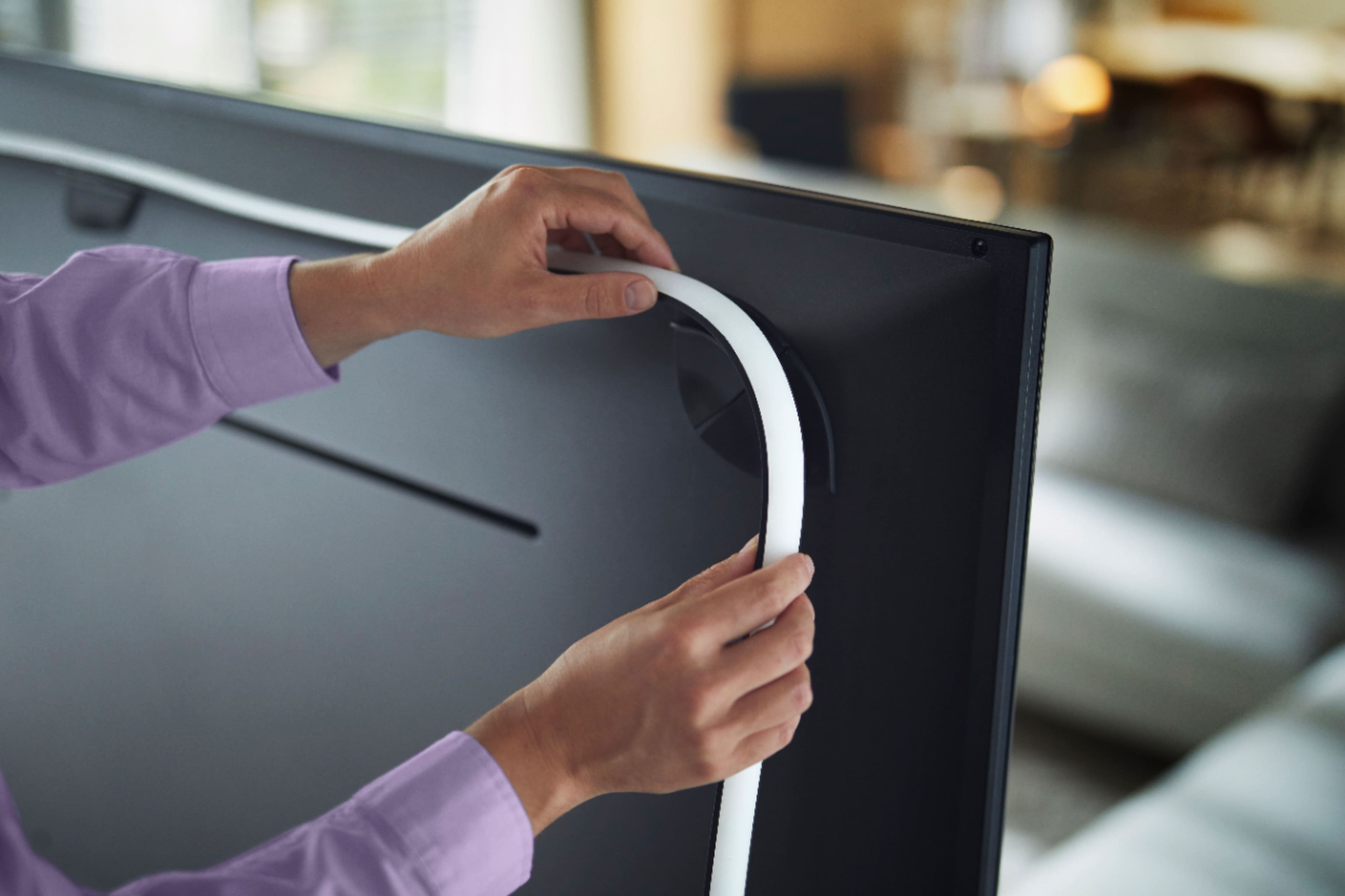
A:AnswerYou wouldn't be able to take the clips/guides off and immediately reattach them to something else, you would need to replace the double sided tape which is pretty simple overall if you ever had to move them.
A:AnswerThe total length of the power cable and power box is approximately 59”. However, if you need to extend it, you can purchase a compatible 6’ extension on Amazon. It is the UpBright 3Pc x 6ft Extension Cord Cable Compatible with Philips Hue Play Light Bar Smart Light Bulb Accessory. ($15 for a bundle of 3-they also can be purchased individually) Hue makes extension cables for $15-20, but are usually 16’ long if necessary. This cable can be purchased here at Best Buy. Hope this helps!
A:Answeri have the 65" gradient strip on my 65" inch TV and it fits really well. i'm thinking if you put the 55" strip on your 65" inch TV it might be a bit short and you may not be please with it since the colors don't go all the way down the sides.
the other option would be if using the 55" inch, don't go out to the edge of the TV but rather in more of the back of the TV and it will get more of the sides. just a thought.
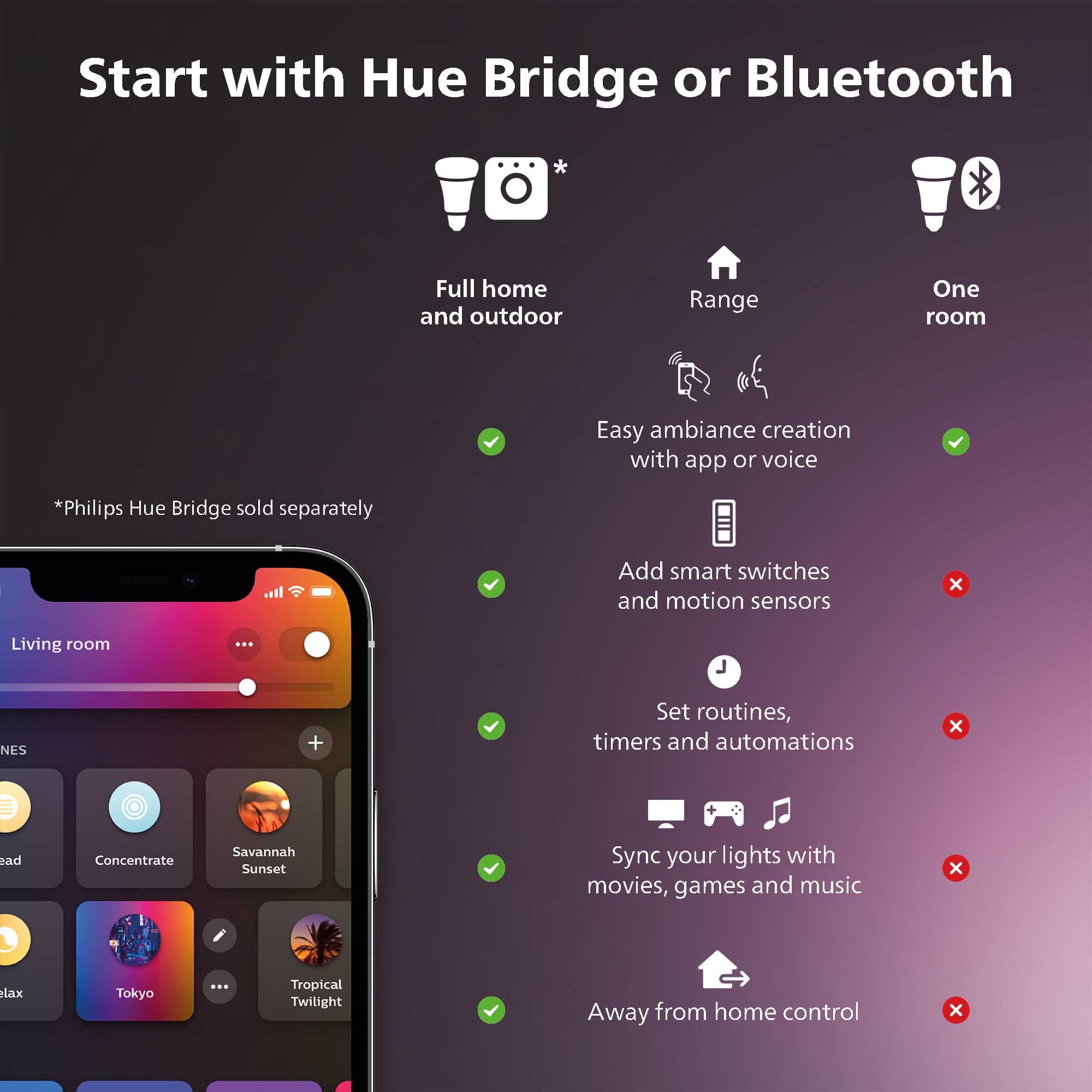
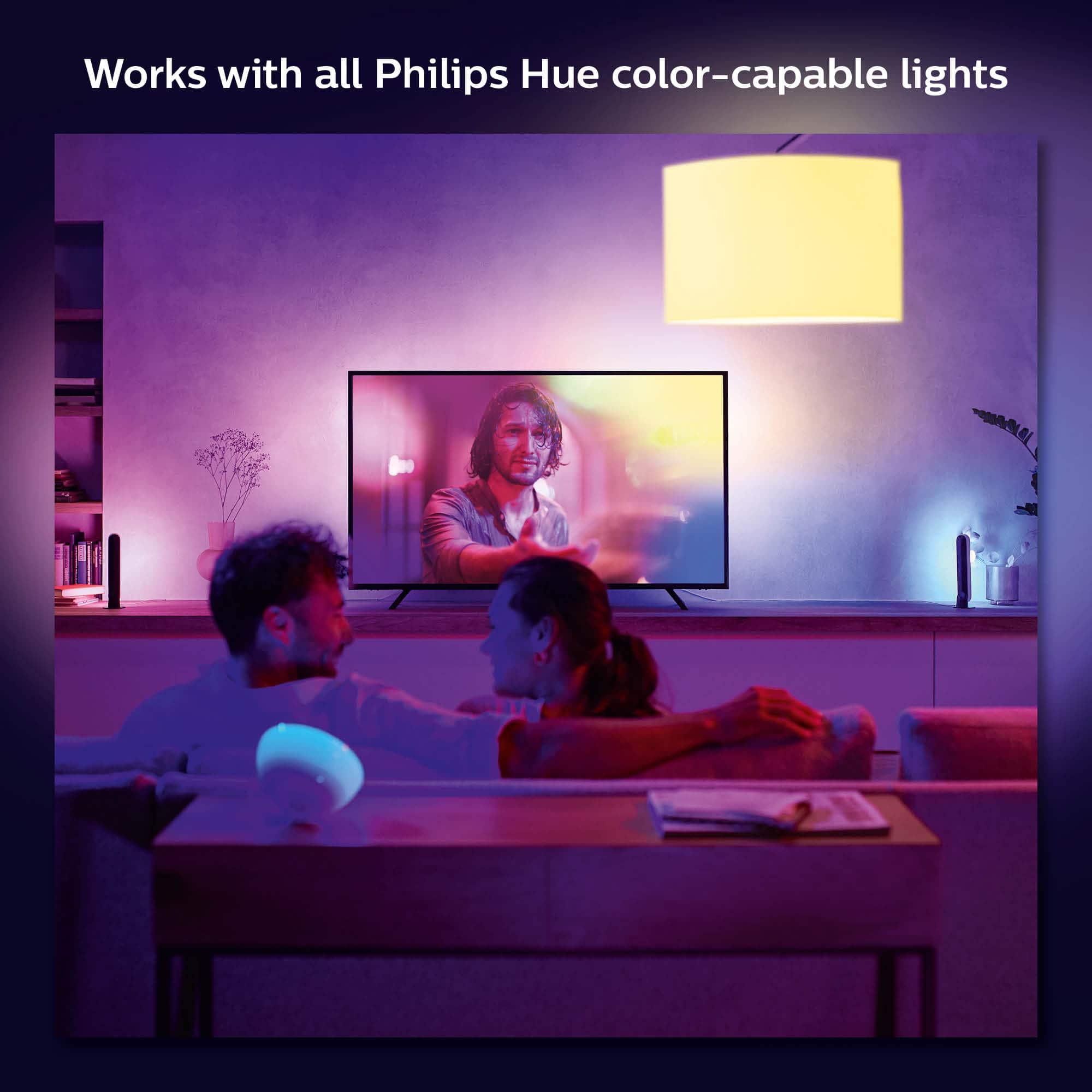
A:AnswerThis is will not work with the apps on the TV. It has to be through an HDMI input and you have to purchase the Hue Play Sync box to use these lights. Once you connect your Play box, and Hue lights you have and this gradient light strip can be added to the entertainment section in the Hue App. You will have to use the Hue Sync app also for setting up the system. It's not complicated and pretty straight forward. What you will end up with is a extremely great add on to your TV experience. Hope this helps and you decide to give it go, you won't be sorry for the investment.
A:AnswerWhen it comes to extending the power cable, that is not an option currently. And when it comes to connecting, the lights do not connect to the sync box physically. The lights are connected to the sync box through the bridge wirelessly.
A:AnswerI used it on my 98' Samsung. You can mount it however fits best for your TV. I have 2 multi color play bars behind my TV as well so it works great.
A:AnswerThe serial number for a Philips Hue Play Gradient Lightstrip is located on the sticker on the back of the small, rectangular power conductor (or "RF-box") that attaches to the light strip's cable.