A:AnswerYes! The Google Home Mini will work with Hue, but you must be using a Hue Bridge, the bulbs do not communicate with the Google Home Mini on their own. If you haven’t set up a Hue system yet, a starter kit that comes with the bridge is a good idea.
A:AnswerNo. But Apple HomeKit software talks to Hue hub (via WiFi) and Hue hub talks to Hue bulbs via ZigBee low power mesh network.
Apple HomeKit works with and auto synchronizes with Hue app.
Hue bulbs function as dumb, non dimmable LEDs right out of the box.
If you buy (or get in kit) the wall switch, I think you can turn the bulbs on/off and dim them, but nothing more.
Later, when you add bridge, you get a zillion new functions.
A:AnswerTo be connected to Internet and working with the right you need a hub connected to your internet. The hub will have Internet which will help the light to be connected to internet wirelessly. Thank w
A:AnswerThese bulbs (HUE) need a bridge (HUE BRIDGE) which links them to your network and software such as Alexa and Siri, PC or Mac. This is good because one hub bridge can connect and control 50 lights, where as 50 Logitech Elite lights individually pull from your homes network and bandwidth.
A:AnswerThese work great with Alexa. We have multiple Alexa routines set using these bulbs. We use our Echo Plus as the Hub and have never had a problem.
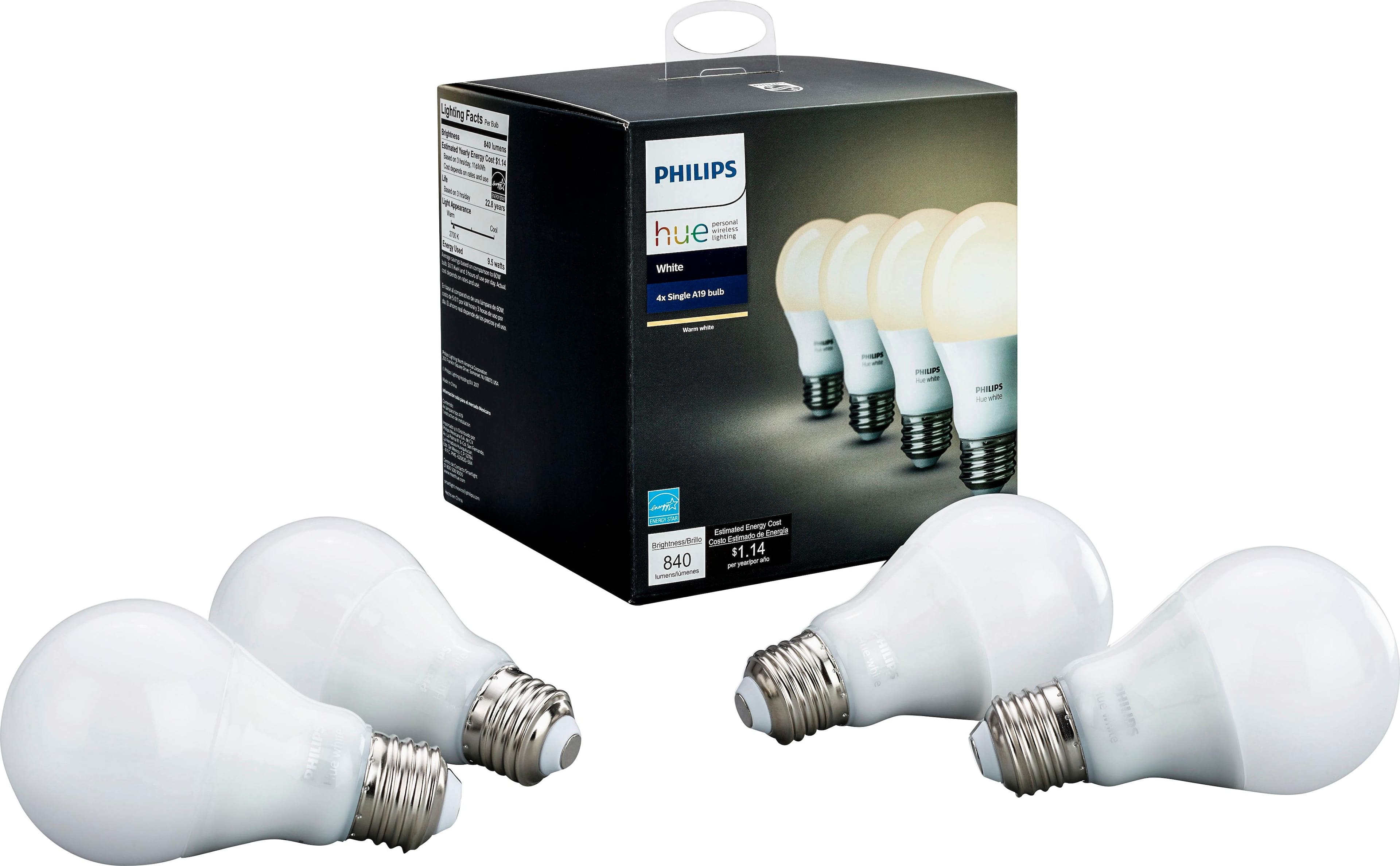
A:AnswerThese are comparable to 60 watt bulbs, 840 lumen brightness. You can dim them to a range between 100% and 1% brightness using the Phillips hue app or Alexa.
A:AnswerYes, if you conect your phone to the internet, you can use the Hues app to control all the Hue's Lighting in your house. I connect my phone to the wi-fi at work and turn on and off the lights at my house, approximately 11 miles away.