A:AnswerTry to reset your bridge by unplugging it.
Make sure your phone is connected to the same network as your bridge. Also I’m not really sure if you have to have Bluetooth turned on but I don’t think it would hurt to try it. Once you’re in the Phillips hue app press the three dots on the top right corner and click add light.
Hope this helps
A:AnswerIf you buy this product along with Philips Hue Hub and have an Alexa/Google Home/Apply Siri; when setup properly, you can use voice commands to control your lighting. On/Off, Dimming 1-100%, change color temperature of whites and 16million colors too
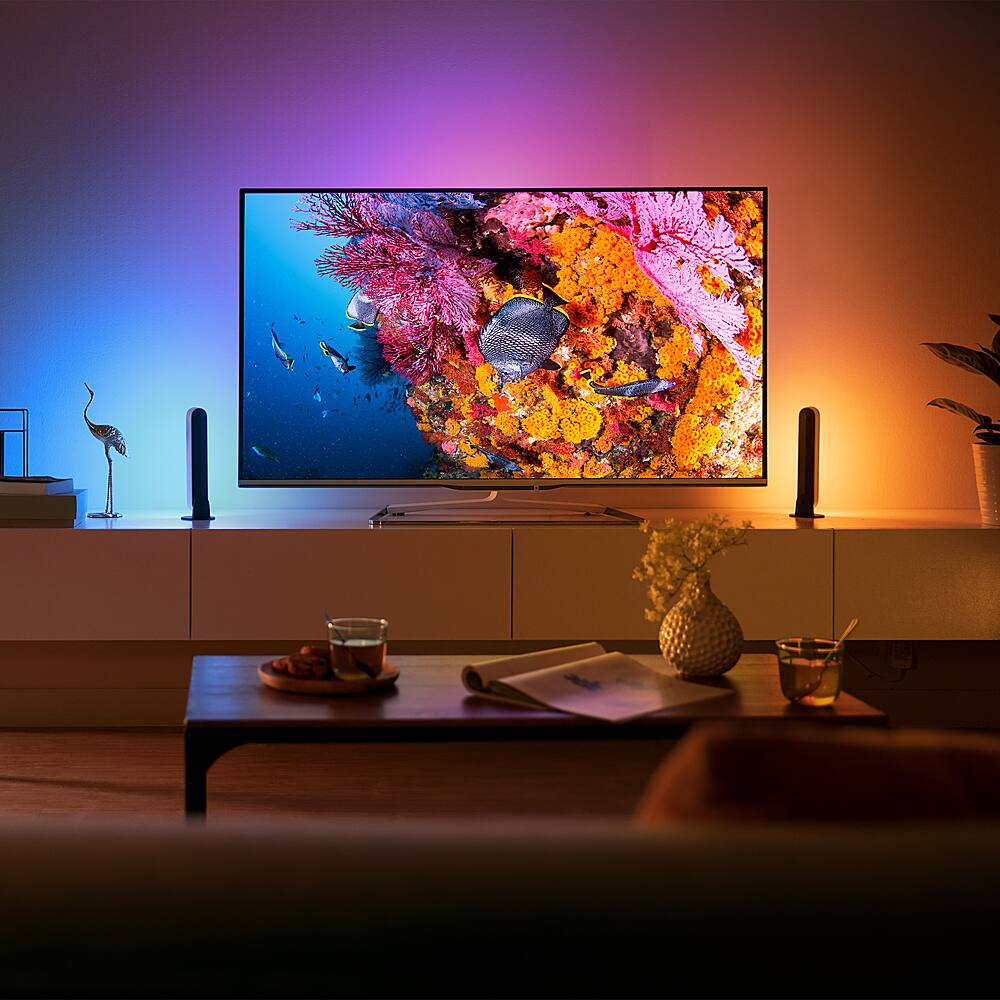
A:Answeryes you can change the colors and brightness using the Phillips Hue App for this item. I think any kind of syncing you would need to get the Phillips Bridge device, sold seperately.