A:AnswerI installed it in our 2017 Renegade, but it did require additional harness items not included in the single purchase of the radio. That ended up being another 300-400 dollars for the kit and full functionality to include steering control and apple play to work. Though any new stereo will require most of the harness add-ons to work with the FIAT chassis.
A:AnswerYes, the USB port was installed by geek squad. The apple play works great. The installer was outstanding, and even walked me through every step of the radio.
A:AnswerI am not sure. But Best Buy will be able to plug your vehicle information into the computer to tell if this unit will fit & if you will need additional equipment.
A:AnswerThis unit is designed to be installed in vehicles with a double DIN installation site. Please refer to your vehicle manual for confirmation of the type you require.
A:AnswerThe USB is plugged into back of radio and has to be put through somewhere in your car like the glove box or below your radio somewhere if u have a push out
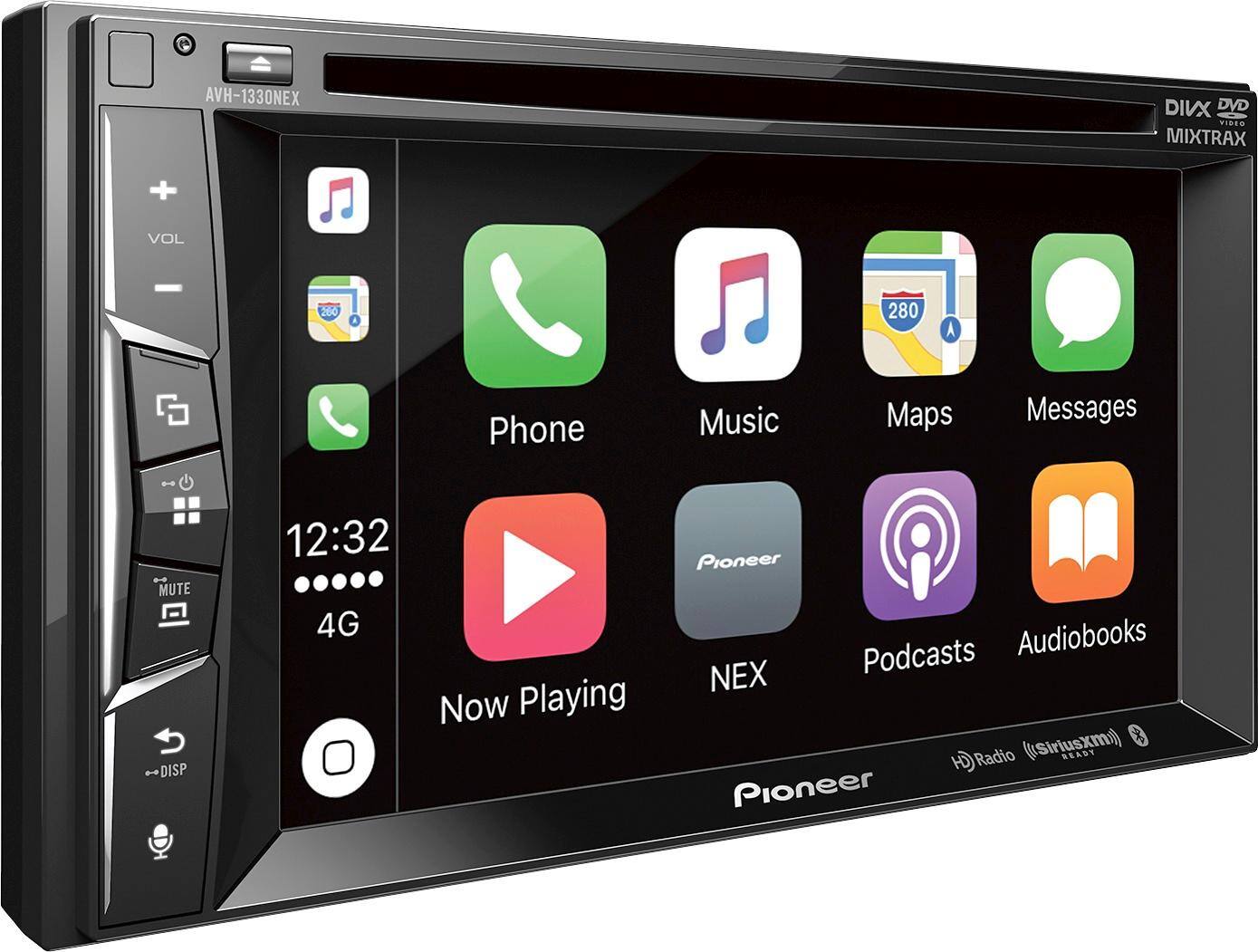
A:Answer1. Ensure your phone is plugged into the radio
2. Toggle to the apple CarPlay screen using the center button on the left side of the radio.
3. Select maps and follow prompts
Or
1. Set destination in maps on phone
2. Start route on phone.
3. Plug into radio should automatically start navigating after radio and phone connect