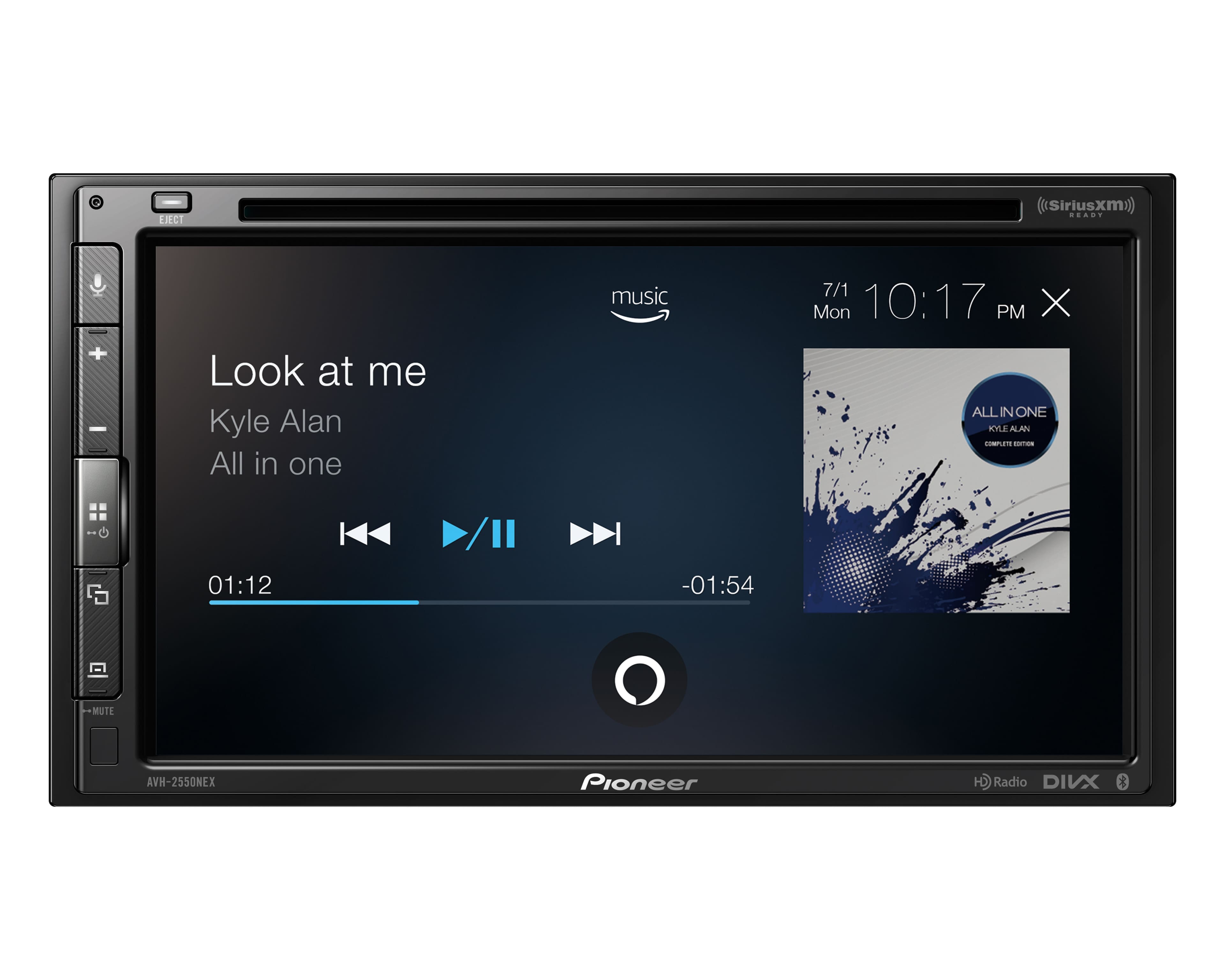
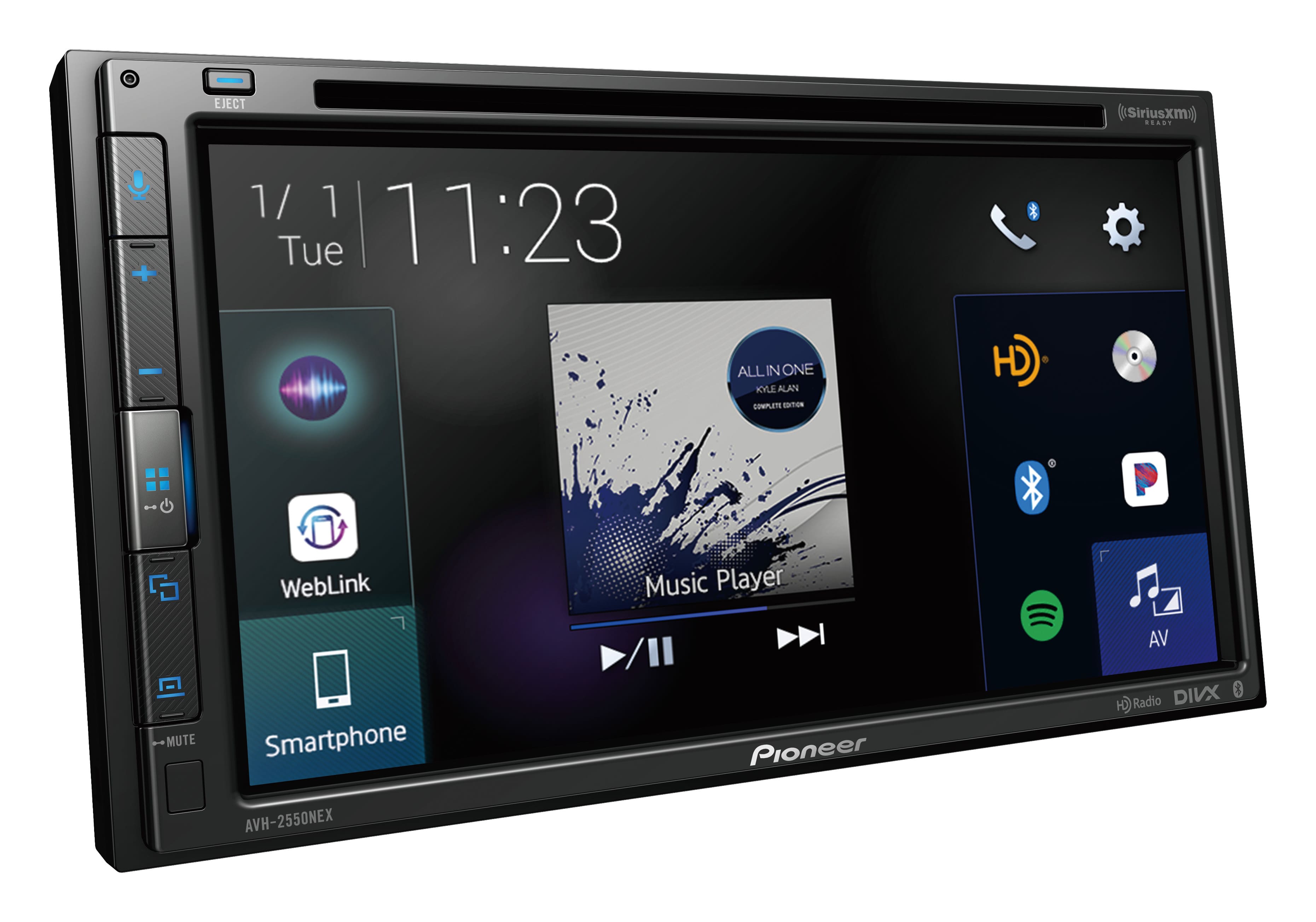
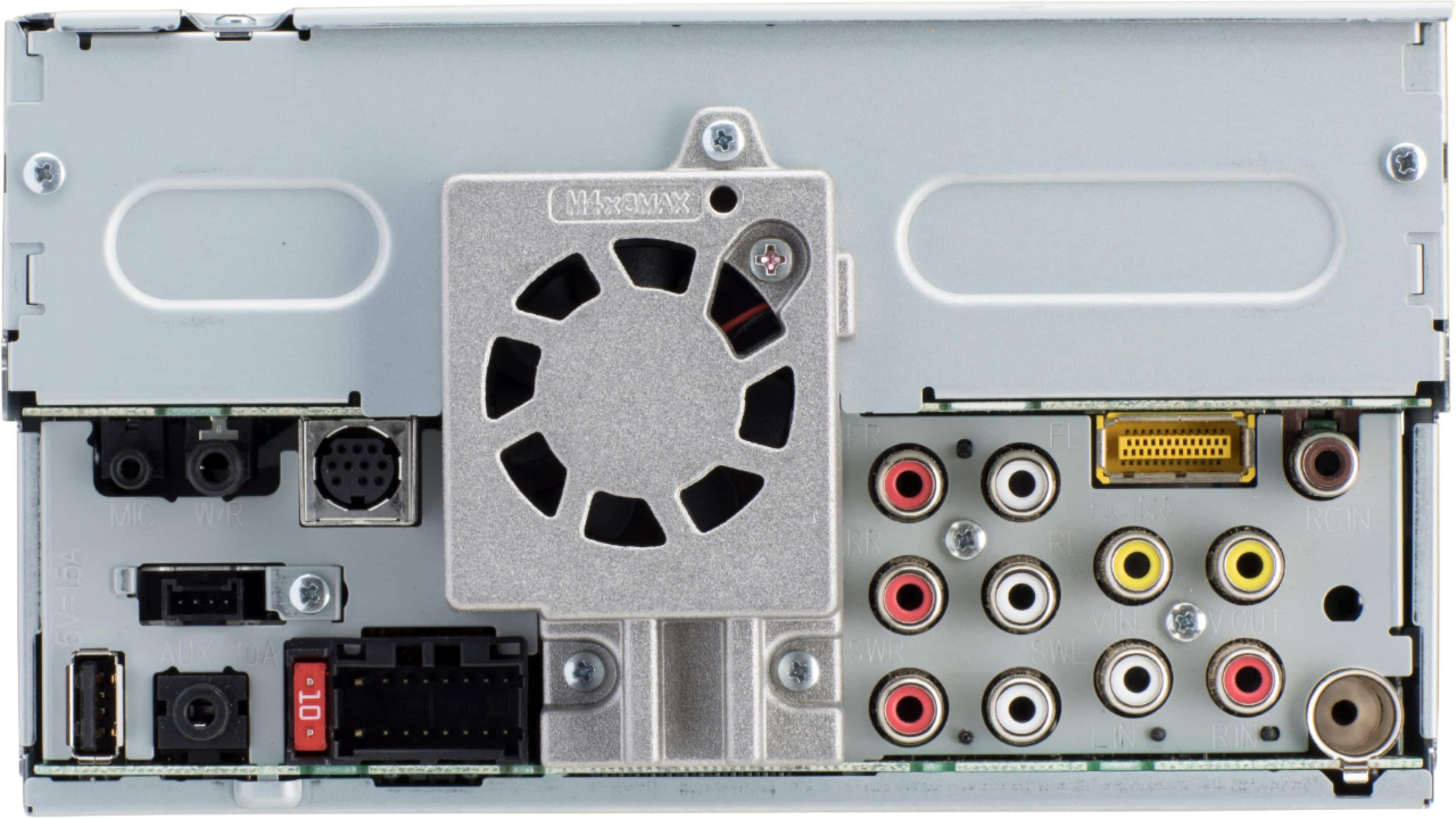
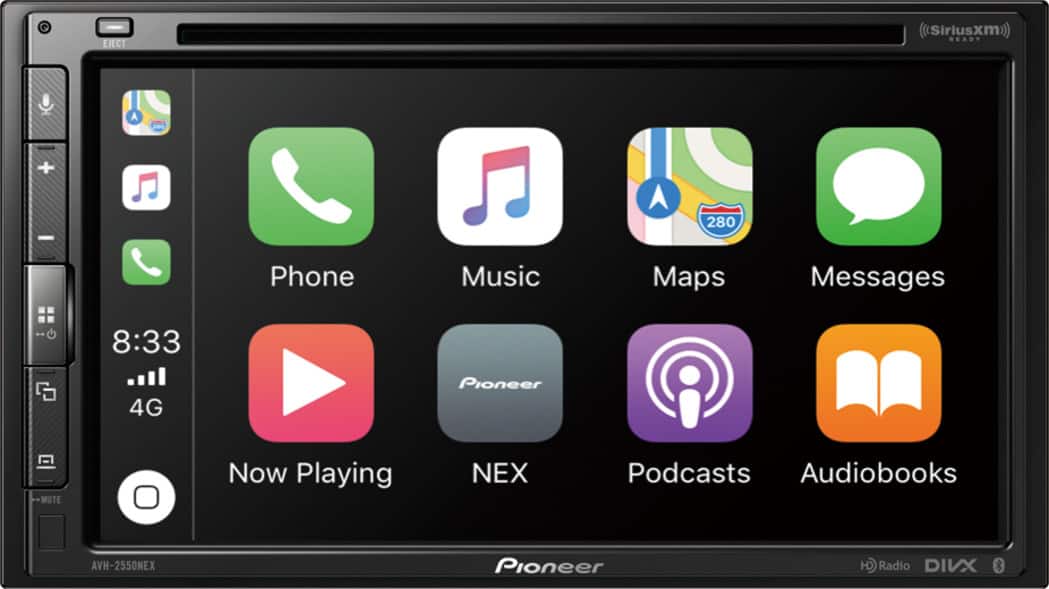
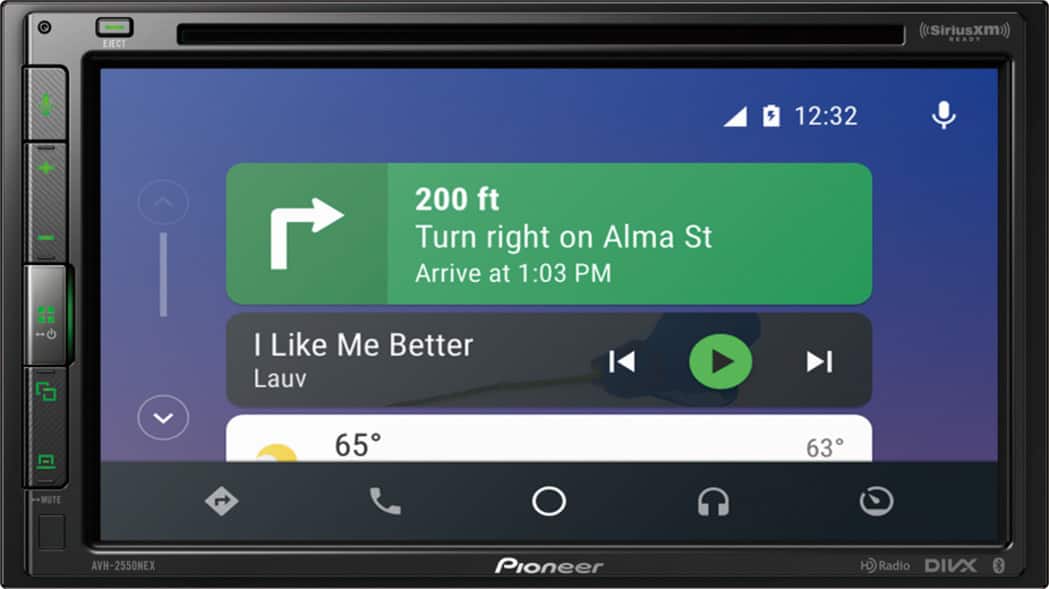
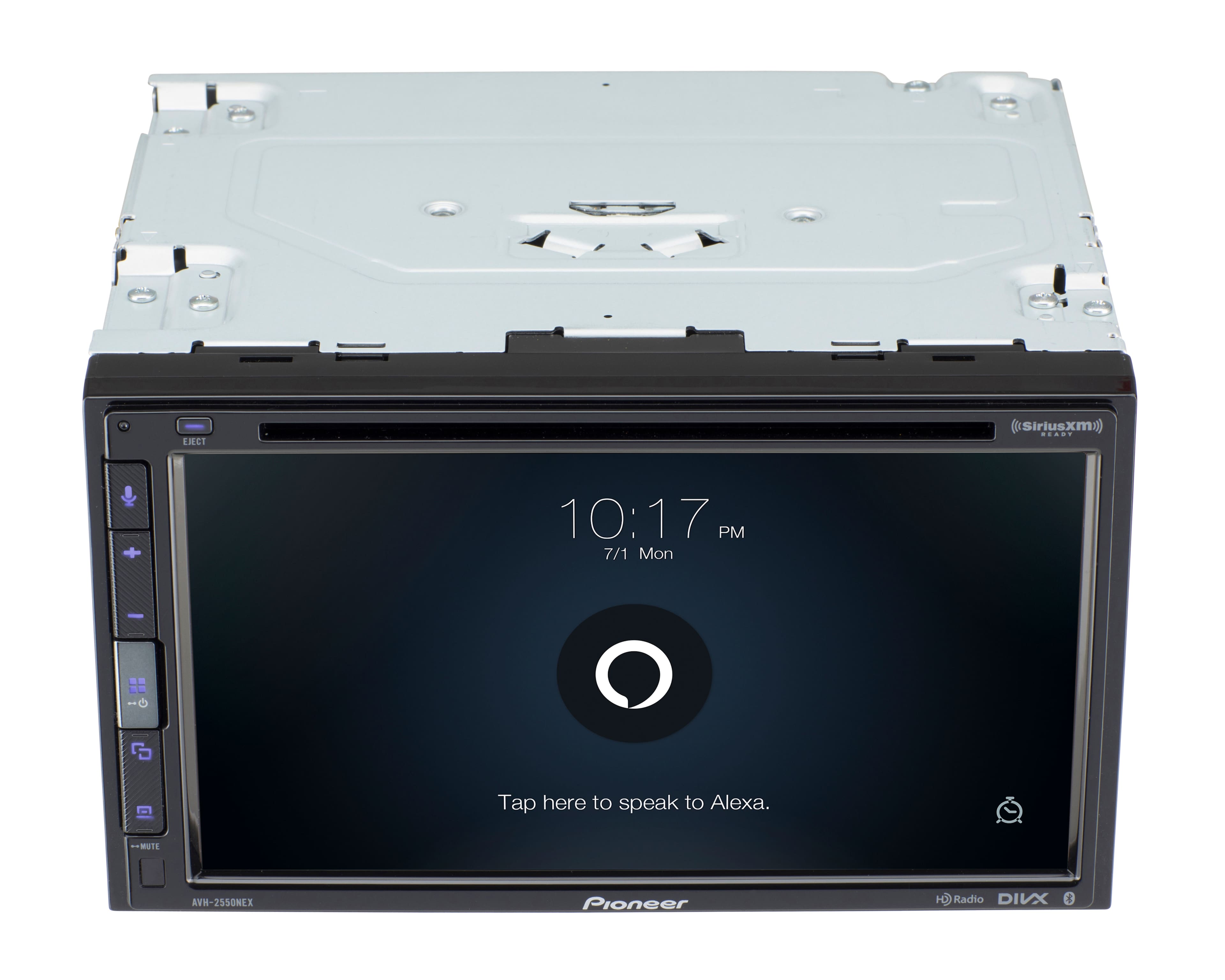
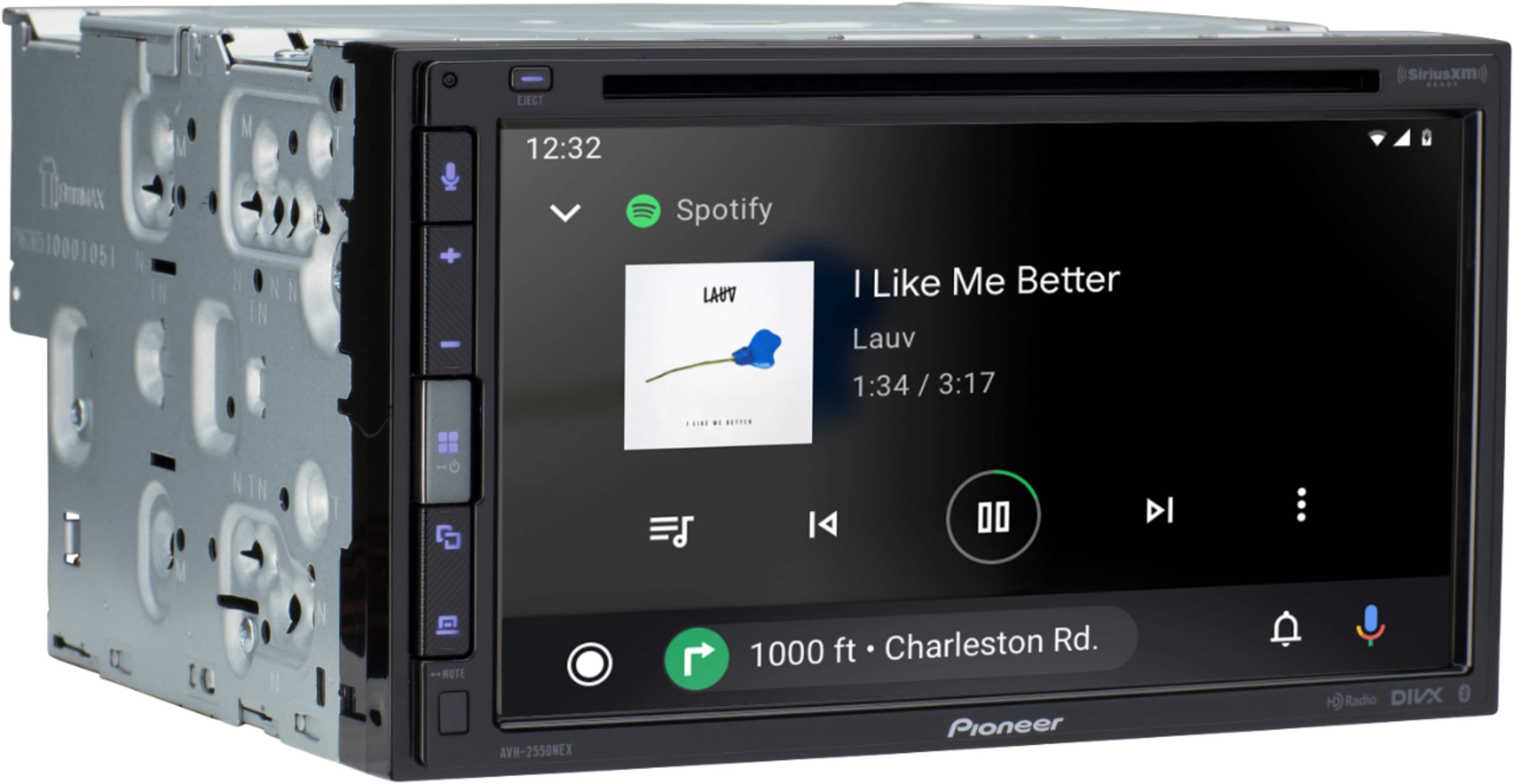
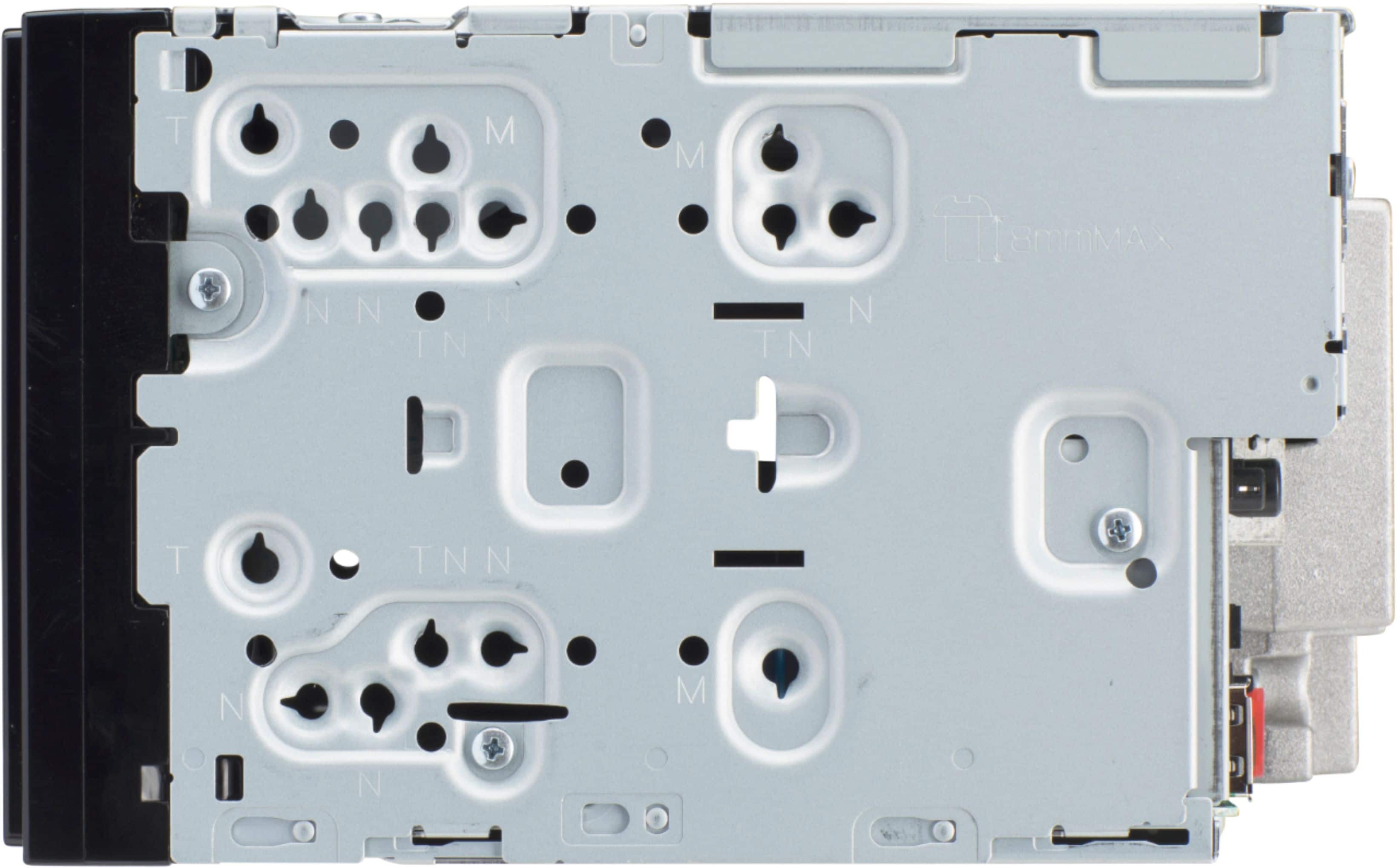
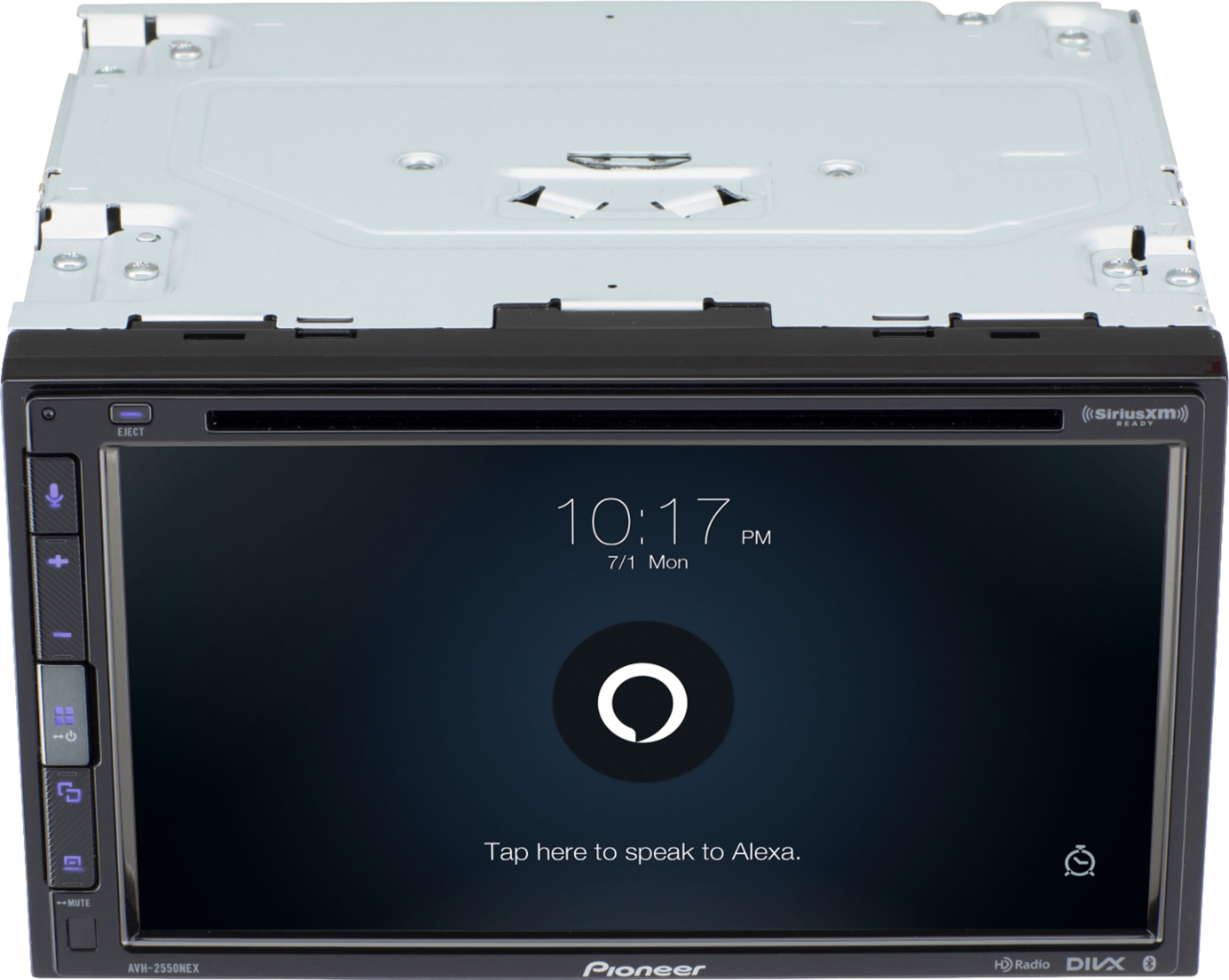
A:AnswerSo whenever you replace your radio you will need a couple things. the kit(which holds the radio in place of where the factory one was), the harness (which is the wiring that allows you to easily interface with the cars wiring), and on most vehicles some sort of antenna adapter (so you can have AM and FM radio). steering wheel controls, SXM, backup cameras and other "add ons" all need more parts to get it installed.
As for what ones you need and what is compatible that purely depends on the vehicle you drive.
A:AnswerI put one similar to this one in my 2012 JK a few years ago and I had to buy the double DIN kit, adapter for the antenna, USB cable to extend the USB connection, and the wiring harness. I also bought the harness to connect my steering wheel controls and installed a rear camera. I am now looking for a replacement unit since mine got wet and is not working anymore. I might get this one myself.
A:AnswerThe Pioneer DMH-1770NEX requires a wired connection to your phone through USB for Apple CarPlay. The DMH-1770NEX has a USB port on the back of the in-dash receiver. Pioneer includes a USB extension cable in the package with the in-dash receiver. The USB extension cable is used to bring the receiver's USB port up into the vehicle passenger compartment. This USB extension cable is typically installed at the same time the vehicle's dash is taken apart to install the new receiver. The USB extension cable is typically installed in the center console, or glove box, or in some other area that is out of the way and yet still easily accessible by the driver. I recommend to contact the installer and ask where the USB extension cable was installed. The vehicle's original factory USB port will not work unless it was specifically set up by the installer to work with Apple CarPlay. This would be unusual.
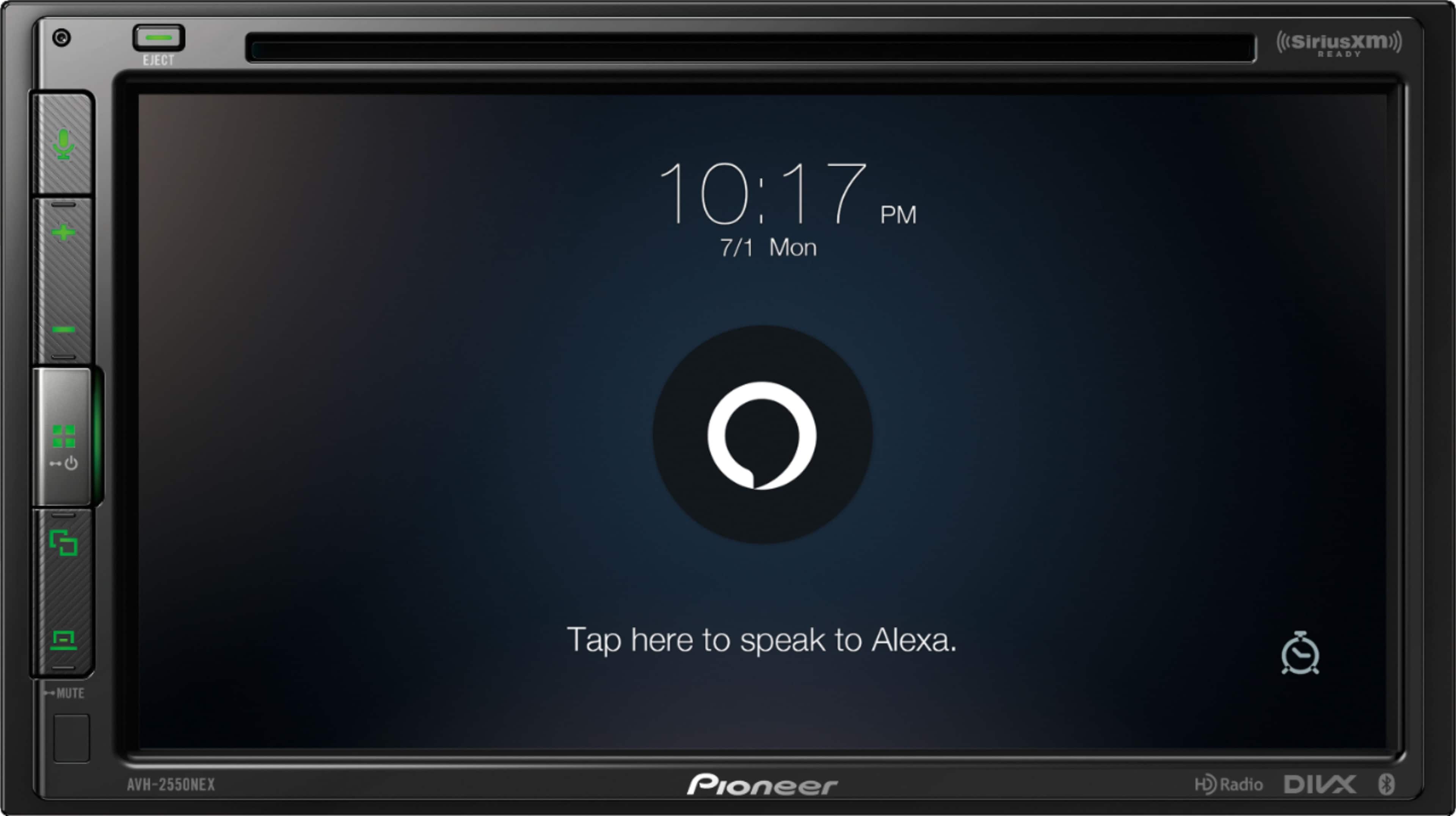
A:AnswerDownload the WebHost link to you phone and when you connect your phone to the unit, open the web host link app. You should see it download a couple apps when phone is connected. Open the Vozsis app and it will prompt you to sign into Amazon. Then you can use Alexa
A:AnswerIt could be because the sound is from their end. If you’re using Bluetooth I recommend Apple CarPlay or android auto for your phone calls. I had the same issue with this radio and it just needed a reset. It works fine now
A:AnswerWhile it has HDMI capability, I’ve found it a bit complicated to use. For my iPhone, I had to buy a an HDMI adapter that wasn’t exactly cheap. So now you have a bunch of wires hanging around, the USB cable, the HDMI cable and the adapter. If you’re into watching movies, it was a lot simpler to download them to a flash drive and then it’s just plug it in and play.
A:AnswerIf you want Apple CarPlay or Android Auto, you would need to plug your phone into the USB port.
If you want Wireless CarPlay or Wireless Android Auto, you would need a stereo that supports this feature.
Use the link below to see our current units. Look at the DMH-W models, they support wireless CarPlay and wireless Android Auto.
https://www.pioneerelectronics.com/PUSA/Car/NEX
A:AnswerThe Pioneer DMH-W4660NEX works with Wireless Android Auto. When you're using wireless Android Auto, all of your calls and text messages will work through wireless Android Auto. The Pioneer DMH-W4660NEX has wireless Bluetooth built-in. However please note, when you are using wireless Android Auto, this will take the place of Bluetooth. All of your music, phone calls, and messages will work through wireless Android Auto. You can do nearly all operations with voice commands. If your Samsung Galaxy A10e phone has Android OS version 9 or higher is should work with Android Auto Wireless. I recommend to go to a Best Buy store and talk to a sales associate and connect your phone to the display model to be sure.