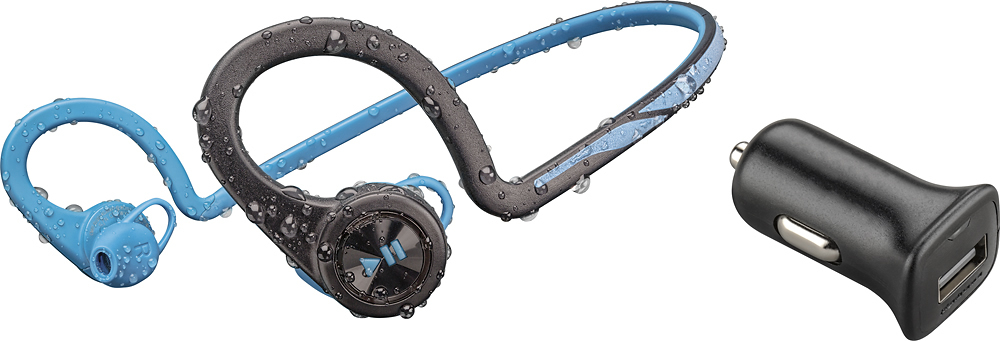
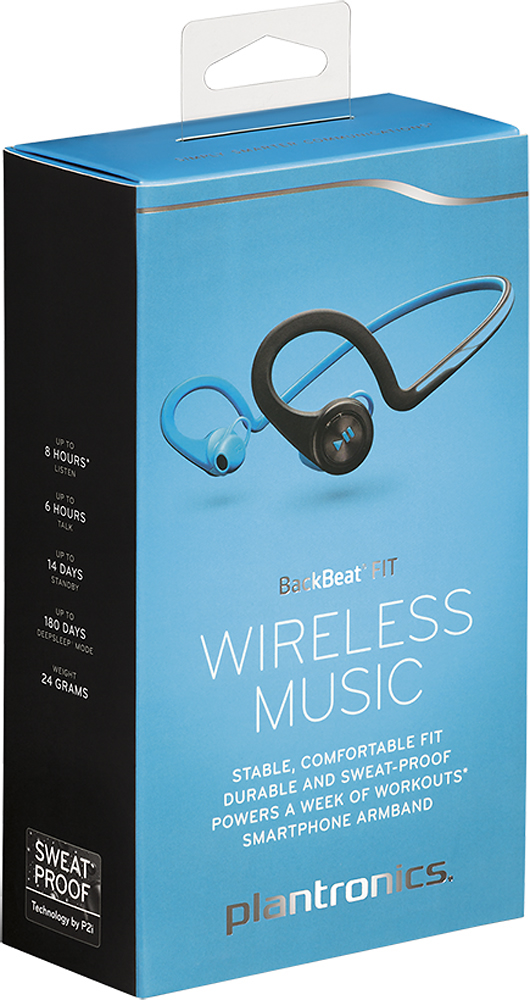
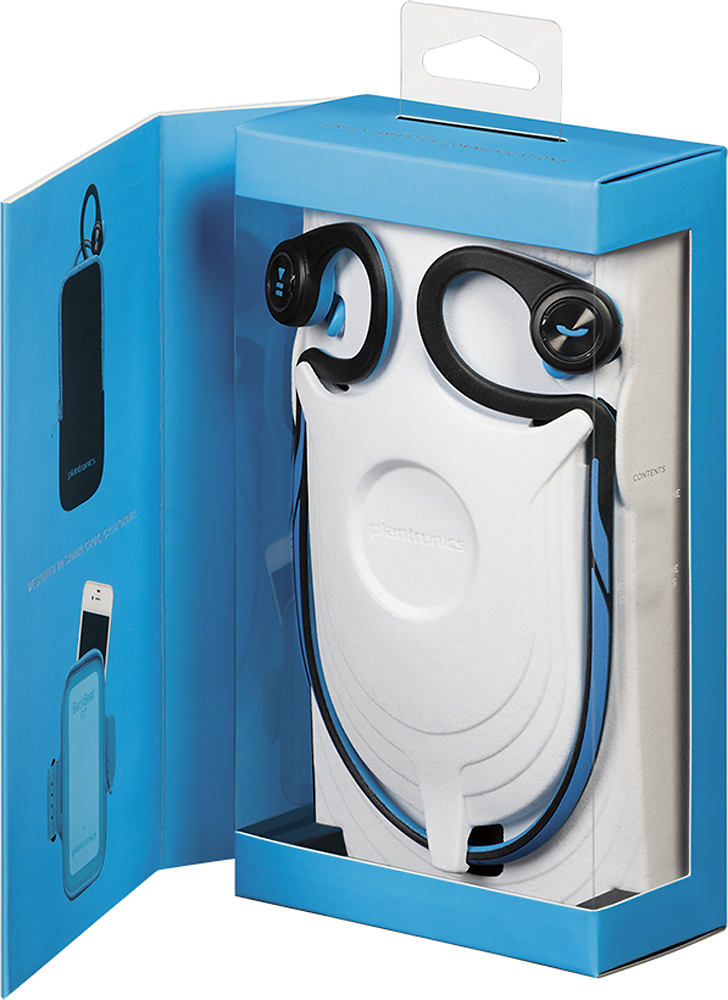
A:AnswerOpen the door by the right ear bud in the blue area and plug in the micro USB. And if your still having issues call plantronics the customer service is great. 1-888-752-6876
A:AnswerNo. They are not ear buds. They don't seal into your ear like earbuds do and therefore don't require different sizes. They rest in your ear but don't seal. That said, they stay in place really well. They are ideal for being able to still hear what is going on around you while you're exercising
A:AnswerHello- The BackBeat FIT can only be actively connected to one device at a time; however, it has an 8 device memory so it can be paired with up 8 devices and you won't have to put it into paring mode every time you want connect with one of the paired devices.
A:AnswerYou can use this with all devices that have bluetooth . I use them with my Samsung Galaxy S5. Unfortunately not with my laptop because they dont have an option for bluetooth. Hope that helped. Enjoy!
A:AnswerMy experience has been that I am able to use the wireless headset with manageable effort with only a single ear piece in place.
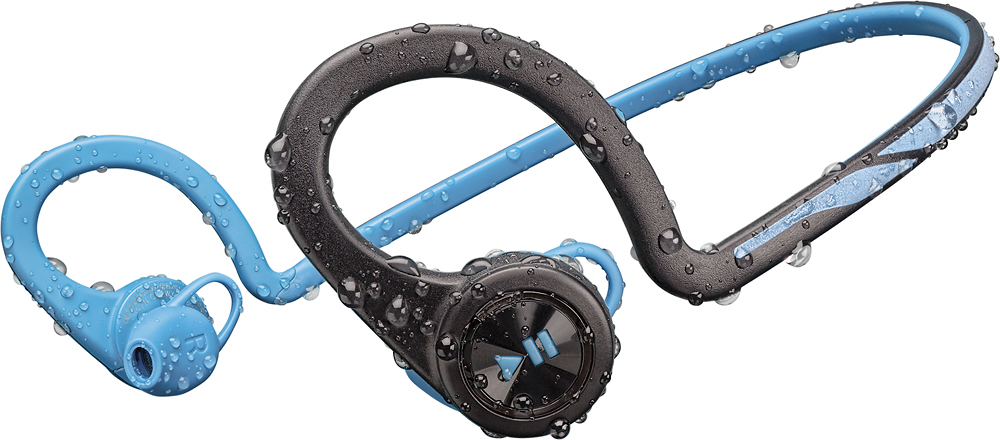
My ears are small and so ear buds do not work well for me. This is part of the reason I chose the Plantronics - BackBeat Fit wireless head set. The ear buds are comfortable but, are supported and stay in place from the behind the ear piece as well. The earbud and behind the ear piece along with the behind the neck are all one piece which is a nice design.
I work out with a trainer,and often leave one ear piece out which allows me to hear the music and my trainer at the same time. If I'm doing high-impact activity this doesn't work to well, but, for squats, dumbbells, it is fine.
With both ear pieces in place, it's very difficult to hear persons speaking to me or other noise. This is a great feature in my opinion because that's my intention to block everything out and listen to my music. if my music volume is lowered, I can make out conversations if I'm looking straight at a person.
I'm also able to answer calls while working out using my headset. This has been an added bonus and easy to use.
I hope this helps.
John
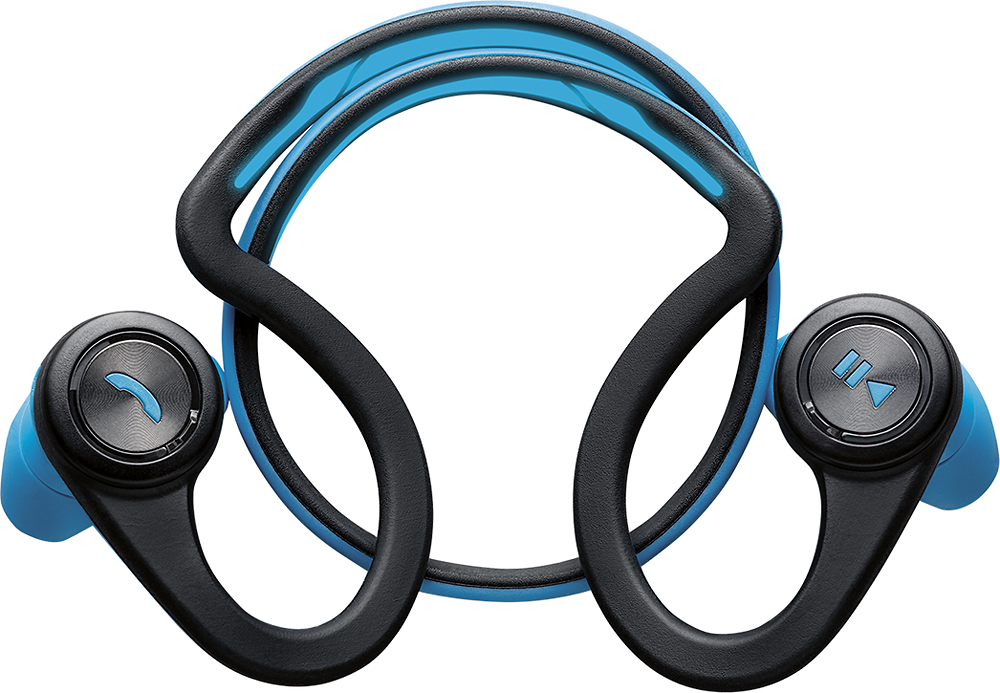
A:AnswerHello- The BackBeat FIT will give you a range of up to 33ft. Environmental factors, like other wireless/Bluethooth devices or electronics can shorten the range.
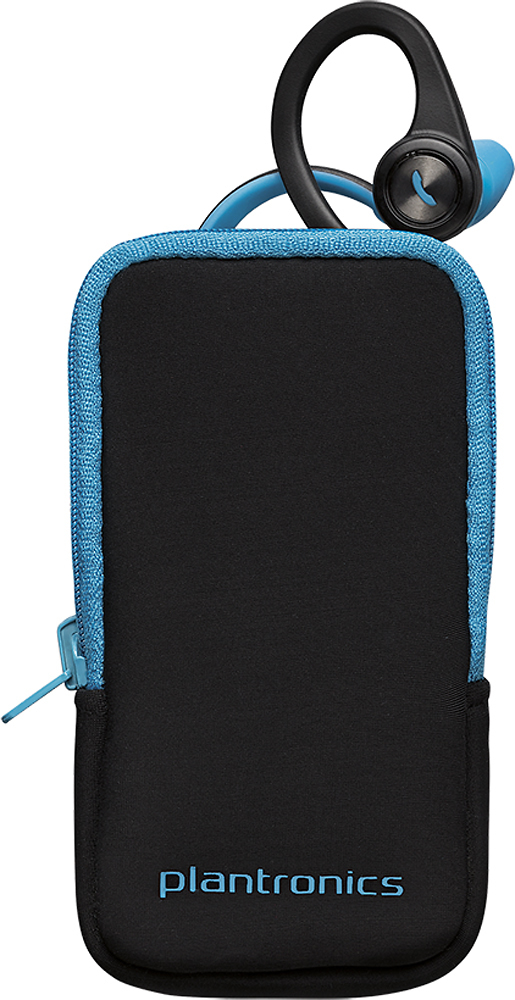
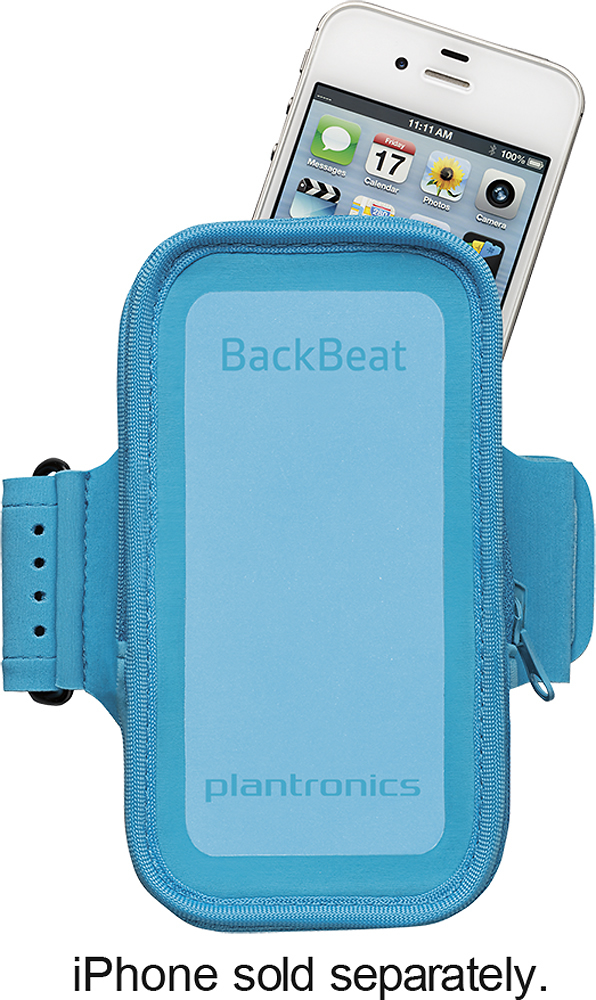
A:AnswerI don't have an exact measurement, but I can tell you my biceps are around 16.5" and it's not even close to fitting my arm. But who cares...the pouch is an added bonus and these headphones are awesome.
A:AnswerPlantronics has a 1 year warranty from the date of purchase. You can use the following url to view the break down of the Plantronics warranty.
http://www.plantronics.com/us/support/warranty/
A:AnswerThis is an issue with your app rather than the headphones. I listen to audiobooks exclusively with these headphones using the audible app, and have never ever had an issue with the book not pausing when i hit the left button.
A:AnswerThe warranty can change from country to country. You can use the following url to view our warranty info on warranty periods and what i covered.
http://www.plantronics.com/us/support/warranty/
A:AnswerYes, if your device will stream Pandora over a bluetooth connection. I know for a fact my iPhone will work, as I have listened to Pandora as well as Tunein Radio through the Backbeat FITs on runs on my iPhone 5s.
A:AnswerBluetooth is a temperamental beast and works very well indoors where it can reflect off walls (this is where the 30 foot maximum range is achieved). Outside, however, Bluetooth can be problematic and range is significantly limited. Outside, Bluetooth works best with an iPod (or other playback device) strapped to your arm.
Today, I used my BackBeat FIT with an Apple Watch (on my wrist... as one might expect) and found that it was great indoors, less so on a run through the woods, and cut out frequently when in the open.
I notice that your post is two months old and imagine you've already found a similar answer to your question.
I learned of this issue when reading up on the Bragi Dash.
They're great inside, but like other Bluetooth devices generally suffer unless the playback device is strapped to one's arm.
I hope this helps.
A:AnswerIf you are removing the headphones without powering them off, no, it does not pause. That being said, you just have to press the button on the left, and it pauses the playback. If you get a phone call, press the button on the right to take the phone call.