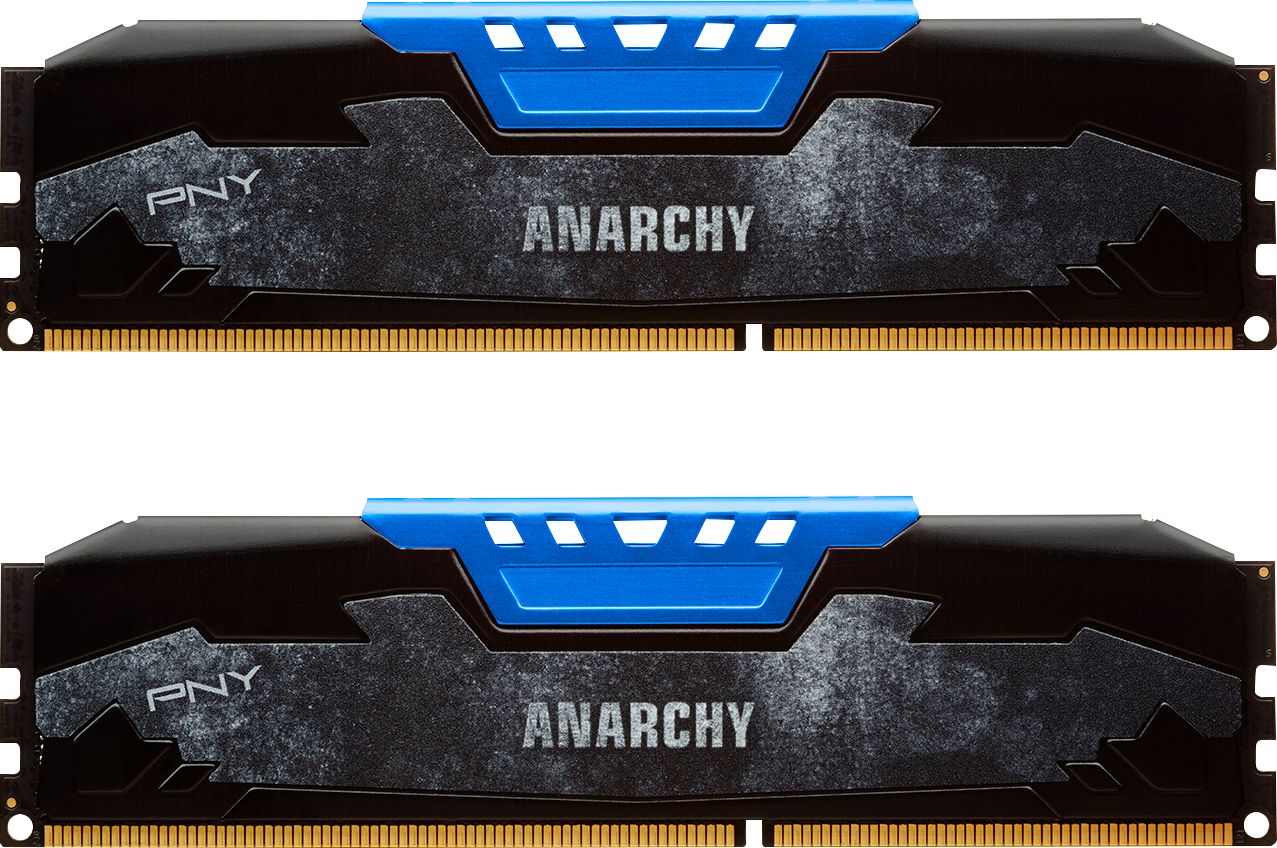
A:AnswerNo, a 240 pin DDR3 1866 DIMM memory module will not work in your HP Touch Smart 320 Laptop computer. Your system requires a 204-pin PC3- DDR3 1333 or DDR3 1600 SO-DIMM memory module.
A:Answerhttps://support.hp.com/us-en/document/c01612549
specifies you have to buy a PC2 5300 or 6400
Supported DIMM types:
PC2-5300 (667 MHz)
PC2-6400 (800 MHz)
PC2 is DDR2, PC3 is DDR3 (this one is a PC3), and if you physically can (am not sure about that) install a DDR3 dimm in your PC, it can fry the motherboard.
A:AnswerMac Pro desktops use ECC DDR3, and supports both registered and unbuffered modules. You will need to purchase server RAM for your Mac Pro. Search for ECC DDR3.
A:AnswerOut of the box, the ram will run at 1600mhz. You must configure your computer to running it at 1866mhz. That said, even if it was 1866 out of the box, and your computer cannot run memory 1866mhz, then your computer will run the memory at the speed in which it can. (This is called down clocking.)
A:AnswerSearch your model on the internet. Read thru the specifications. 1. The memory in your computer must be of DDR3 Type. 2. The motherboard in your computer must be able to support memory modules with capacities up to 8GB. 3. The operating system on your computer must be of (x64) 64bit architecture. (x86) 32bit operating systems also know as, cannot support more than 4GB of memory.
A:AnswerHello,
The best way to find an answer to your questions would be to contact Gateway directly and obtain the specifications for the computer which will tell you the exact type of memory your computer needs. From what we can find this model computer this product is not the correct memory. This system appears to only accept PC3-12800 1600MHz memory.
PNY Brand Champion