A:AnswerYou should try to maintain a minimum 9'+ height when hanging a floodlight. Keep in mind that if too high all you'll be capturing are tops of heads and not faces.
The detector range is roughly 30', so hanging it 15+ feet high will reduce the distance the detector will detect motion.
A:AnswerI did not have any problems installing mine. Just need 110 volt to power the flood lights and wifi. Does not have a dimmer setting. But you can set the light to come on at whatever time you desire and turn back off. Hope this helps.
A:AnswerHi Golferbill,
Thanks for reaching out.
Floodlight Cam has a built-in power adapter designed to support up to 240 volts.
thanks,
Kaitlyn R., Customer Satisfaction Specialist
Kaitlyn.rosenthal@ring.com
A:AnswerNo, although I suppose you could rig it to do so as it uses a black,white, and ground bare wire for connection. Out of the box though, this would not work.
A:AnswerYes, that is how we mounted ours on the house. We did have to Replace our electrical box because the one they had mounted was a thin metal flush mount. If you have a standard plastic blue box you should be fine.
A:AnswerHi BThack,
I apologize for the delay. These are now available for purchase at Best Buy!
Thank you, Kandyce C., Neighbor Satisfaction Manager Kandyce@ring.com
A:AnswerYes. The floodlight cam is designed to mount on a vertical surface out of the box, however, with a little adjustment it can be mounted on a horizontal surface such as under an eve. I replaced my existing standard AC powered floodlight mounted under the eve of my garage with a Ring floodlight cam. I simply removed the cam from the swivel mount by removing the clamp screw, removed the cam from the swivel holder and rotated the cam 180 degrees then replaced it in the swivel holder and reinstalled the screw. I adjusted the lights and cam and now I have complete coverage of my driveway and front lawn. Piece of cake. Just be sure that any location has an adequate wifi signal strength. The Ring app has a feature that will allow you to test the signal strength at your device once installed.
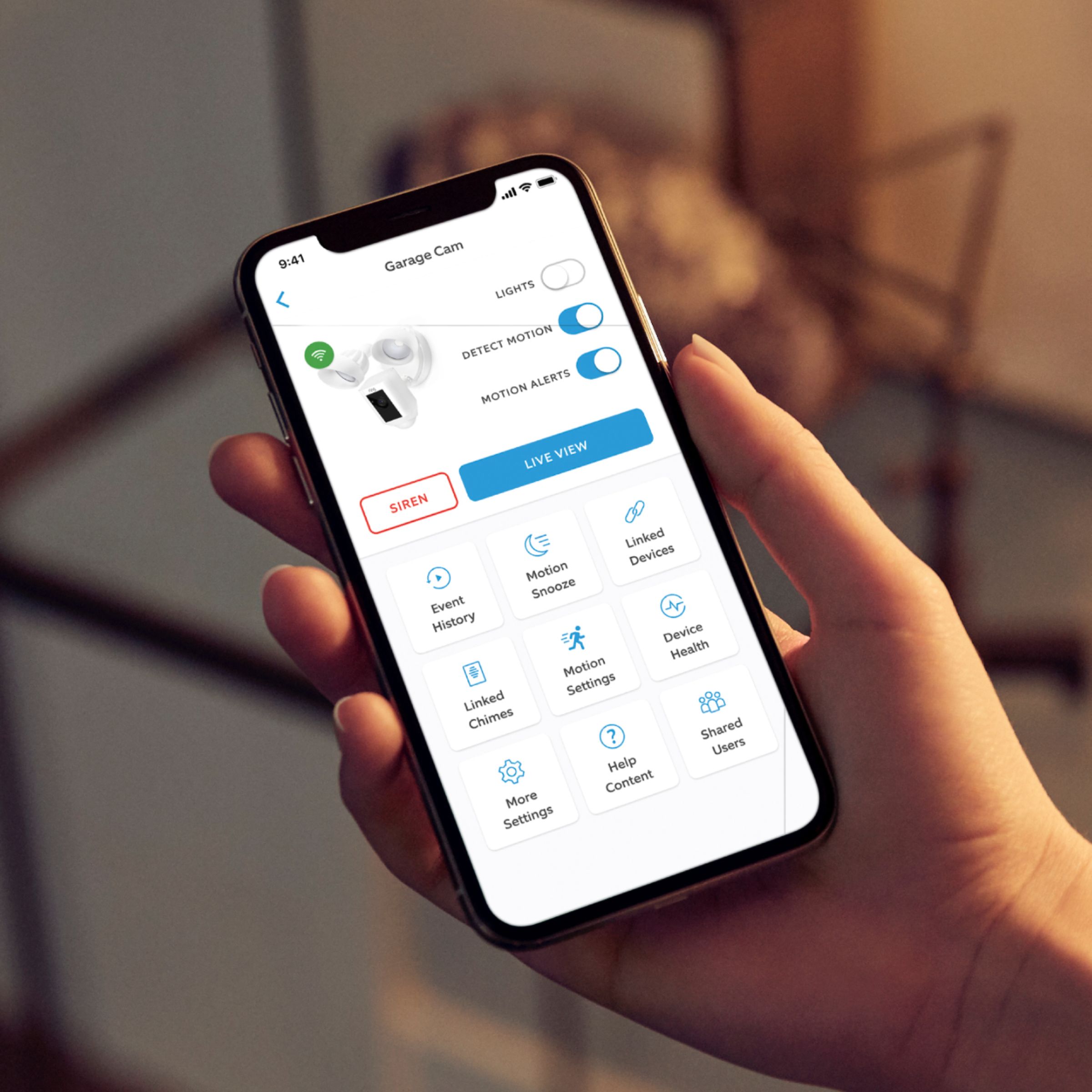
A:AnswerIt is a built in LED not replaceable bulbs, but you can put in time settings through the app to work for morning and night times or just motion sensor.
A:AnswerHi Rham,
Ring Floodlight Cam has a built-in power adapter designed to support up to 240 volts.
Bilan J, Customer Satisfaction Specialist
Bilan.jenkins@ring.com
A:AnswerHi Masb,
Yes, installing Floodlight Cam requires hardwiring hot, or live, wires into a standard junction box. Ring highly recommends that you engage a licensed electrician for this. You can absolutely hook it up to a switch as well! Please reach out should you have any other questions!
Thank you,
Kandyce C., Neighbor Satisfaction Manager
Kandyce@ring.com
A:AnswerHi Lee,
Yes, if you are using a switch with your Floodlight Cam, the switch has to be on in order for the audio and video to work as well.
Thank you,
Kandyce C., Neighbor Satisfaction Manager
Kandyce@ring.com
A:AnswerHi Sharun,
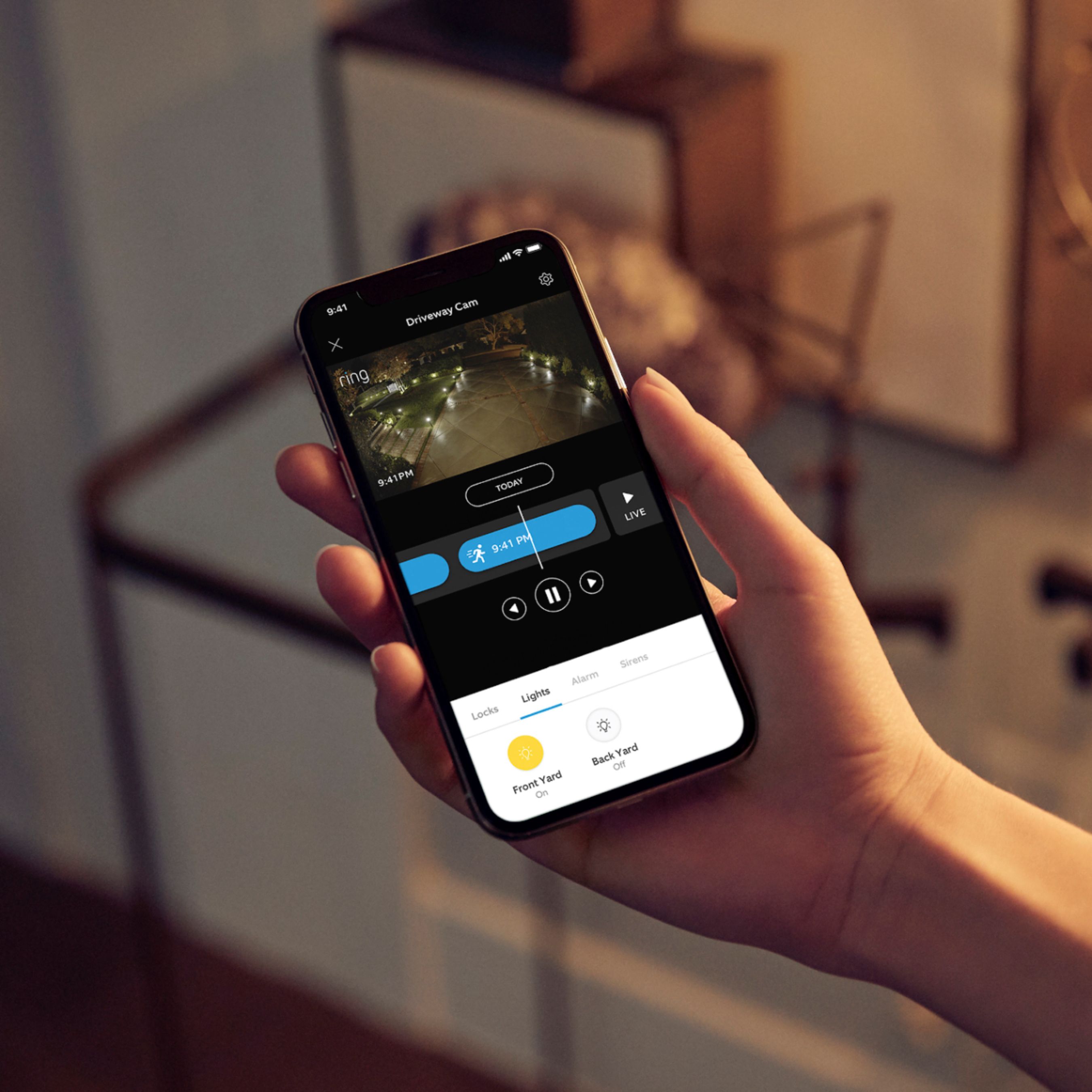
If you need your Floodlight Cam to turn on or off at a specific time, the light scheduling feature has you covered. By using light scheduling, you can set your floodlights to turn on or off at any time you choose. This article will show you how to use the light scheduling feature of your Floodlight Cam: https://bit.ly/2Q1Hnhd
Bilan J, Customer Satisfaction Specialist
Bilan.jenkins@ring.com
A:AnswerMy light does the same but the motion for camera doesn't activate..... I think the light is just very sensitive. I just set the light to turn off after 3 minutes. Hope this helps