A:AnswerHi Scott.
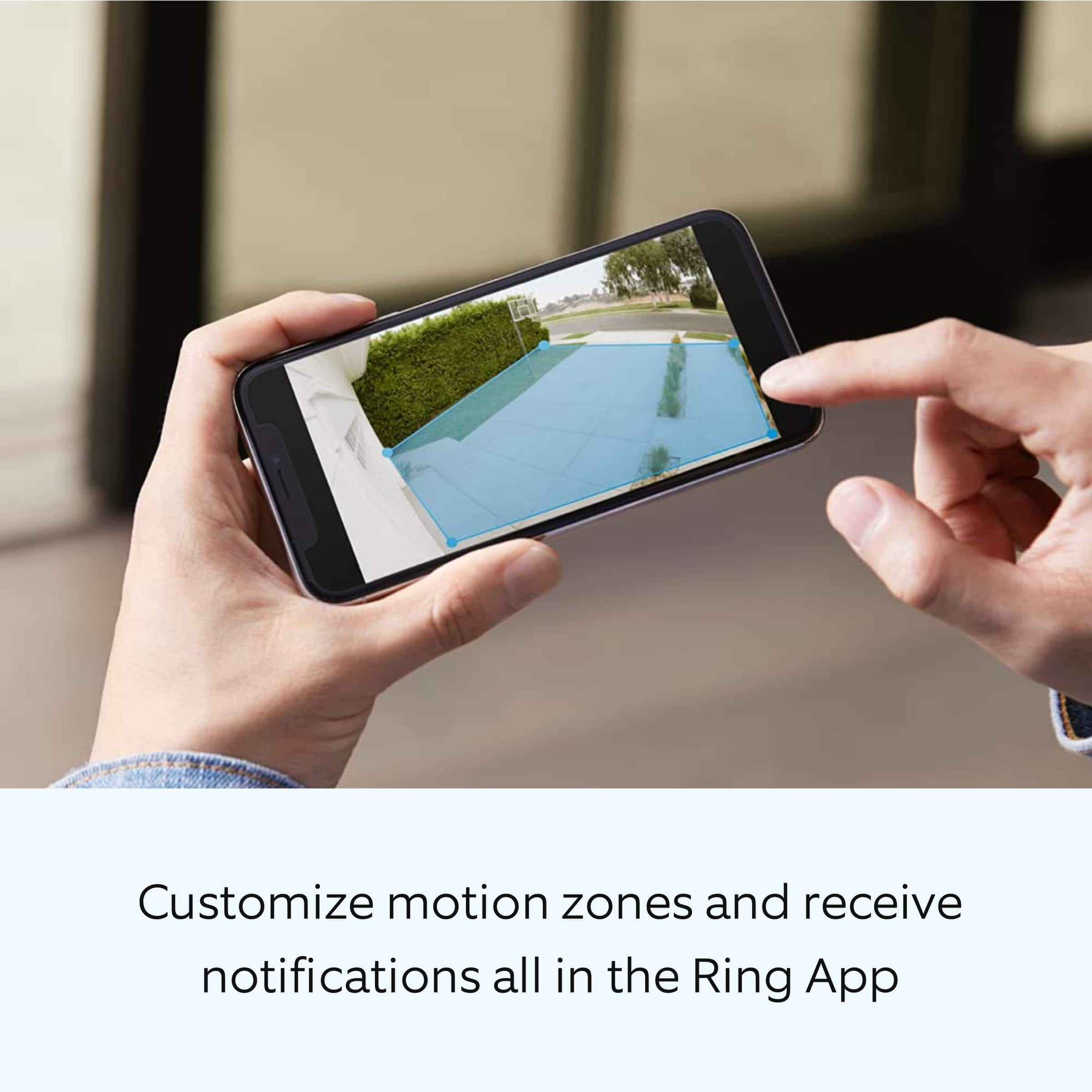
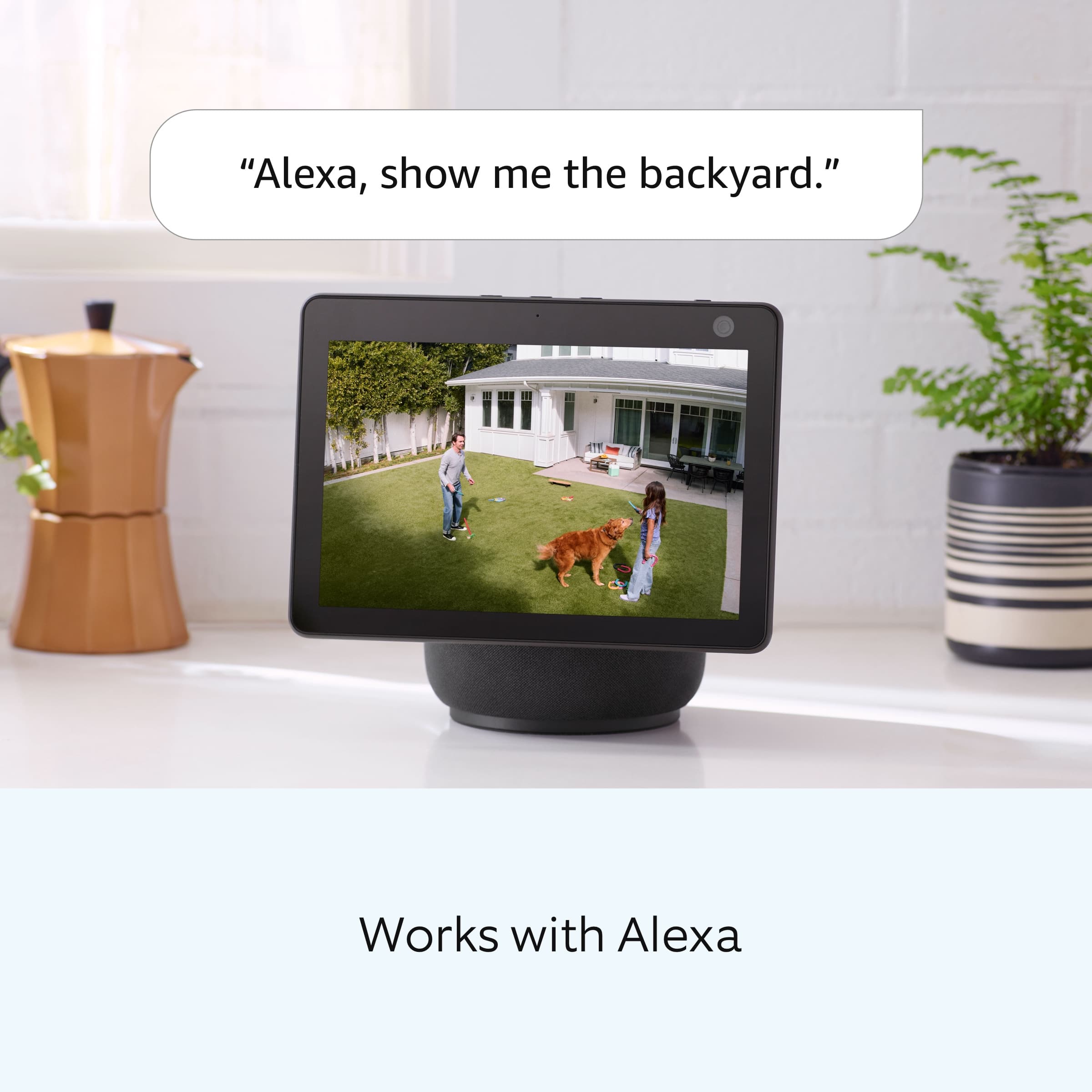
Thanks for asking. No, the Ring Floodlight Cam Plus Wired does not offer a continuous live view. You can request a live view at any time, but it will time out after about ten minutes. You can also customize the motion detection settings so that you are alerted whenever motion is detected within the zones you specified. Visit our support center for additional information.
We invite you to reach out to our Community if any additional information is needed regarding your question. The Ring Community is our first peer-to-peer community forum, giving our customers the ability to help one another by sharing their feedback and experiences with each other.
All the best,
Nicole from Ring.
A:AnswerHi wired.
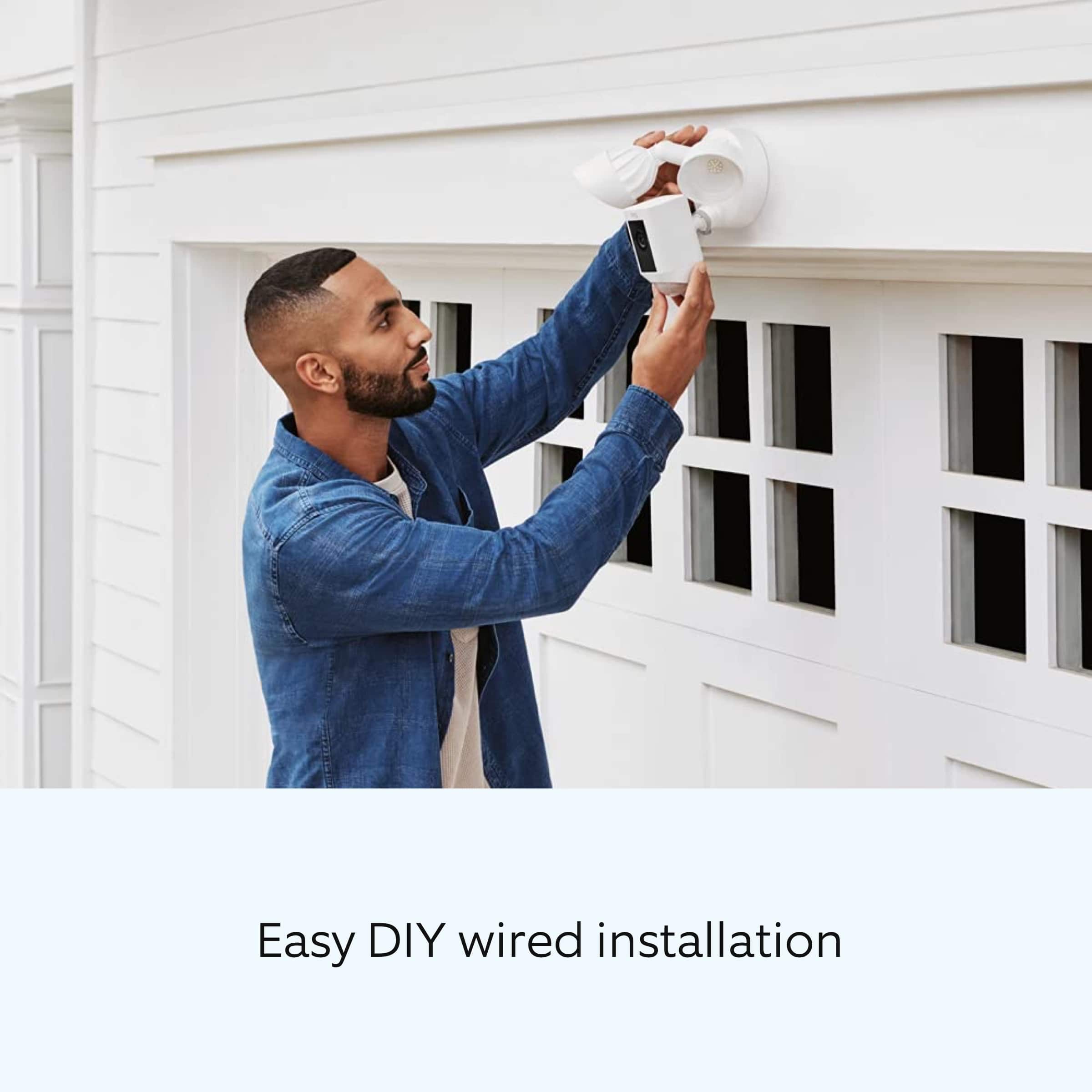
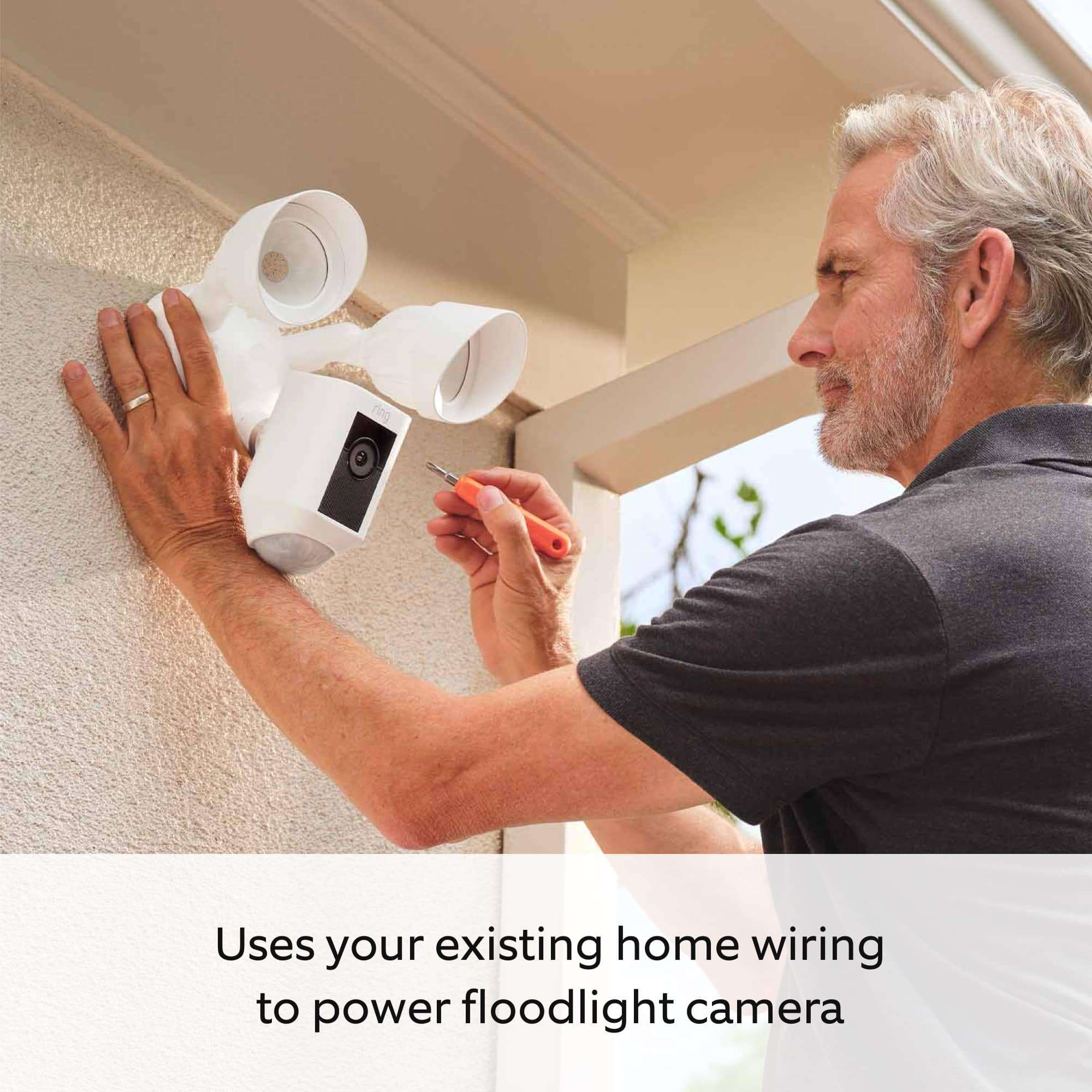
Good question. Your Floodlight Cam Wired Plus security camera must be installed on a 4" round UL-listed weatherproof electrical box. Before you begin installing your Ring Floodlight Cam Wired Plus outdoor security camera, make sure that you’re following safety code standards.
We invite you to reach out to our Community if any additional information is needed regarding your question. The Ring Community is our first peer-to-peer community forum, giving our customers the ability to help one another by sharing their feedback and experiences with each other.
All the best,
Nicole from Ring.
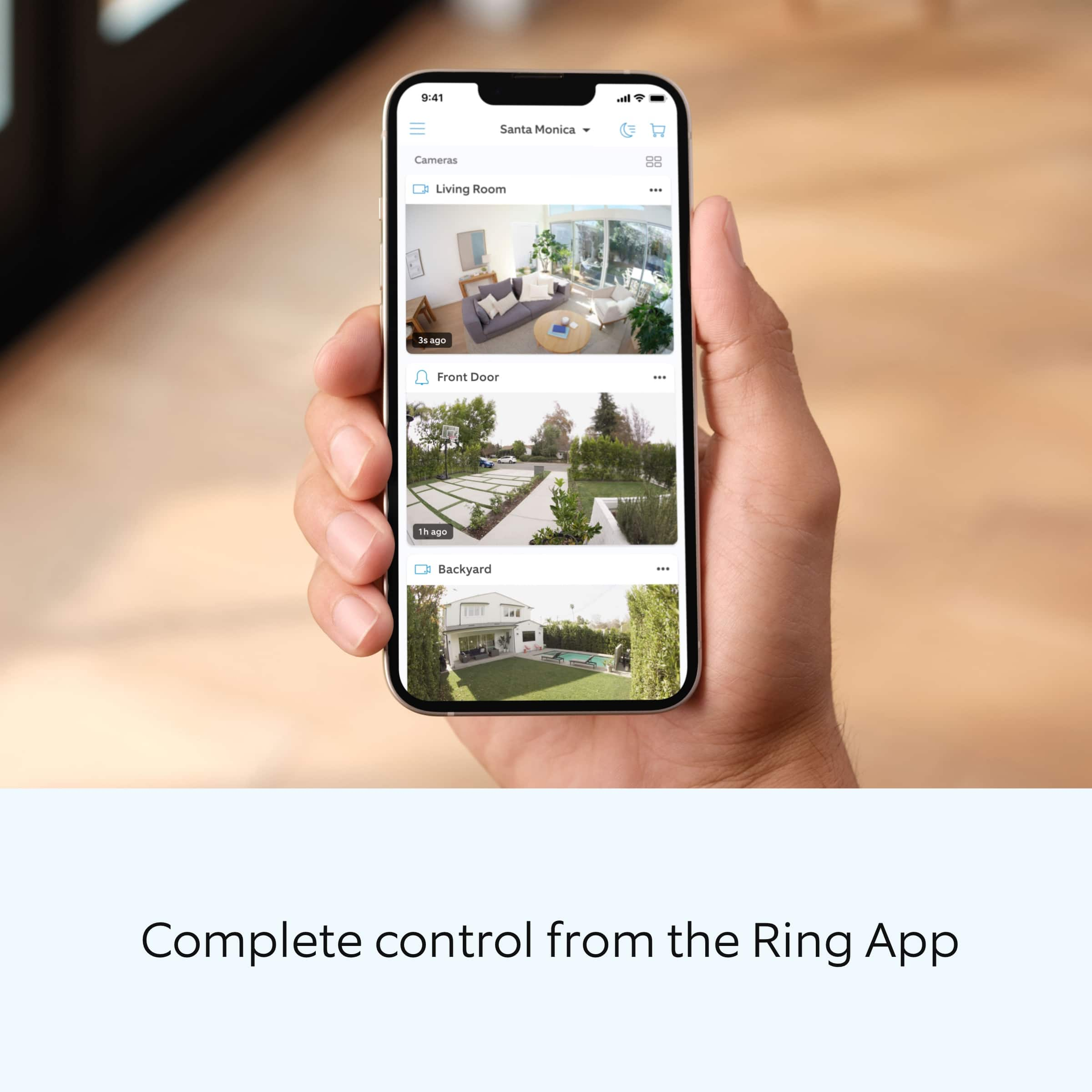
A:AnswerIn your ring app go to your dashboard setting...in the top corner of your flood light display click on the settings button...check your settings turn off the light settings or click the motion settings and change it there
A:AnswerThis warns you of any traffic around your home, which you have selected on your app. Meaning, within the distance allowed of coverage by the app, you can select your warning advisory.
A:AnswerThe camera is motion activated or, through the Ring app, you can watch it live whenever you want. It's got a pretty decent range... our garage sets probably 6+ car lengths from the alley behind the house and it activates when cars drive down the alley. You can adjust the activation field of the camera through the app.
A:AnswerI do not think there is an option for not using video. I just looked at my app and could not see an option.
However, if you don't want video you can purchase the Floodlight with motion sensor for a lot less.
I installed one of each.