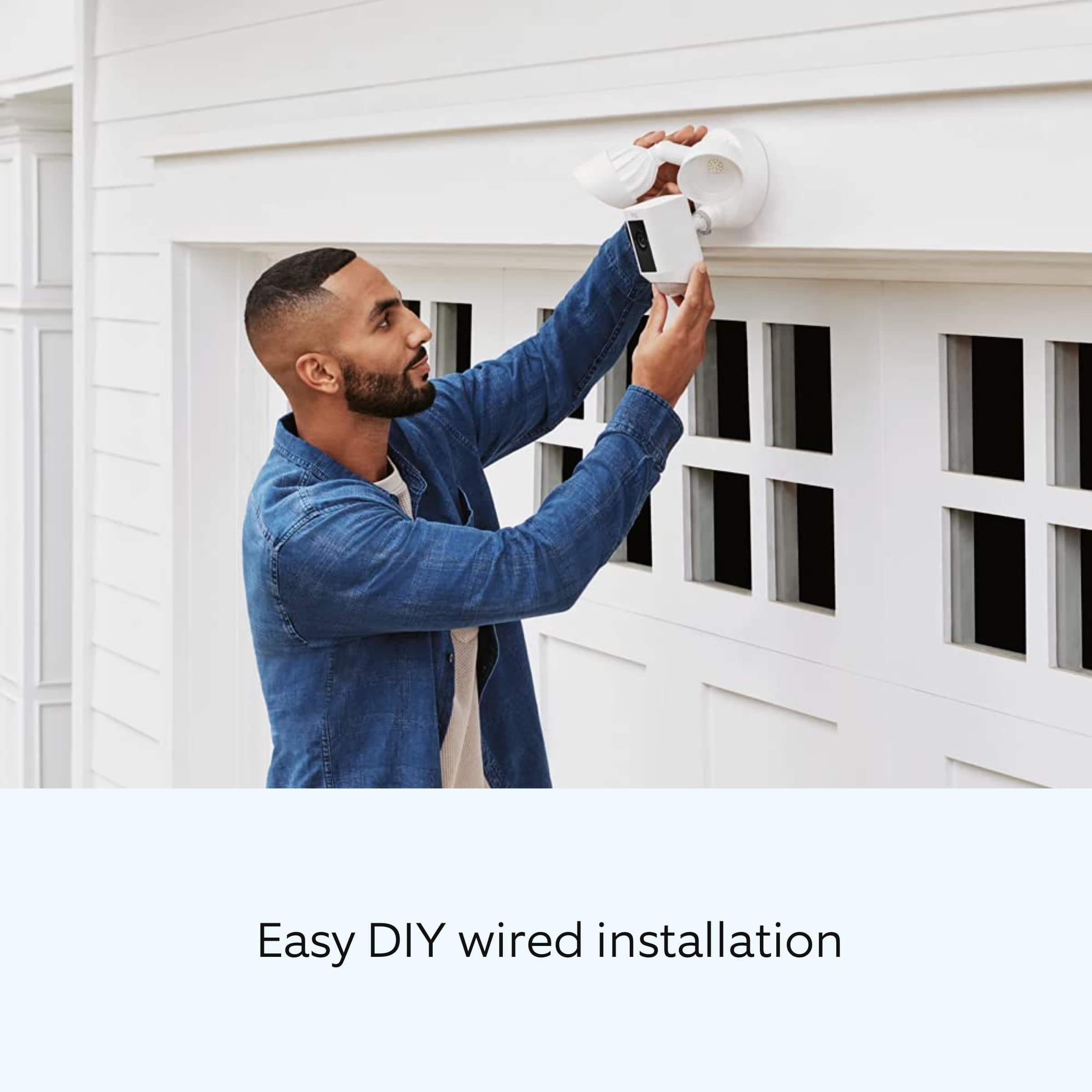
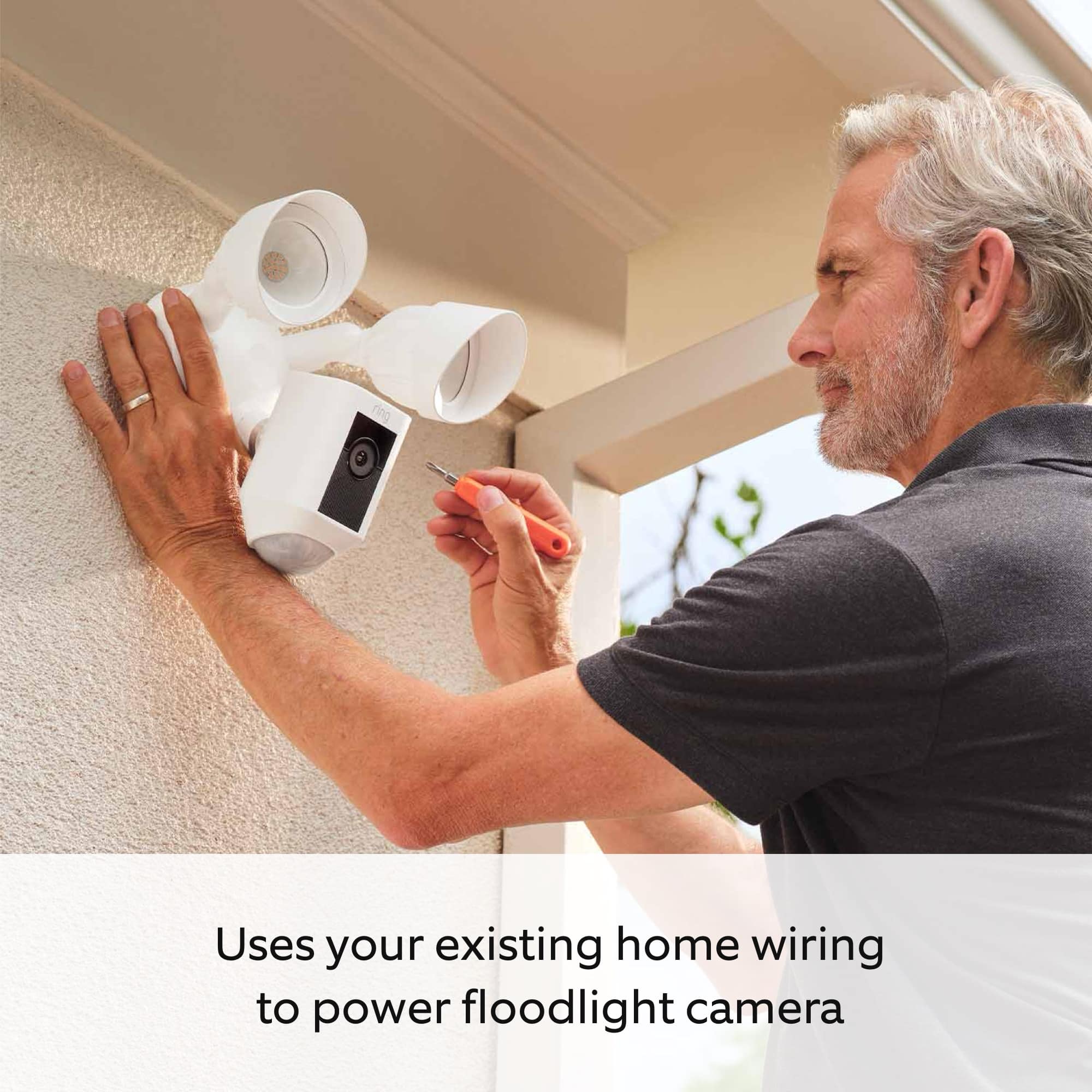
A:AnswerMine is hooked up to my front porch light. Its electric so you dont have to charge it. Just leave your light switch on. It gives you instructions to program it to the wifi
A:AnswerHi Hal.
Good question. No, the Ring Floodlight Cam Plus is not compatible with 5 GHz wireless networks. It is compatible with an 802.11b/g/n wifi connection at 2.4 GHz. Visit our support center for more information.
We invite you to reach out to our Community if any additional information is needed regarding your question. The Ring Community is our first peer-to-peer community forum, giving our customers the ability to help one another by sharing their feedback and experiences with each other.
All the best,
Nicole from Ring.
A:AnswerHi JOHNMac.
Thank you for reaching out. After setting up a device, you will automatically be assigned the owner-user role. As the owner, you can grant additional users access to the device by making them shared users. Visit our support center for more information.
We invite you to reach out to our Community if any additional information is needed regarding your question. The Ring Community is our first peer-to-peer community forum, giving our customers the ability to help one another by sharing their feedback and experiences with each other.
All the best,
Nicole from Ring.
A:AnswerHi isringforme.
Good question. Yes, the camera on the Ring Floodlight Cam Wired Plus can be adjusted so you can find the optimal view for your device. The Ring Floodlight Cam Wired Plus also offers next-level security features, including 3D Motion Detection and Bird's Eye View for more precise motion alerts.
We invite you to reach out to our Community if any additional information is needed regarding your question. The Ring Community is our first peer-to-peer community forum, giving our customers the ability to help one another by sharing their feedback and experiences with each other.
All the best,
Nicole from Ring.
A:AnswerHi Pelotero.
Thanks for asking. You are correct; the optimal mounting height is recommended to be 9 feet. The distance at which your device detects motion will vary depending on a number of factors. Because every home environment is different, we would be unable to specify this information.
While every situation is different and your individual needs will determine where best to setup your cameras, your Ring camera sensors are better at catching movement if they’re traveling horizontally across the camera’s field of view. People traveling directly toward or away from the camera may not trigger a motion alert as quickly. Visit our support center for additional, detailed information regarding installation and capturing events.
We invite you to reach out to our Community if any additional information is needed regarding your question. The Ring Community is our first peer-to-peer community forum, giving our customers the ability to help one another by sharing their feedback and experiences with each other.
All the best,
Nicole from Ring.
A:AnswerHello.
Thanks for asking. With a Ring Protect Plan, you can save, review, and share video recordings from your Ring devices to your Ring account. Without a Ring Protect Plan, you can still view real-time video for Ring doorbells and cameras and answer doorbell notifications when they happen, but you don’t get video recordings of those events.
We invite you to reach out to our Community if any additional information is needed regarding your question. The Ring Community is our first peer-to-peer community forum, giving our customers the ability to help one another by sharing their feedback and experiences with each other.
All the best,
Nicole from Ring.
A:AnswerHello Kelt,
Great question! Yes, Best Buy does offer many types of installation services. Please visit their site here for more information: https://www.bestbuy.com/services/triage/home.
Thank you,
Alexis with Ring
A:AnswerThe geek squad recommended me to connect all ring devices on 2.4 GHz as opposed to any other band(with tri and quad bands available these days) because that is the most stable/sturdy network known.
A:AnswerHi Ziggy.
Great question. The Ring Floodlight Cam Wired Plus has a 1-year limited warranty and theft protection. For specific instructions about how to obtain warranty service for your device, please contact Ring community support.
We invite you to reach out to our Community if any additional information is needed regarding your question. The Ring Community is our first peer-to-peer community forum, giving our customers the ability to help one another by sharing their feedback and experiences with each other.
All the best,
Nicole from Ring.
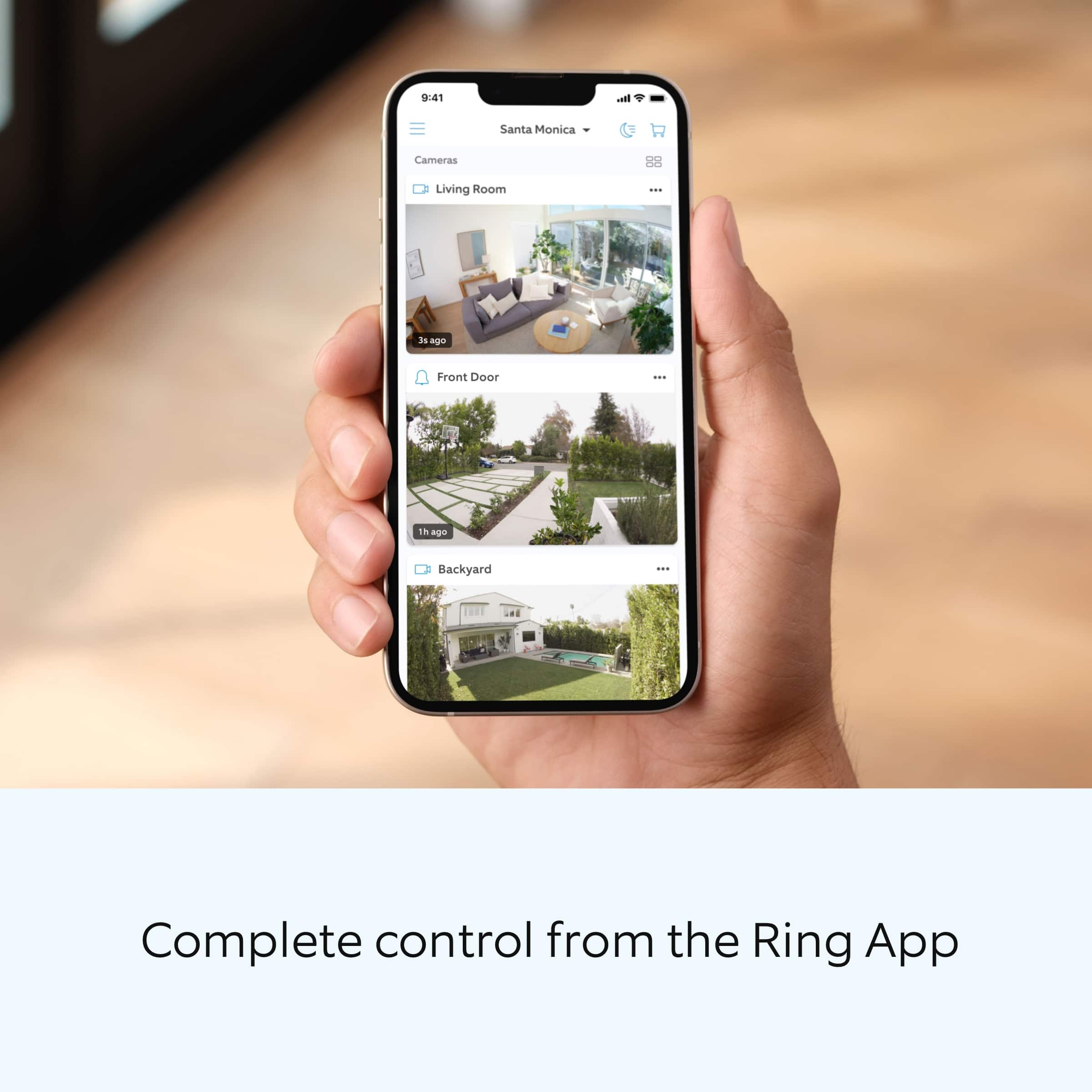
A:AnswerYou can go in the setting and set the lights to come on from dusk to dawn. You can set different modes when you want the lights to come on. I have 3 linked together and every once in a while one won't come on with the rest. You can use the app to turn them off and on as well.
A:AnswerHi Tandem4two.
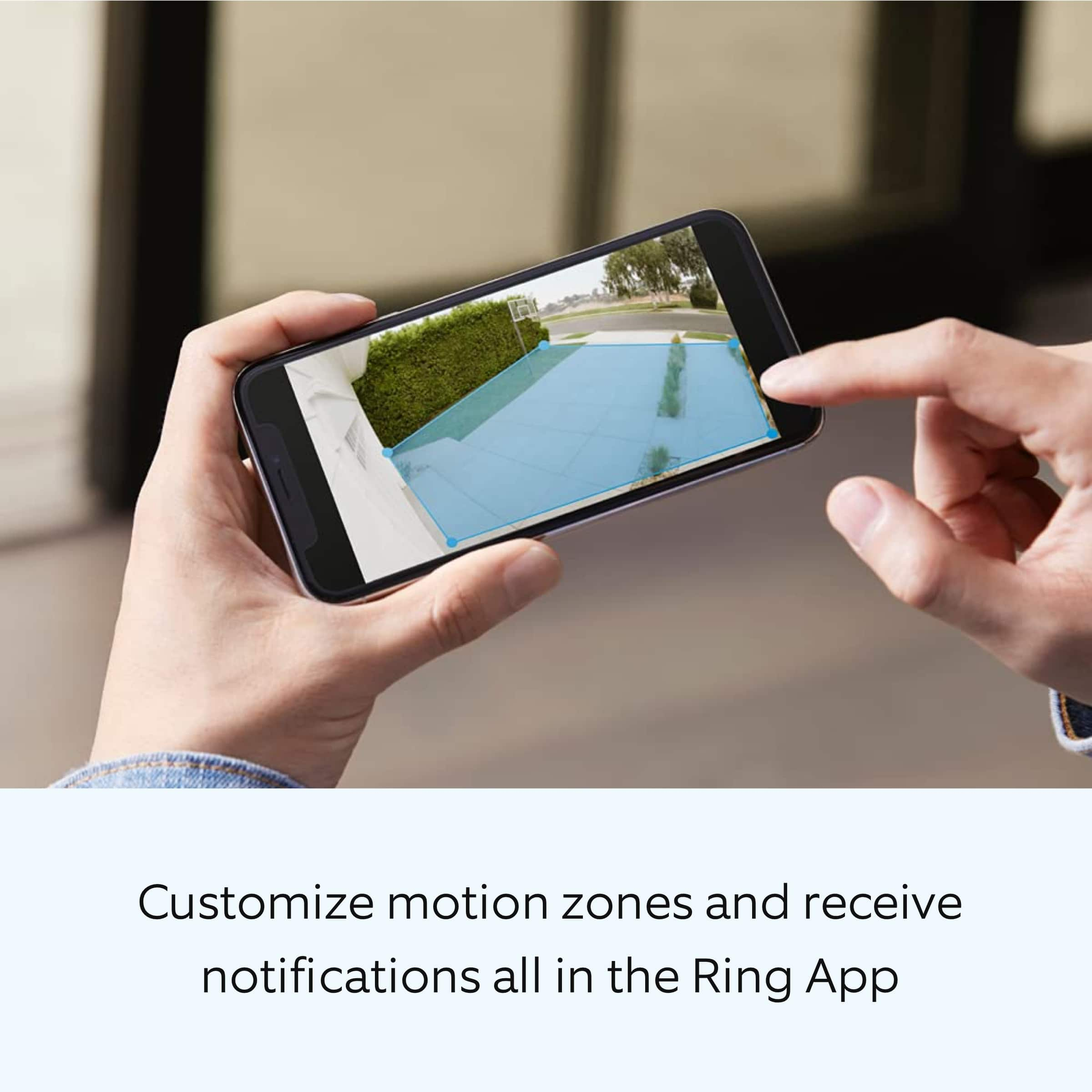
Good question. The Ring Floodlight Cam Plus offers customizable motion zones up to 30 feet. We recommend installing the device nine feet (three meters) off the ground for the optimal range of motion detection.
We invite you to reach out to our Community if any additional information is needed regarding your question. The Ring Community is our first peer-to-peer community forum, giving our customers the ability to help one another by sharing their feedback and experiences with each other.
All the best,
Nicole from Ring.
A:AnswerHi Britt.
Good question. No, you do not need a doorbell to install the Ring Floodlight Cam Plus. The Ring Floodlight Cam Plus must be installed on a 4“ round UL-listed weatherproof electrical box. It also requires a wifi connection and is compatible with 2.4 GHz networks. Visit our support center for more information.
We invite you to reach out to our Community if any additional information is needed regarding your question. The Ring Community is our first peer-to-peer community forum, giving our customers the ability to help one another by sharing their feedback and experiences with each other.
All the best,
Nicole from Ring.
A:AnswerHi Pattycake.
Thanks for asking. No, you do not need to remove devices from your account if you change internet providers. However, you may need to reconnect them to your new network. To reconnect a Ring video doorbell or security camera to your wifi network:
Open the Ring app.
Tap the menu (≡).
Tap Devices and select the doorbell or camera you'd like to reconnect to wifi.
Tap the Device Health tile.
Under Network, tap Change Network, and follow the prompts in the app.
Allow some time for your device to fully reconnect to the network, then check your wifi signal strength in Device Health to confirm it has successfully reconnected.
We invite you to reach out to our Community if any additional information is needed regarding your question. The Ring Community is our first peer-to-peer community forum, giving our customers the ability to help one another by sharing their feedback and experiences with each other.
All the best,
Nicole from Ring.