A:AnswerHi Alperry59,
Great question.
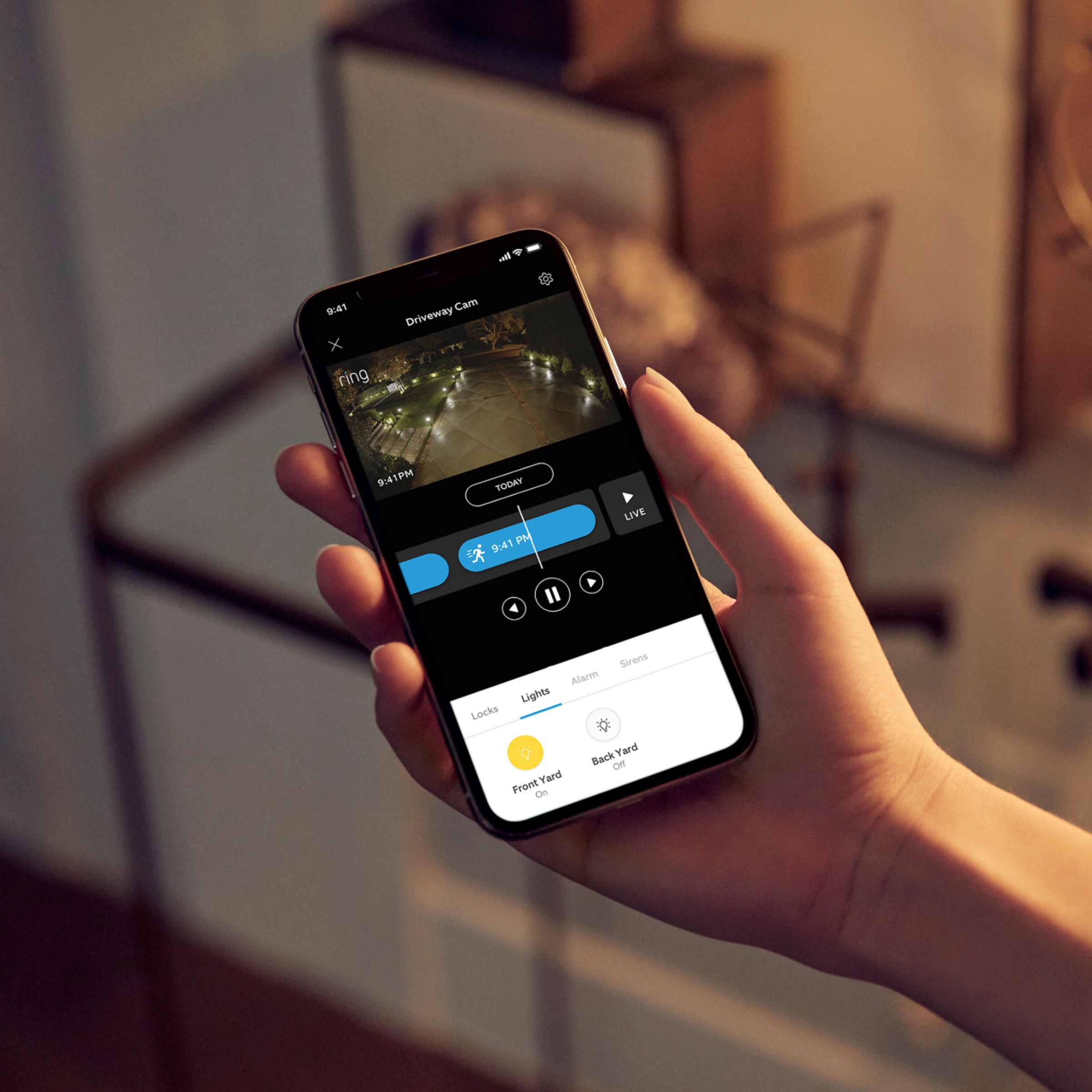
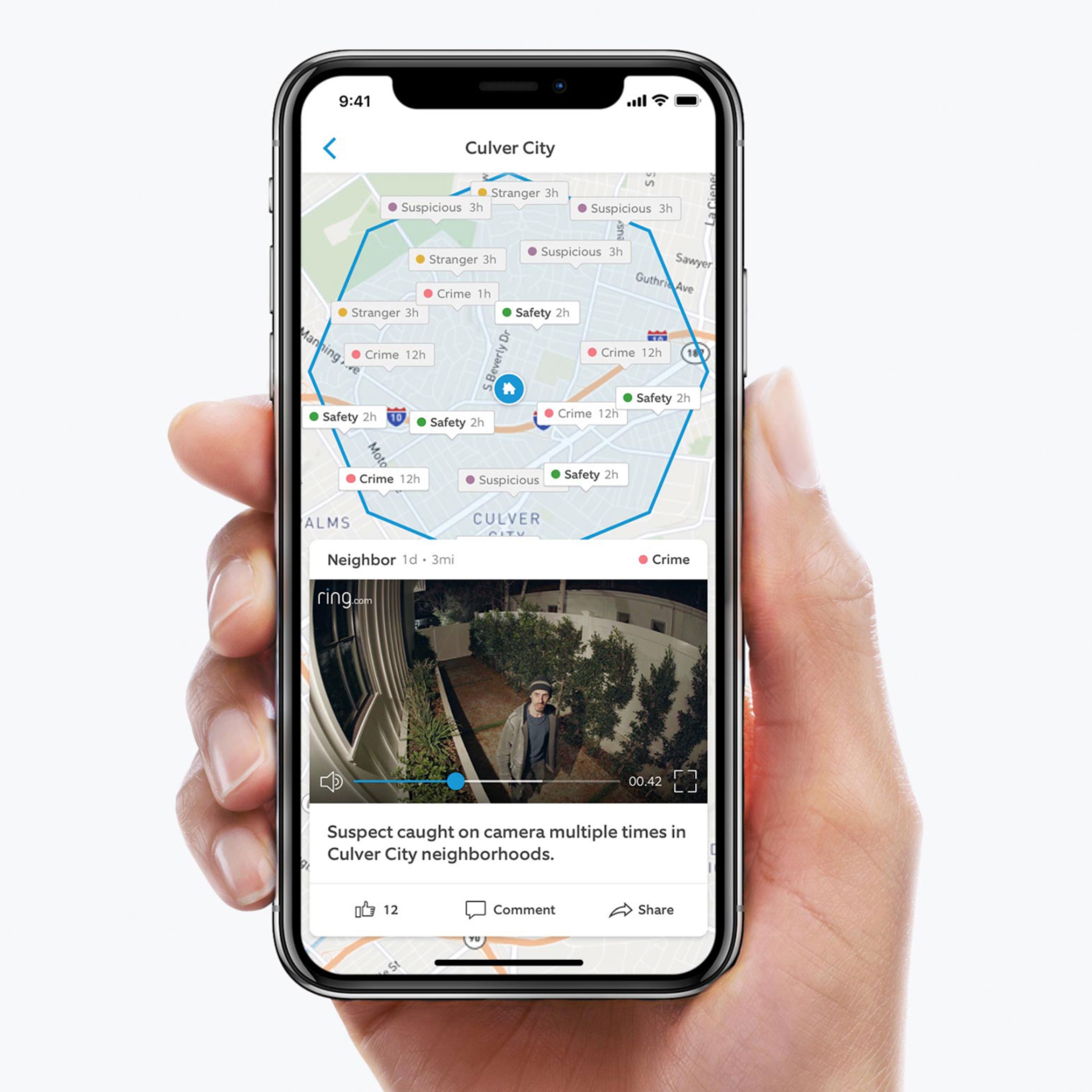
Once you've completed setting up your Ring device in your app, it will be attached to the Ring account in that app as a sort of "master account." If you wish to use multiple devices to control your Ring device, simply download the Ring app onto the additional devices and use the same account credentials to register the app. Note however that doing so will give full control over your Ring device. You can have an unlimited amount of phones monitor your Ring account.
Thanks,
Kaitlyn R., Neighbor Satisfaction Specialist
Kaitlyn.rosenthal@ring.com
A:AnswerThe Ring Floodlight does not have an "accent" mode: the light is either completely on or completely off. The user can set a custom schedule when the light will turn on and off, and adjust the sensitivity, depth and breadth of the light's motion sensor. Perhaps Ring will implement some sort of "accent" functionality with future firmware releases... but I wouldn't hold my breath.
A:Answeryes you can. however its a bit different. because you don't want to give everyone full access to the floodlight cam. how it works is, you create an account for the ring floodlight cam. once you do that. there is an option in the app which allow you to share access to that floodlight cam. all you need is that person email who you want to share access with and hit confirm. once they receive that email they will get steps on how to set up an account for themselves with there own password and they will be able to access the floodlight cam. however they wont be able to make any changes to it nor delete any videos. only t you will be able have all those features.
A:AnswerHi Heyjoe415,
In general, Ring doorbells and Cam products with batteries are rated for operating temperatures between -5 to 120 degrees F. (-20 to 50 degrees C.). Cam products without batteries are rated at -22 to 120 degrees F (-30 to 48.5 degrees C).
Bilan J, Customer Satisfaction Specialist
Bilan.jenkins@ring.com
A:AnswerIt has 140 degree FOV and I have my unit at a 90 degree angle to my front door and it was picking up cars in the street at 40 feet away. It is great I have not had any problems with mine.
See Video below
https://ring.com/share/6669024453299468967
A:AnswerAny WiFi extender will work with this product. The stronger the signal/bandwidth, the better these products perform with regards to picture quality, reaction time and image loading speed. I hate to plug products in my reviews, but we have 6 Ring products, and we had this same issue. We switched to a whole home mesh system, specifically, the Linksys Velop system... it has made everything on our WiFi work better! A little pricey, but totally worth it! Otherwise, there are more affordable options, but as the saying goes, you get what you pay for.
A:AnswerYes, but that kills all power to the device meaning your camera will not work either. They provide stickers that you can place over existing switches to make sure people accidentally don't shut it off. I have a switch that controlled the old floodlight, but because this is motion activated and only turns on the light at night when it detects motion there's no need to shut the switch off, and turning it off will remove all power from the camera, which you don't want.
You can control the lights via the app as well. There's a button on he app on your phone so you can manually set the lights on/off through the app as well
A:AnswerHi ELB,
Great questions.
Yes, you are absolutely able to monitor both your Ring devices from the same Ring account. Additionally, our Protect Plus Plan for $10.00 a month will cover any and all Ring devices at one given location.
Thanks,
Kaitlyn R., Customer Satisfaction Specialist
Kaitlyn.rosenthal@ring.com
A:AnswerHi RighteousRob,
Everything you need (except a junction box) to install Floodlight Cam comes in the box. For more info on installing the Ring Floodlight Cam, please visit our website here: https://bit.ly/2pB7D1z.
Bilan J., Customer Satisfaction Specialist
Bilan.jenkins@ring.com
A:AnswerHi Dean,
Great question.
Yes, you can absolutely install 4 Floodlight Cams in different locations at your home! I would, however, make sure that your home environment has the bandwidth to support 4 Floodlight Cams. Additionally, your son will be able to monitor all Floodlight Cams as well. Once you've completed setting up your Ring device in your app, it will be attached to the Ring account in that app as a sort of "master account." If you wish to use multiple devices to control your Ring device, simply download the Ring app onto the additional devices and use the same account credentials to register the app. Note however that doing so will give full control over your Ring device.
Please feel free to email me directly at Kaitlyn.rosenthal@ring.com if you have any additional questions.
Kaitlyn R., Customer Satisfaction Specialist
Kaitlyn.rosenthal@ring.com
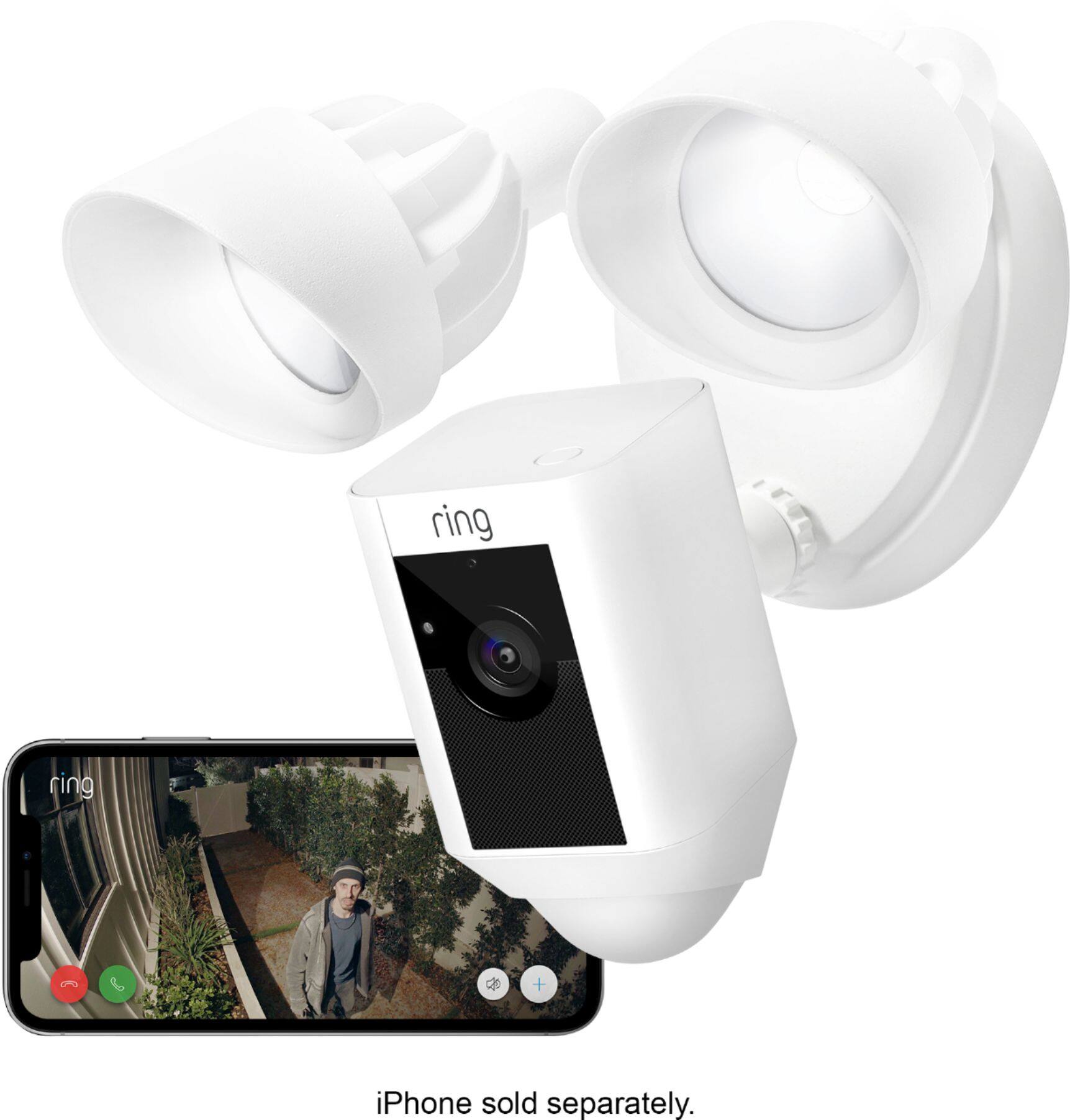
A:AnswerYes, you can configure phone alerts on motion without the alarm sounding. You can also select the areas to process for motion. Also, the floodlight motion sensitivity can be adjusted separately from the motion recording.
It is a very cool product!
A:AnswerHi Jay,
Thanks for reaching out.
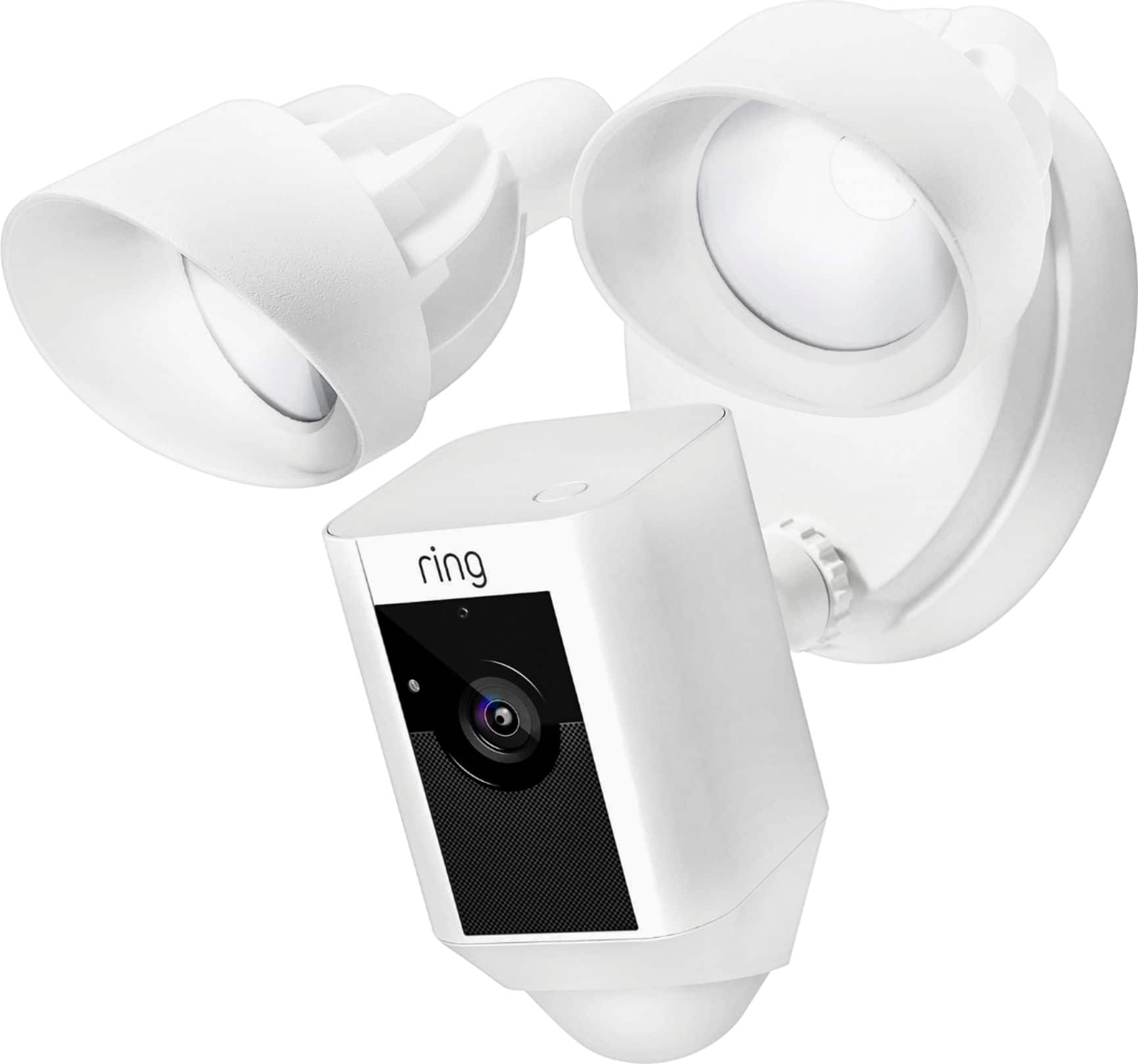
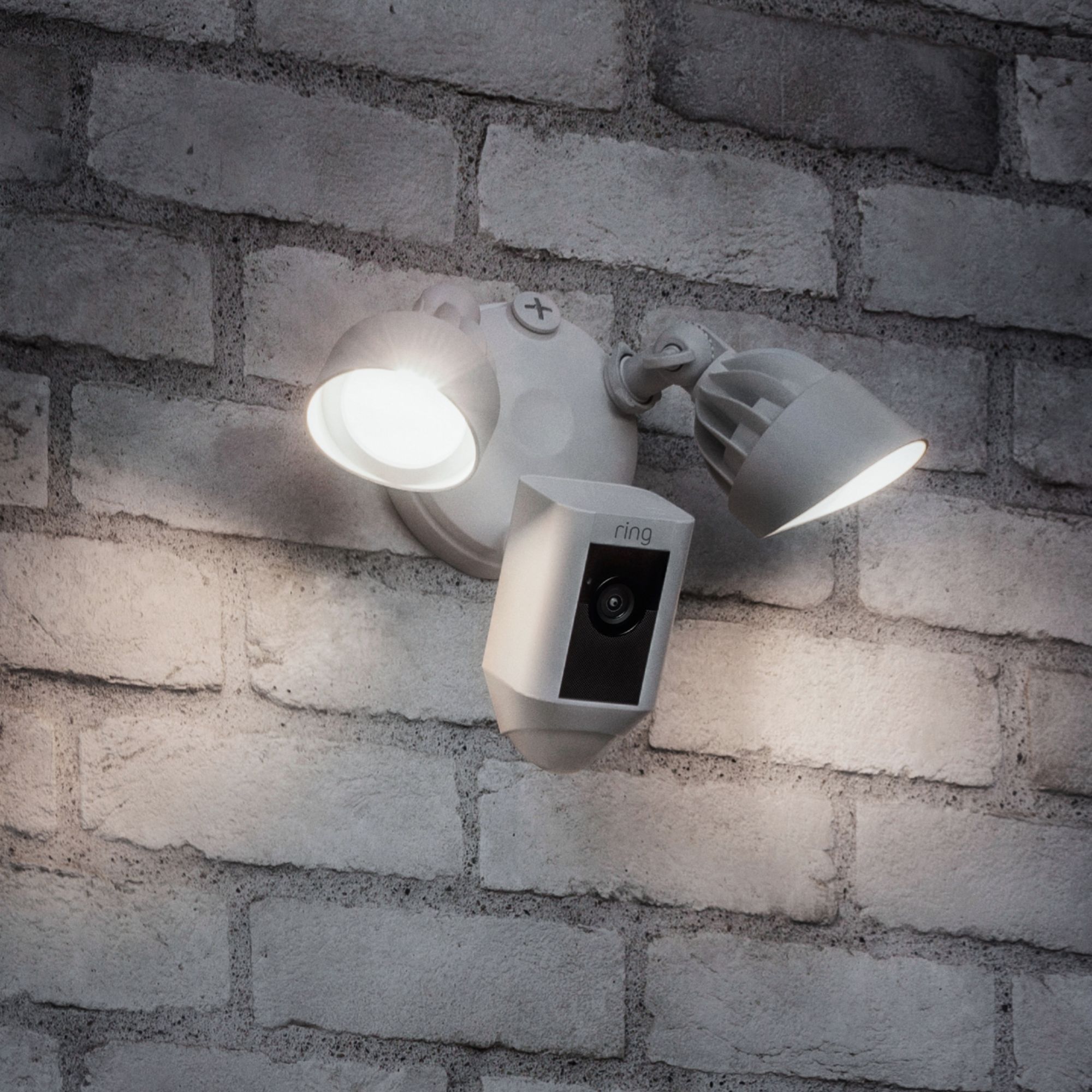
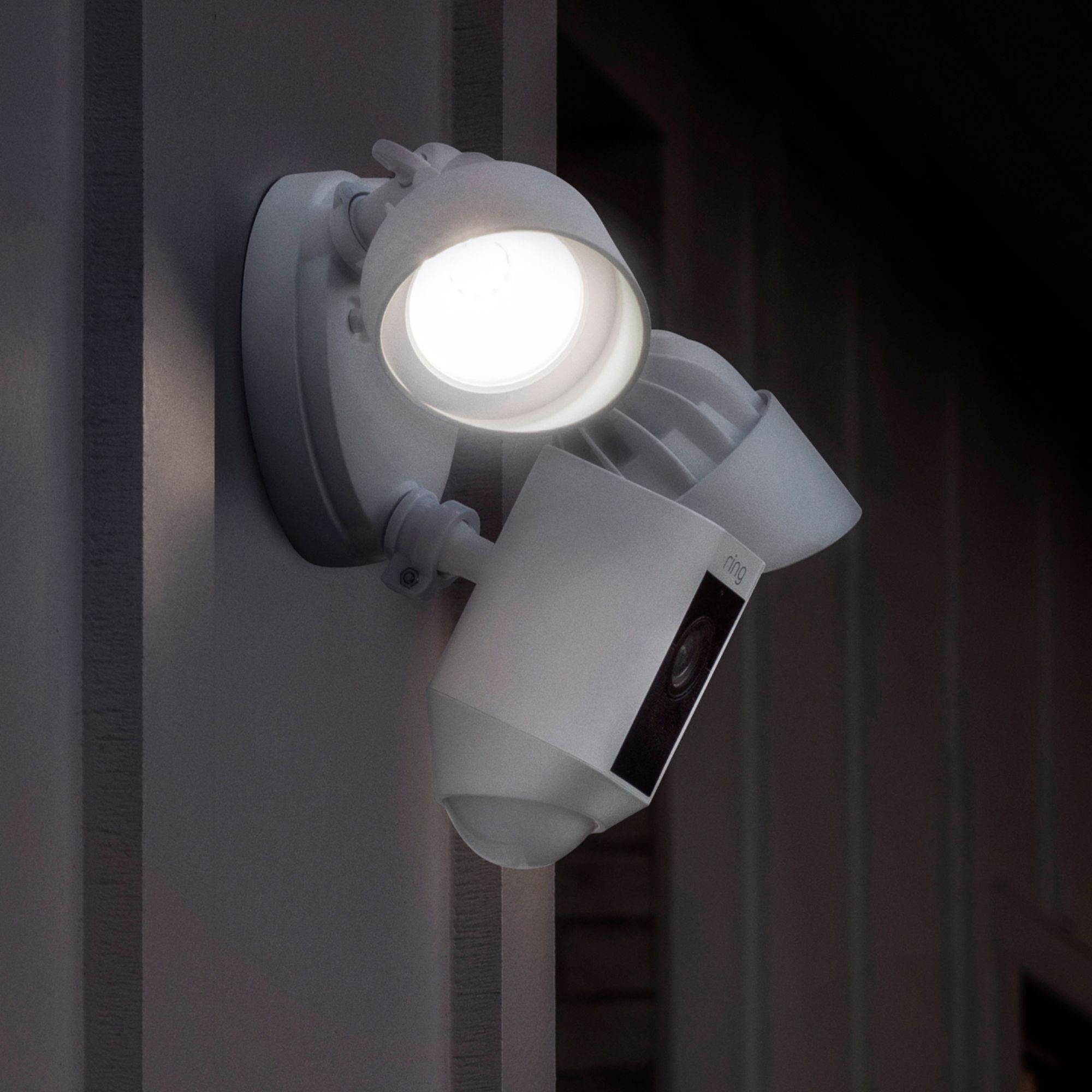
Yes, our Floodlight Cam has 2 LED lights. Each light puts out 1800 Lumens.
Thanks,
Kaitlyn R., Neighbor Satisfaction Specialist
Kaitlyn.rosenthal@ring.com
A:AnswerHi Propman,
Thanks for reaching out.
Unfortunately, in order for your Floodlight Cam to function, you will need to have a strong home WIFI network. Would you please email me at Kaitlyn.rosenthal@ring.com? I would appreciate the chance to further investigate your home environment to see if I can provide you with any helpful suggestions.
Thanks,
Kaitlyn R., Neighbor Satisfaction Specialist
Kaitlyn.rosenthal@ring.com