A:AnswerTo view live video on your phone, you do not need to initiate a service plan. However, to store video in the cloud, you do. Ring’s current monthly fee for cloud storage is $3/cam, if I understand it correctly.
A:AnswerThere will be a Blue light that comes on when camera operates day or night.
In night mode there will be a Red light that will also come on for infrared mode.
I had asked Ring if there was a way to deactivate the lights and there is not at this time.
A:AnswerYes, I bought the solar charger and it works with it. I don't know the range but I don't think it's great I have a router with an extender and I placed the camera on the outside of my garage side door and the router is in my living room which is a room off the garage and it says low signal many times. Hope that helps
A:Answerso it truly depends on how you position the camera o would say if its straight 90 degrees on each side but if more to one side you obviously would see more of a wider range on that side..
A:AnswerHi 1234ABCD.
Thank you for taking the time to ask this question. Yes, the Ring Outdoor Cam (Formerly known as the Ring Stick Up Cam) can connect to a Ring Solar Panel. The device's battery level may vary based on the amount of direct sunlight the solar panel receives. It is important to ensure that your Ring Solar Panel is installed correctly and that it is receiving enough direct sunlight to operate as intended. For best performance, Ring recommends at least two to three hours of direct sunlight for the Ring Solar Panel. With the recommended amount of direct sunlight, the device will remain continuously charged under most conditions.
We invite you to reach out to our community if any additional information is needed regarding your question. The Ring Community is our first peer-to-peer community forum, giving our customers the ability to help one another by sharing their feedback and experiences with each other.
Thank you,
Miyuki from Ring.
A:AnswerHi Linstir88.
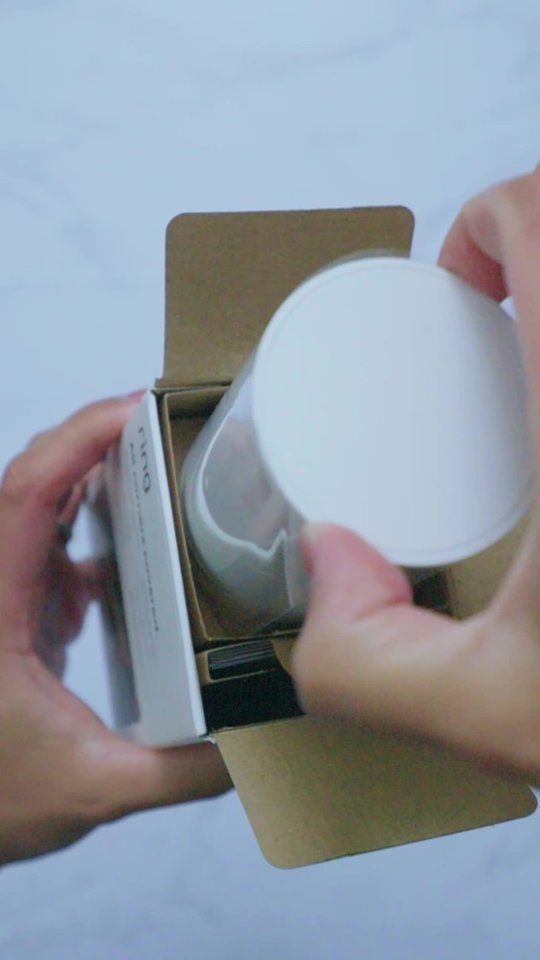
Thank you for reaching out to us with your question. Yes, the Ring Outdoor Cam comes with one Ring Rechargeable Battery Pack.
If any additional information is needed regarding your question, please reach out to our community. Ring Community is our first peer-to-peer community forum, giving our customers the ability to help one another and share their feedback and experiences directly with Ring. Join the Ring Community today!
Thank you,
Amilia from Ring.
A:AnswerHi Mike.
Thank you for reaching out to us with your questions. Batteries in Ring devices are designed to go months between charges under normal conditions. However, real battery life is dependent on a number of factors, such as local weather, the number of events captured, and the frequency of activation.
If any additional information is needed regarding your questions, please reach out to our community. Ring Community is our first peer-to-peer community forum, giving our customers the ability to help one another and share their feedback and experiences directly with Ring.
Thank you,
Miyuki from Ring.
A:AnswerHi jkhcast.
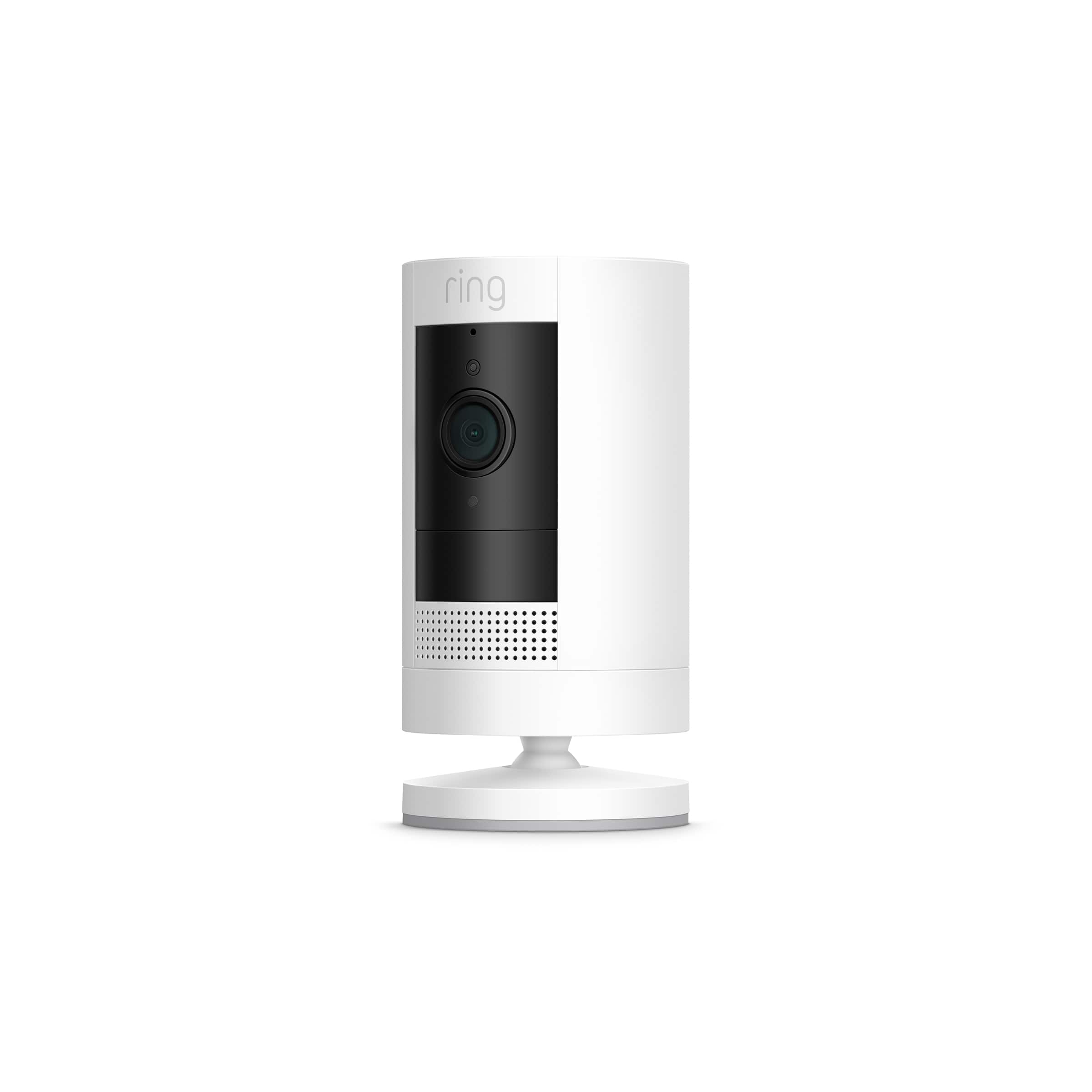
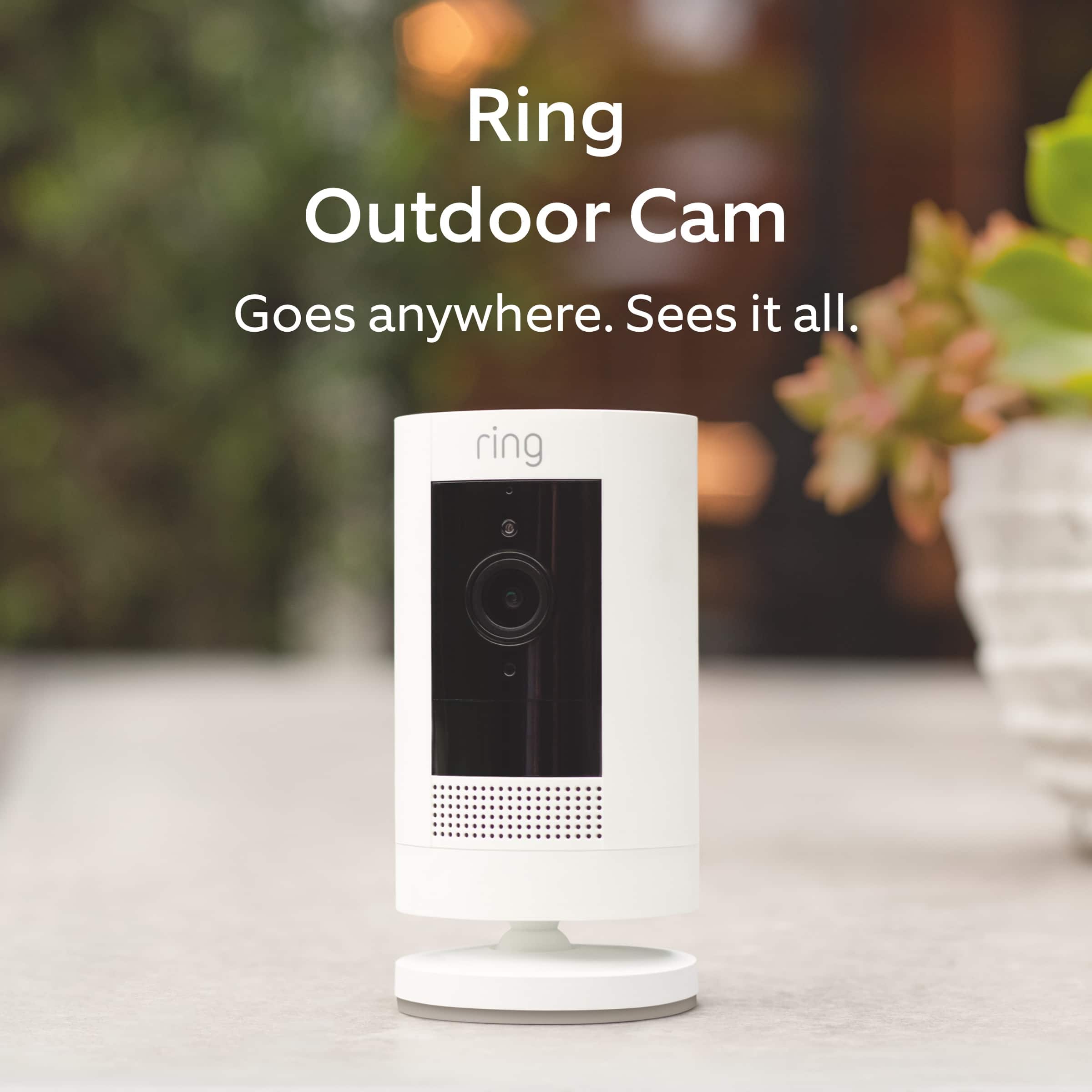
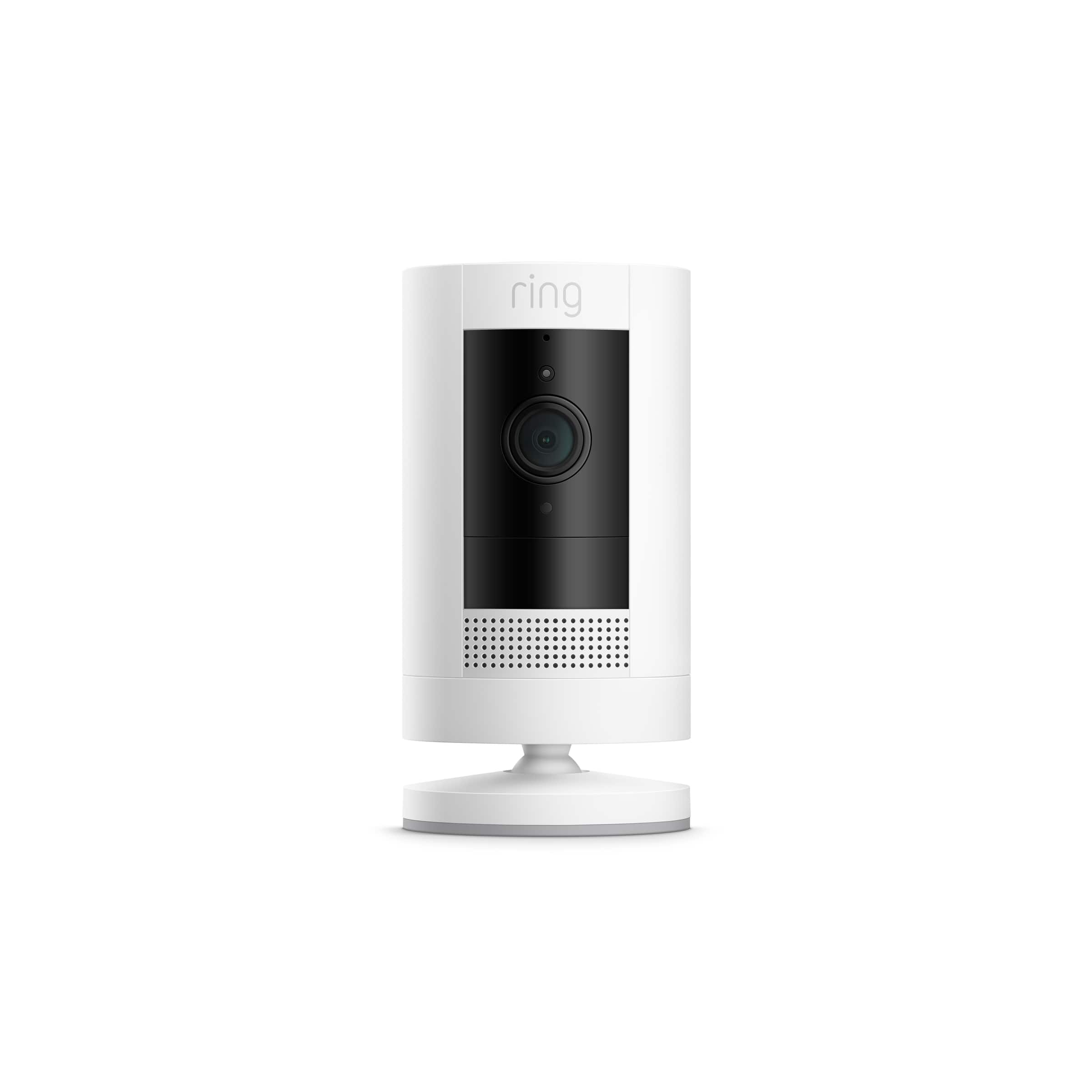
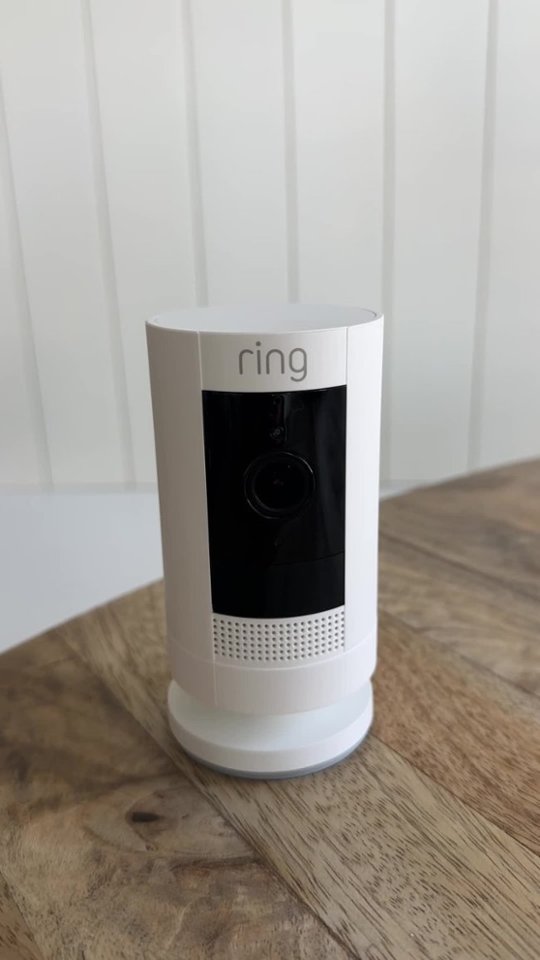
Thank you for taking the time to ask this question. The name "Stick Up" refers to how easy it is to stick up or place the camera just about anywhere. For attaching it to a surface, you have a few options. You can simply place it on any flat surface like a table, shelf, or countertop using the pre-installed base. If you prefer to mount it, the camera comes with a versatile mounting bracket that attaches to a wall using the included screws and anchors. There is also an optional ceiling mount accessory available separately. The bracket locks the camera in place and allows you to adjust the viewing angle. Setup takes just a few minutes with the included mounting kit, and the camera can be easily moved to a new location if needed.
We invite you to reach out to our community if any additional information is needed regarding your question. The Ring Community is our first peer-to-peer community forum, giving our customers the ability to help one another by sharing their feedback and experiences with each other.
Thank you,
Miyuki from Ring.
A:AnswerHi Home.
Thank you for taking the time to ask this question. The Ring Ring Outdoor Cam (Formerly known as the Ring Stick Up Cam) does not currently have a feature that allows you to set the camera to fully turn on or off at specific times of the day. However, you can use Motion Schedules to stop motion alerts during specific hours, or use Modes (with a Ring Protect subscription) to disable recording when you are home.
We invite you to reach out to our community if any additional information is needed regarding your question. The Ring Community is our first peer-to-peer community forum, giving our customers the ability to help one another by sharing their feedback and experiences with each other.
Thank you,
Miyuki from Ring.