A:AnswerHi Jjlittle,
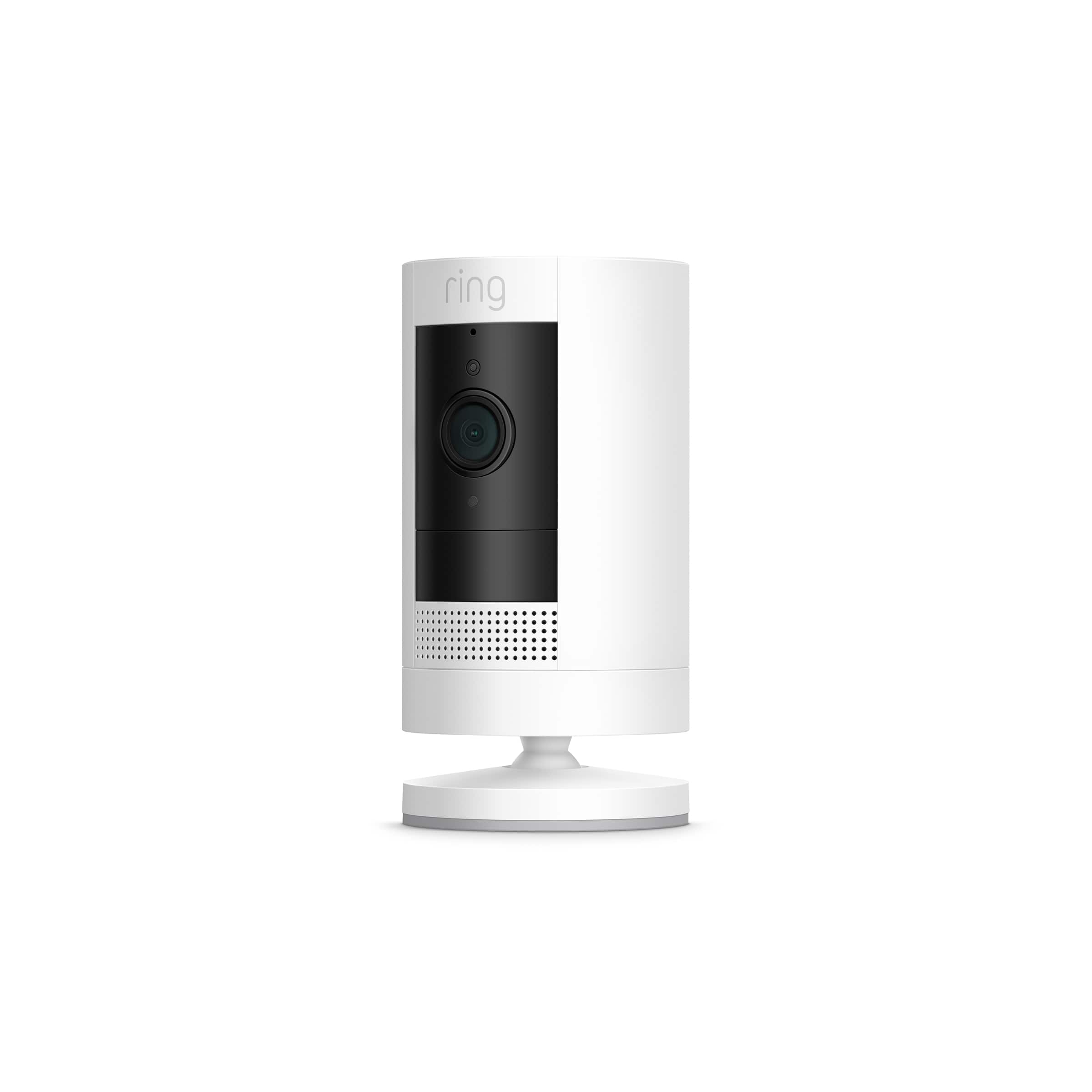
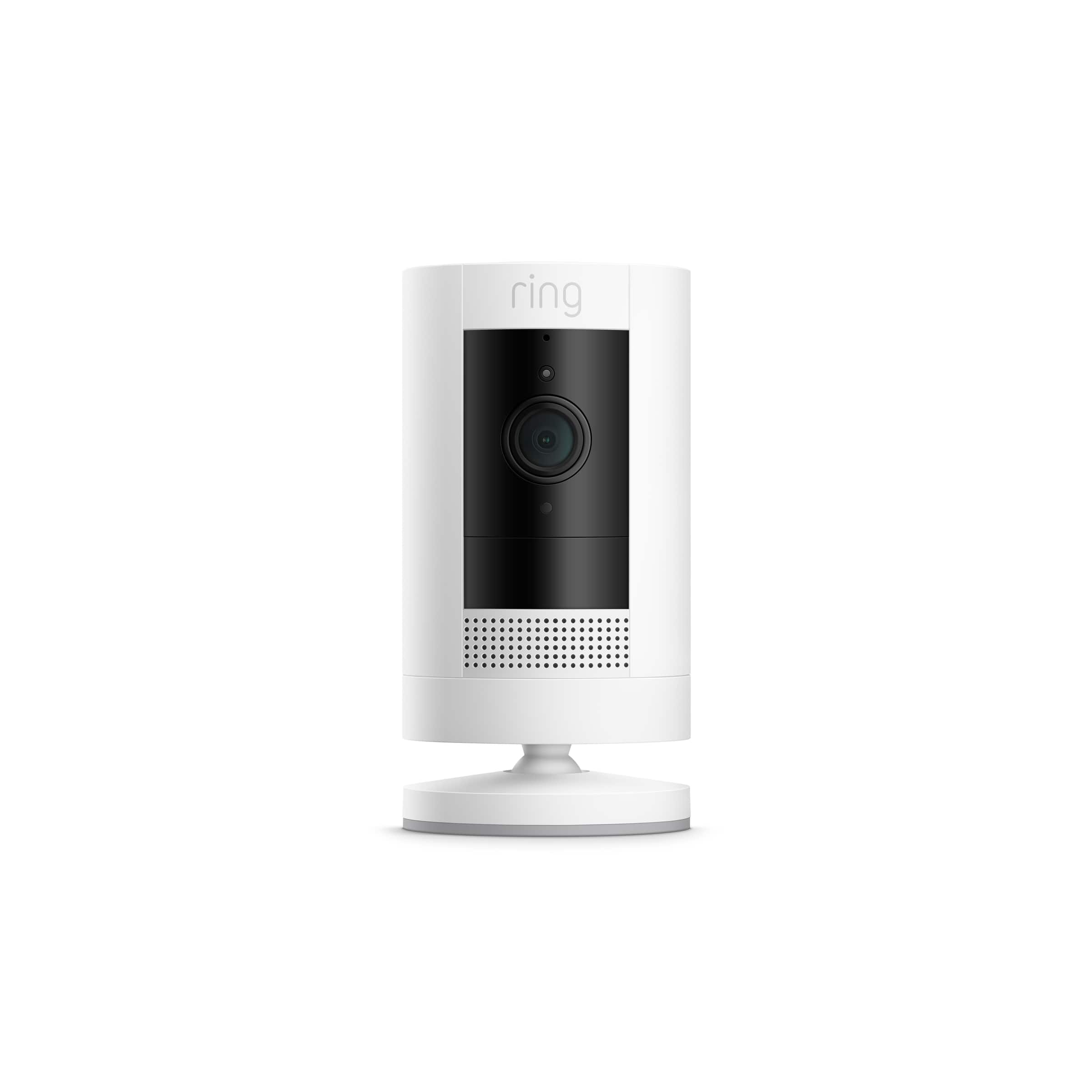
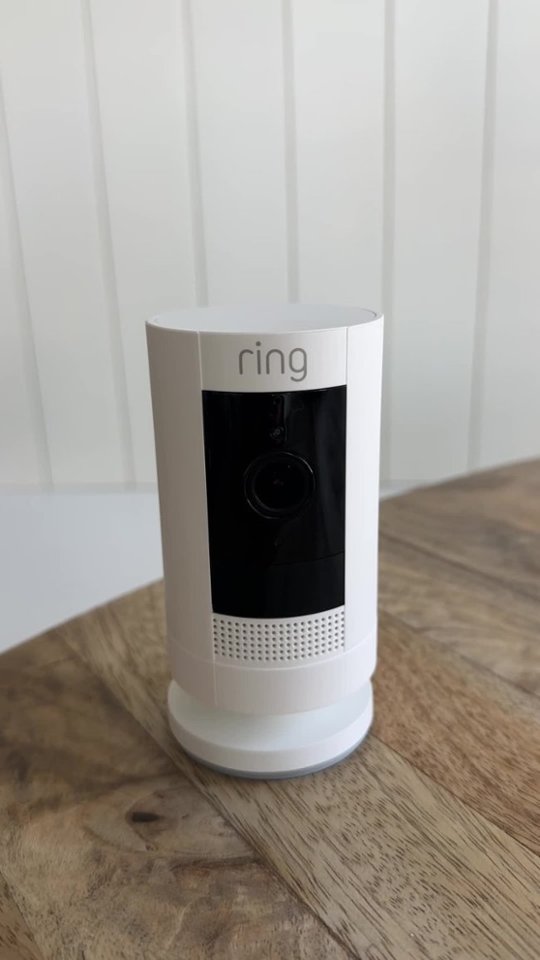
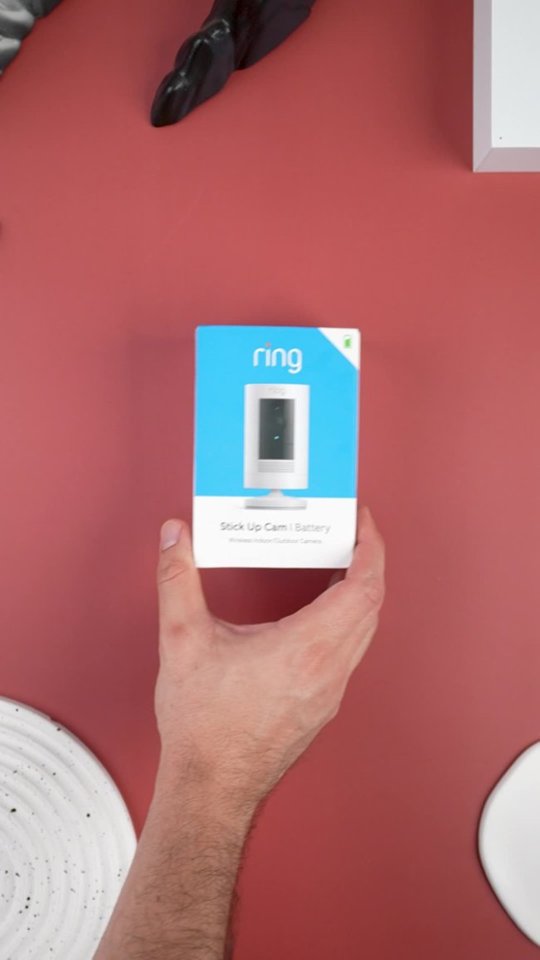
Great question! The Ring Stick Up Camera measures 3.82 in. x 2.36 in. x 2.36 in. (without stand), and the solar panel measures 7.75 in. x 5.50 in. x 0.50 in. (19.68 cm. x 13.97 cm. x 1.27 cm.). With a connected solar panel and backup battery pack, Stick Up Cam Solar is your versatile solution for smarter security. Place it where you need it and monitor what matters right from your phone. For more information, visit our support center: https://support.ring.com/hc/en-us/sections/360006458791-Stick-Up-Cam-Battery-Solar-3rd-Generation-.
Ring Community launched in March 2019 to help deliver the most current news and educational information to our customers. You can find tips and tricks from other Ring users at https://community.ring.com/. This peer-to-peer forum allows our neighbors to share their feedback and experiences to assist each other in resolving their concerns.
All the Best,
Nicole with Ring
A:AnswerThe system that I purchased has an element of surprise as it is not connected to the doorbell. I had the camera placed strategically 15 feet high and I still get good visuals.
A:AnswerThe camera uses standard WiFi networking. This will vary based on the type of router you have and standard interference issues (concrete, electrical, etc). Theoretical range on a 2.4GHz “N” network is about 820’. In real-world use, you should only expect about half of that. For most scenarios (indoor, centrally-located router and external cam), I would expect no more than 50’-100’.
A:AnswerThe Ring Doorbell is not required. The Ring service is compatible with most web-connected devices, using the Ring app on iPhone, Android, or Windows, FireTV and most web browsers.
A:AnswerIf it is a hard to reach spot then you may need to get that other mount that way it would hang down. The cord looks like it has a little length on it for the solar so you should have some flexibility there. Of course, to give it a clean look you will have to try to keep the solar close or secure the cord so it is not just hanging.
A:AnswerRain is not a problem except for water blocking the camera. I get weather as hot as 110 and have had no problem. Temp as low as 25 degrees and no problems. Can't comment on the snow though