Questions & Answers
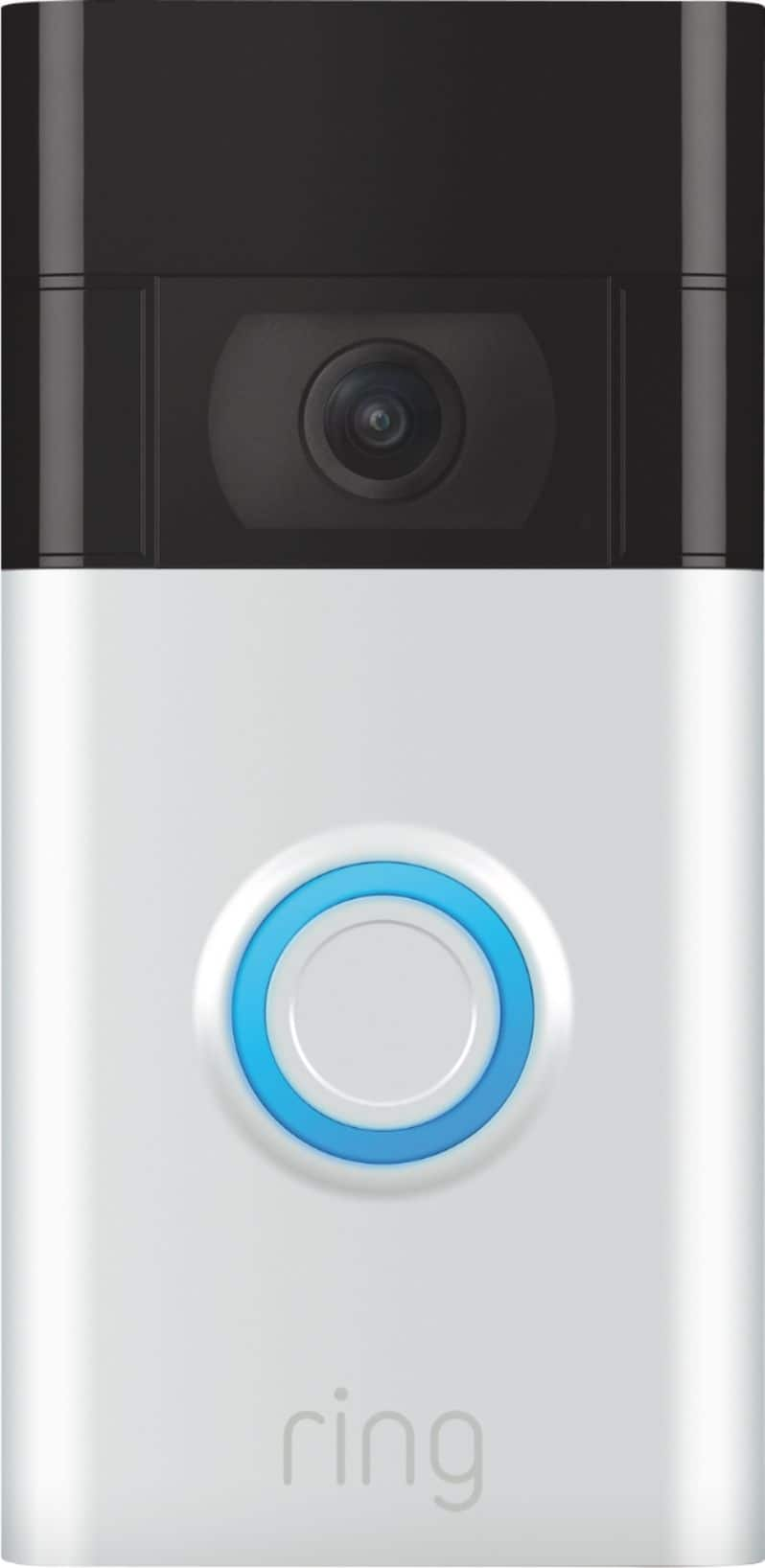
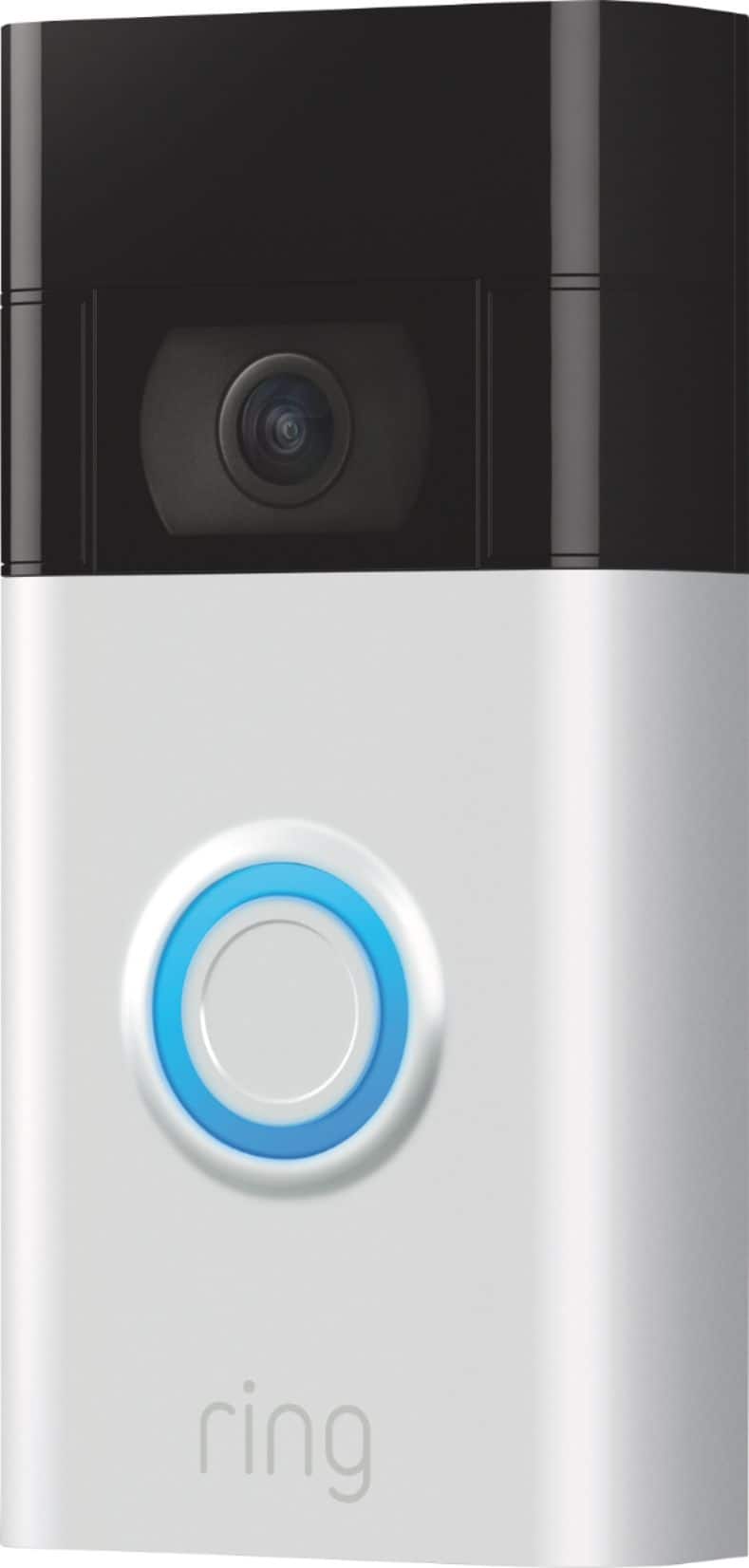
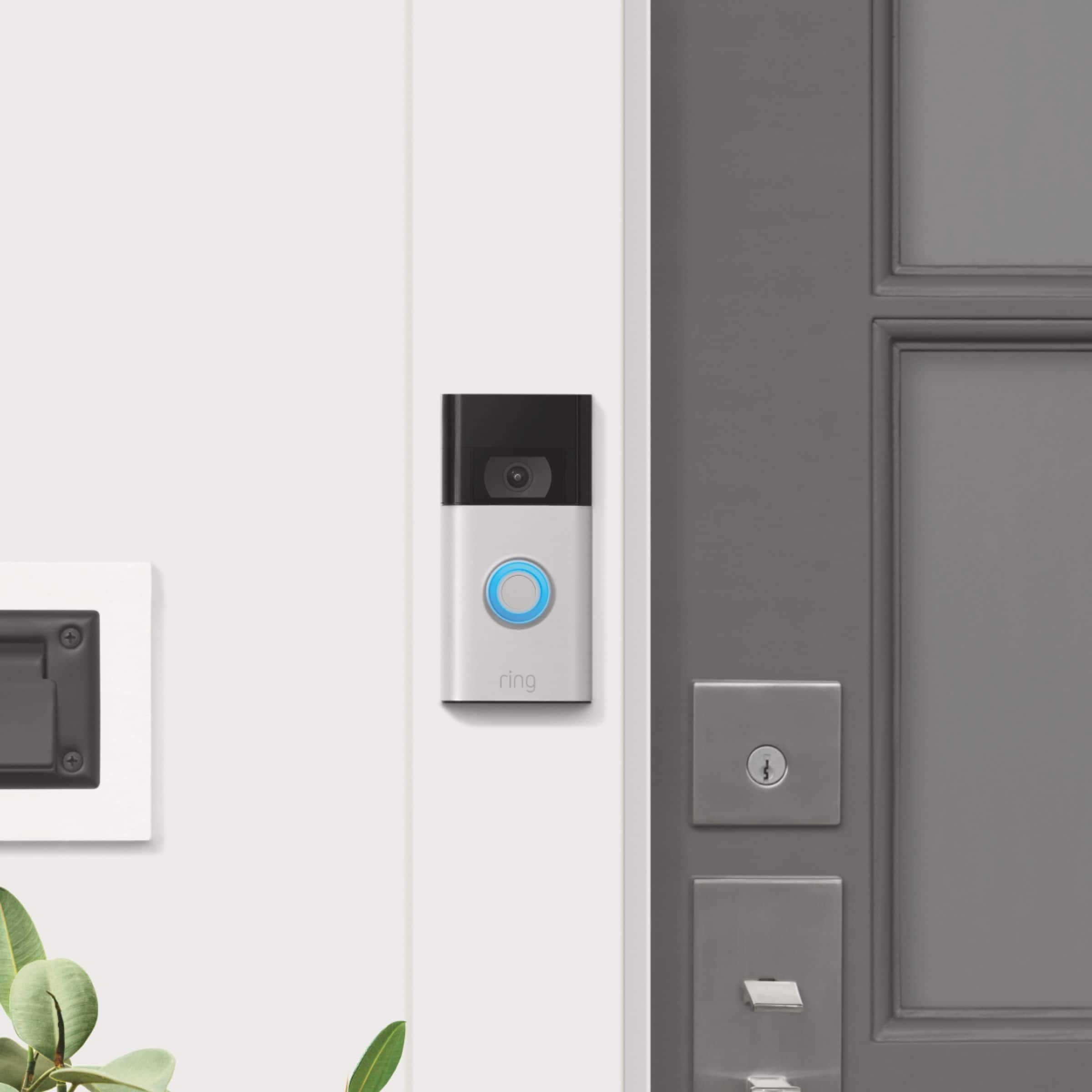



- Model:
- 8VRASZ-SEN0
- |
- SKU:
- 11457248
Q: QuestionIs the 2020 release waterproof
Asked by Bobfrnm2.
- A:Answer From my experience, absolutely, this storm we had this weekend had snow blowing on to my ring camera and covering it and it is fine and operational.
Answered by smalltownboy
Q: QuestionDoes it come in different colors? I need a white finish.
Asked by Will.
This question was asked about the related product: Ring - Video Doorbell - Satin Nickel
- A:Answer Hello Will, No, a white finish is not an option for this device. The available colors are Satin Nickel or Venetian Bronze. Ring does offer other doorbell models that have additional color and face plate options on our Ring Doorbell 2, 3, 3 Plus, and 4 models. The available colors are: Galaxy Black, Night Sky, Blue Metal, Blue Print, Ice Blue, Pearl White, Silver Metal, Gold Metal, Brushed Gold, Mustard, Light Burgundy, Cotton Blush, Firecracker, Ivy Leaf, Neon Purple, and Bright Turquoise. For any additional questions or concerns, please feel free to reach out on our community forum at https://community.ring.com/. Thanks, Alexis from Ring
Answered by Ring

Q: QuestionCan you talk to the person outside through your Ring app?
Asked by Cilla.
- A:Answer Hello Cilla, Yes, all Ring Doorbell and Security Camera devices have a two-way talk feature that allows you to speak with visitors at your home during an event or when initiating a live view. Here is a helpful article to review that details the steps to initiate the two-way talk feature: https://support.ring.com/hc/en-us/articles/208144516-Using-Live-View. For any additional questions or concerns, please feel free to reach out on our community forum at https://community.ring.com/. Thank you, Alexis with Ring
Answered by Ring
Q: QuestionRe model 8VRASZ-SEN0: Trying to set up--no orange button on back to press as per instructions. How to access? Is this model known as a gen 2, 2020 release?
Asked by cmwk.
This question was asked about the related product: Ring - Video Doorbell - Satin Nickel
- A:Answer Hello cmwk, The Ring Doorbell (2020 Release) should have the orange setup button on the back of the unit. Have you removed the mounting plate off the back? Do you possibly own another model number? It’s important to find out which model you have so that you get compatible products and successfully set up your unit. Here is a helpful article which aids in determining which Ring doorbell model you own: https://support.ring.com/hc/en-us/articles/360057317451-How-to-Find-Out-What-Ring-Doorbell-or-Security-Camera-You-Have-and-Get-the-Right-Accessories-. If you have already set up your doorbell or security camera in the Ring app, you can find the doorbell or security camera model by going to Device Health page of your app: Tap the three lines on the top left of the screen Tap Devices Select the doorbell or camera you want to learn about Tap Device Health Look for Device Details Your Product Name is under Device Details For any additional questions or concerns, please feel free to reach out on our community forum at https://community.ring.com/. Thank you, Alexis with Ring
Answered by Ring
Q: QuestionIs this product wireless
Asked by Hanna.
- A:Answer Hello Hanna, Yes, the Ring Doorbell (2020 Release) is wireless. It runs on a built-in, rechargeable battery. It can be hardwired to an existing doorbell system or transformer for continuous charging (8-24 VAC, 40VA max, 50/60Hz). For any additional questions or concerns, please feel free to reach out on our community forum at https://community.ring.com/. Thanks, Alexis with Ring
Answered by Ring
Q: QuestionDoes it come with batteries and if not, what kind of batteries are needed? Thank you!
Asked by Ddub.
This question was asked about the related product: Ring - Video Doorbell - Satin Nickel
- A:Answer Hello Ddub, Yes, The Ring Doorbell (2020 Release) runs on a built-in, rechargeable battery which does require unmounting and recharging via an included USB cord when the battery depletes. It can be hardwired to an existing doorbell system or transformer for continuous charging (8-24 VAC, 40VA max, 50/60Hz). For any additional questions or concerns, please feel free to reach out on our community forum at https://community.ring.com/. Thank you, Alexis with Ring
Answered by Ring
Q: QuestionIs an Alexa required to use this Ring Doorbell?
Asked by Kaybee.
This question was asked about the related product: Ring - Video Doorbell - Satin Nickel
- A:Answer Hello Kaybee, No, Amazon Alexa integration is optional with all Ring devices. Here is a helpful article to explain this integration in more detail: https://support.ring.com/hc/en-us/articles/115003247146-Integrating-Amazon-Alexa-supported-Devices-with-Ring-Devices. For any additional questions or concerns, please feel free to reach out on our community forum at https://community.ring.com/. Thanks, Alexis with Ring
Answered by Ring
Q: Questionif i wire it to my door bell will it also charge the battery ? THANKS
Asked by Anonymous.
This question was asked about the related product: Ring - Video Doorbell - Satin Nickel
- A:Answer Hello, Good question! A Ring Doorbell can also be connected to an existing mechanical or electronic doorbell that operates at a voltage between 8 volts AC and 24 volts AC. Once connected, pressing the button on your Ring Doorbell will trigger your existing chime. The wiring from your existing doorbell will charge the battery in the Ring Video Doorbell, so with normal use your battery will stay charged. Here is more information about installing your new device to your home's wiring: https://support.ring.com/hc/en-us/articles/360041352731-How-to-Physically-Install-Your-Ring-Video-Doorbell-2020-release-With-an-Existing-Doorbell. For any additional questions or concerns, please feel free to reach out on our community forum at https://community.ring.com/. Thanks, Alexis with Ring
Answered by Ring
Q: QuestionWill the rain affect it in any way?
Asked by MsKim2020.
- A:Answer Hello MsKim, The Ring Video Doorbell is weather resistant and able to withstand temperatures of -5ºF to 120ºF (-20ºC to 48ºC). For any additional questions or concerns, please feel free to reach out on our community forum at https://community.ring.com/. Thank you, Alexis with Ring
Answered by Ring
Q: QuestionWill the video function, if I don't have to pay any service fee?
Asked by Anonymous.
This question was asked about the related product: Ring - Video Doorbell - Satin Nickel
- A:Answer Hello, Great question! Yes, the Ring Video Doorbell will alert you of motion and will allow you to live view without the Ring Protect Plan. If you have any further questions, please visit our community forum at https://community.ring.com/, for some additional tips and support. We look forward to hearing from you. -All the Best, Jamila at Ring
Answered by Ring
Q: QuestionHow do you separate the bracket from the doorbell mine came attached and I can’t access the orange button or at least I believe so I have a third-generation bronze Trying to get it set up. Thank you
Asked by Kory.
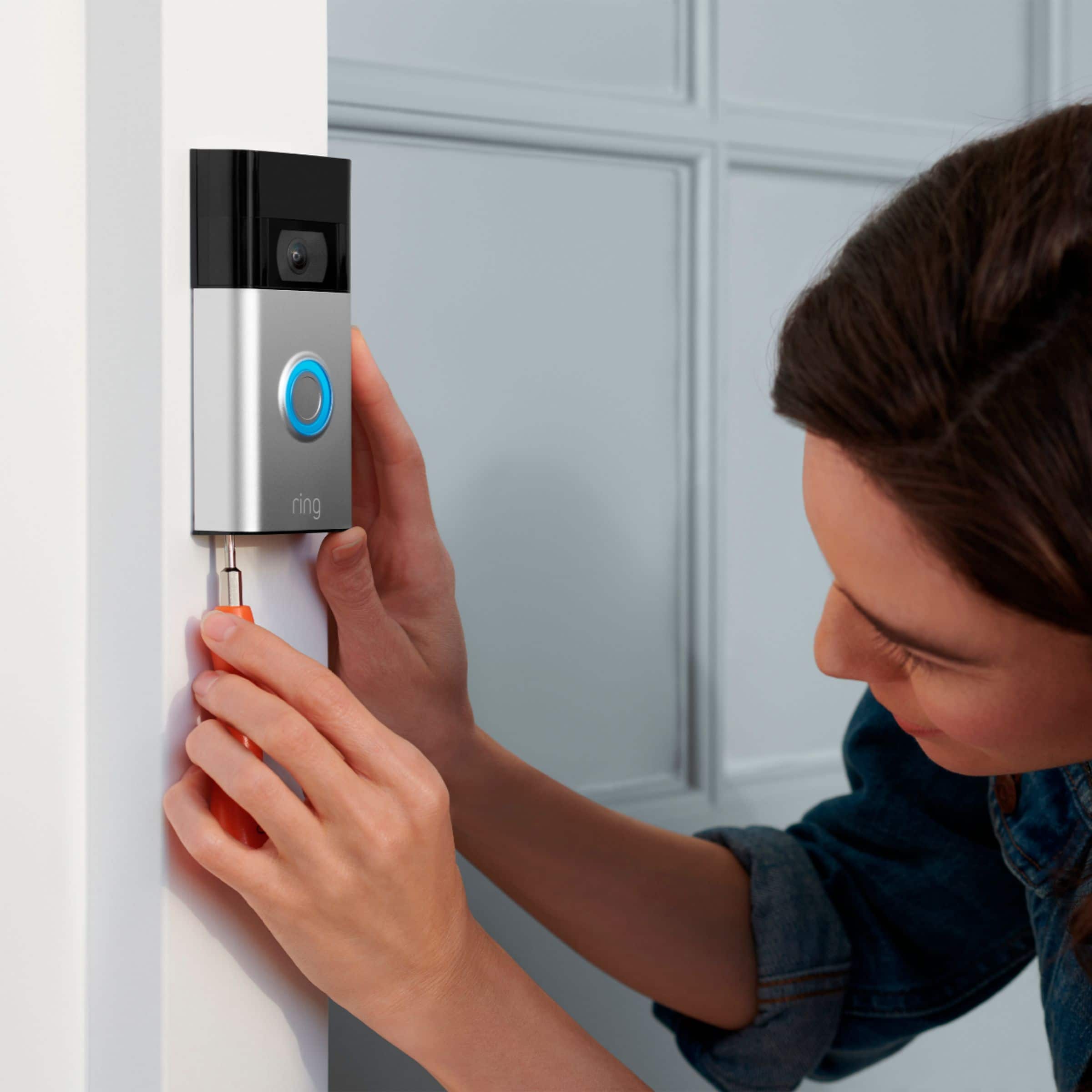
- A:Answer Hi Kory, Great question! Yes, you will need to remove the bracket in order to access the set-up button on the Ring Video Doorbell (2020 release). To remove the bracket, remove the security screws on the base of the doorbell and lift the doorbell up and away from the mounting bracket. For more information on your new Ring Video Doorbell (2020 release), visit our support center: https://support.ring.com/hc/en-us/articles/360040763332-Welcome-to-Your-New-Ring-Video-Doorbell-2020-release-. Ring Community launched in March 2019 to help deliver the most current news and educational information to our neighbors. It is our first peer-to-peer community forum, giving our customers the ability to help one another and share their feedback/experiences with Ring. Please reach out at https://community.ring.com/ if any additional information is needed regarding your concern. All the Best, Nicole with Ring
Answered by Ring
Q: QuestionIs there a limit of phones that can connect to a ring device
Asked by Str8edgeviper.
This question was asked about the related product: Ring - Video Doorbell - Satin Nickel
- A:Answer Hello Str8edgeviper, Great question! No, there is not a limit of phones that can be connected to the Ring App. If you have any further questions, please visit our community forum at https://community.ring.com/, for some additional tips and support. We look forward to hearing from you. -All the Best, Jamila at Ring
Answered by Ring
Q: QuestionDo you need a battery if you contact it to the original wires?
Asked by Sissydog.
- A:Answer Hi Sissydog, Great question! No, you do not need an additional battery. The Ring Video Doorbell (2020 Release) contains a built-in, rechargeable battery. If you hardwire your battery-operated Ring Video Doorbell, the charge from the hardwiring supplies a trickle charge to the battery. Visit our support center for additional information on hardwiring your device: https://support.ring.com/hc/en-us/articles/204252980-Charging-your-Ring-Video-Doorbell-battery-with-hardwiring. You can also visit the Ring Community. It launched in March 2019 to help deliver the most current news and educational information to our customers. You can find tips and tricks from other Ring users at https://community.ring.com/. This peer-to-peer forum allows our neighbors to share their feedback and experiences to assist each other in resolving their concerns. All the Best, Nicole with Ring
Answered by Ring
Q: Questiondo they come with a battery
Asked by mmmmm.
This question was asked about the related product: Ring - Video Doorbell - Satin Nickel
- A:Answer Hi mmmmm, Good question! Yes, the Ring Video Doorbell (2020 release) comes with an internal battery to power the device. The Video Doorbell (2020 release) battery is charged using a common micro-USB cable (an orange one is included in your Ring box). The micro-USB cable can be plugged into any USB power source such as a computer. Your battery will take around five to eight hours to fully charge, depending on whether the USB cable is plugged into a USB port or into a wall outlet. For more information, visit our support center: https://support.ring.com/hc/en-us/articles/360040764472-Charging-the-Battery-on-Your-Ring-Video-Doorbell-2020-release-. Ring Community launched in March 2019 to help deliver the most current news and educational information to our customers. You can find tips and tricks from other Ring users at https://community.ring.com/. This peer-to-peer forum allows our neighbors to share their feedback and experiences to assist each other in resolving their concerns. All the Best, Nicole with Ring
Answered by Ring
Q: QuestionDoes this attach well to a stucco wall?
Asked by MTSP.
- A:Answer Included hardware allows attaching to stucco wall.
Answered by Gaf305
Q: QuestionCan the ring be wired directly to 120v?
Asked by Mdot.
This question was asked about the related product: Ring - Video Doorbell - Satin Nickel
- A:Answer Hi Mdot, Good question! No, the Ring Video Doorbell (2020 release) should not be wired to 120v. The Ring Video Doorbell (2020 release) runs on a built-in, rechargeable battery and can be hardwired to an existing doorbell system or transformer for continuous charging (8-24 VAC, 40VA max, 50/60Hz). Physically installing your Ring Video Doorbell (2020 release) with an existing doorbell is a simple process, visit our support center for more information: https://support.ring.com/hc/en-us/articles/360041352731-How-to-Physically-Install-Your-Ring-Video-Doorbell-2020-release-With-an-Existing-Doorbell. Ring Community is our first peer-to-peer community forum, giving our customers the ability to help one another and share their feedback/experiences with Ring. We invite you to reach out at https://community.ring.com/ if any additional information is needed regarding your installation concern. All the Best, Nicole with Ring
Answered by Ring
Q: QuestionCan these be used with no internet at home?
Asked by Sb1215.
- A:Answer Hello Sb1215, Thanks for asking! No, the Ring Video Doorbell (2020 release) cannot be used without wifi. The Ring Video Doorbell (2020 release) is a wifi doorbell with 2.4 GHz connectivity. We recommend a minimum upload speed of 2 Mbps per device. Our support center has a lot of helpful information about the Ring Video Doorbell (2020 release): https://support.ring.com/hc/en-us/articles/360041190711-Ring-Video-Doorbell-2020-release-Information. Ring Community launched in March 2019 to help deliver the most current news and educational information to our customers. You can find tips and tricks from other Ring users at https://community.ring.com/. This peer-to-peer forum allows our neighbors to share their feedback and experiences to assist each other in resolving their concerns. All the Best, Nicole with Ring
Answered by Ring
Q: Questioncan it be use with an android phone?
Asked by jea.
This question was asked about the related product: Ring - Video Doorbell - Satin Nickel
- A:Answer Hello jea, Yes, the Ring app is free, but you may need your username and password for your device's store page to download the app. Our app is compatible with Android 5.0 or newer operating systems. Here is more information on how to download the app and get it installed on your Android: https://support.ring.com/hc/en-us/articles/204384784-Downloading-and-Updating-the-Ring-App. For any additional questions or concerns, please feel free to reach out on our community forum at https://community.ring.com/. Thanks, Alexis with Ring
Answered by Ring
Q: QuestionDoes this use a SD card for storage
Asked by Top.
This question was asked about the related product: Ring - Video Doorbell - Satin Nickel
- A:Answer Hello Top, Good question! No, the Ring Video Doorbell (2020 release) does not use an SD card for video storage. With a Ring Protect plan, you can record videos from your Ring Video Doorbell (2020 release). A Ring Protect Plan is an optional subscription that gives you access to paid features for Ring devices such as doorbells, cameras, and alarms. With a Ring Protect plan, you can save, review, and share video recordings from your Ring devices to your Ring account. Without a Ring Protect Plan, you can still view real-time video for Ring doorbells and cameras and answer doorbell notifications when they happen, but you don’t get video recordings of those events. Visit our support center for more information: https://support.ring.com/hc/en-us/articles/115001671383-General-Information-on-Ring-Protect-Subscription-Plans. For any additional questions or concerns, please feel free to reach out on our community forum at https://community.ring.com/. We look forward to hearing from you soon! All the Best, Nicole with Ring
Answered by Ring
Q: QuestionThinking of buying one for the front and back door, how would that work with notifications?
Asked by Denise.
This question was asked about the related product: Ring - Video Doorbell - Satin Nickel
- A:Answer No
Answered by Shorty