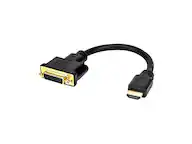
A:AnswerIt doesn’t work for that. Did the same thing. It’s aftually only $20 on amazon also...
I have 2 ports on my comp, but needed 3 so I just got a dongle for an extra and now have 2 monitors in addition to laptop screen.
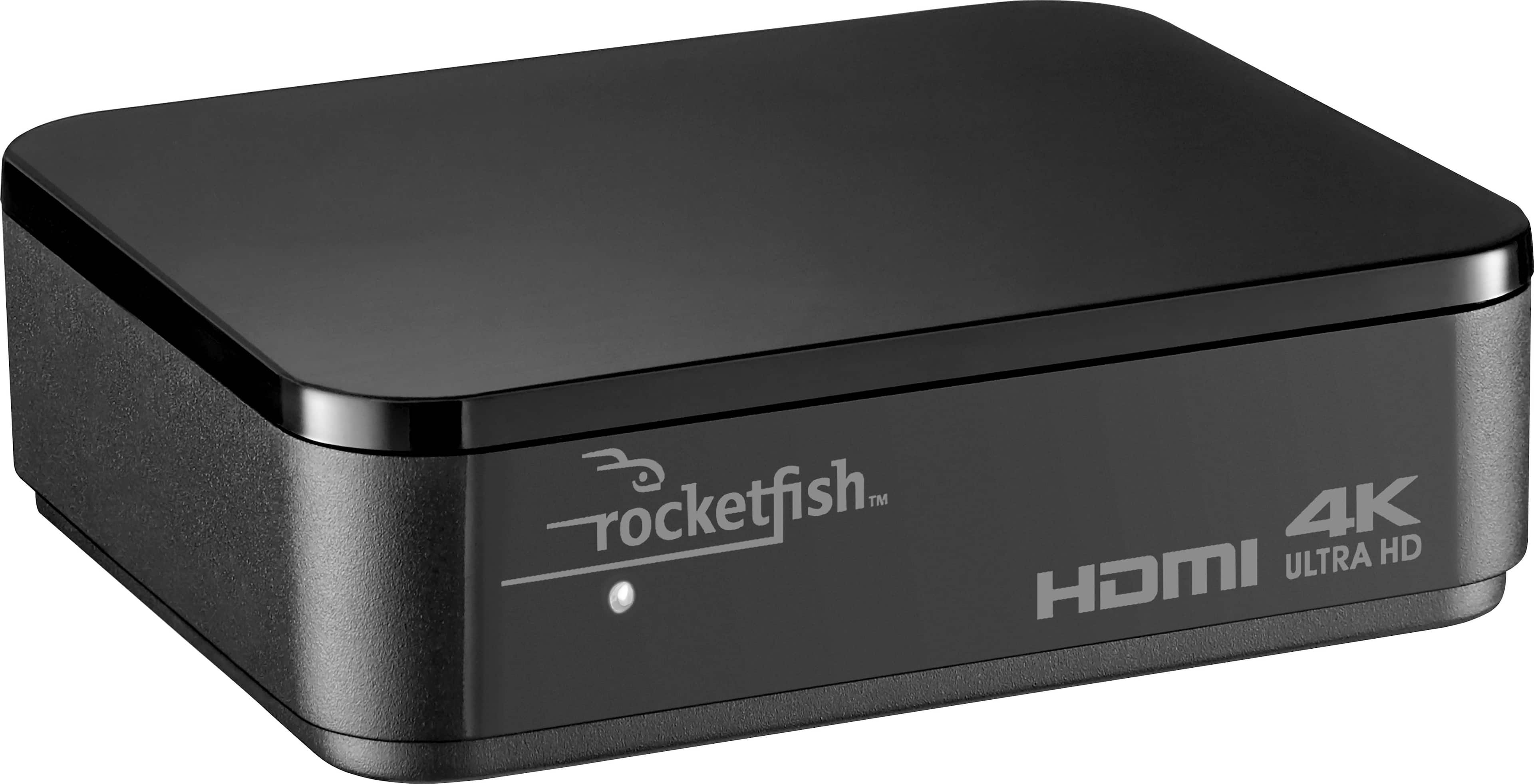
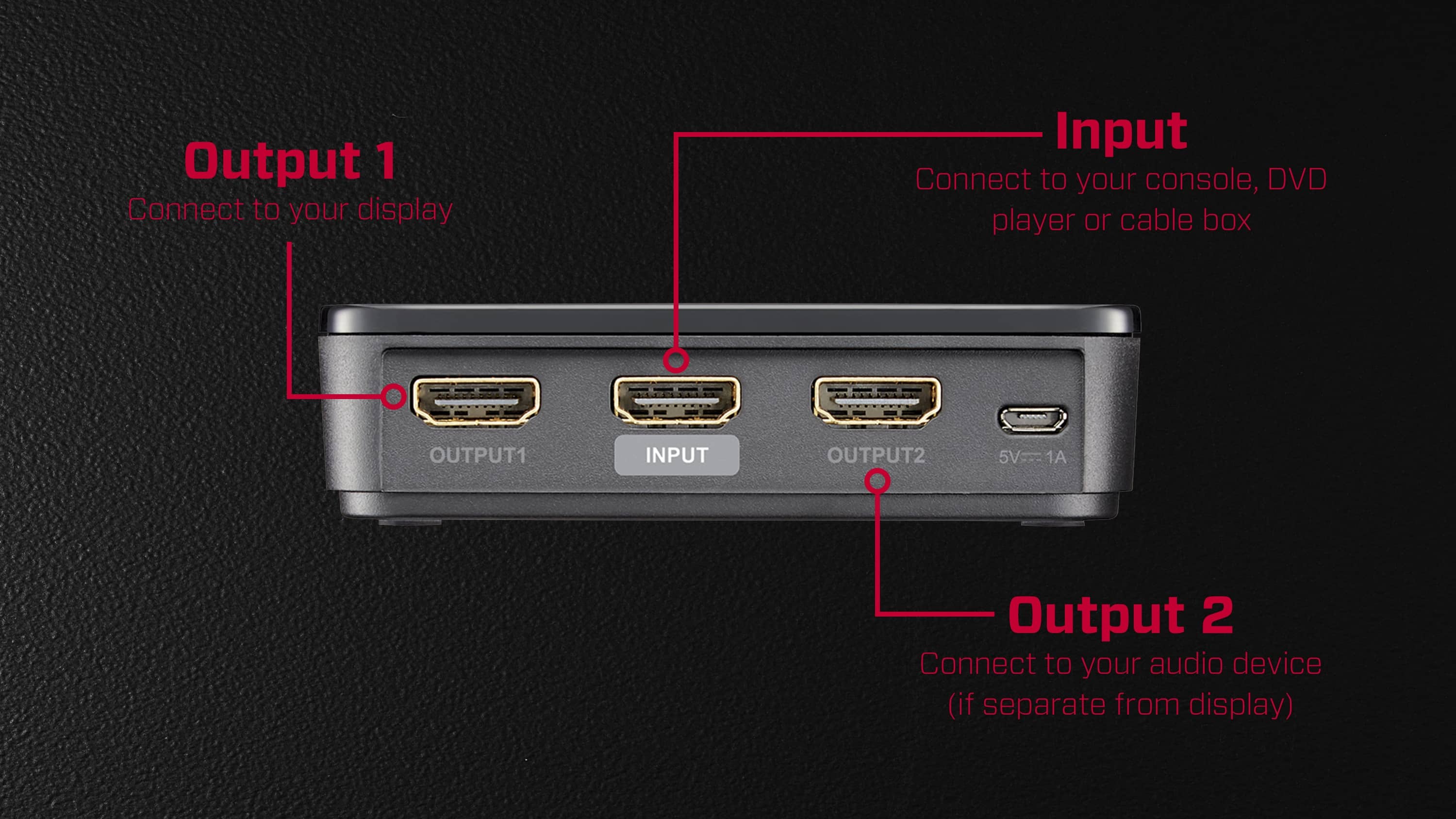
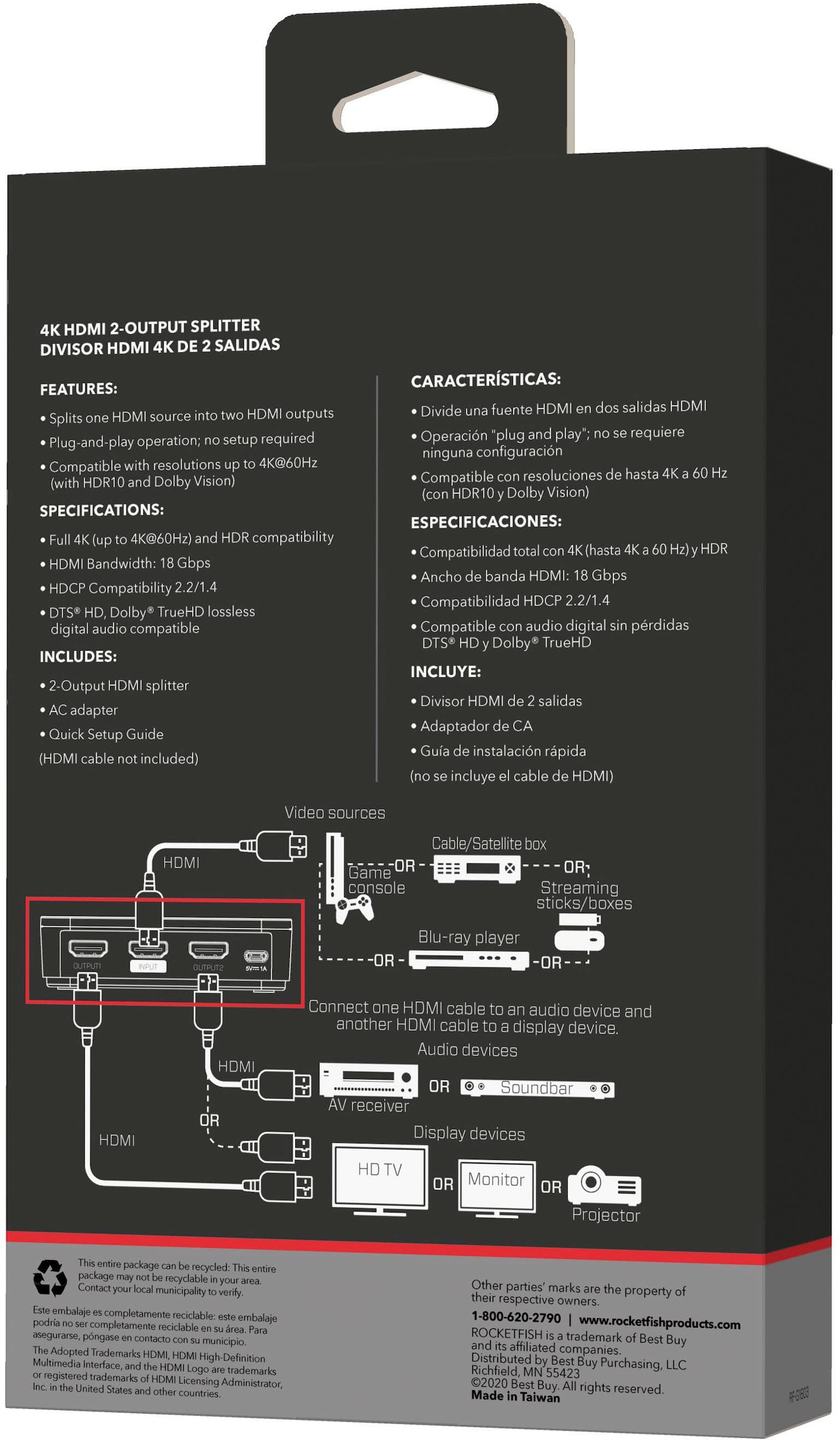
A:AnswerIf you mean display different content as “expand” - I don’t believe so. This splitter takes in only a single HDMI source. It does work great to mirror signal to two displays though.
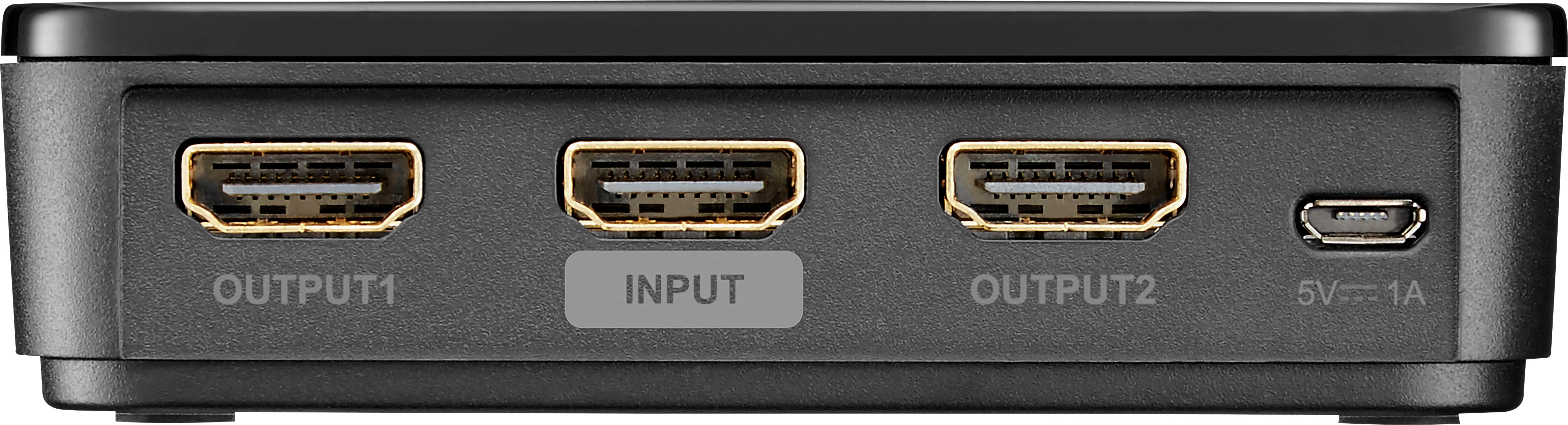
A:AnswerYes, you could plug the HDMI streaming stick into the input of this device and then send the signal to a DVR and a TV using the two HDMI outputs.
A:AnswerI have used with only 1 of the TV's on (either one of the 2 no issues).
I have also had 1 TV on for awhile and then turn on 2nd - no issues there either.
Of course have had both on at same time - again no issues.
Hope this helps
A:AnswerI have found my software will do this. I will set it up using the settings and reply back. Both the monitor and the tv work properly. Splitter is working.
A:AnswerI have more be hooked up to a wireless box from direct tv. Sending the same signal to 2 tv’s. They are connected with a 25’ hdmi cord. No signal loss. They run in perfect unison.
A:AnswerI would expect this won't work. Because of the copy protections built into HDMI, it isn't supposed to pass through to a recording device. It's only intended to send signals to output devices such as a television.
A:AnswerI believe so, though this will depend more on your cables than anything else. I push 1440p at 144Hz, so theoretically the data rates should be the same.As for distance, that will also depend on the quality of your cables. I would be pretty confident in saying 10-15ft provided the cable going into the splitter wasn't 15ft+