A:AnswerIf the question about ethernet port? If so the new Roku Streambar doesn't have a built in ethernet port, but it will support a USB to Ethernet Adapter at launch. We will have more information at Roku.com closer to launch
A:AnswerManny, AirPlay 2 will not be available at launch and there isn't an exact date yet. OS 9.4 started rolling out this week. Apple AirPlay 2 and HomeKit – Later this year, we’re expecting to deliver Apple AirPlay 2 and HomeKit capabilities on select 4K Roku devices. With AirPlay 2, you can stream, control, and share your favorite content directly from your iPhone, iPad, or Mac to your Roku device and bring the experience to the big screen. HomeKit allows you to easily and securely control your Roku device using the Home app and Siri on iPhone, iPad, Mac, Apple Watch, or HomePod.
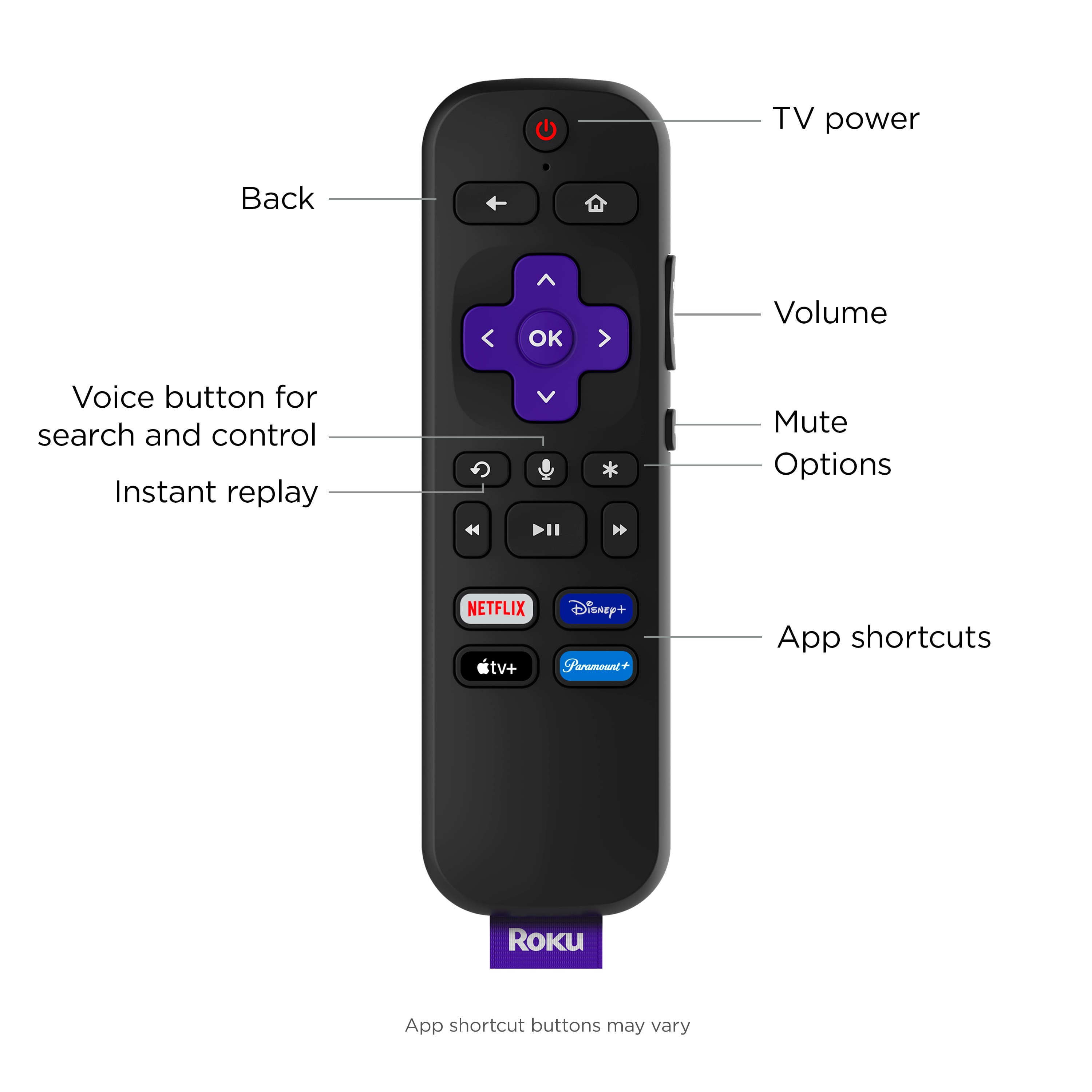
A:AnswerGood morning, the Roku Streambar will ship with the Voice Remote with TV Controls. So this version of the remote will not include the headphone jack. You can use headphones through the Roku Mobile App and your phone though.
A:AnswerClarification Please!
So, this Roku bar, connected to a non-Roku TV, will be able to turn the TV on/off simply through the Roku app on my phone? ...this is functionality that all regular Roku-branded TVs have already.
A:AnswerHello, WhynoEthernetport. The Roku Ultra does already have an ethernet port built in! As for the Express 4K, Express 4K+, and the Roku Streambar you can purchase a separate adapter for the ethernet port.
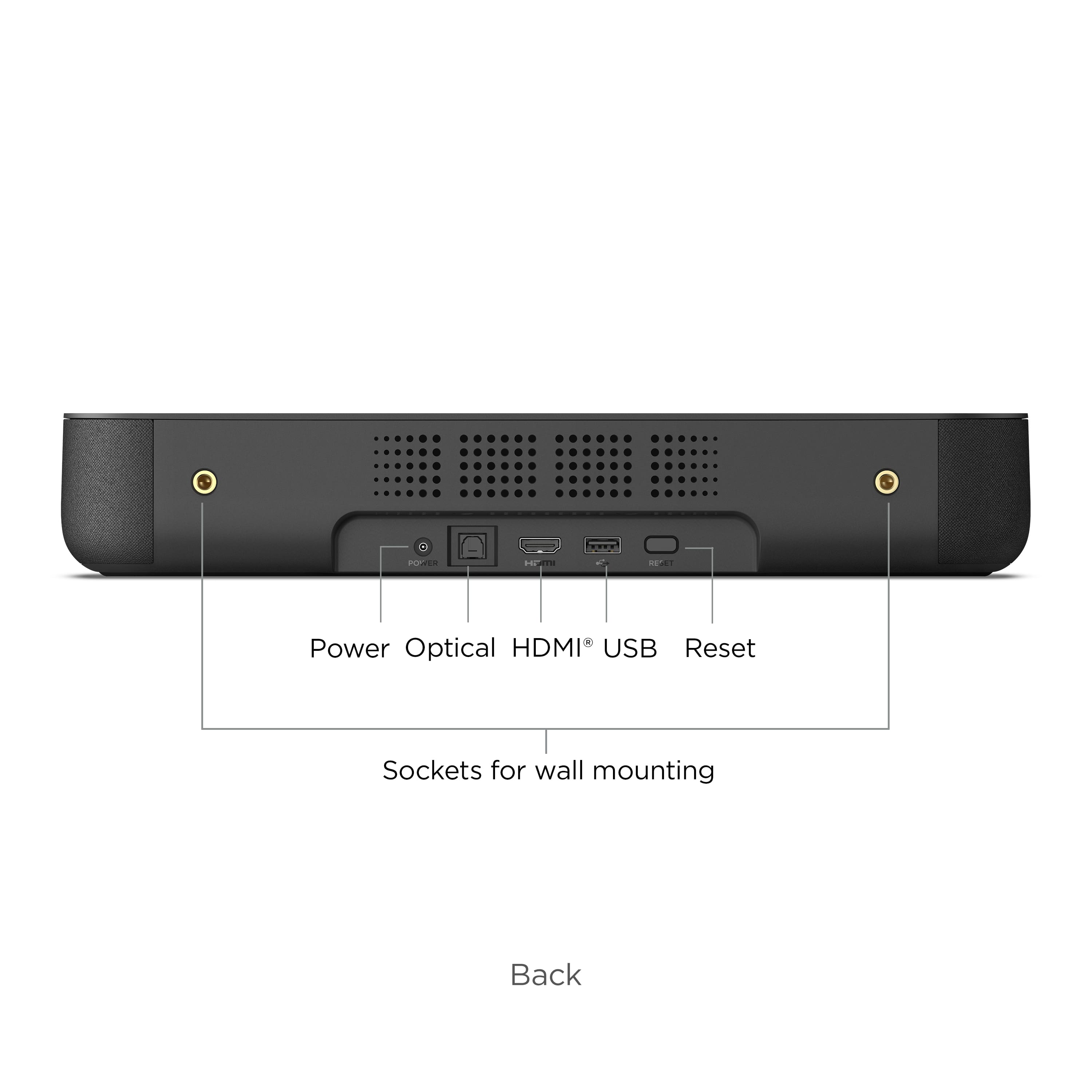
A:AnswerHi, OgreMHDW ! The Roku Streambar has the following ports; Power, HDMI 2.0a (ARC), Optical Input (S/PDIF Digital Audio) and USB 2.0. You can view an image of the back of the Roku Streambar via the product page at https://www.roku.com/products/audio/roku-streambar
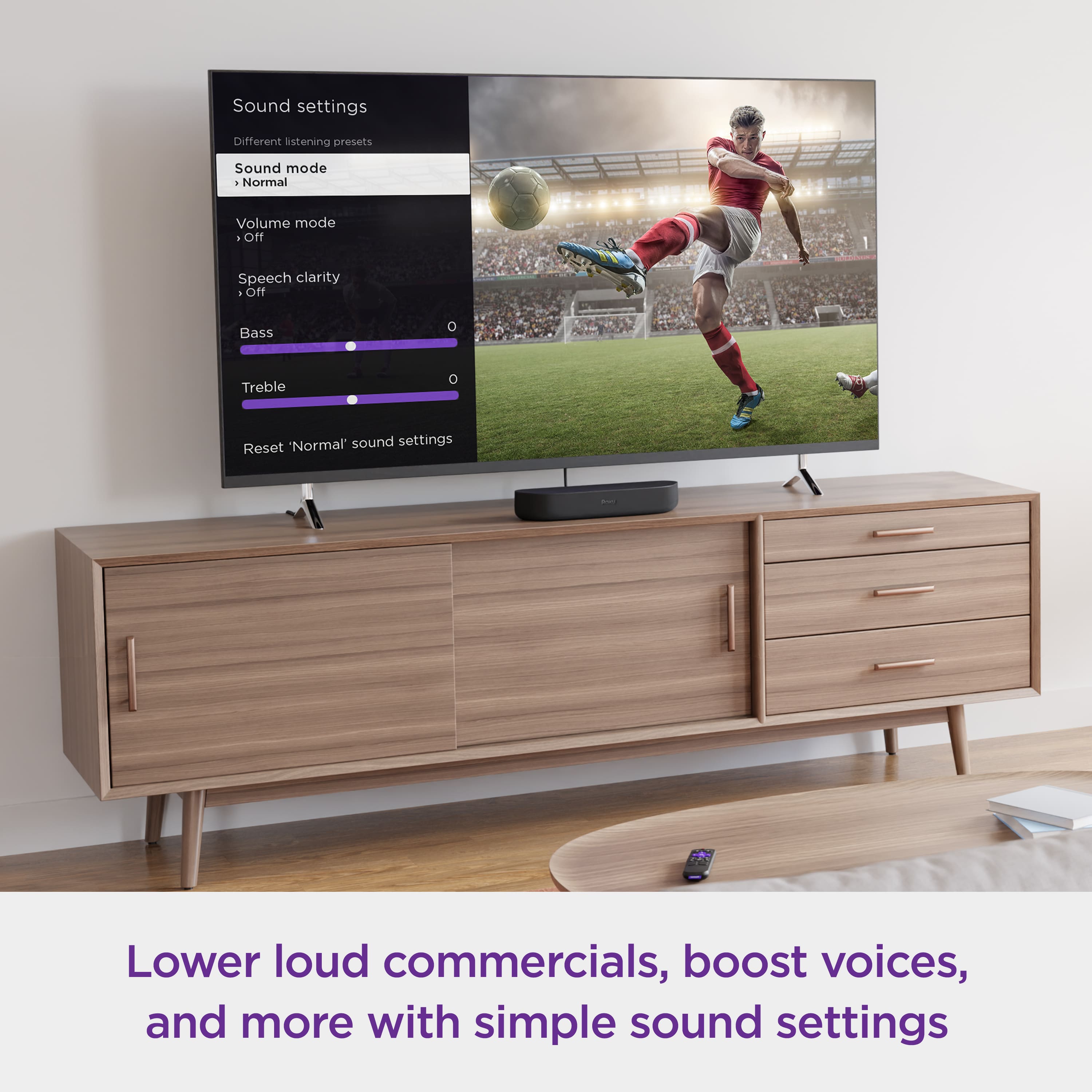
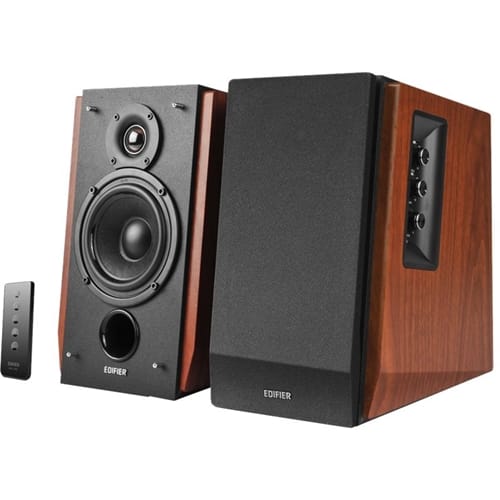
A:AnswerYou can but you'd be better off with some budget active speakers. Better sound for the same money. If the levelling and clarity features work at all they only do so through Roku streaming and not any other input.
A:AnswerHi Cal! The Streambar is designed to use a wireless internet connection. For those who prefer a wired connection, ethernet connections are supported on this device via an adapter (sold separately). Learn more about supported adapters here: https://support.roku.com/article/360058027813.
A:AnswerHi Roscoe! Your Roku Smart Soundbar features ¼” (6.35 mm) 20-threaded mounting sockets for compatibility with a wide range of mounting solutions. These sockets fit standard ¼” (6.35 mm) 20-threaded screws, 0.39” (10 mm) in length. These are commonly included with universal mounting kits, or they can typically be purchased from most hardware stores. Any solution you choose must safely support the weight of your Streambar or soundbar. Confirm that your chosen hardware is designed to support a minimum of 5.5 lbs. (2.49 kg). For more on how to best mount your Roku Smart Soundbar, check out https://support.roku.com/article/360037491573.
A:AnswerHi! By purchasing the Roku streambar it would be replacing your current Roku stick Plus. The streambar has Roku's platform already integrated. And as for the sound the streambar will take over the Tvs sound and just use the streambar sound for anything being played on the Tv.
A:AnswerHi! Roku gives you access to over 10,000 apps delivering thousands of movies and shows for you to enjoy. There are tons you can access using your cable provider credentials, or if you are one of many who have completely cut the cord there is a wide variety of free and subscription-based apps to enjoy as well. For more on how it works and how to watch your favorite content, check out: https://www.roku.com/how-it-works/stream-and-save
A:AnswerHi! Roku offers many ways in which you can watch local news and other channels with or without a cable provider. For more information on how, check out: https://blog.roku.com/how-to-watch-local-channels-news-and-weather-on-your-roku-player-and-roku-tv
A:AnswerNo, the optical is for receiving audio signals, not for sending them. In fact that is how my stream bar obtains the audio signal for my guest room TV. I have not tried connecting other speakers, but have read in some reviews that only Roku Bluetooth speakers can be connected to the stream bar. If the intent is to play audio through a receiver, there is a better way. I have other streaming devices, Roku ultra and AppleTV connected directly to my receiver and from my receiver to the TV in the main viewing room. This design works flawlessly and allows you to use any streaming device, from the lowest priced Roku, Amazon or Google streaming sticks to the most expensive and they all work great through the receiver.
A:AnswerReally? How are you going to plug it in? And attach it to the internet? I don’t know where you hunt for deer but in my state you must be QUIET! If this is a joke then you just wasted my time.
A:AnswerThe Roku Streambar uses a universal mounting bracket that is located on the back of the Streambar.
Two M6 x 8 mm threaded mounting sockets
Mounting hardware sold separately
You can find more information here: https://www.roku.com/products/audio/roku-streambar