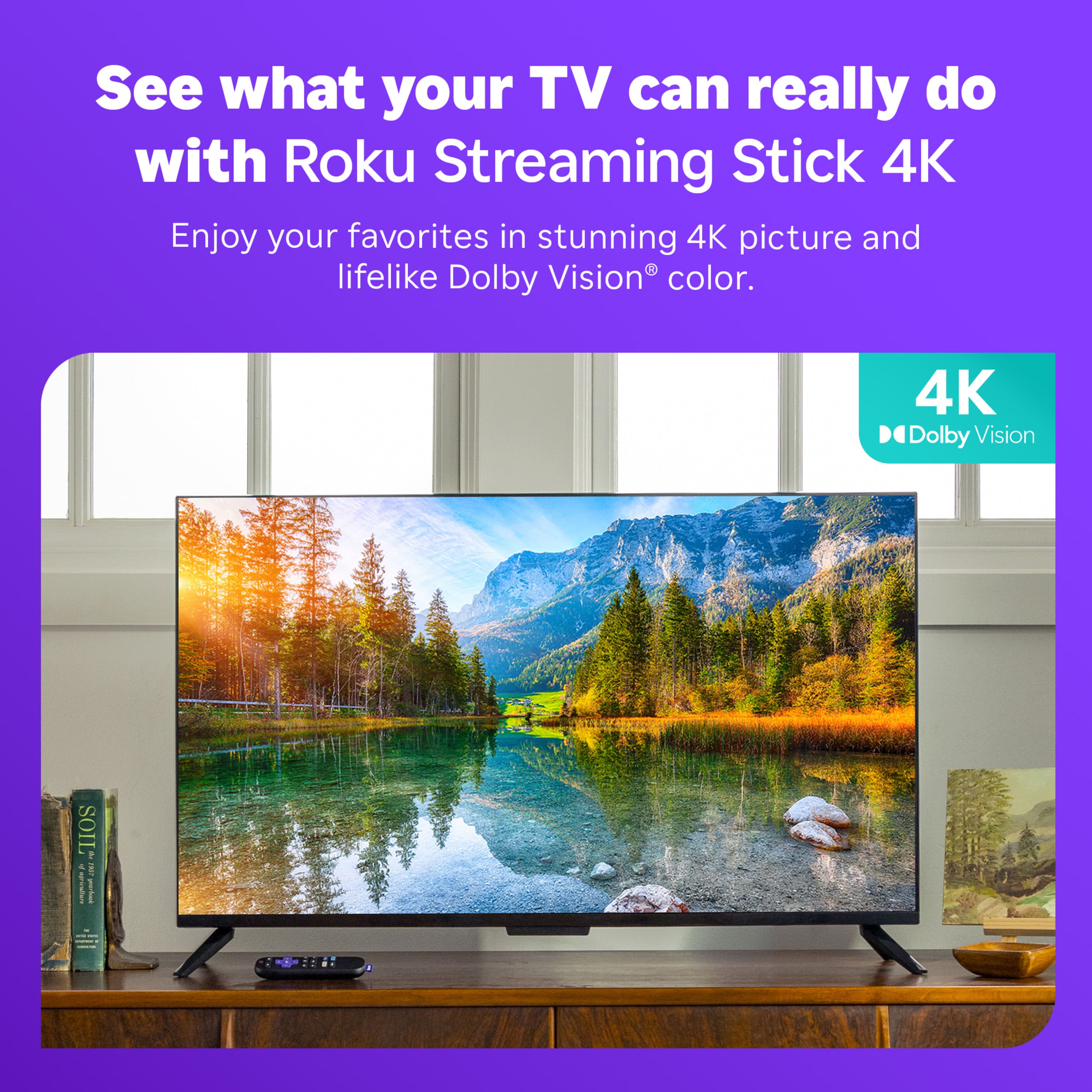
A:AnswerHello Peter, In short no. Although the device streams in 4K and your TV may be 4K if the content is not 4K then it will be upscaled to 4K which is not the same as watching 4K content. this article may help with explaining. https://www.digitaltrends.com/home-theater/everything-you-need-to-know-about-4k-ultra-hd/#:~:text=factor%20at%20present.-,Can%204K%20Ultra%20HD%20TVs%20play%20Full%20HD%20(1080p)%20content,first%20has%20to%20be%20upscaled.
A:AnswerYou should be able to pair the Roku stick to any internet wifi service you have access to. Make sure your login and password information are correct including capitalization/lower case letters. It should auto connect once input correctly.
A:AnswerI get Bally sports with my Roku stick. You have to pay for the subscription to Bally and then you can get it on your Roku stick. And it's fantastic. And with this Roku stick you can get other things as well. I bought the basic 39 dollar one and I'm happy with it
A:AnswerHello Ah! Yes, you can download Spectrum on your Roku device! If you are ever curious what Roku has to offer here is a link to our Roku channel store. https://channelstore.roku.com/search
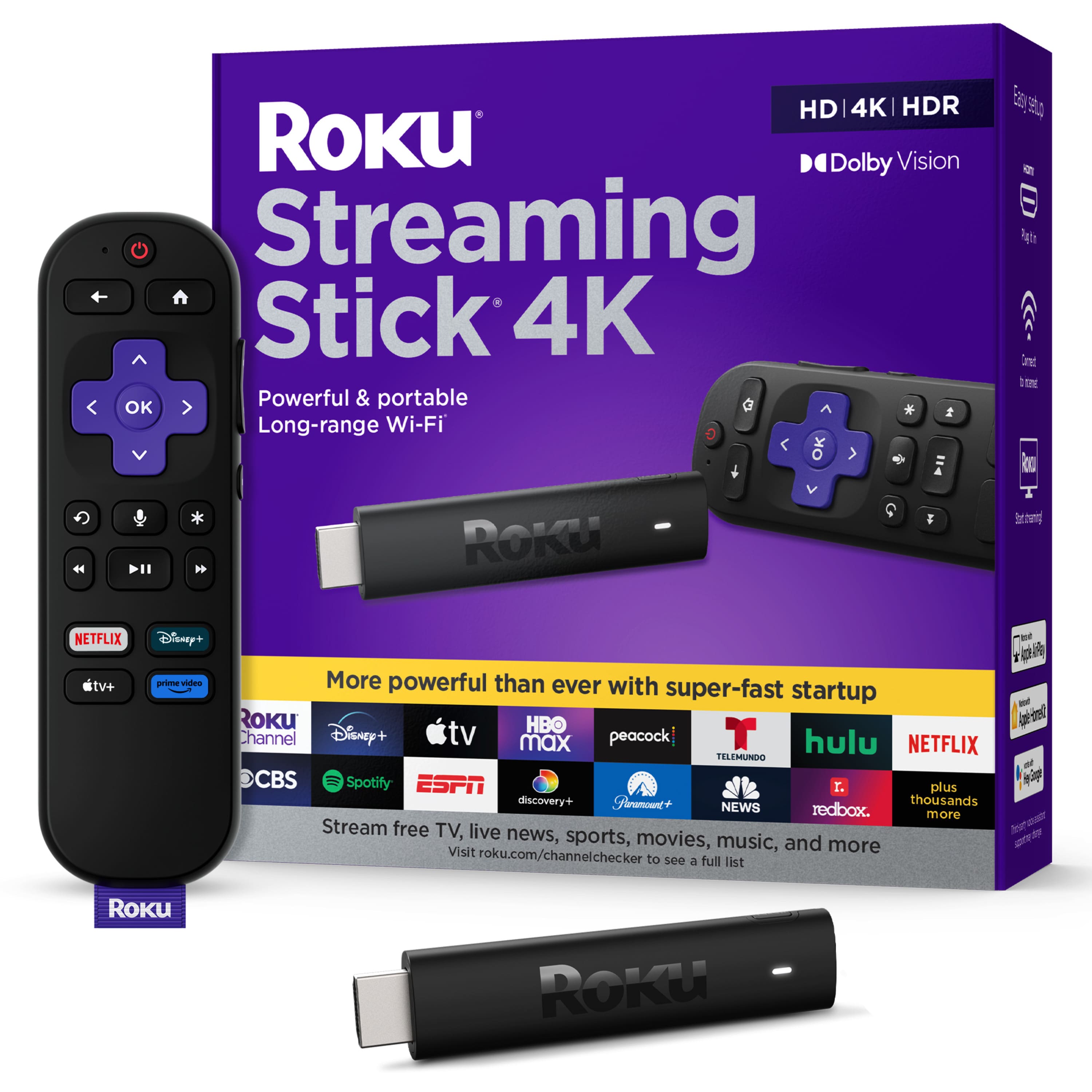
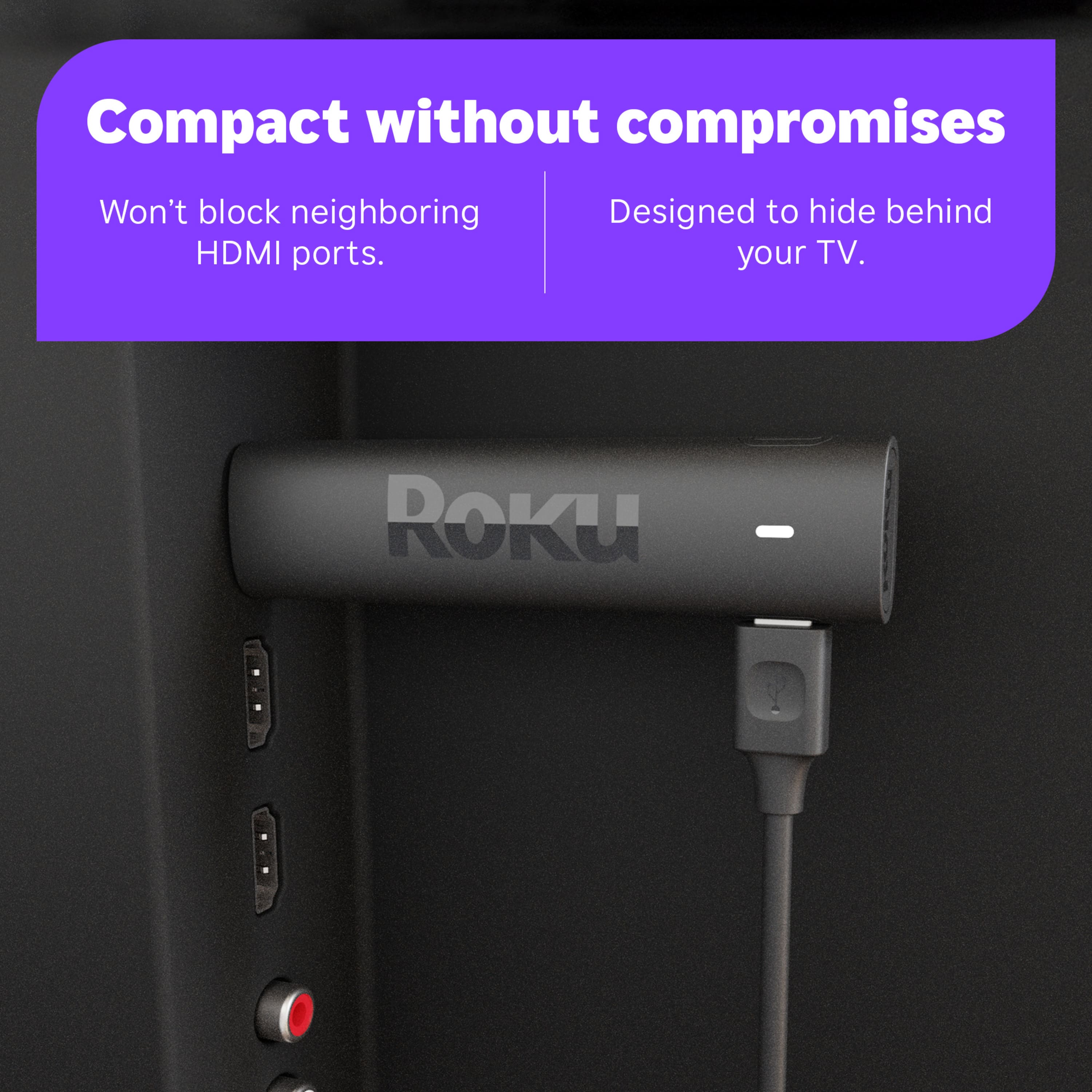
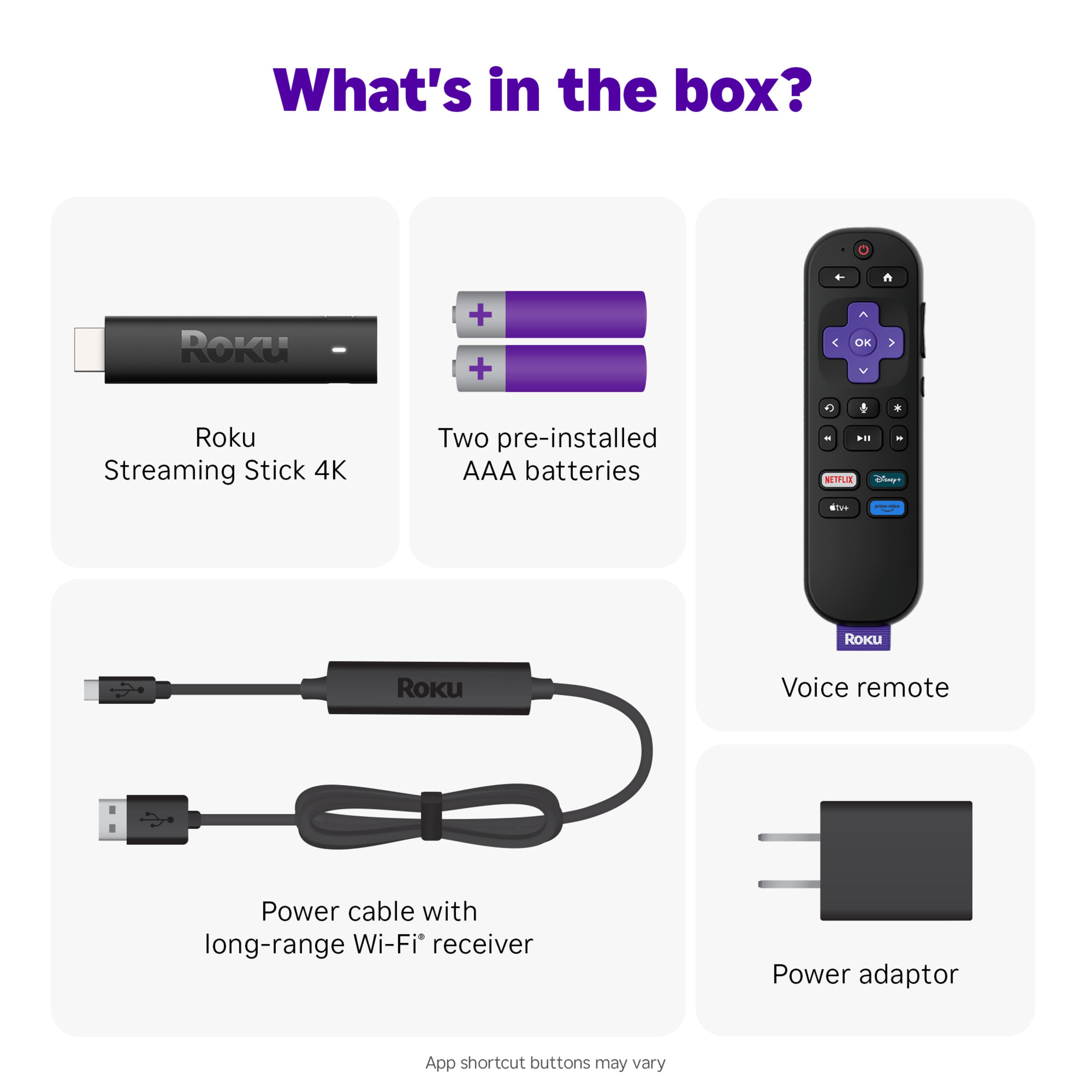
A:AnswerHello Martex, Roku and Firestick are both streaming devices that for the most part offer the same apps with a small amount only being on one or the other. Roku does have the most apps of any smart platform. Our platform is also much easier to use with our simple layout and has less ads stopping you from getting to the content you want to see. As for installing the device it’s as simple as plugging into the HDMI port, connecting the USB power adapter, turn you tv on to the input you put the Roku device on, sign in to your WiFi, enter your email, and then you can download and sign in to any app you’d like.
A:AnswerPersonally I wouldn't waste any more time trying to make that one work. I would take it back to Best Buy and tell them what happened. Ask them to replace it for you
A:AnswerYes, all my tv’s were older and the Roku allowed me to connect to the streaming app that I wanted to use. I liked YouTube TV and I could not get it until I installed the Roku.
A:AnswerDid you plug the stick into the back of the tv? You also need to plug it into the wall for power. I hope you can find someone who can help you with this. If you bought it at Best Buy Best Buy should be able to help you with it, please reach out to them for help because I want you to be able to watch tv.
A:AnswerI found the answer. Yes the TV USB does power the Roku but the TV HAS TO BE ON first to power the Roku. So I bought a 6 ft USB extension cable. So now if I press Home on the Roku, it wakes up the TV as well.