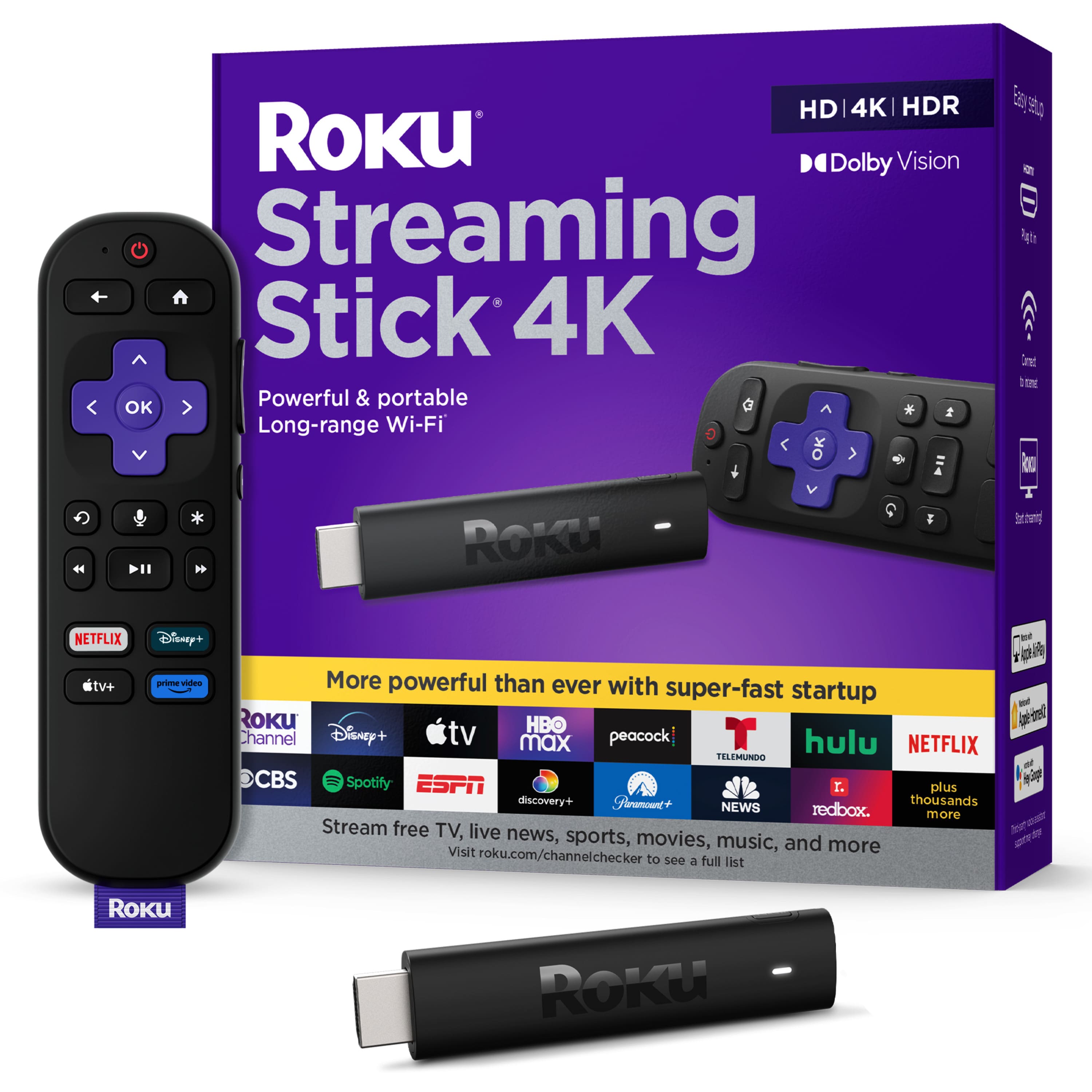
A:AnswerHey, Molly61! I'm not entirely sure what you mean by "will this work on Verizon" if you are referring to a hotspot, We don't typically recommend using mobile hotspot connections for streaming, but rather recommend the use of a home wireless network if available. The Streaming Stick 4K will turn your TV into a smart TV. Roku streaming players and Roku TVs need Internet access to stream content. They use wireless to connect to your home network, or you can choose a model that offers a wired Ethernet connector. Roku devices perform well with most home broadband services (DSL or cable internet). Shows streamed in higher picture quality formats like 4K or HDR require higher internet speeds. (For specific requirements, check with your channel providers.) We don't recommend using mobile hotspots as they aren’t usually as reliable as home broadband.
A:AnswerHello John! Both Fox Nation and Blaze TV are available on the Roku Streaming Platform regardless if it is a Roku device like the Roku Streaming Stick or a Roku TV. As always, you can browse our Roku Channel Store at https://channelstore.roku.com/browse
A:AnswerHi, Steve! Yes, you can use your computer monitor, in order to use a Roku streaming device with a monitor, it must have have internal speakers or a headphone input, as well as an HDMI input
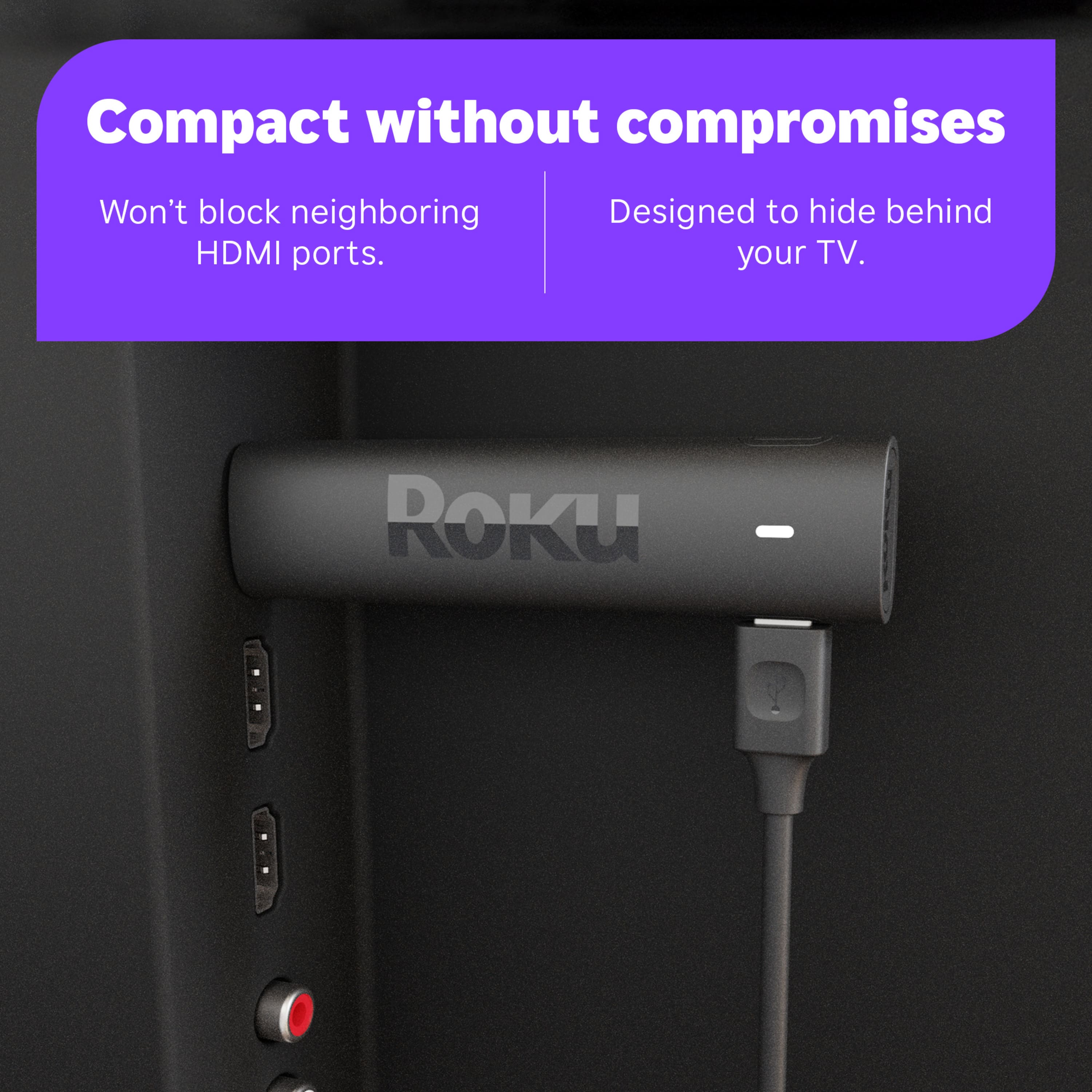
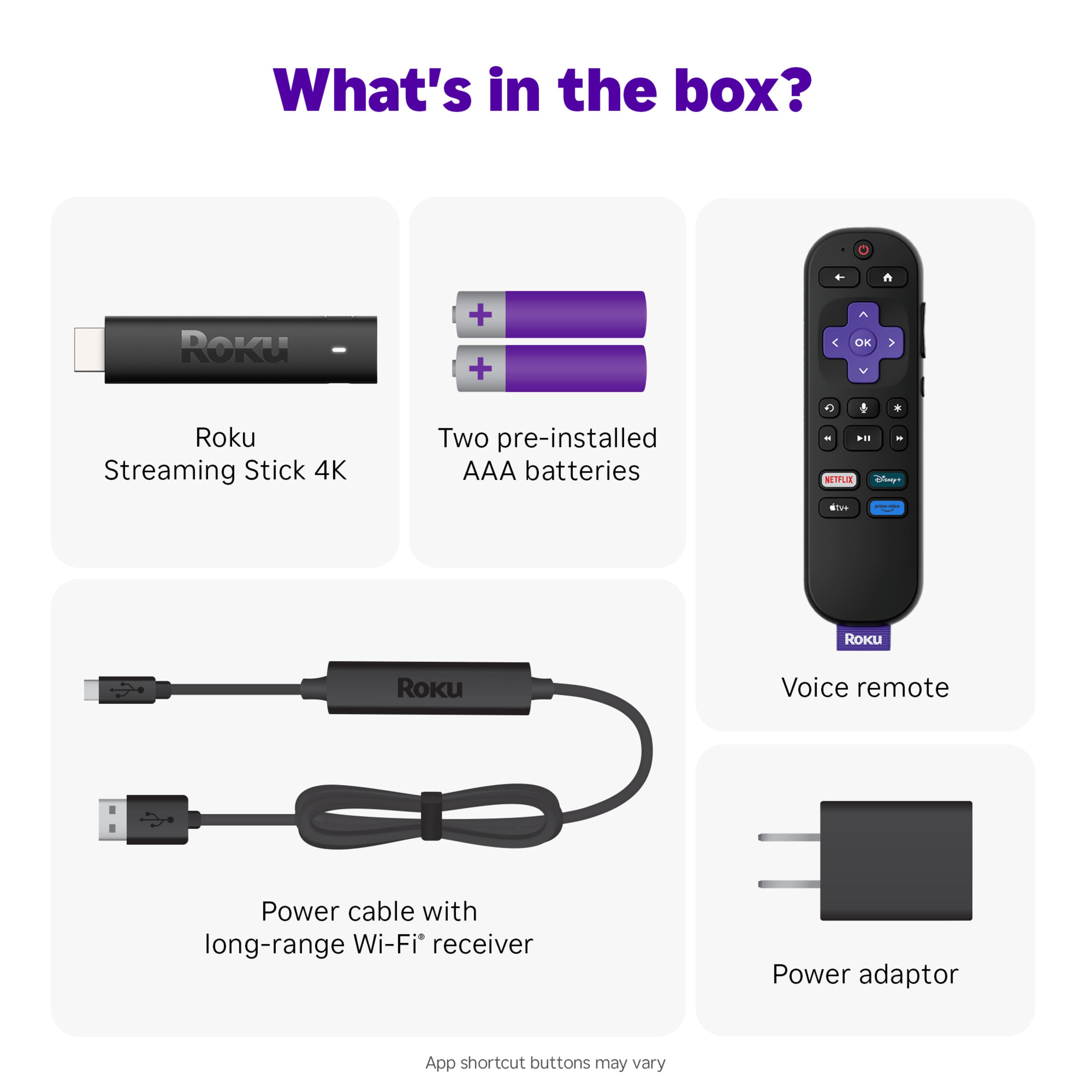
A:AnswerHello SVB2022! Yes, the included USB power cable with long-grange Wi-Fi receiver is required as it reduces wireless interference while providing a faster and more reliable connection.
A:AnswerHi TJ! The Directv Stream channel is available on all current Roku devices. Just like your smartphone accesses an “app store” to add new applications, your Roku streaming player accesses the Roku Channel Store to add new channels. To add a channel to your Roku start by pressing the home button on your Roku remote. Then Scroll and select Streaming Channels to open the Channel Store. You can enter a keyword in Search Channels to find choices based on the title of a channel. To learn more about a channel, press OK button on your remote to open the details. You can select Add Channel to install the channel on your Roku device.
A:AnswerHi Monkey! Yes there are TV Volume controls on the remote. The remote will have to be programmed to work with the TV. To accomplish this, simply go to Settings>Remotes & devices>Remotes>Set up remote for TV control. Yes, a smartphone is required to utilize the Free Roku App.
A:AnswerHi Boz! Yes, all Roku streaming devices have Prime Video! If you would like to explore other channels here is the link to our channel store! https://channelstore.roku.com/browse