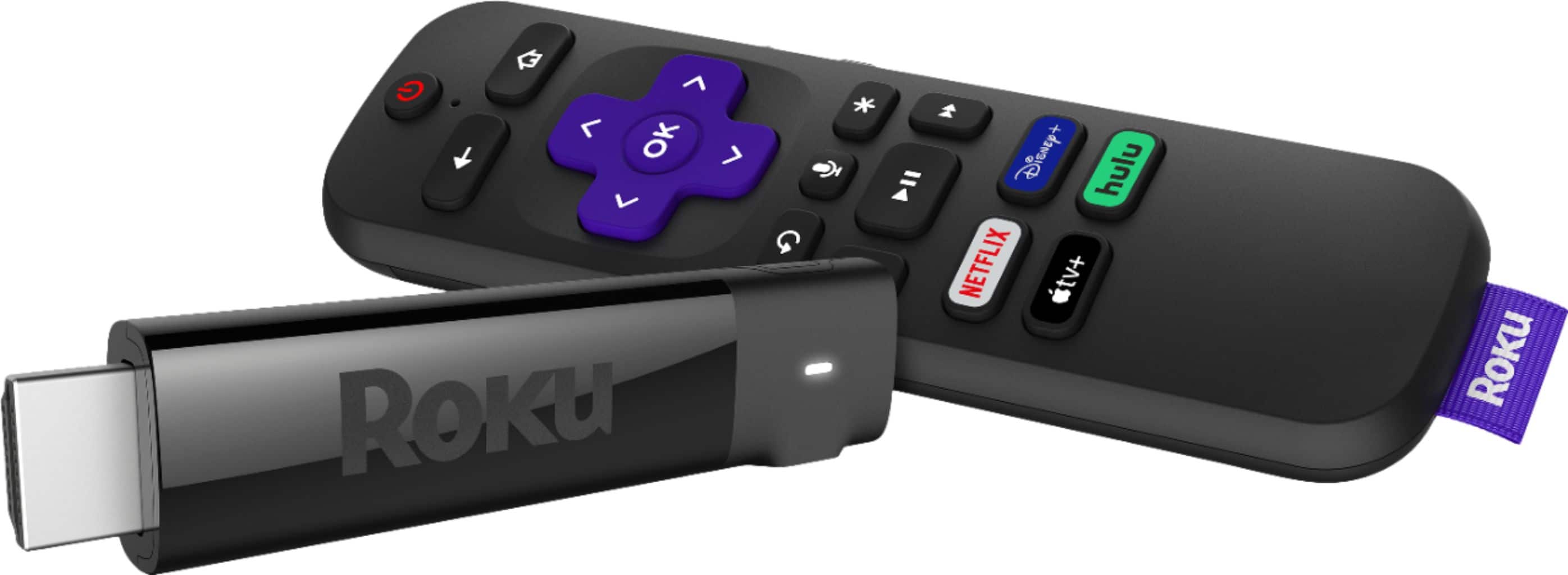
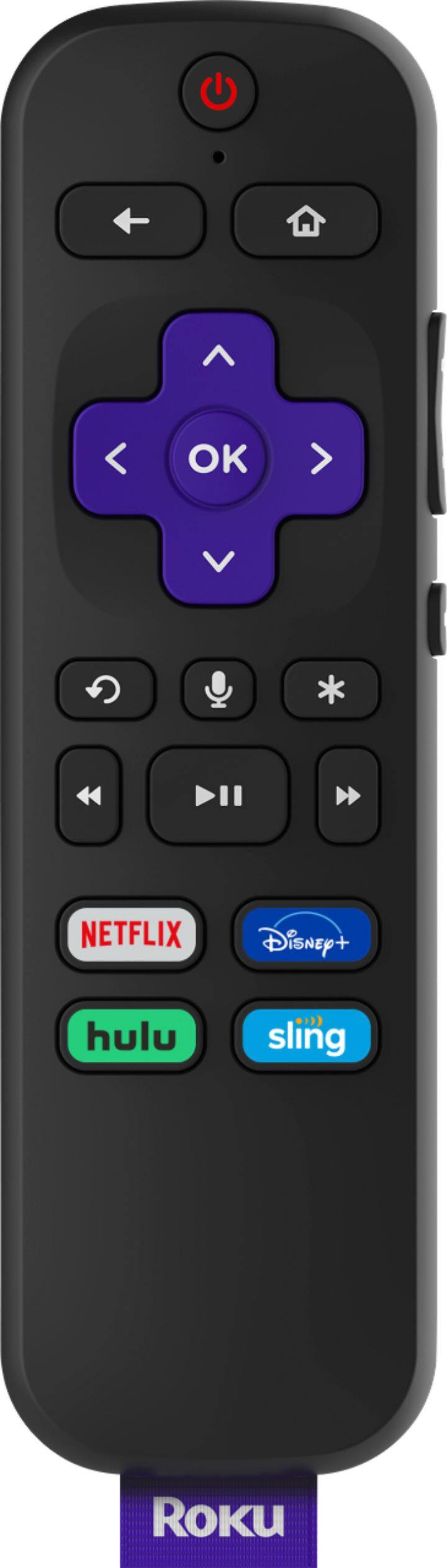
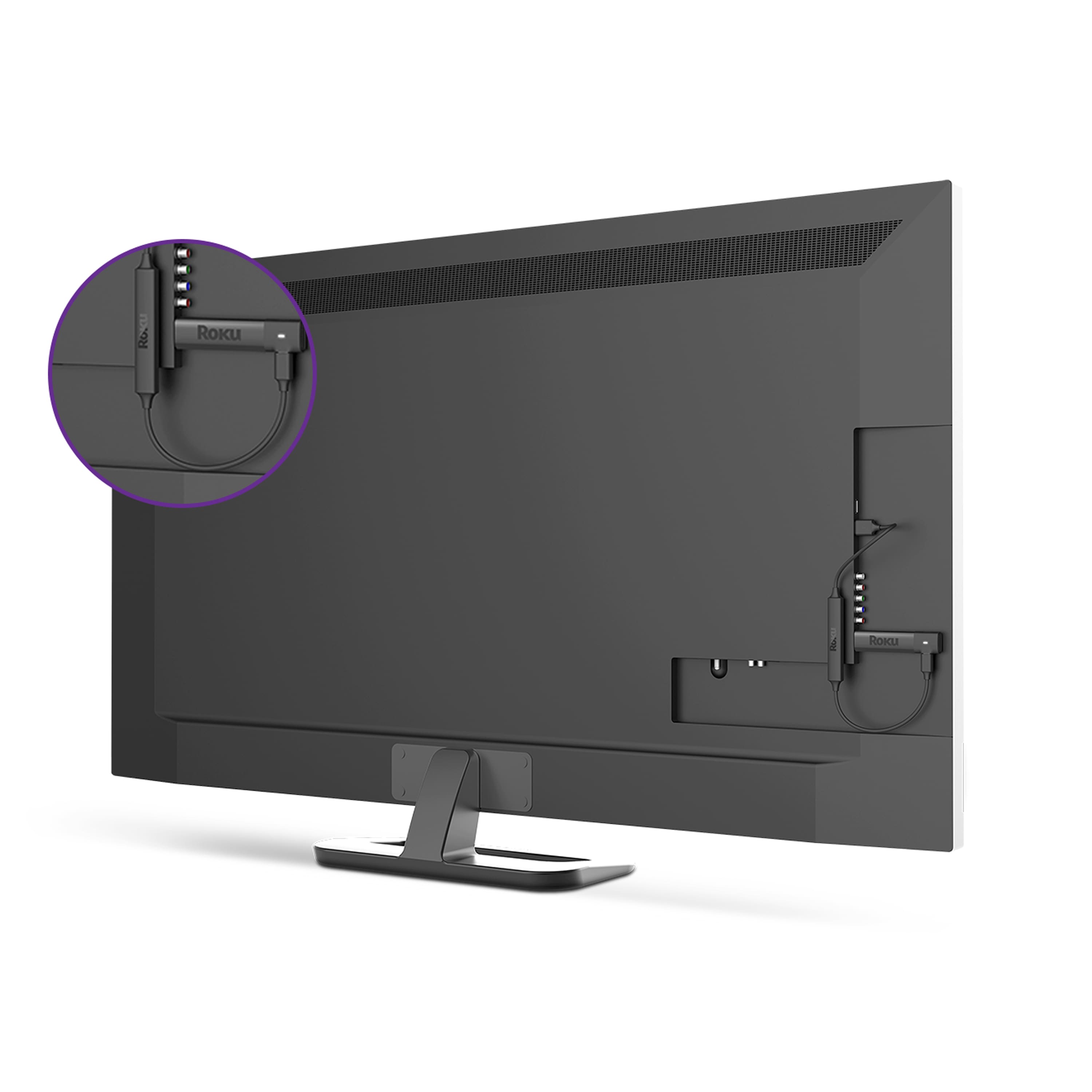
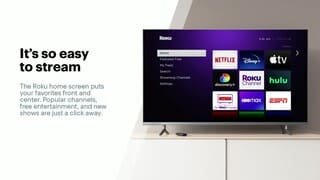
A:AnswerPlug it into your TV, has very simple instructions. Follow the prompts on the tv screen, you are good to go as long as you have internet service. I am an elderly person and did it
A:AnswerHi ! After searching for Verizon on the Roku Channel Store it appears that is currently not a channel available on Roku. For more information about a channel availability, you will need to contact the channel provider directly to inquire. Many channels on Roku are developed and maintained by the channel provider themselves.
A:AnswerHi Les, Roku players are created to be used on devices with HDMI input port. Laptops generally have HDMI output ports, rather than input ports.
A:AnswerHi there! At this time YouTube TV is available through the YouTube Channel. All you need to do is scroll to the bottom of the left-hand menu where you will find YouTube TV. From there you can select YouTube TV to access and stream content using your subscription.
A:AnswerYou can download the Roku app on your phone and there is an option for private listening. The icon looks like headphones. Then plug the headphones in to your phone.
A:AnswerHi! Yes, you can add channels such as Pluto, Tubi and many more. Roku gives you access to over 10,000 channels so there is something for everyone to watch. In addition, The Roku Channel offers tons of free content including; Movies, TV Shows, Live TV guide and Roku Originals.
A:AnswerYou can get many sports channels with the Roku stick. Some are free and some require additional fees. In addition, some channels require cable or satellite.
A:AnswerYour Roku stick will only work on the T.V. that it is installed on. And, yes, with new stick, you will have to pair it with the Roku you have plugged into T.V.. Also, if you have sound bar, sometimes that will argue with the stick.
A:AnswerYou will need Roku account...but, it's free! They need your email to set everything up on. The only thing I'm paying extra for is my "Disney+ channel. You can watch for free on YouTube also.
A:AnswerYou can get the Great Courses. Roku has nothing to do with reception for T.V. channels. You HAVE TO HAVE internet or WiFi for Roku to work. Roku does get local channels. The only time you will need your antenna is if you have Roku turned off. For local channels, you do search on Roku, and it will show you what it finds. I live in Southwest Missouri, and I receive some of our local channels.
A:AnswerI am NOT very smart at this, but, maybe check the settings on Roku to see if you picked the right pic stature. As in...1080, or Hd . Also, check to see if the right usb was chosen on T.V. and Roku. Your T.V. settings app will tell you which is the right one. Hope this helps. If your T.V. does not have HD availability, your Roku will not work with the HD button pushed.