A:Answerloren:
The Lenovo IdeaPad supports a 2.5” SATA slot - you should have no issue connecting the 870 EVO SSD.
Should you have any questions or need assistance, please contact Samsung Memory Support.
Call: 1-800-SAMSUNG (ask for Memory or press #, then 6 for Memory products)
Available 9AM – 9PM EST (Mon-Fri)
- Samsung Memory
A:AnswerIt will work with your Alienware. If you have a nvme slot which my R5 does you should also consider the nvme version as your primary and this SATA as your secondary.
A:AnswerTributeBorn,
The 870 EVO SSD debuted in 2021. For additional information, please reach us at:
Call: 1-800-SAMSUNG (ask for Memory)
Available 9AM – 12AM EST (Mon-Fri)
~Samsung Pro
A:AnswerI didn't find an inflated price. My SSD was only $2 more than the Amazon price. It was nice that I could just walk in and pick it up at the Customer Service Counter right inside the door. I purchased and prepaid online. I don't think $2 is too much to pay for the convenience of a walk in purchase.
A:AnswerIF your "Toshiba A135-S4527" has a SATA drive now, this 870 EVO should be a good replacement. Check with Toshiba for specs on your units' requirements please.
A:AnswerIF your "Dell 5559" has a SATA drive now, this 870 EVO could be a good replacement. Check with Dell using your "rapid spec number" (on service tag) for your units' special requirements please.
A:AnswerIf your unit has SATA this Samsung 870 should be a good drive.
Check at www.dell.com and use your units "rapid spec number" (on service tag or in BIOS) to be sure of your computers' special requirements. Thanks!
A:AnswerIf your Mac desktop has a removable SATA drive now, this Samsung 870 should work great. Check with Apple for your units special requirements for compatibility. This model hard drive (though made for a laptop) will work fine in a desktop too, but you might need a (easy to find) 2.5 to 3.5 mounting kit.
A:AnswerDepends: Does your manufacturer recommend SATA? If so this is a great choice of drives.
Seriously, check manufacture's recommendations for your specific requirements. Thanks.
A:AnswerThe answer is:
IF you have 2.5 SATA now, this will be a very good fit and drive. But with model runs changing so often, it is best to look inside to see what was installed from the factory and replace it with the same type of drive if possible.
Careful: Some newer Mac machines are difficult to open in the field, so you might have to have your upgraded at an Apple store.
Good luck and Thanks.
A:AnswerDon't know I had Best Buy geeks replace my existing drive with the new drive. I suggest you have them look at your equipment if you are not qualified to work on commuter equipment.
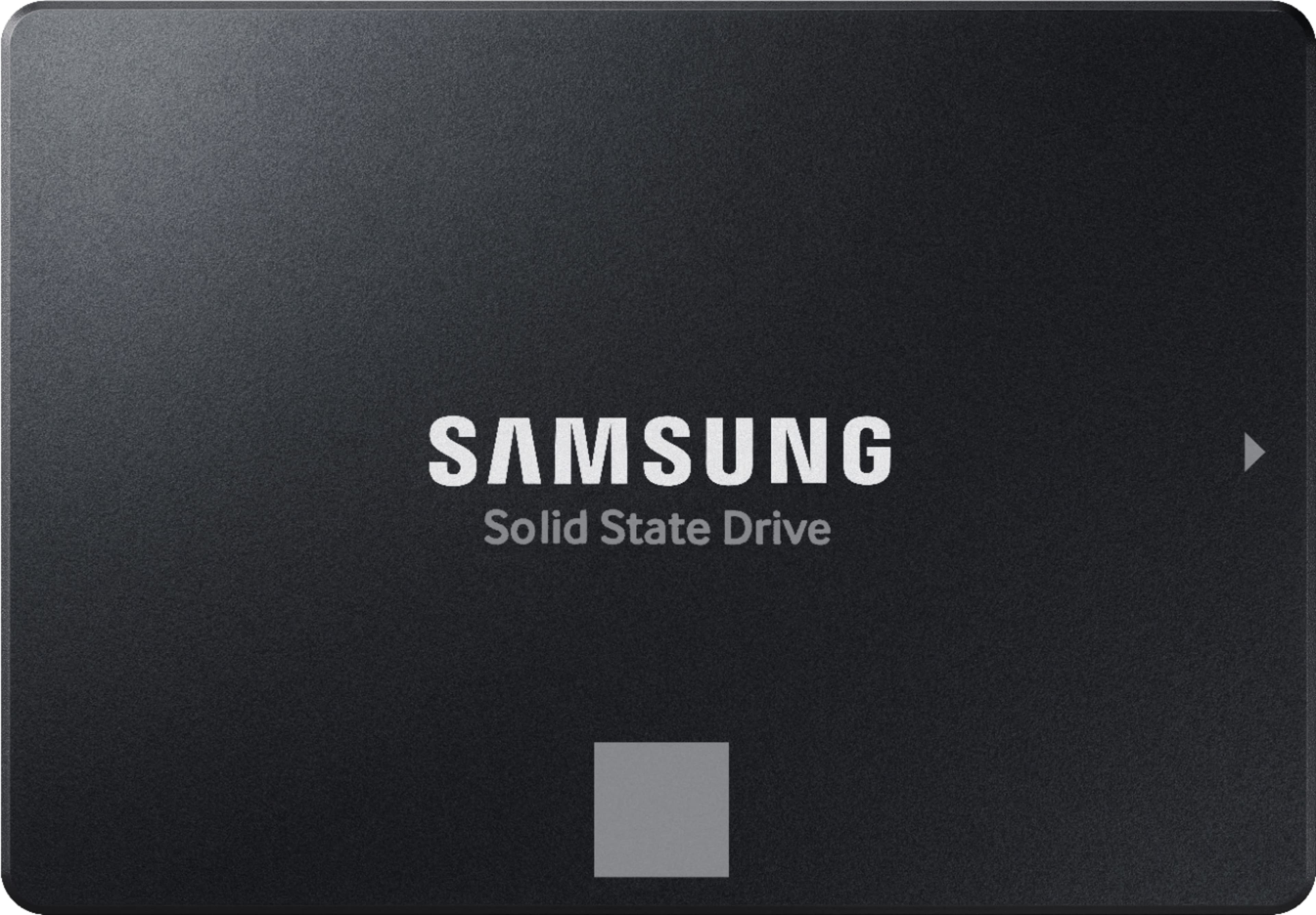
 Product of KOREA WARRANTY VOID IF REMOVED SAMSUNG ELECTRONICS CO., LTD.](https://pisces.bbystatic.com/image2/BestBuy_US/images/products/6447/6447127cv14d.jpg)