A:AnswerMouse, yes. Carolina Connect, I’m not familiar with. I would think any pc will connect with any streaming or internet service you may be using.
This is a great work pc. I chose it over a Mac, and I love macs!!
A:AnswerSame here! Initial turn on updated. An hour later more updates it asked for back up plan. Had to reset finger print again. Works now. But I have major complaints.! Finger print scanner is garbage . For the money of this laptop Samsung could have put it a better scanner. Same with their S20FE Galaxy phone. They put in all the bells & whistle's of their Flagship Galaxy phone for a few hundred less but the finger print scanner is garbage. Used better ones on $200 phones. Hope this helps if they print my complaints?
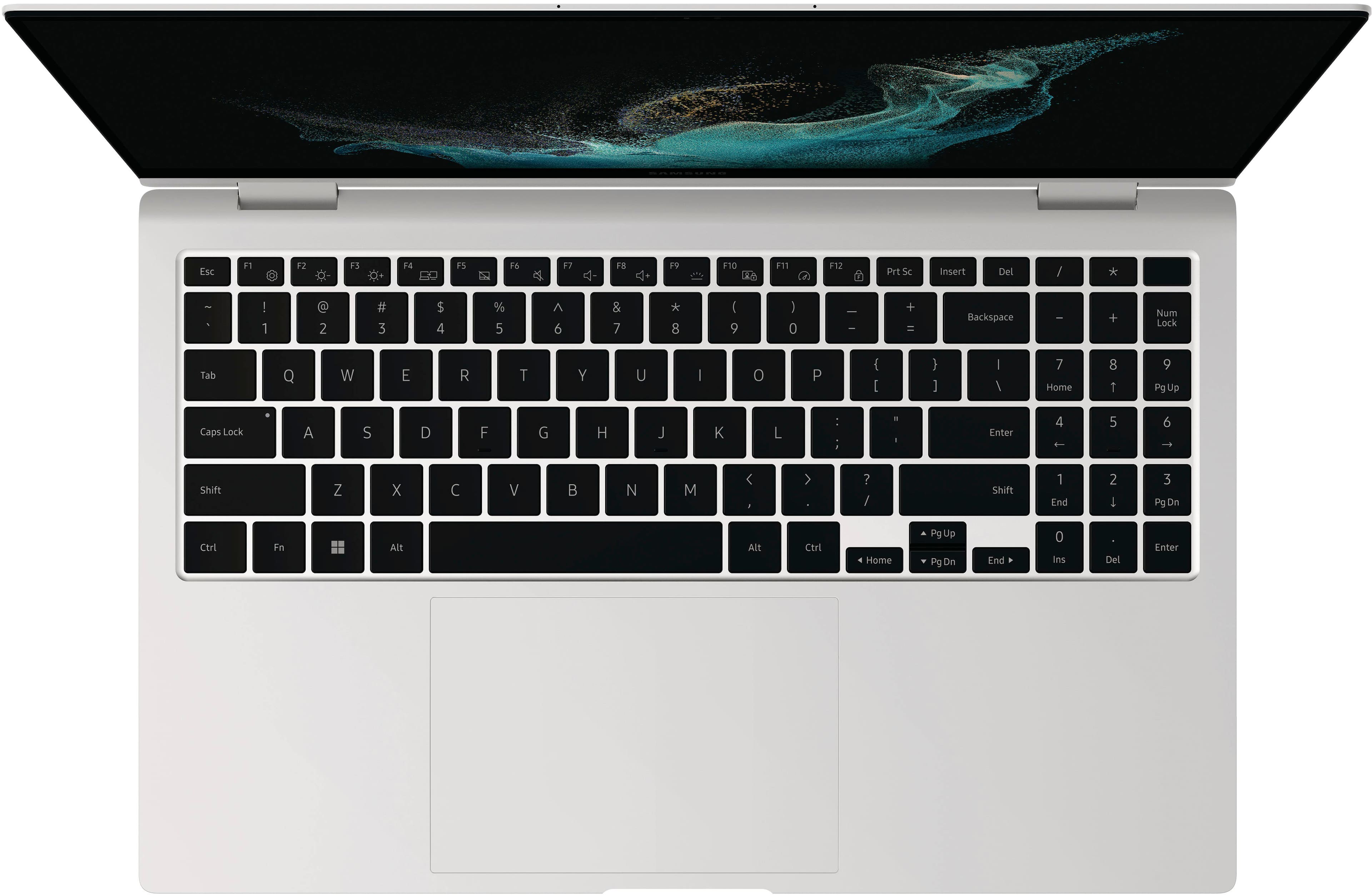
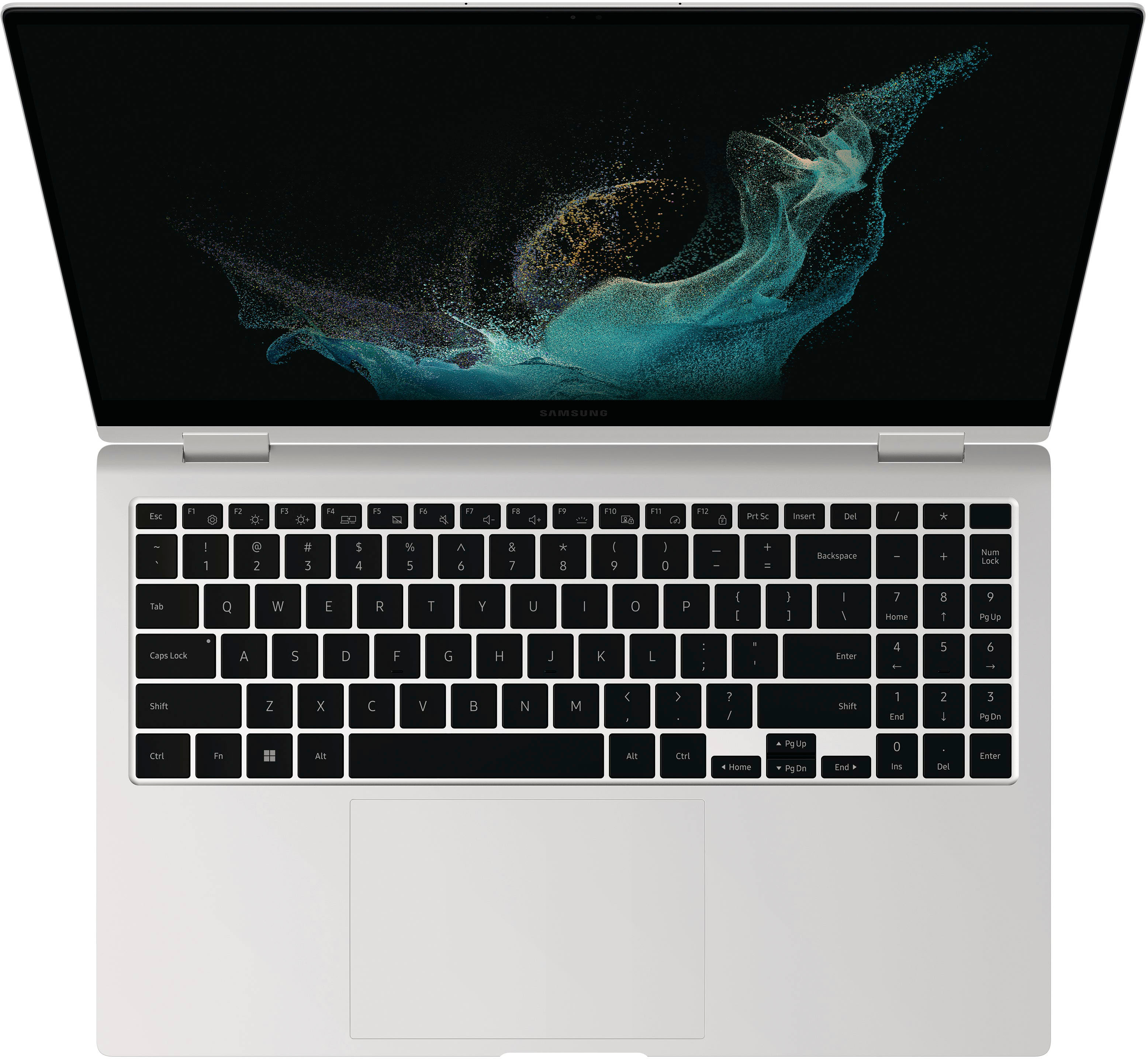
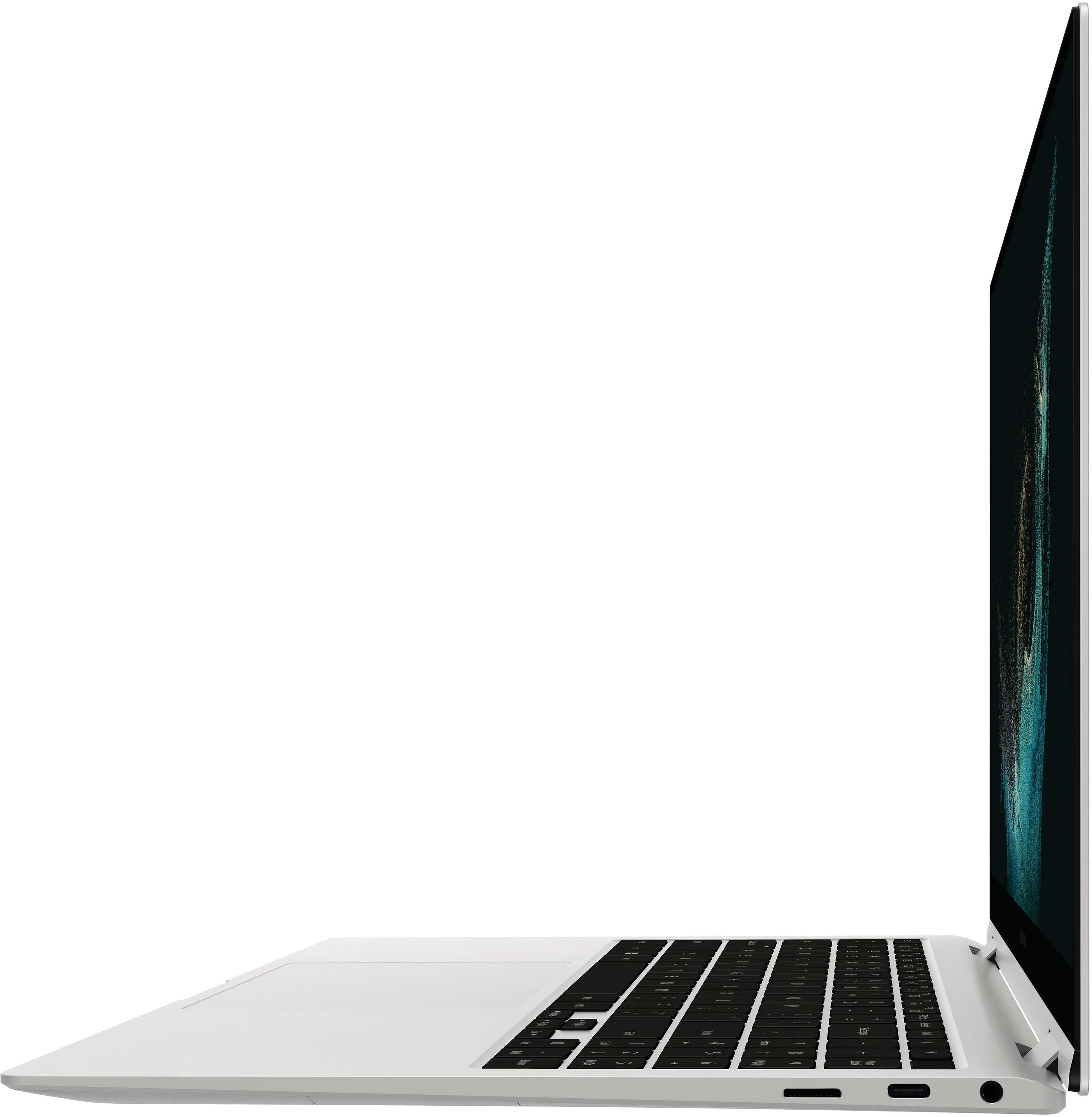
A:AnswerKeyboard is backlit when starting up and while you are actively typing. If you stop typing for a few minutes, the backlite goes out (to save battery power, I guess).
A:AnswerHi! When I normally shut it down or put the laptop to sleep, I try not to leave it open. Or if I accidentally lift the top, I tend to shut it down again and be mindful of the sensors. I am not sure if there is a more effective way to go about it, but I hope this helps for now.
Try reaching out to tech support directly with Samsung manufacturer if you do not have the totaltech membership, or want to save some money on geek squad.
A:AnswerYou need to ask a better question, what do you mean by sublimation?
like software that runs print jobs?
Then you want to google software specs and match them
as a IT Director, I dont know what youre talking about with sublimation other then using something like CorelDRAW