A:AnswerHi Tsiero,
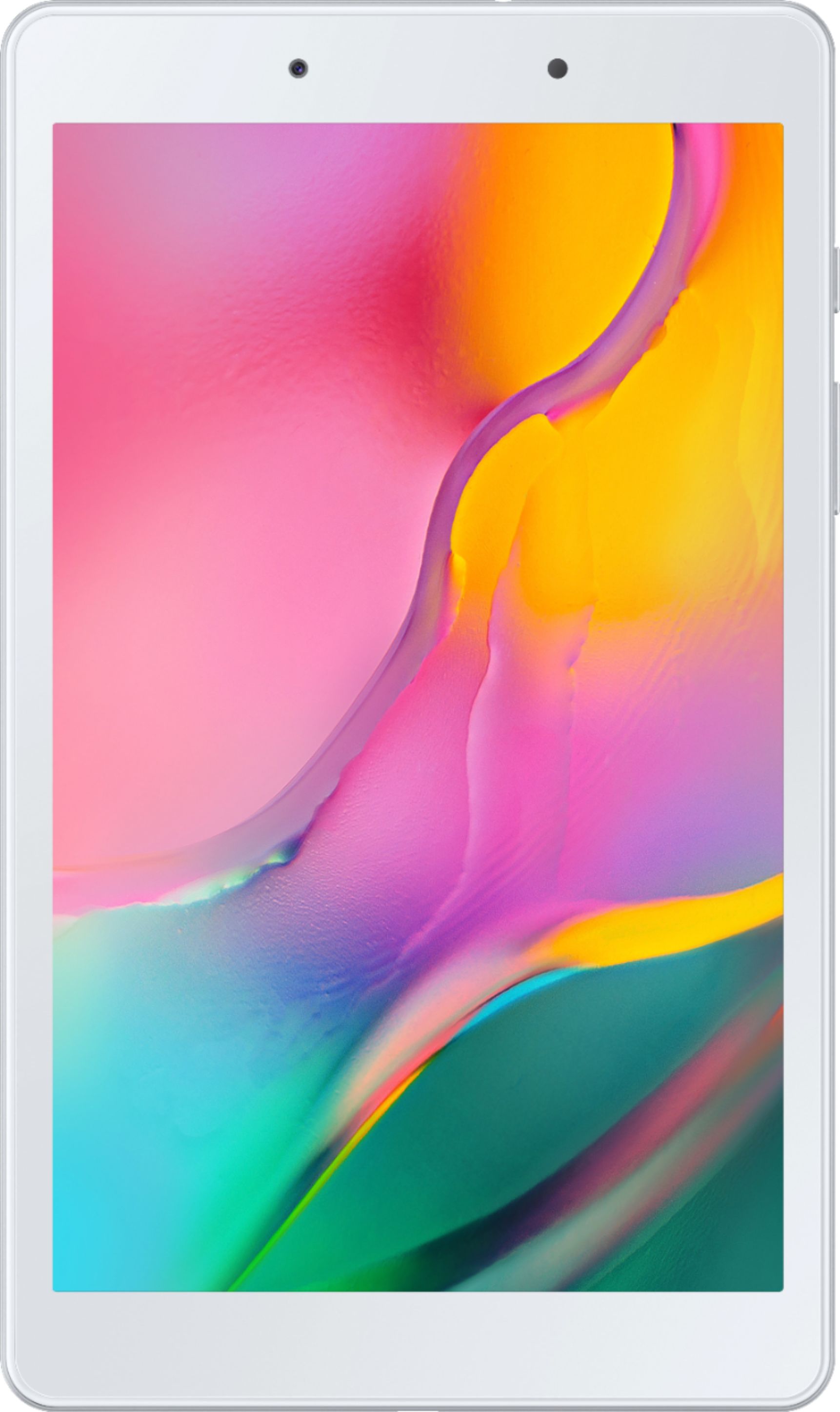
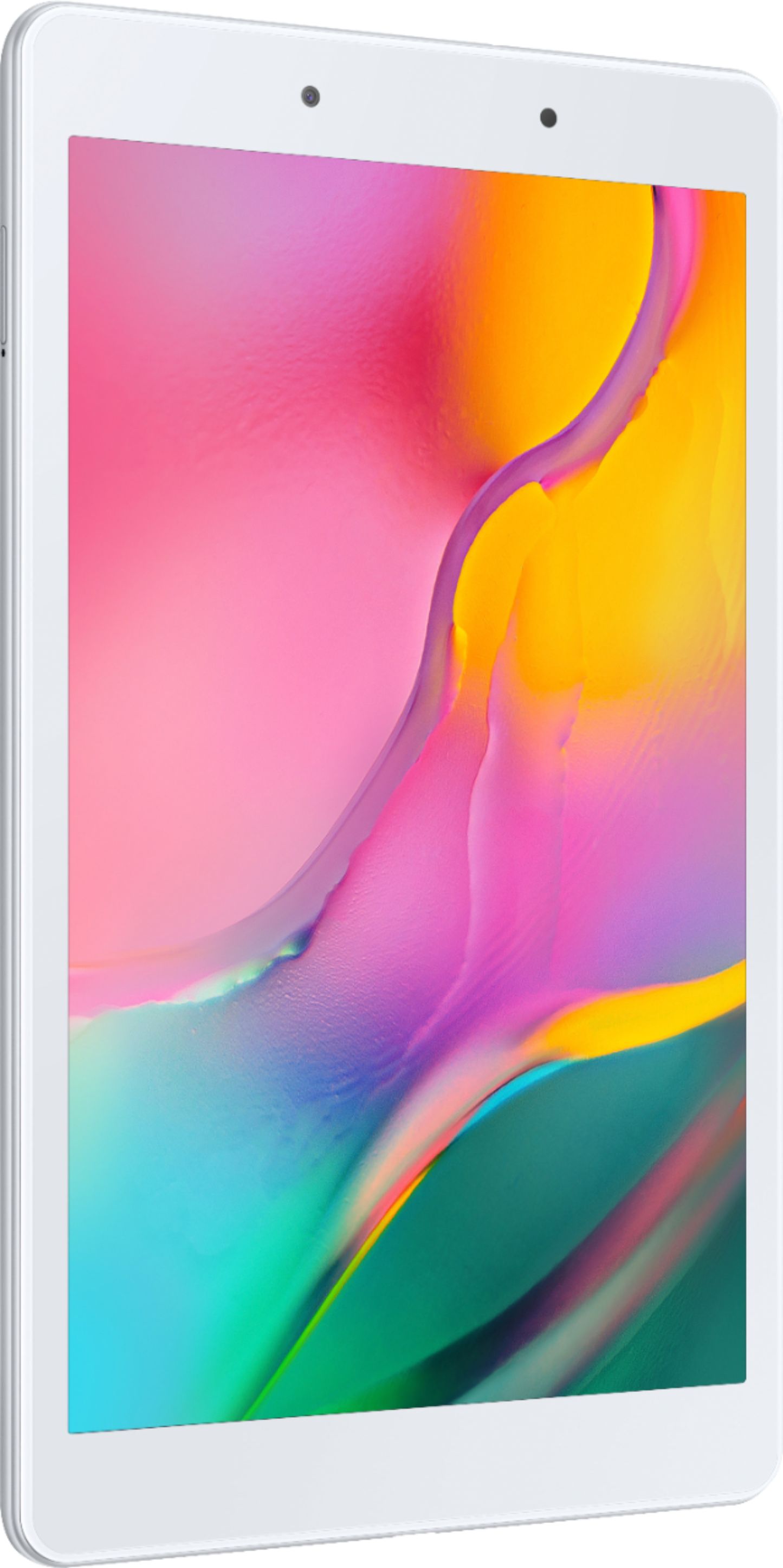
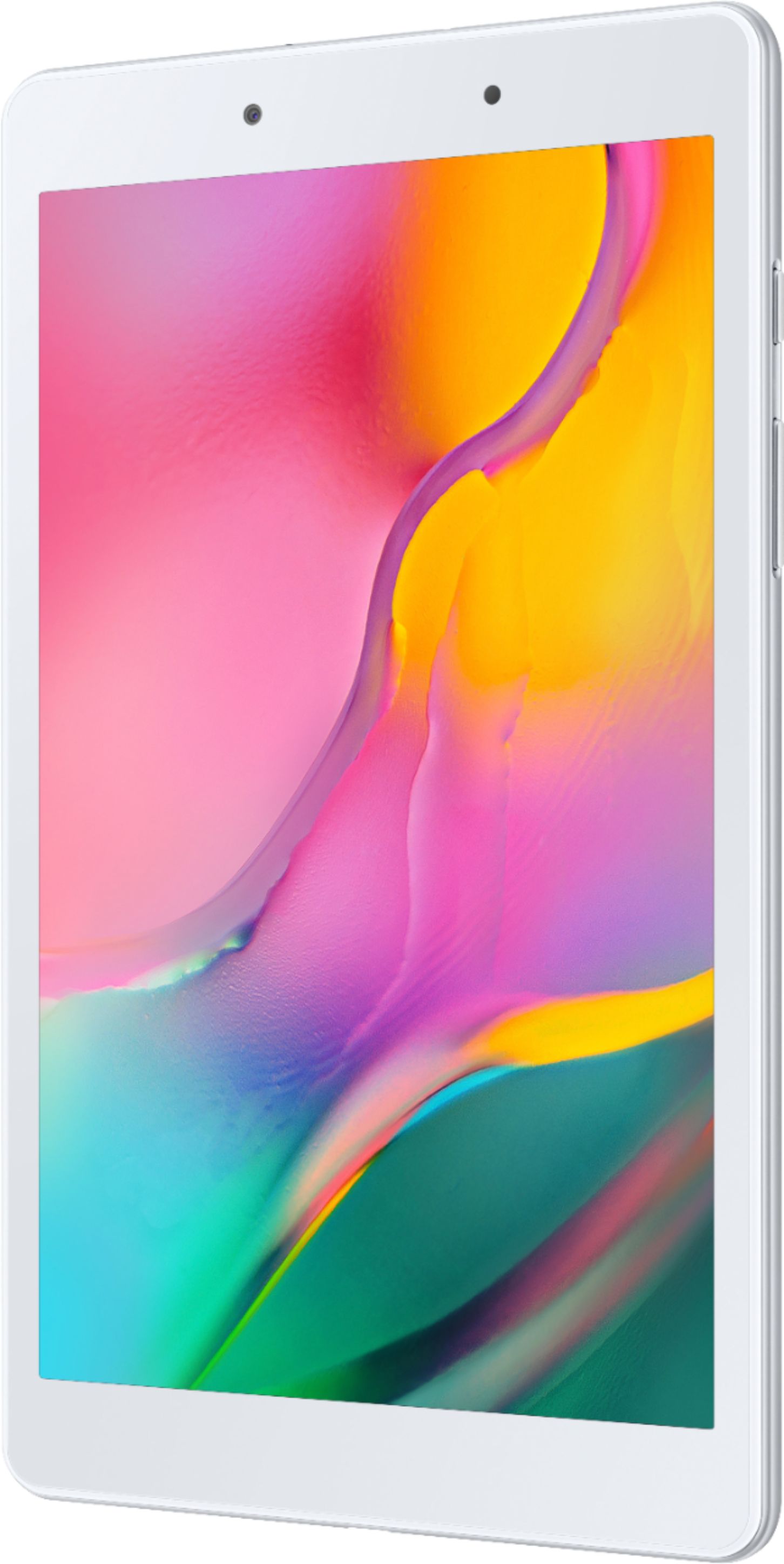
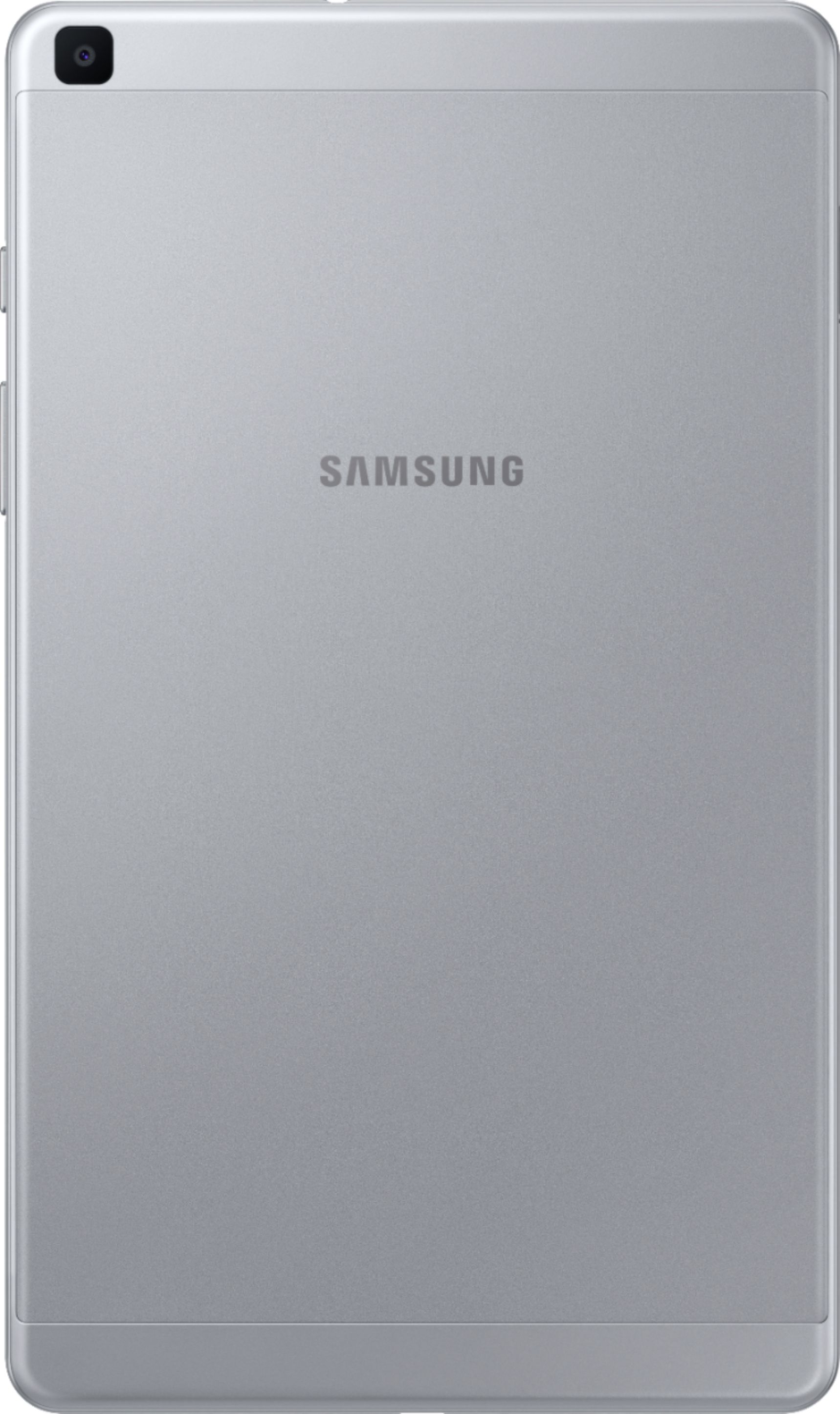
Thank you for bringing this to our attention. We appreciate your interest regarding if the Galaxy Tab A (2019) has the Bluetooth feature. To answer your question, the device is Bluetooth Active, and you can pair your device to other Bluetooth®-enabled devices, like Bluetooth headphones or a Bluetooth-enabled vehicle infotainment system. Once a pairing is created, the devices remember each other and can exchange information without entering the passkey again.
For more information, kindly visit the user's manual on Pages 19, 70, and 71:
https://downloadcenter.samsung.com/content/UM/201909/20190907063624457/WIF_SM-T290_Galaxy_Tab_A_EN_UM_P_9.0_072919_FINAL_AC.pdf
Should you need more assistance, you may reach us via the following for immediate support:
1. Samsung Community: https://us.community.samsung.com/t5/Samsung-Community/ct-p/us
2. Facebook Messenger: http://m.me/samsungsupport
3. Twitter: https://twitter.com/messages/compose?recepient_ id=18768513
Reference Number: 1144348274
Thank you for choosing Samsung. Have a great day!
^Chrystel
A:AnswerI bought it for Tidal music streaming and my Bluesound 2Ni Streamer. The apps work fine if that helps? It's not the biggest screen if you need to be able to see a lot in card playing... Works fine for what I needed and a lot less expensive than an Ipad. 32GB is nice as well for the money.
A:AnswerI personally dont use the nook app, but Kindle app works fine so i would expect it to work the same way. I replaced a kindle fire with this tablet. The quality is great, i stream tv to it when on the go.....hope this helps.
A:AnswerI'm not familiar with Cloud Library, it isn't used in Sacramento libraries, but the app is available in the Google Play store so I'm sure if that's what your library uses it should load and work for you. As for Overdrive, yes, it will work. My wife works for the library system here in Sacramento and she uses Overdrive on her Android smartphone. The Tab A is using Android 9, so you can get it from the Play Store and download your books. Enjoy!
A:AnswerNo ads on this Samsung tablet. This tablet is great for non-gamers, very speedy and great screen for the price (I upgraded my mom from a Fire Tablet to this and its worth every penny more that it costs). This isn't an Amazon Fire tablet, where the cheaper version of it has those ads you mention (you can pay Amazon a little more to buy a Fire tablet without ads as well).
A:AnswerI can't really recommend a printer for the Tab A, as I normally use the pdf format for documents that I use on mine, but Samsung gives good information about how to make use of a printer with the Tab A. You need a printer that has a WiFi connection to your personal network then on the document you have open select print and choose the printer on your network. You also have to enable Cloud Printing in the tablet's Settings menu. For what it's worth, I have used the same Bother laser printer for close to 20 years and have always appreciated it's build quality and print output quality. It's not wireless, but I'm sure that if I ever buy a new wireless printer I will give serious consideration to a Brother. I've also installed a Multi-function wireless Brother laser printer/copier for my mother-in-law with her new HP Windows 10 laptop and it seems to be an excellent machine. Good luck with your choice.