A:AnswerWhen it comes to iPads you aren't able to purchase more GB at a later time because Apple doesn't want you to be able to expand the memory like that, instead if you want more memory then what a 16GB iPad gives you Apple forces you to pay more for an I pad with more memory and won't let you buy more at a latter time. P.S. GB refers to memory.
A:AnswerSD is a type of portable memory. comes in many sizes [8GB-128GB]. useful for storing music and photos and movies. GB is one thousand million bytes or characters. Some tablets and some smartphones have places you can plug in a microSD memory. if you want. not required
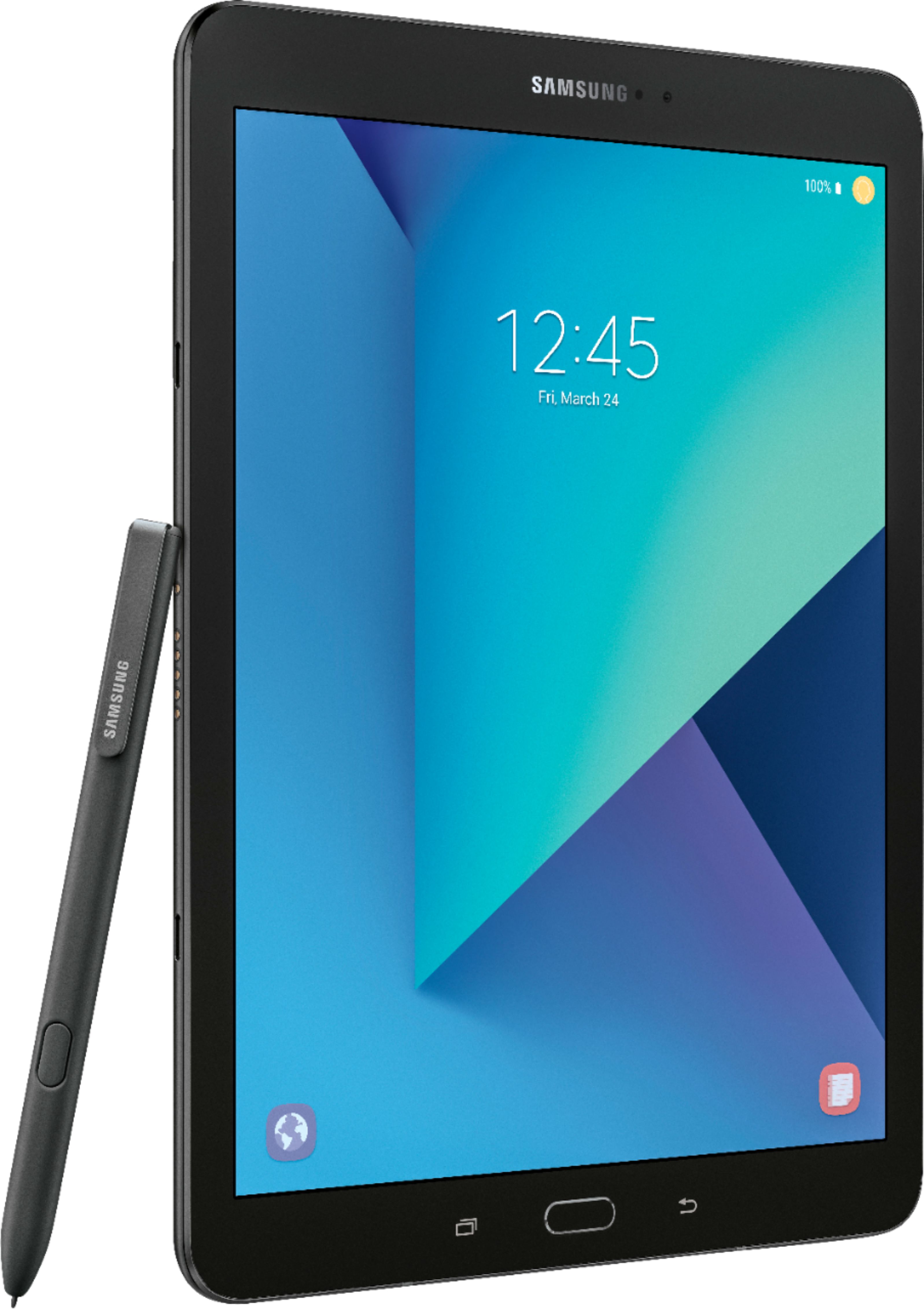
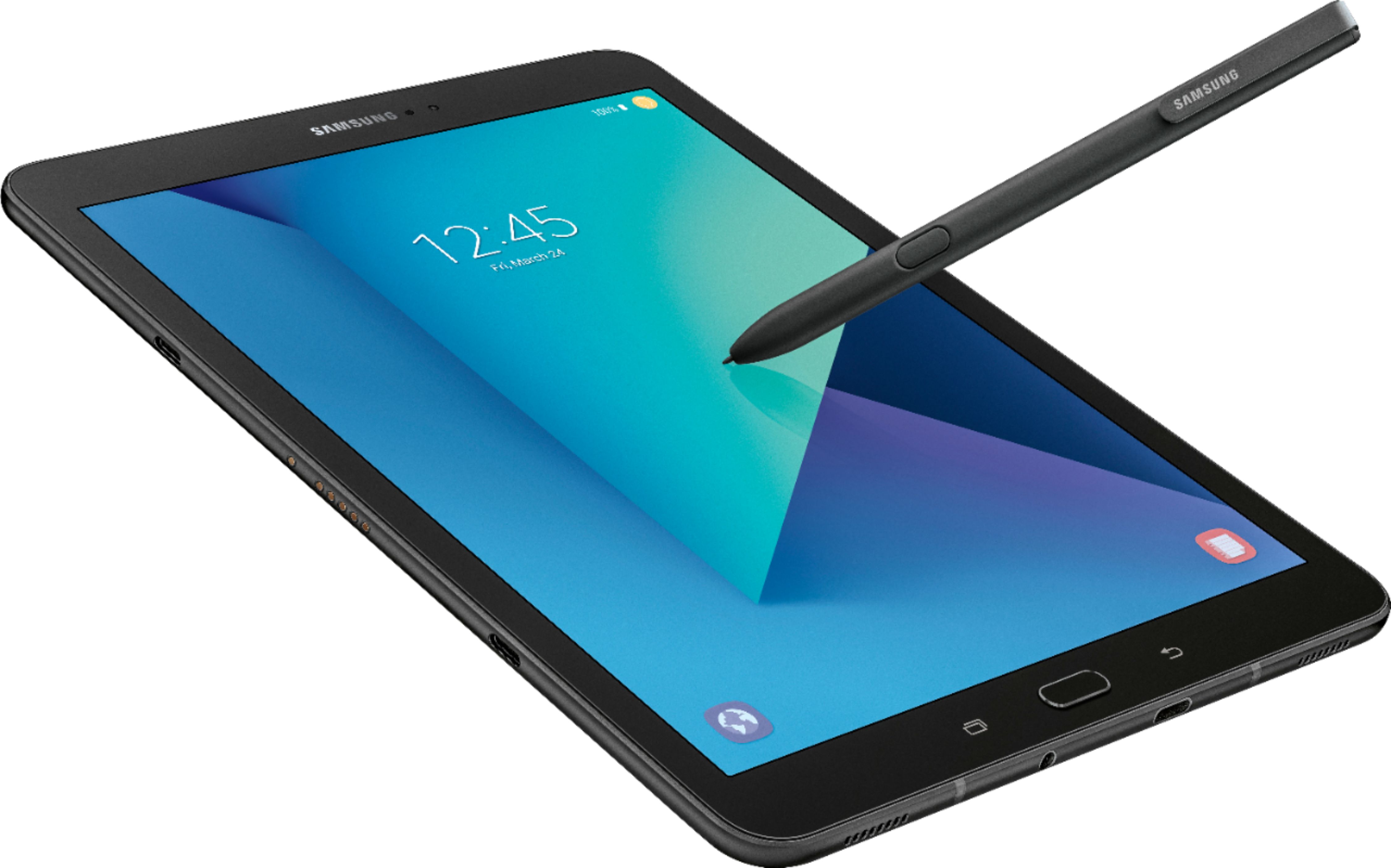
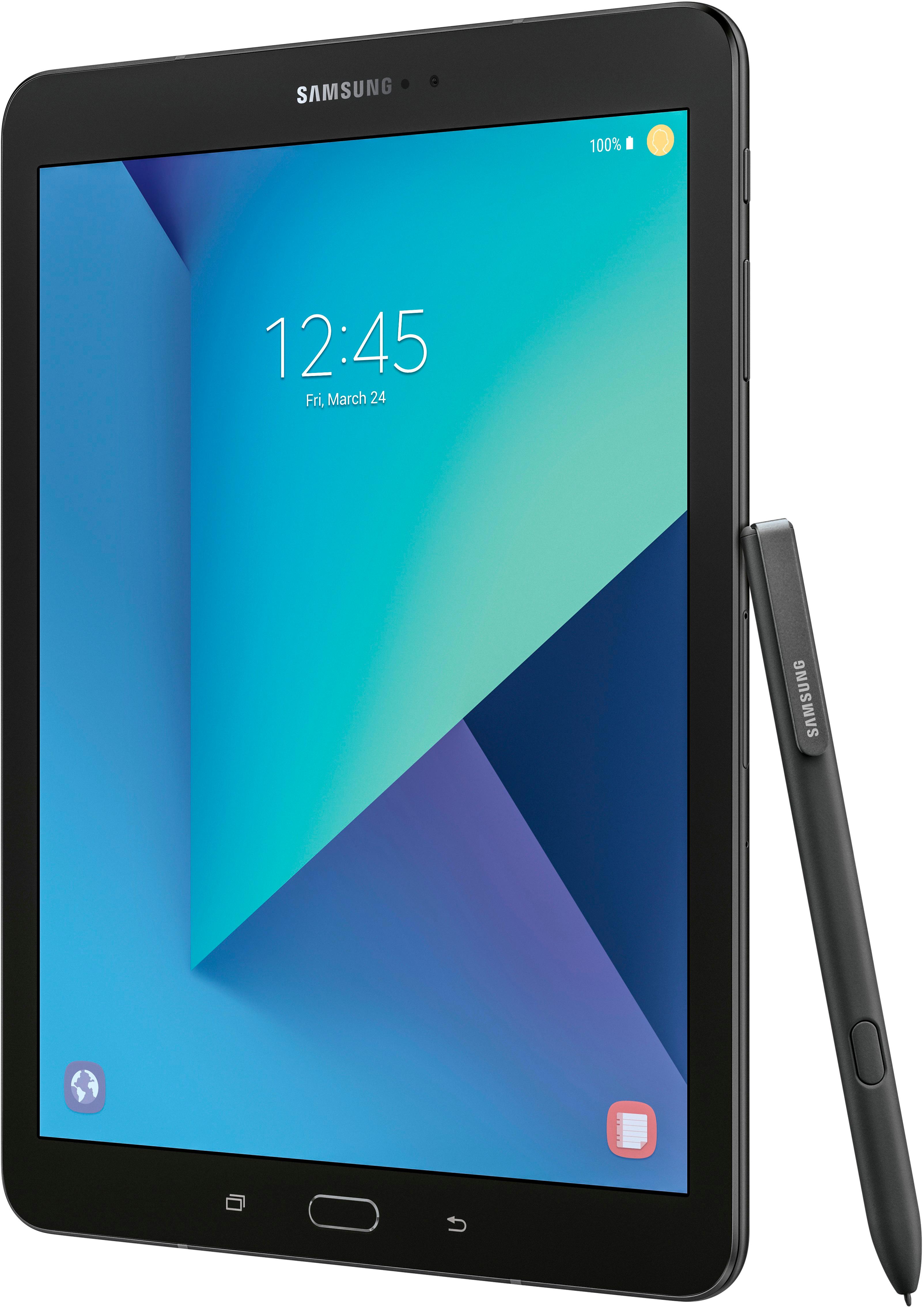
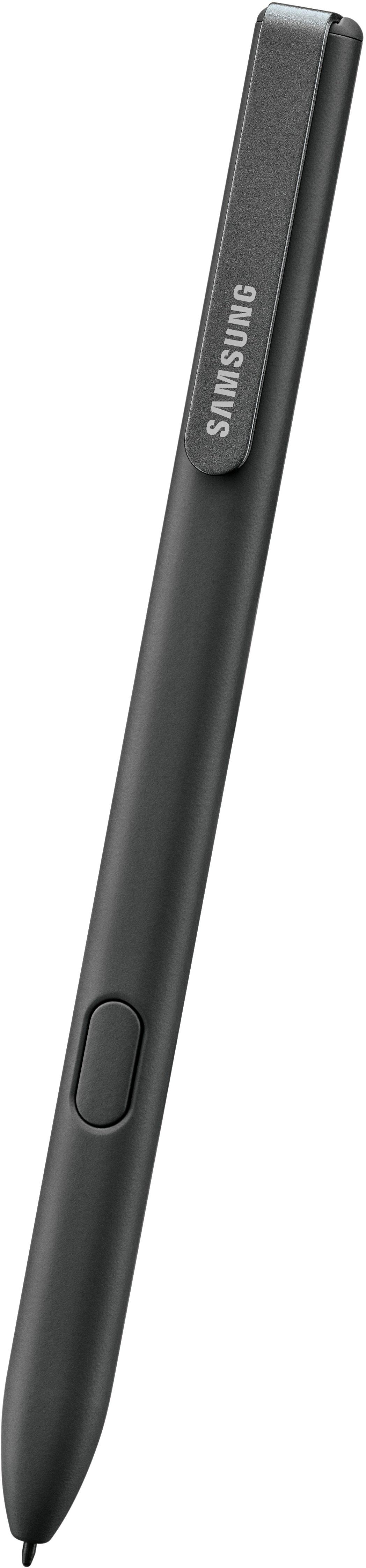
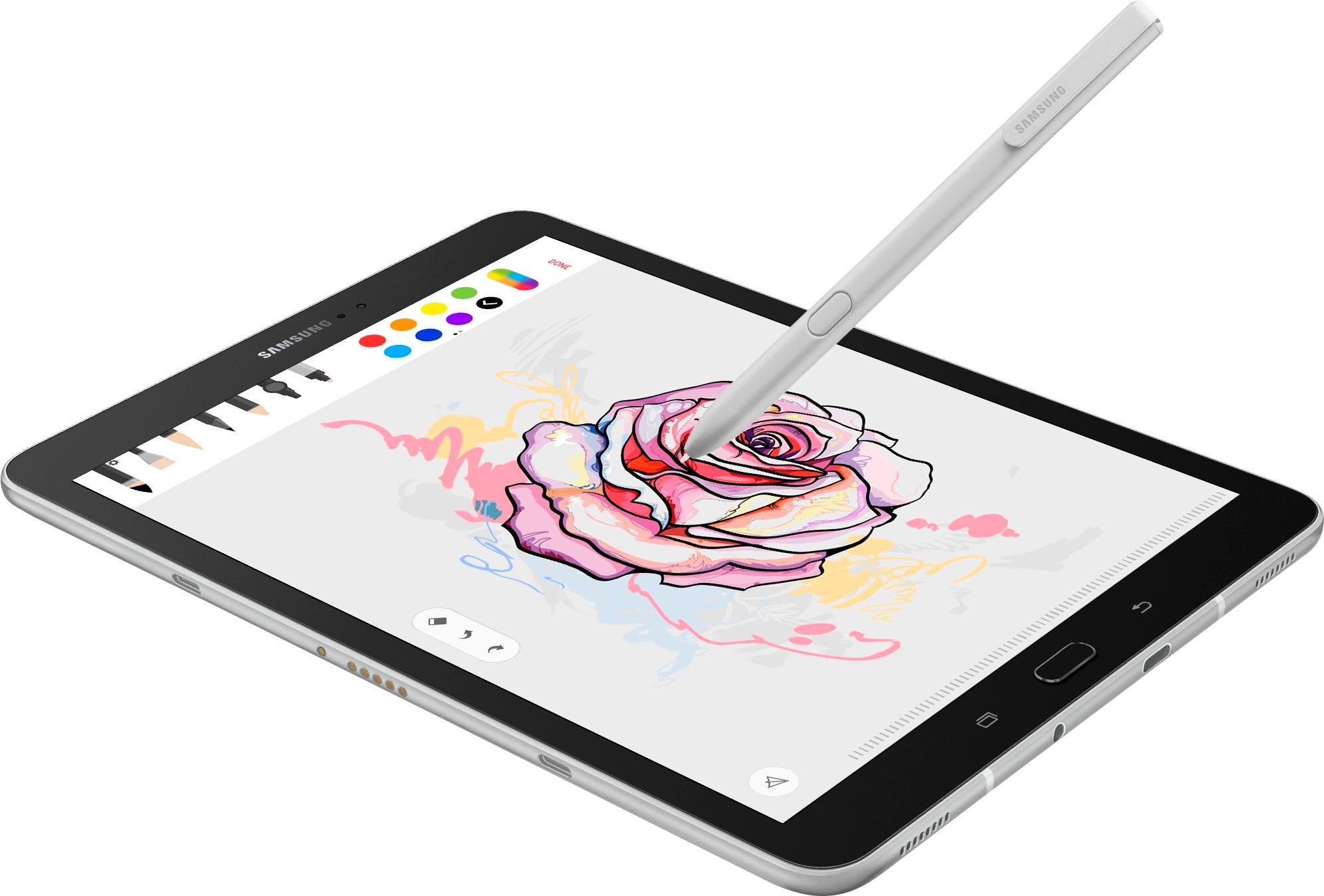
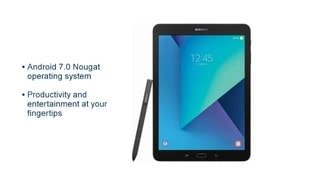
A:AnswerYou wouldn't want the iPad then, due to to the fact that they make you connect to a computer. For what you were requesting I would recommend the Samsung Tab S4. I've done some absolutely amazing professional grade artwork on it for real. It comes with PenUp a drawing app pre-installed on it, to use with its stylus pen that it comes with. To explain PenUp It is a lot like social media you can connect with people all over the world, follow them and they can follow you, you can share your artwork with anybody and they can share with you, it's really neat!
A:AnswerThis was the easiest screen protector to install .that I've ever purchased. The protective cover comes with two handles that helps you to attach the screen protector. Can use finger touch or s pen with no problem
A:AnswerTurn it on and it works great. Additional apps can be added from Google play store. You do need wifi to use the programs. I dont use any antivirus that isn't already on the tablet. But you can get that at the play store as well. No issues in almost a year and I use my tablet every day and everywhere.
A:AnswerThis will do a reset to factory settings:
Ensure the device is powered off.
Press and hold the Volume Up and Home buttons.
While continuing to hold Volume Up and Home buttons, press and hold the Power button until RECOVERY BOOTING appears (upper-left) then release all buttons. ...
From the Android Recovery screen, select Wipe data/factory reset. ...
Select Yes.
If your tablet is just frozen.I would try this:
Hold the power button and volume down button at the same time. If done correctly the screen will turn black and automatically start the reboot process. 3. Press the power button and restart the device and test if the problem is gone
A:AnswerLooking at the tablet, on the right SIDE about half way down. You will see a small door about an inch long. Take the small pointed tool you received with
the tablet and insert it in the small hole within the door. Pushing down, apply pressure to the tool and the door will pop up slightly. You can then grab it
with your fingernail and pull it straight out.
A:AnswerHighly doubt it. I don't think the OS can support such a file. Don't forget, unless you are buying a Surface PRO, a tablet's OS is simular if not identical to the OS of a cell phone; only with a larger screen.