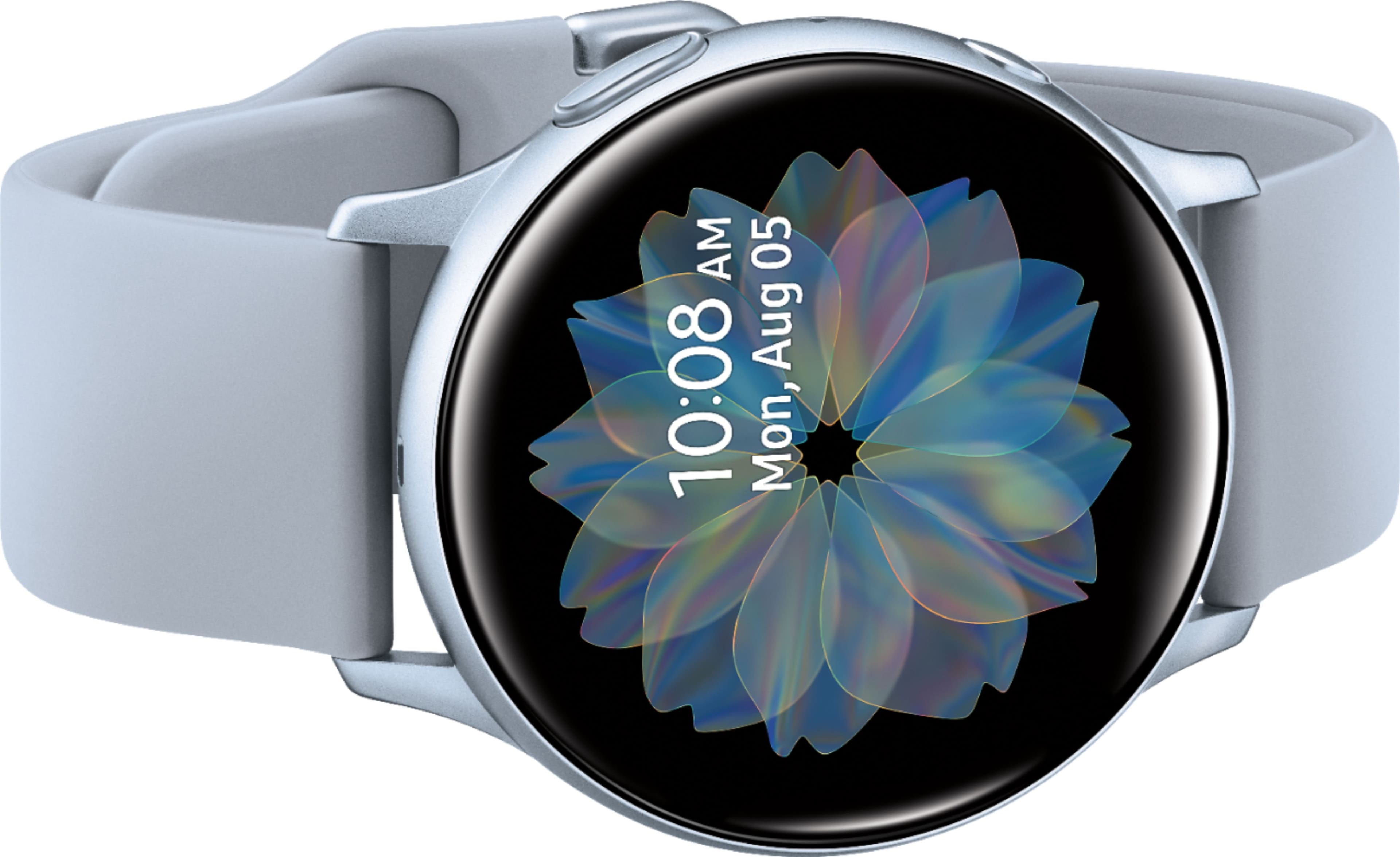
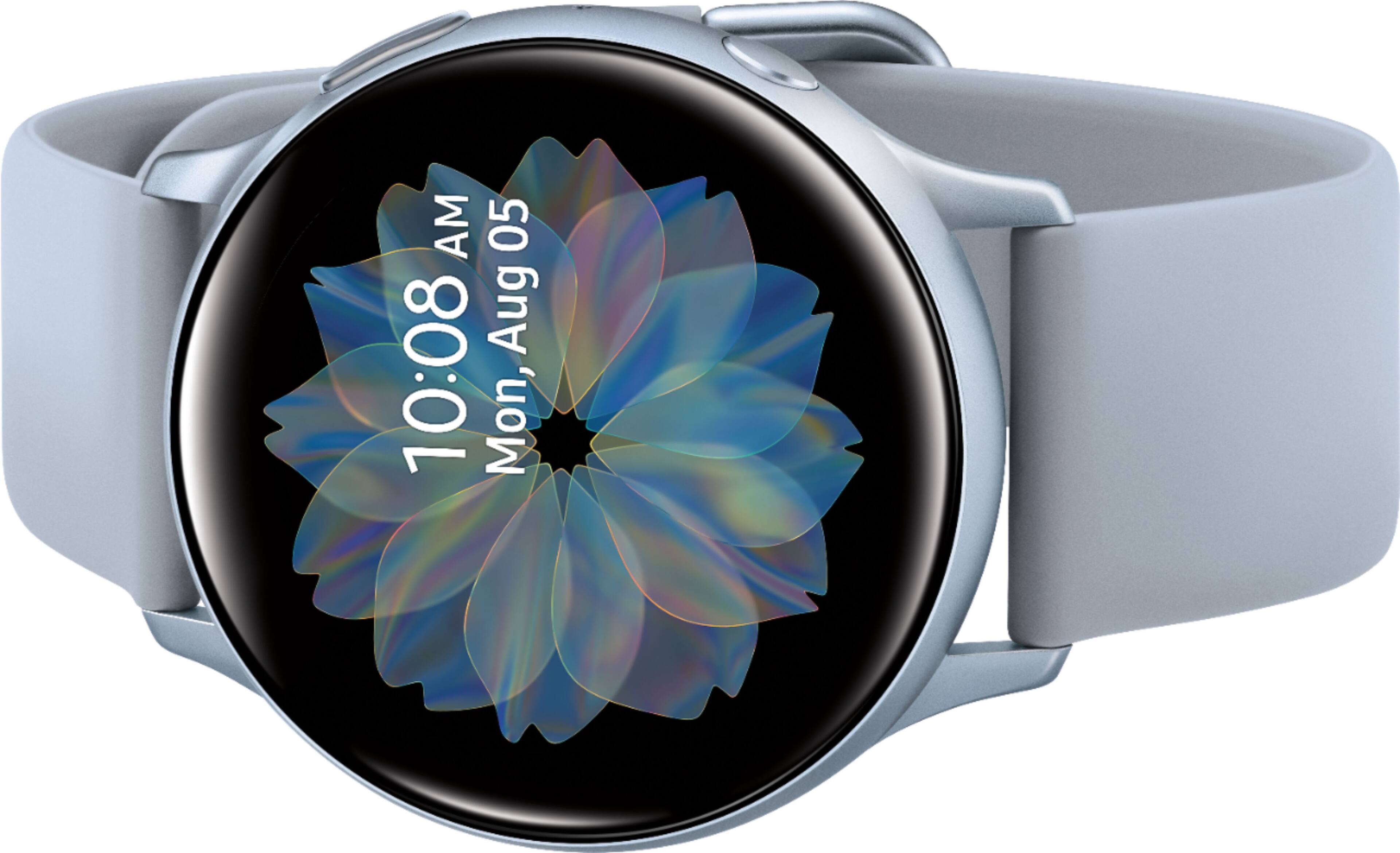
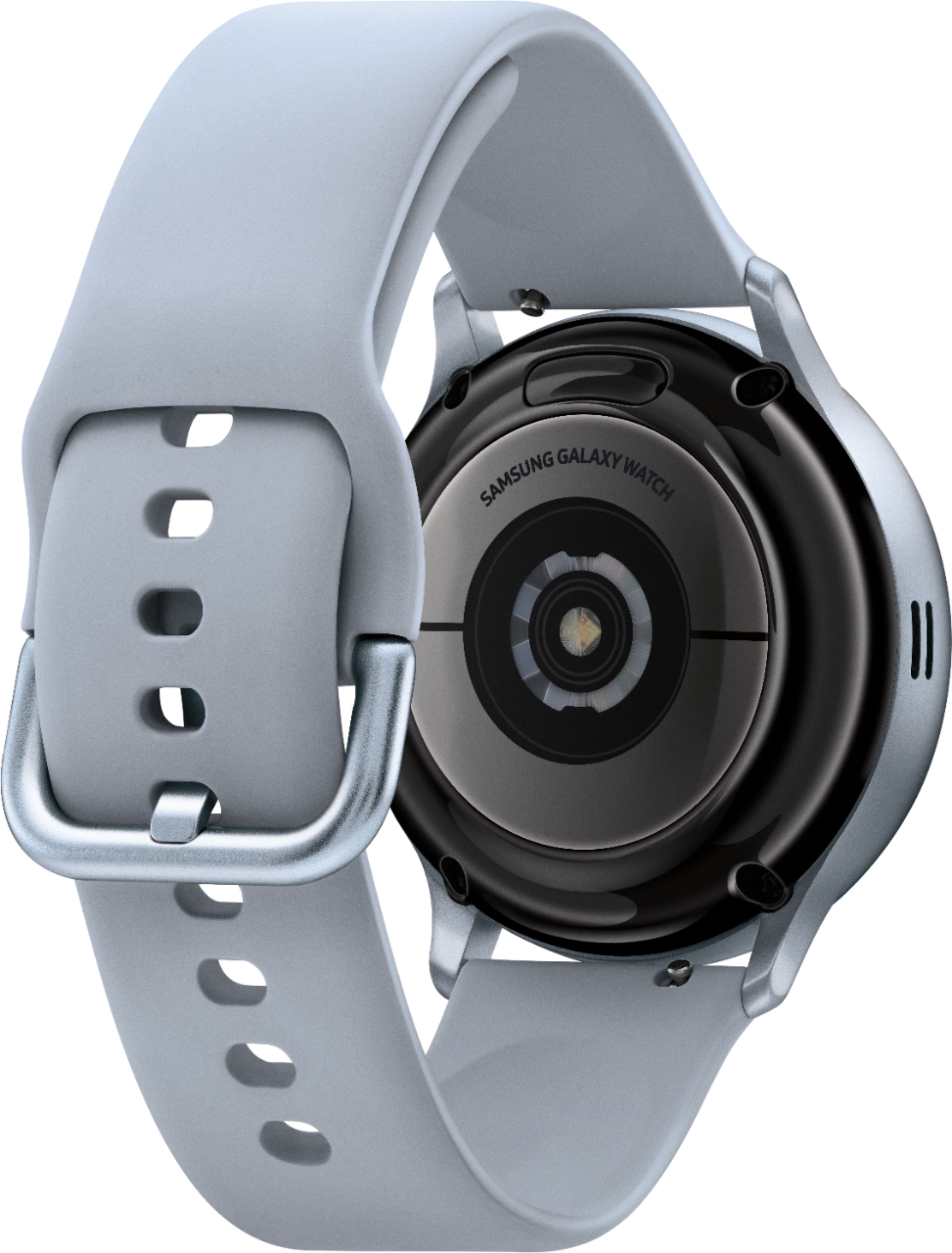
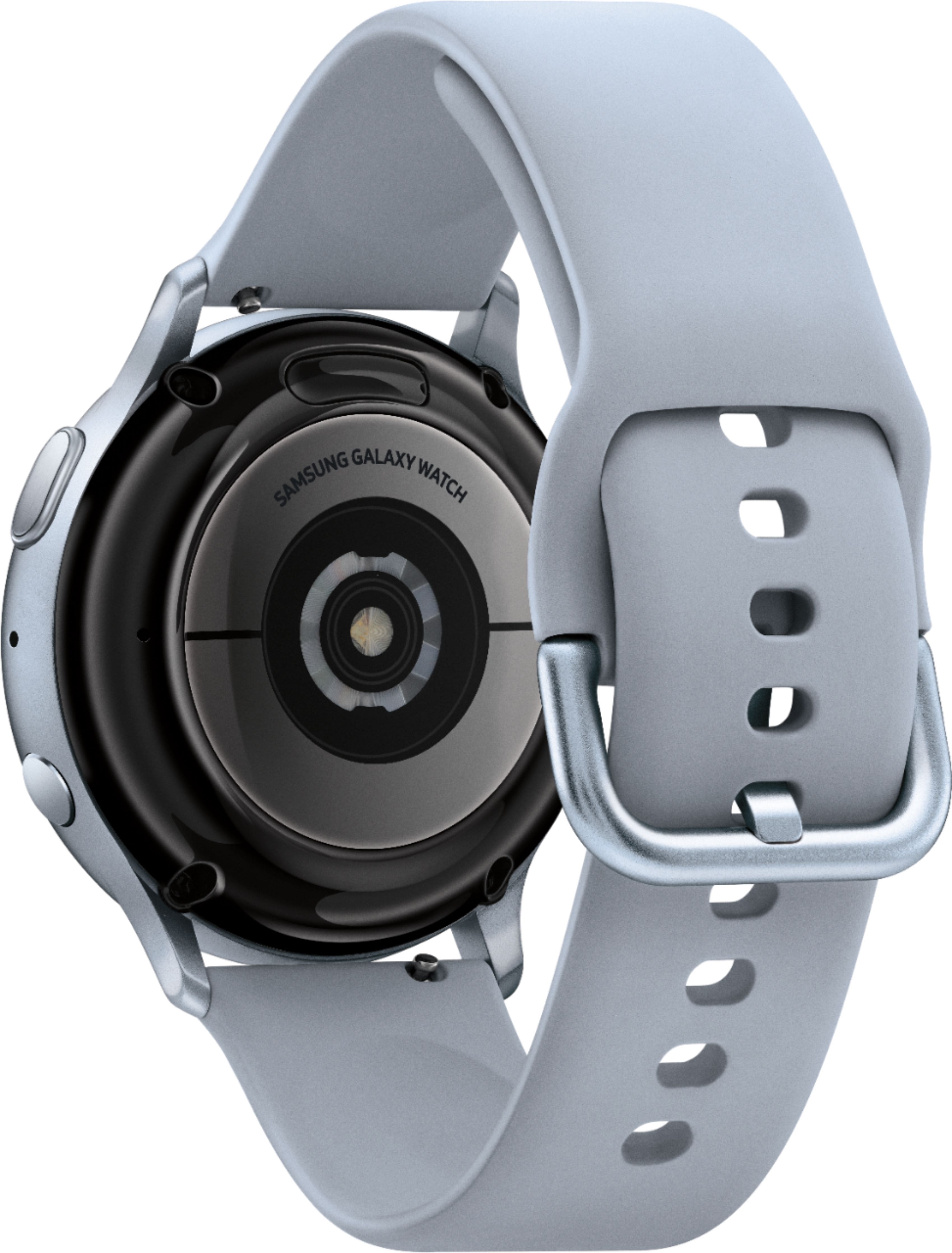
A:AnswerYes and No. Depends on which function your using. The yes part is you can download faces, updates, just abut anything with any Android phone, however if your interested in the ECG capability then it must be paired with a Samsung Galaxy Phone manufactured after 2015. running Andriod 5.1 or higher.
A:AnswerNot really, no. If someone sends you a message with a picture, say through messenger or text, it'll say you were sent one, but you have to open it on your phone to see it. I have only one folder that pops up, and it is only background pictures to use.
A:AnswerI did not add my watch to a plan on my cell provider and I am able to receive texts and calls. I can also respond to text messages using the watch. I have no issues answering a call and talking via the watch. When I initially went to my cell provider's store to look at the watch, the sales rep told me I "had" to put a plan on it. Best Buy had a better price on the same exact watch so I purchased it at Best Buy. As of today, I have not added the watch to a plan and I am able to use all the features. It is very convenient. I love the watch!!
A:AnswerYou've got an average of 30 feet, before your watch disconnects from bluetooth and disables the internet, but you can always use wifi. Otherwise you'll have to activate it with your carrier, to be independent. But, at least with my carrier, it's not worth it.
A:AnswerI haven’t had to use it fortunately. If you set up the SOS on the Wearable app on your phone, it will contact your emergency contact (you enter the info) if you have not responded to watch prompts within 60 seconds of a sensed hard fall.
A:AnswerHello Cathy, thanks for reaching out! Here is a link (https://www.samsung.com/us/support/answer/ANS00078019/) to an article that will help you learn more about music and this watch. ^Elizabeth
A:AnswerYes. It's a little difficult to type with. It shows it as a T9 looking keyboard, but you don't tap the number to reach the letter. You press whichever numbers have your letter, it has predictive text. The verbal is ok, but it is having some problems picking up the punctuations, and just spelling them out. I'm thinking if investing in the gboard for the watch.
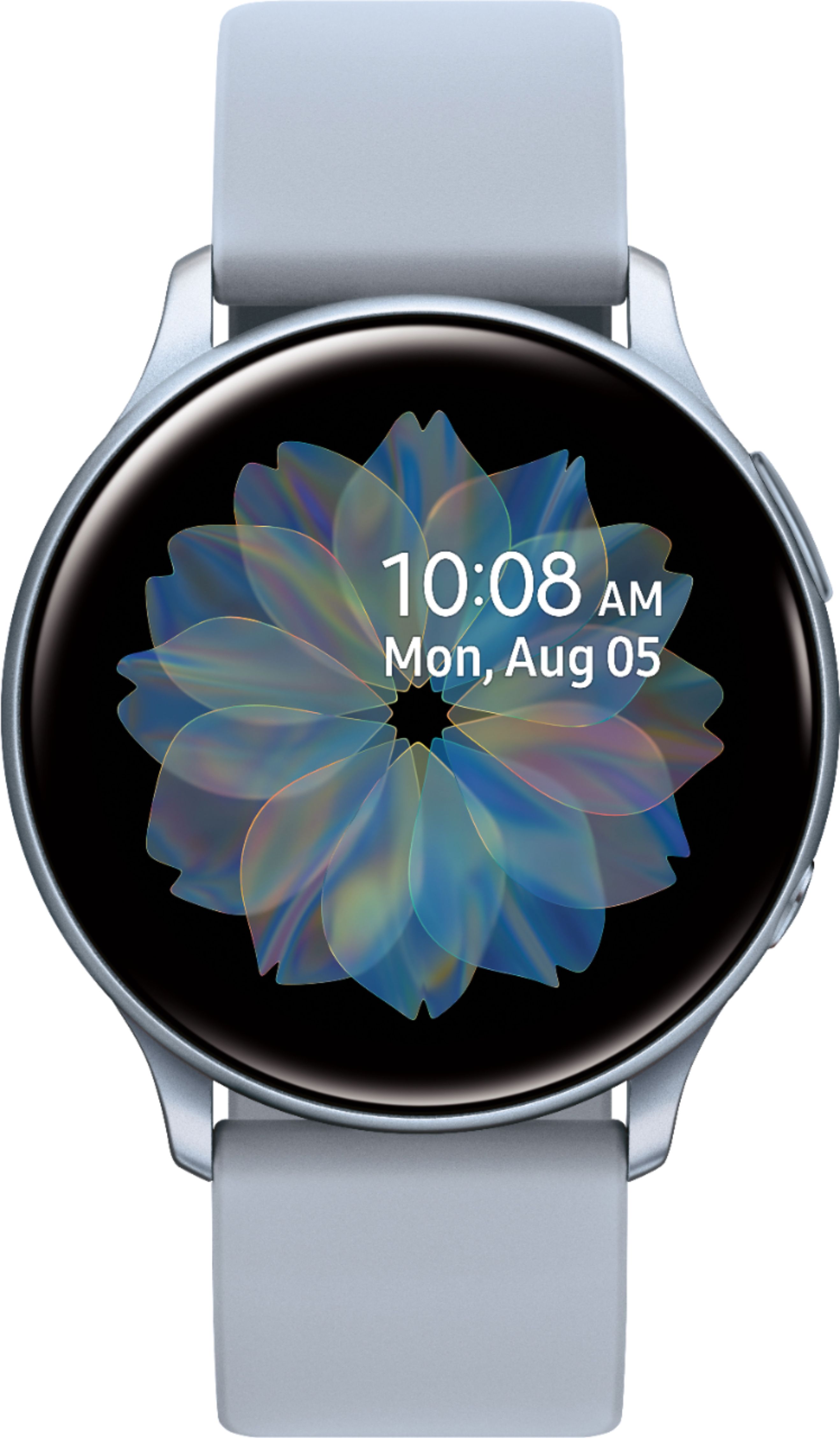
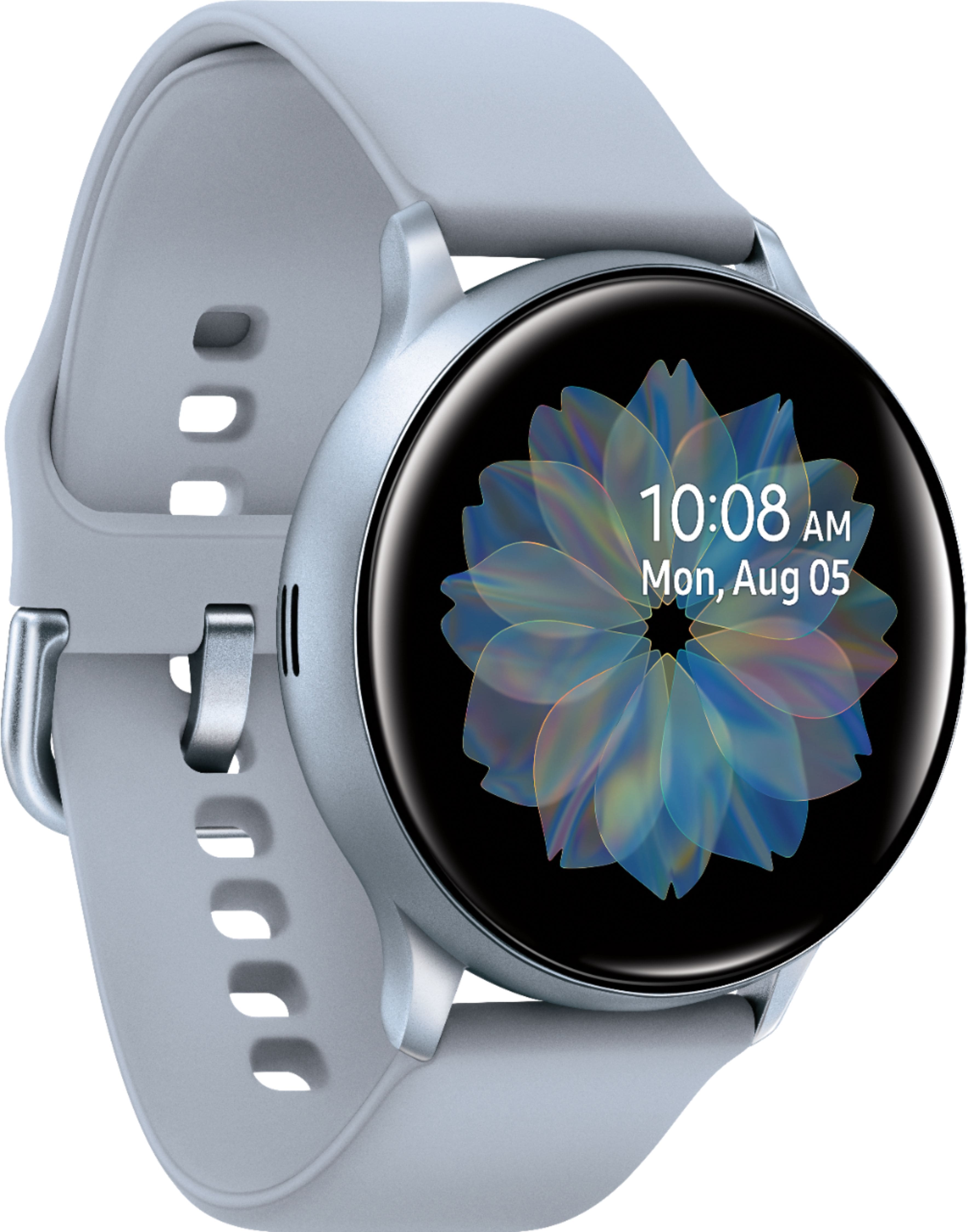
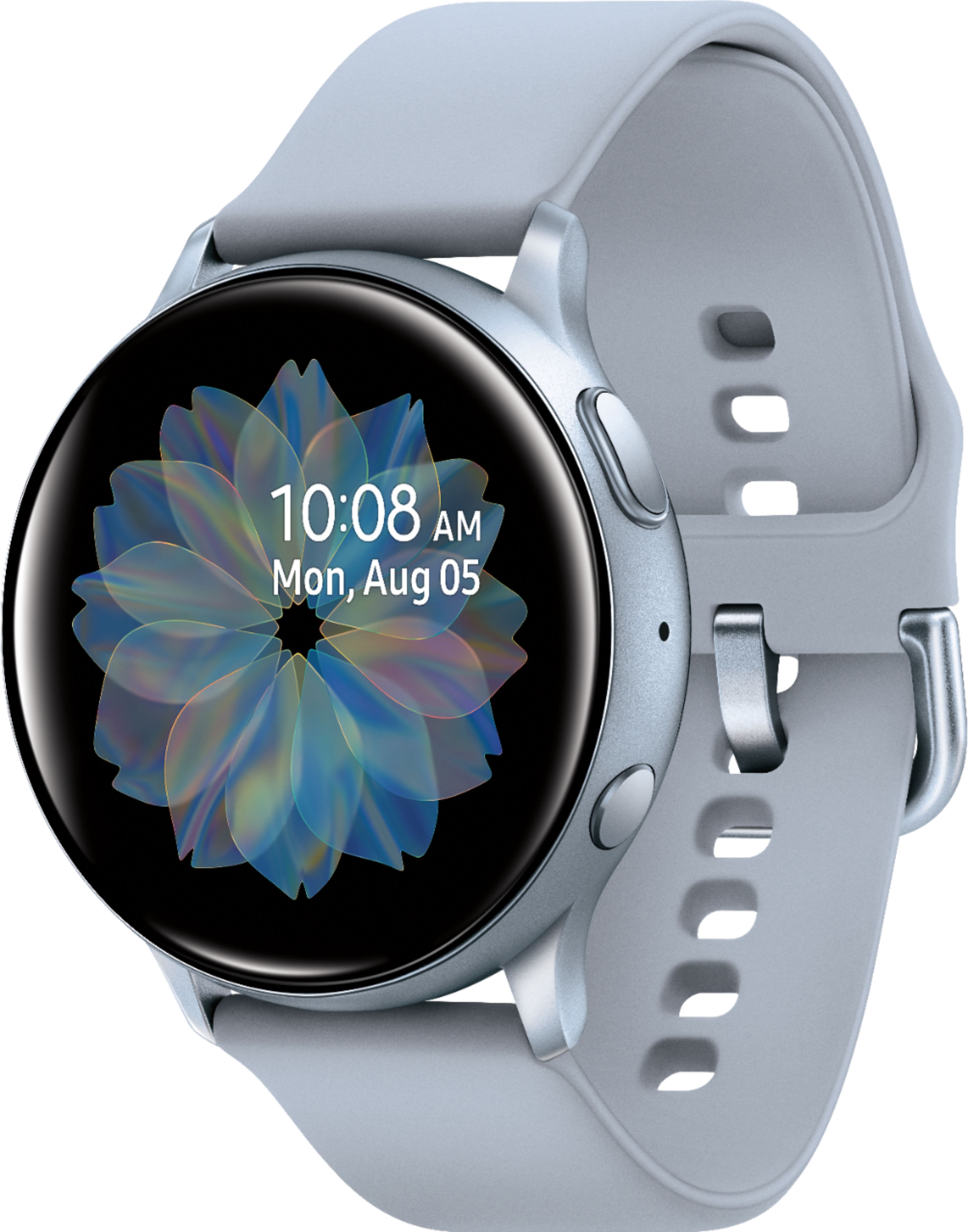
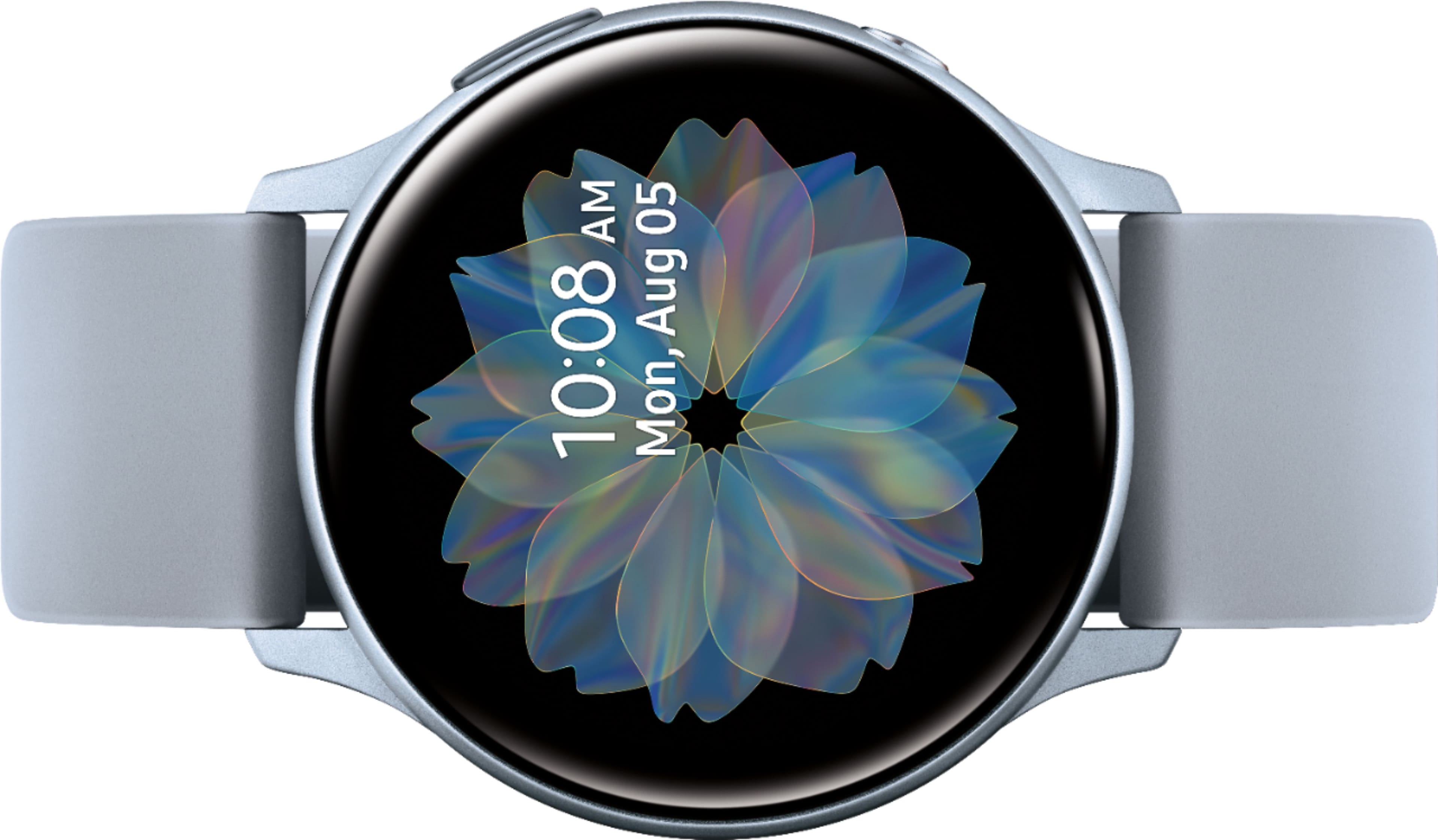
A:AnswerIf your watch is not the lte mode (uses cellphone service), you cannot use it remotely without your phone. The watch that is pictured only connects using Bluetooth.
A:AnswerHello Tammy, great question! The long-lasting battery can go for days on a single charge. With typical usage you could get up to 3~4 days. ^Elizabeth
A:AnswerHello Mel, thanks for asking! You can make and answer calls right from your wrist! You just need to make sure the watch is connected to your phone through Bluetooth or through a mobile network. You can also create new messages, or quickly view incoming messages and send replies using the pre-installed Messages app without even taking out your phone. You can even send replies using Quick messages, or when you decline incoming calls. However, your watch must be connected to a phone unless the watch is an LTE model with active network services. ^Elizabeth
A:AnswerHello Carol, thanks for reaching out! Please follow this link (https://www.samsung.com/us/mobile/wearables/smartwatches/galaxy-watch-active2-40mm-pink-gold-bluetooth-sm-r830nzdaxar/?redir=SM-R830NZDAXAR) to learn more about the features and specifications. This watch only has Bluetooth connectivity. ^Elizabeth
A:AnswerThey are all unlocked and international but check with your phone carrier first. Some allow watch lte and others don't but as long as you have Bluetooth and the wear app you should be good