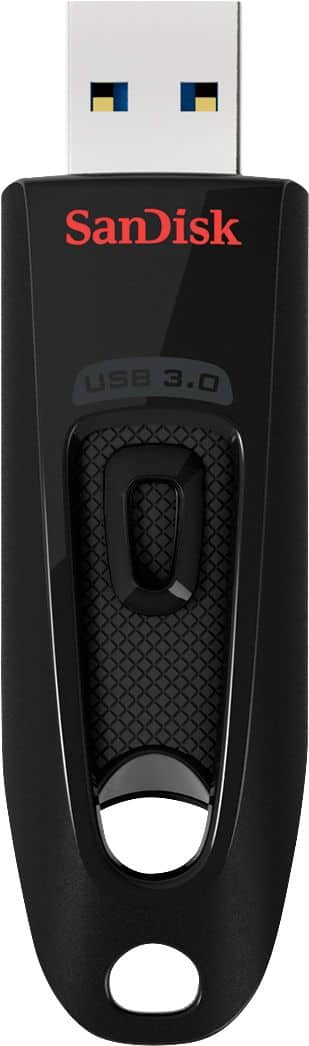
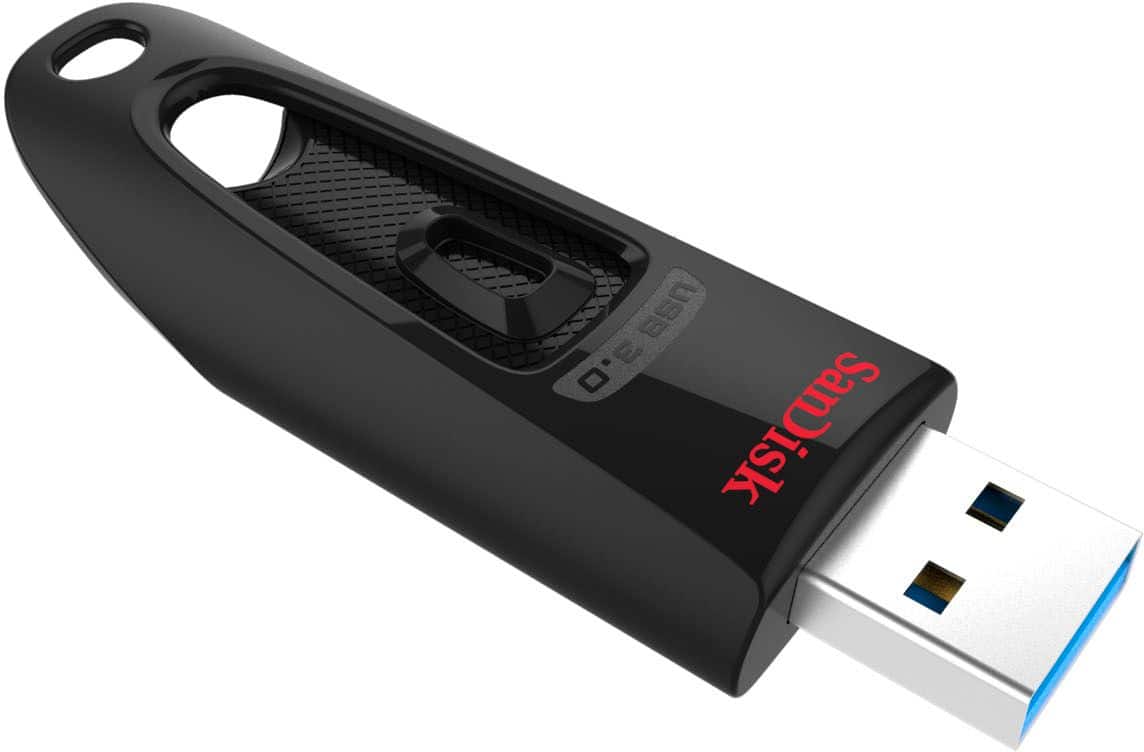
A:AnswerYes, the SanDisk® Ultra USB 3.0 256GB USB Drive is compatible with the Blink Sync Module 2 as it support USB Drive of up to 256GB capacity. Please note that we do not recommend using any USB Drives/ Memory Cards other than the SanDisk®️ High Endurance/ MAX Endurance Memory Cards to be used with devices like Dashcams, Security/ Surveillance Devices, and In-Car Recording Devices as these devices perform constant read and write operations while recording continuous videos. Please use a SanDisk®️ High Endurance/ MAX Endurance Memory Card with a USB Memory Card Reader in your device USB port since these Memory Cards are specifically designed for constant Read/ Write Operations.
A:AnswerIn this case I would suggest you to check the size of the files you wish to transfer and purchase the Drive accordingly. For any other queries/ concerns, please contact SanDisk®️ support at www.sandisk.com/support. We will assist you towards the best possible resolution.
A:AnswerHi, please be informed that the iPhones have a lightning port and this USB Drive has a USB Type-A connector for devices/ computers that have USB Type-A ports. We manufacture special Flash Drives called the SanDisk® iXpand Flash Drives with the lightning connectors for Apple iOS Devices with lightning ports like your iPhone. You can purchase the SanDisk® iXpand Flash Drive for your iPhone from Best Buy. You may also visit our official website to now more about these Flash Drives.
A:Answeryou might be able to transfer directly from I-phone maybe -- if you had an usb port on your I-phone. I have put several I-phone pics onto my thumb drive. The way that I do it is to transfer my I-phone pics to my desktop computer, then I just plug in my thumb drive, open it up, and drag and drop. maybe not as streamlined as you desire, but it gets the job done. The thumb drive doesn't care how the pics get there, it will accept them, the trick is get the connection so that you can place them on it. sorry, I can't be of more help. hope this works for you.
A:AnswerHi there,
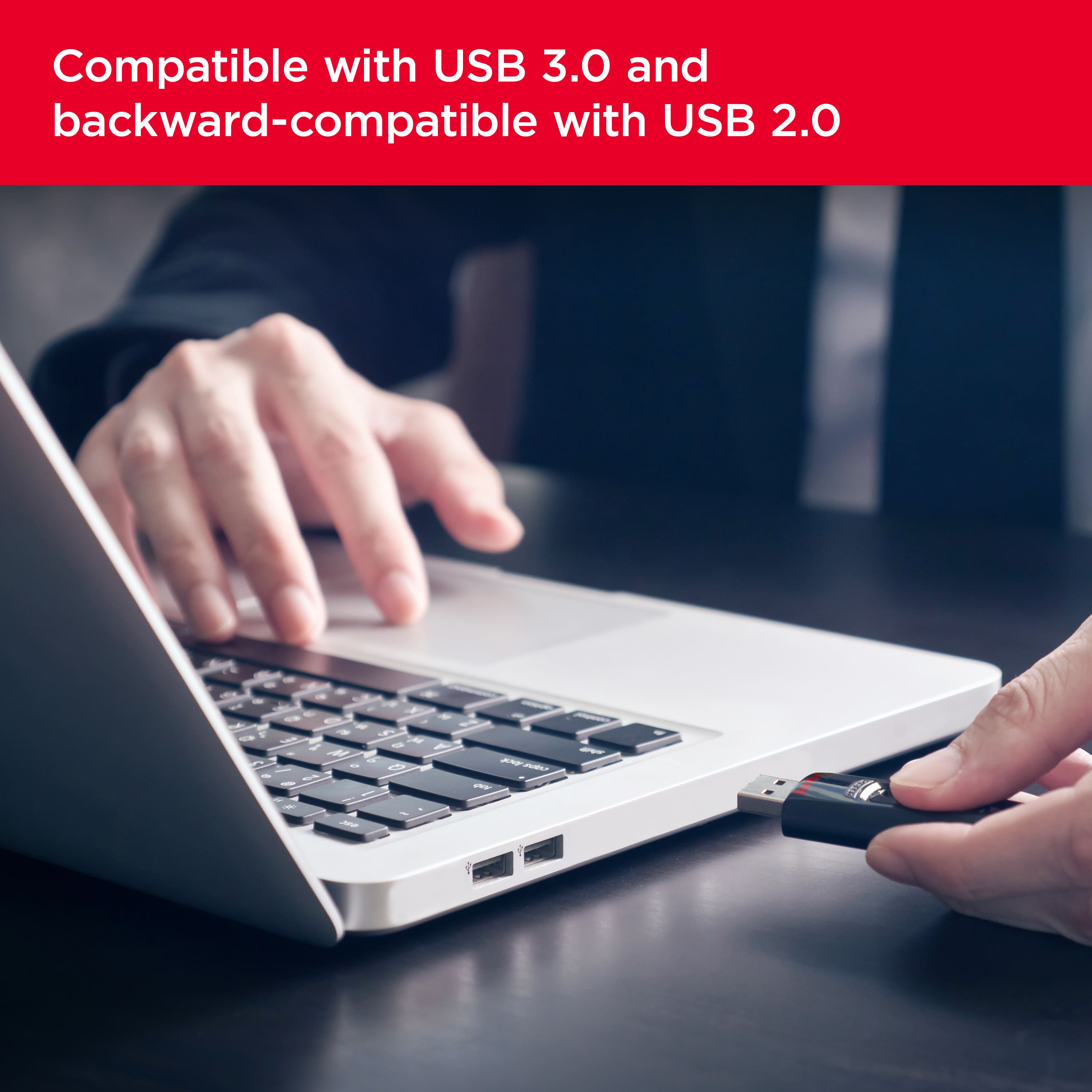
This drive comes with a USB Type-A connector and is compatible with a range of USB-A devices including Windows, macOS, iOS and Android. However, the drive has not been tested for Xbox. For full compatibility and best performance, we would kindly suggest you to check with the host device manufacturer before making a purchase. If you have further questions, please contact us at: https://support-en.sandisk.com/app/askweb
A:AnswerI’m sure this is an issue with your Carbon Copy Cloner software. Write to them and see if they know about the bug.
You may have to go into machine code with an older version of DOS and reformat the drive to fix it. Some older software person knowledgeable with DOS machine level programming could reset all the systems on the drive and bring it back from the grave. Good luck.
A:AnswerYes absolutely, but you'll need to have an intermediary device. What that means is a laptop/computer that you can put those iPhone photos onto and then dragging/selecting and moving those photo files into the Flash Drive storage.
A:AnswerThere are two reasons that I can think of:
First, the drive is locked in read-only mode. This is a permission that can usually be set within Windows or macOS.
Second, the drive is failing. Most of the time, the second reason is the case. There is not a lot you can do, but I recommend backing up the information as fast as possible so you can transfer it to a new drive.
A:AnswerHello Bobby,
Please allow to inform you that the difference in the definition of one Gigabyte by Operating Systems versus all Storage device manufacturers. Operating systems use a binary system which will present a lower number of GBs than the decimal based system used by Storage Device manufacturers to define the capacity of products. This is due to the binary system representing a GBs as a higher number of actual bytes.
For example: Operating systems define a 1GB as 1,073,741,824 Bytes. Storage device manufacturers define 1GB as 1,000,000,000 bytes.
Also, you may research on the internet by reading tech blogs/ articles to know more about the same. For any other suggestions/ queries regarding SanDisk® products, please feel free to contact SanDisk Support and we would be happy to help!
A:AnswerYou can't use these on your phone directly. However, you can connect your phone, as long as they are both Apple or android capable, to your laptop or desktop. Allow your phone to connect with your device. Then you can download pics and video from your phone to this USB.