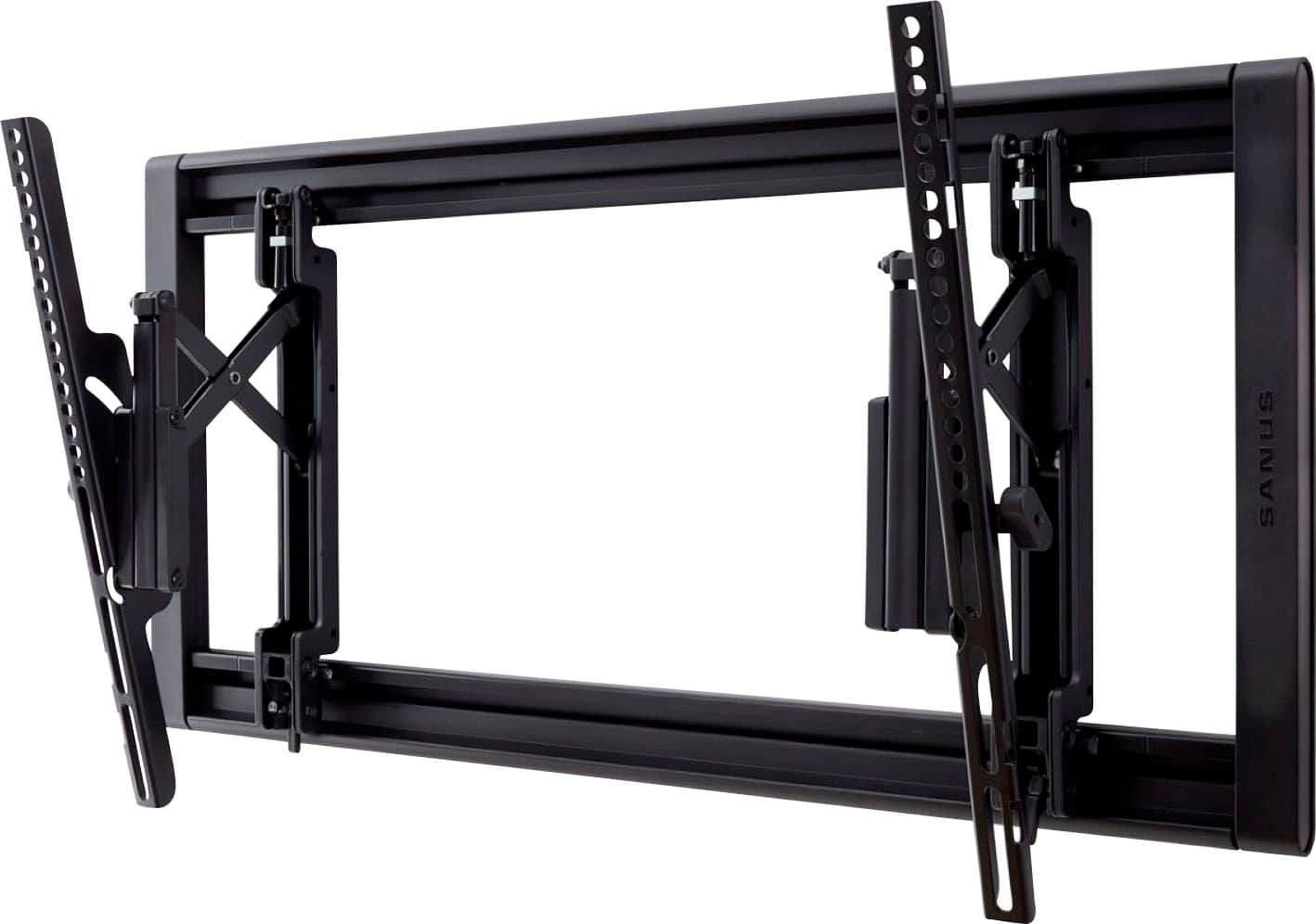
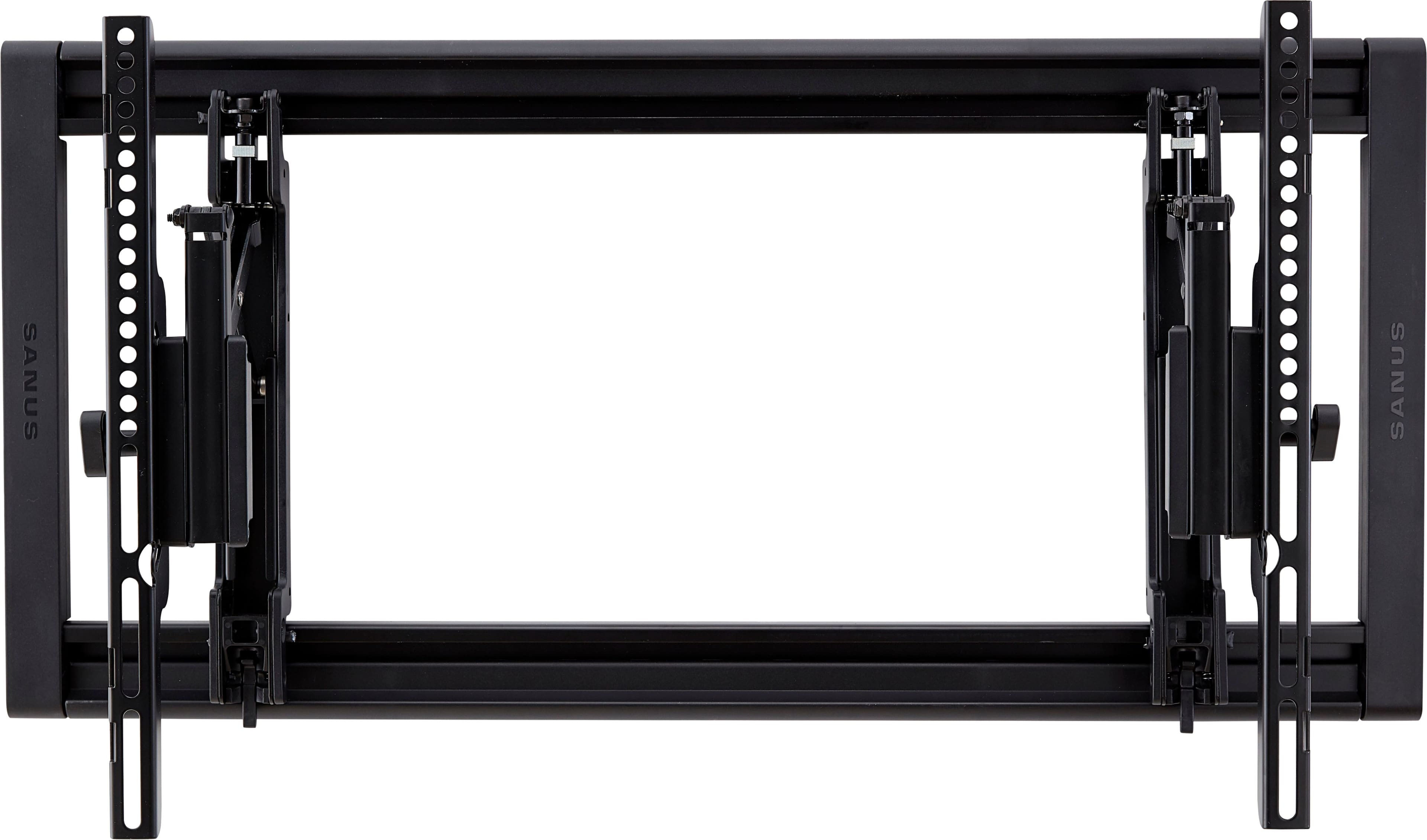
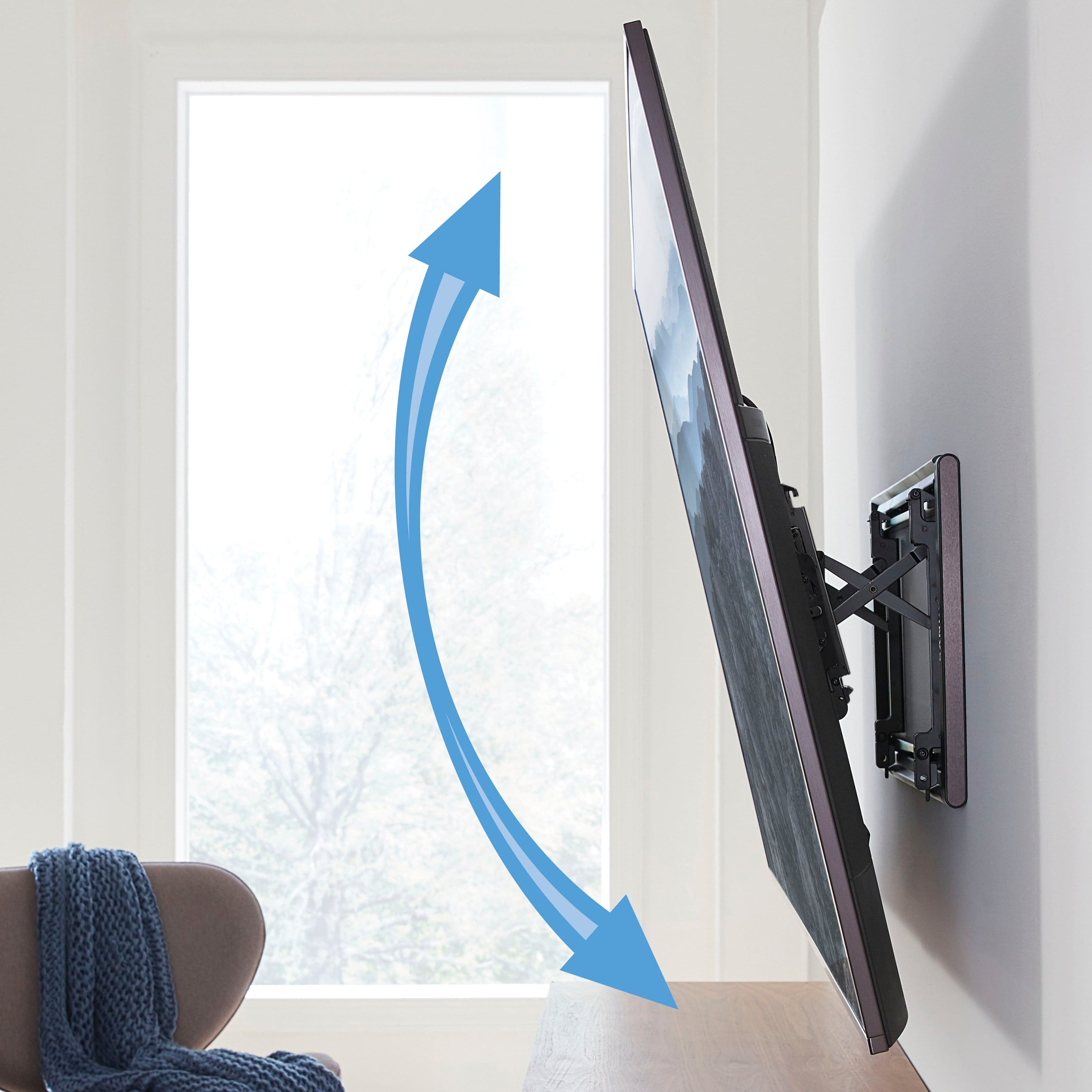
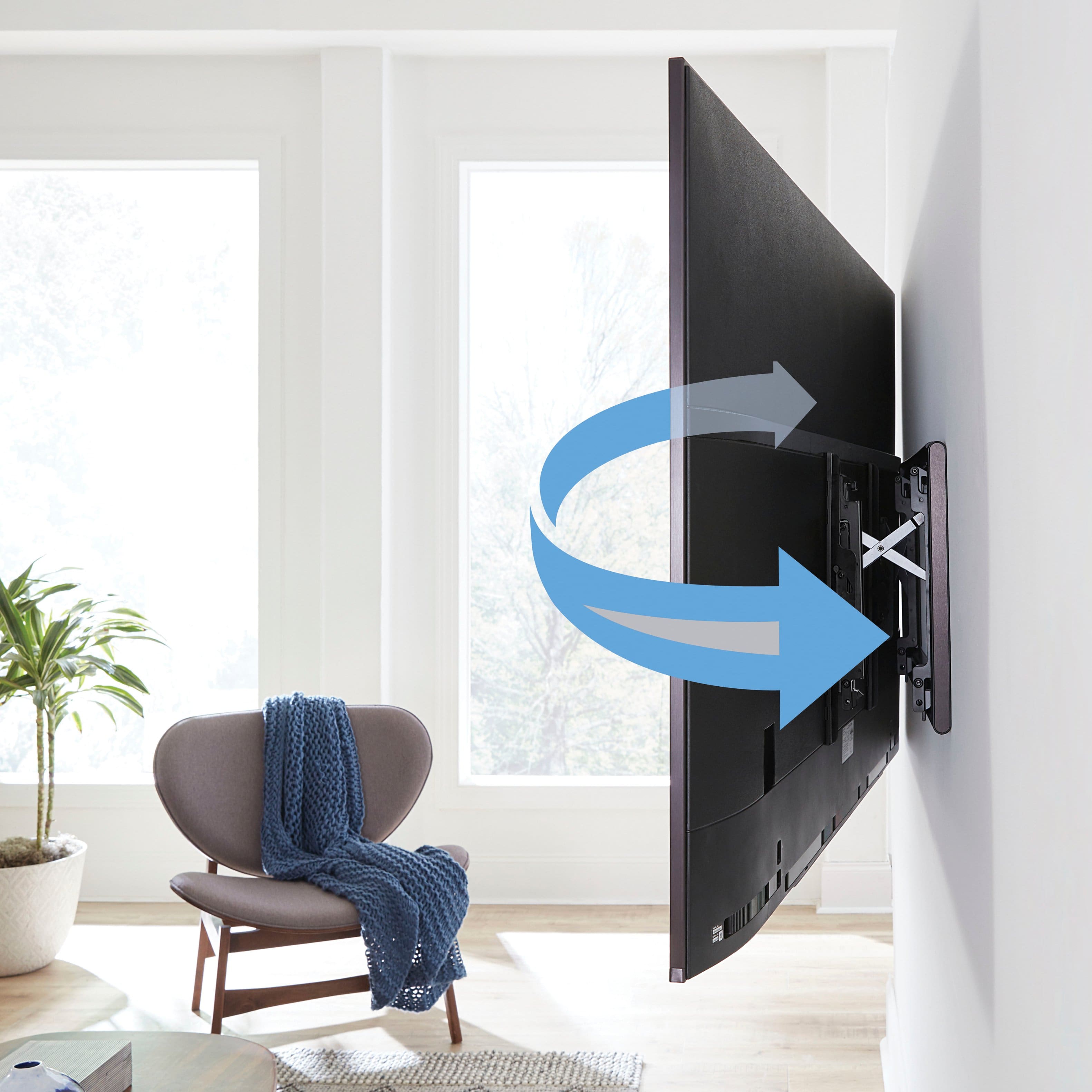
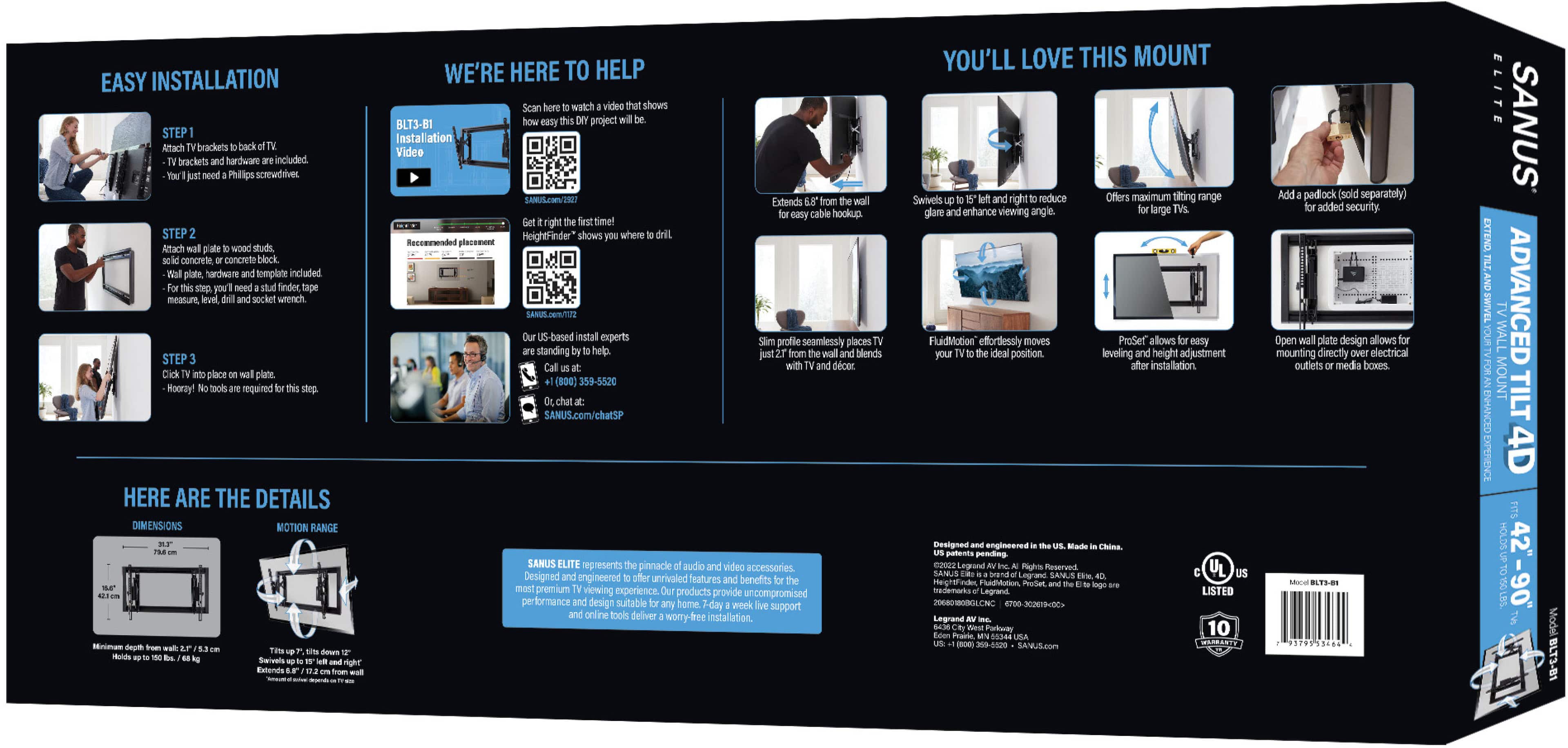
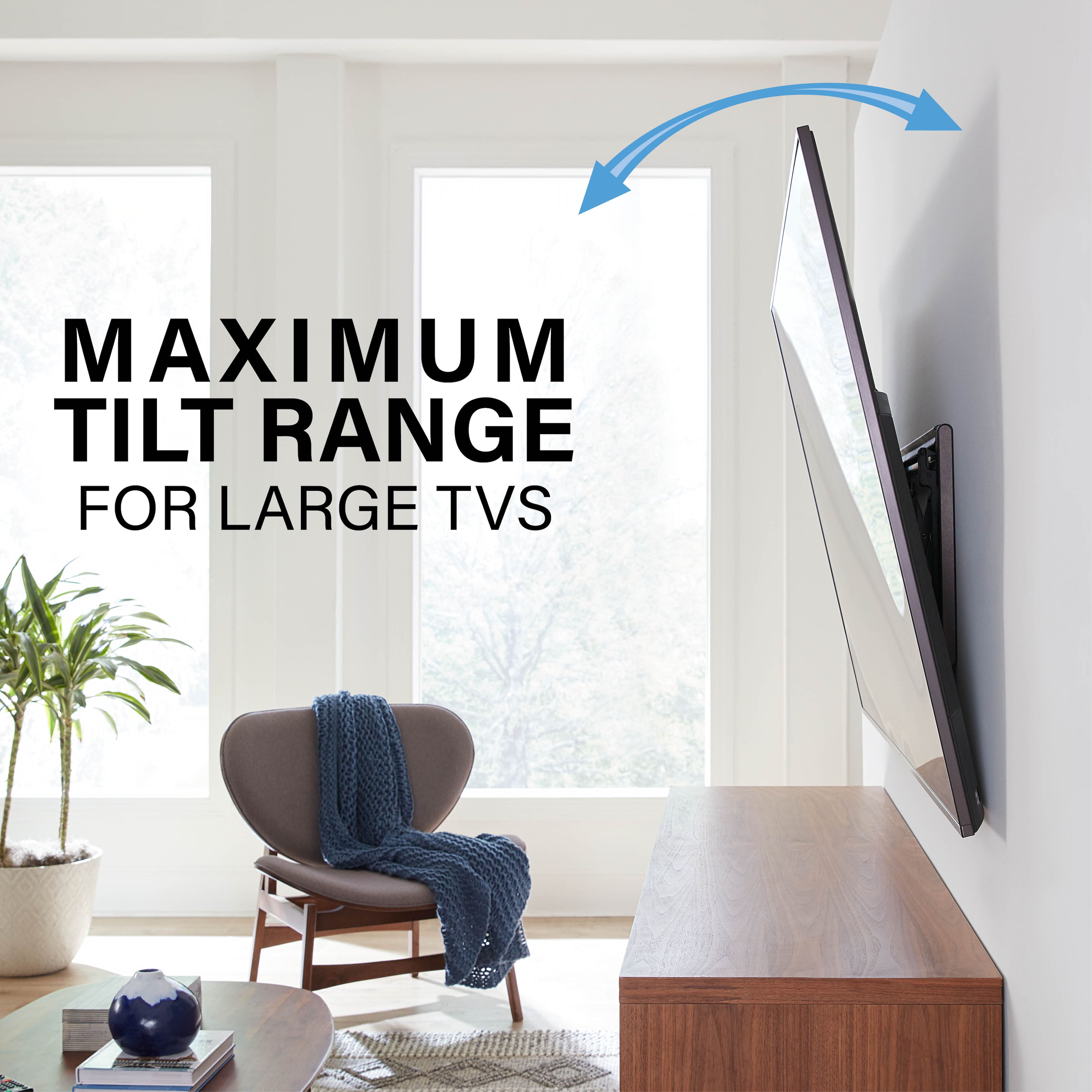
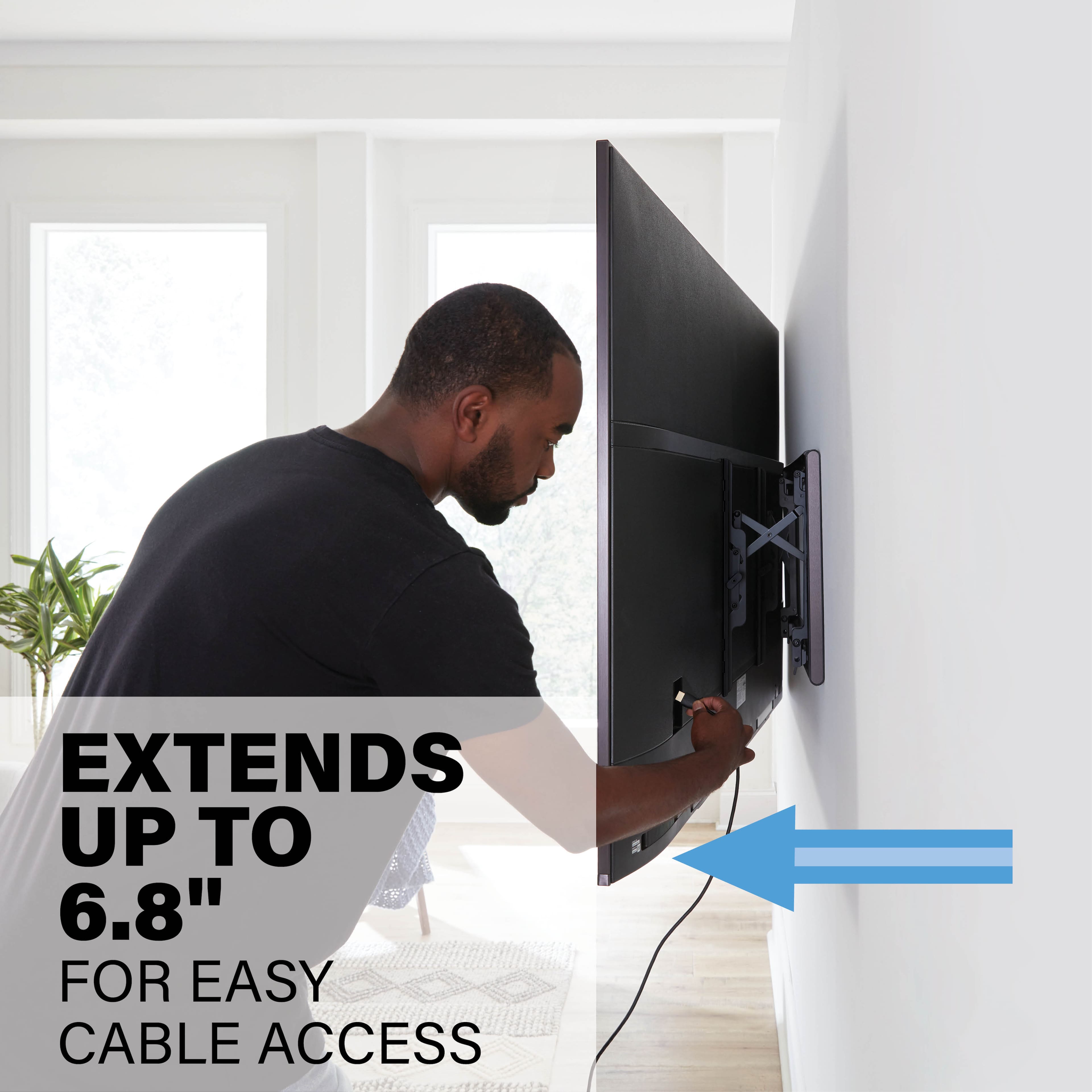
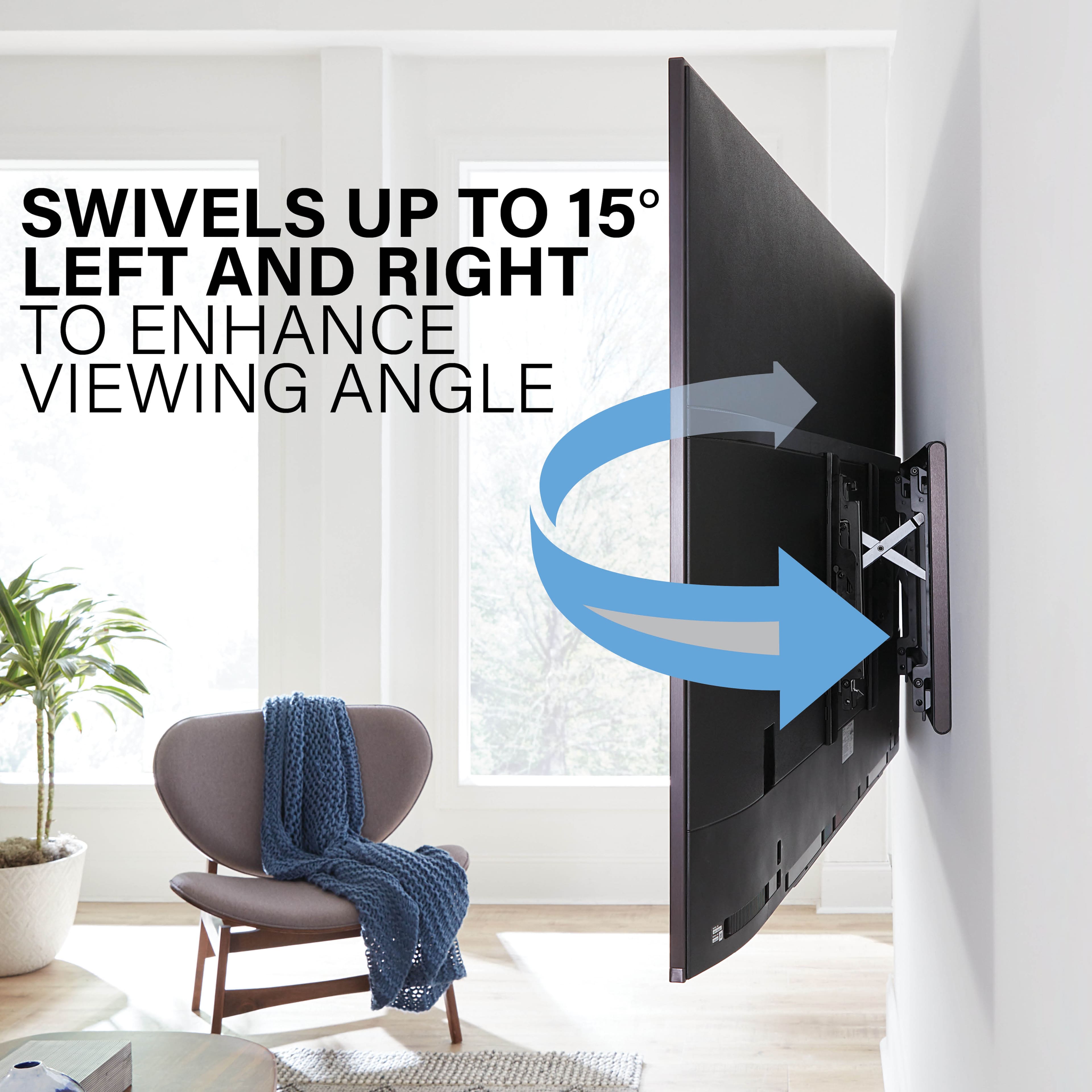
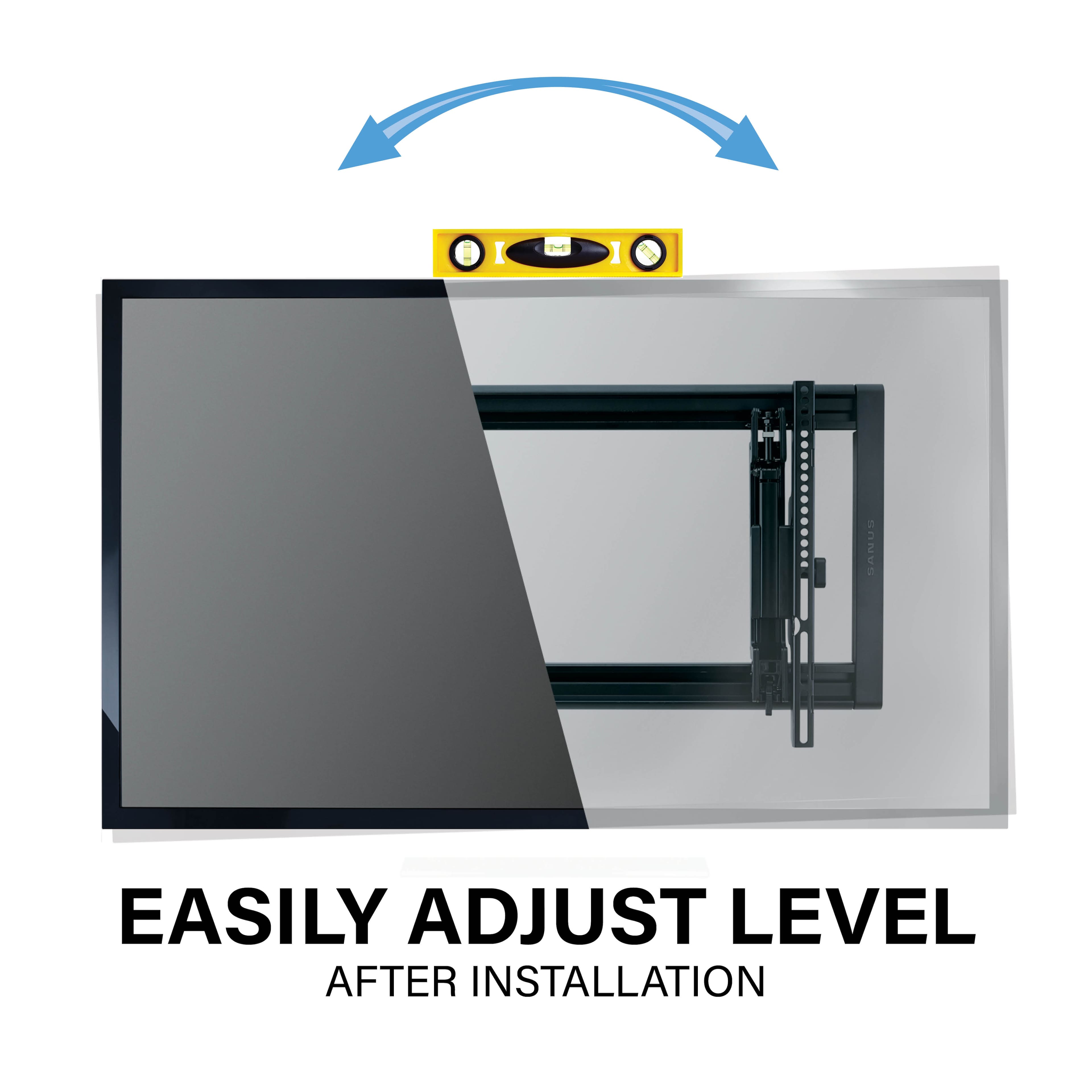
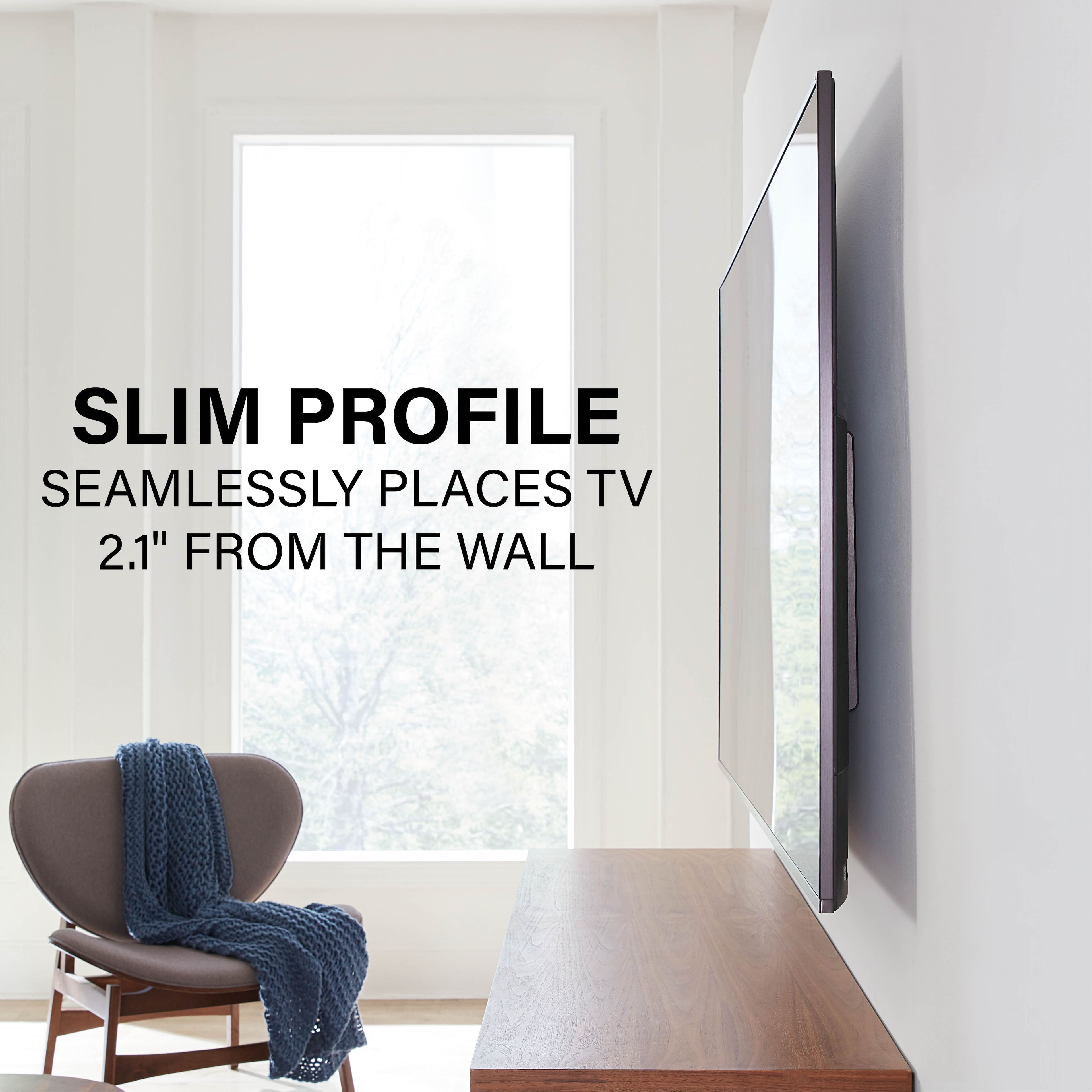
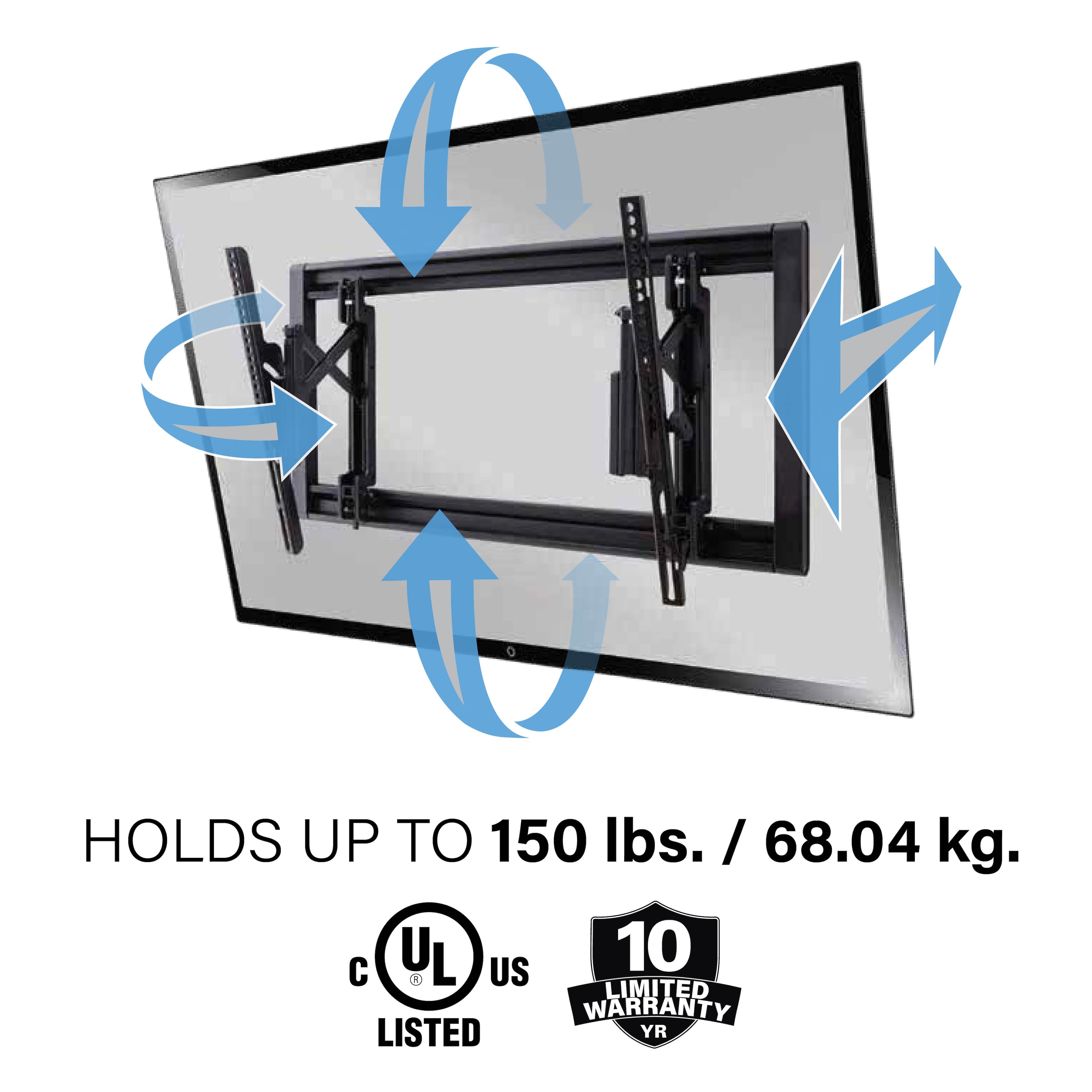
A:AnswerYes. I have a Samsung 65” Neo QLED mounted on it and it’s just perfect for the area that it’s in. It only extends out about 5 inches from the wall but it makes it easy to access the cord installation and has a nice tilt feature for you to use to get the picture directly pointed to your eyes for viewing.
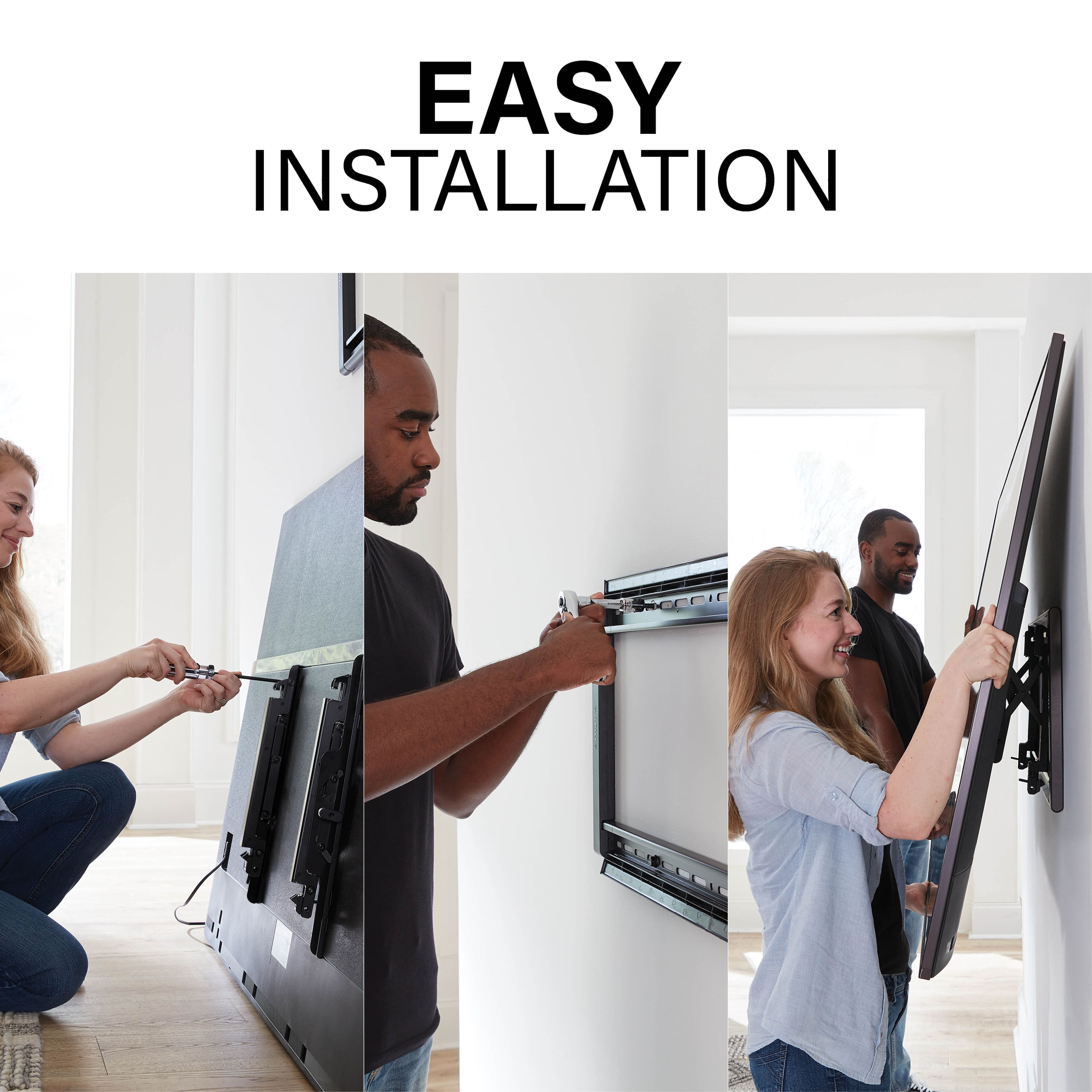
A:AnswerIt has the screws to mount it to the wall, however the bolts and cups that you need to attach the TV to the mount were included with your TV, the hope you kept those or you won’t be able to mount it.
A:AnswerFrom the installation manual:
1-Disconnect any cables
2- Unlock the TV from the wall plate by lifting the release latch on each of the two brackets (these are the brackets that are attached to the rear of the TV w/screws)
3- Lift the TV up and off the wall plate
This is very simple to do- best to have a helper for lifting if you have a large TV