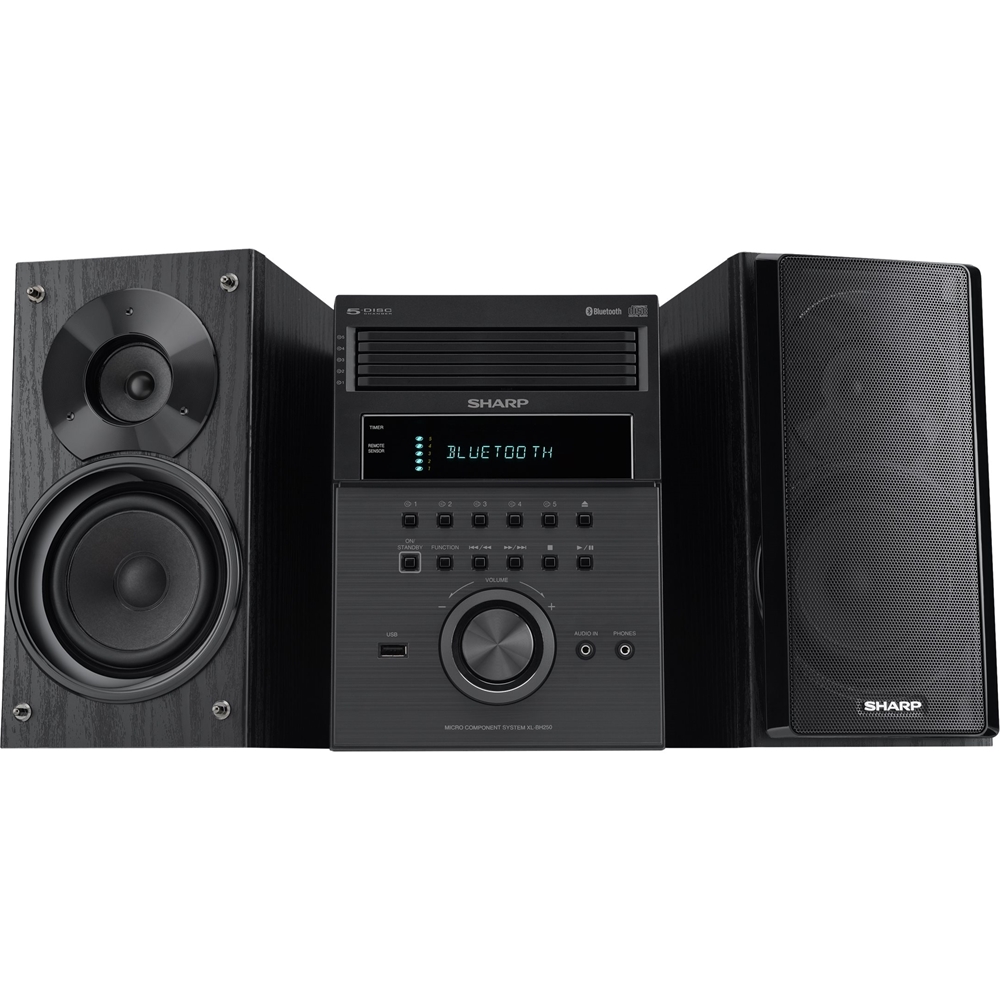
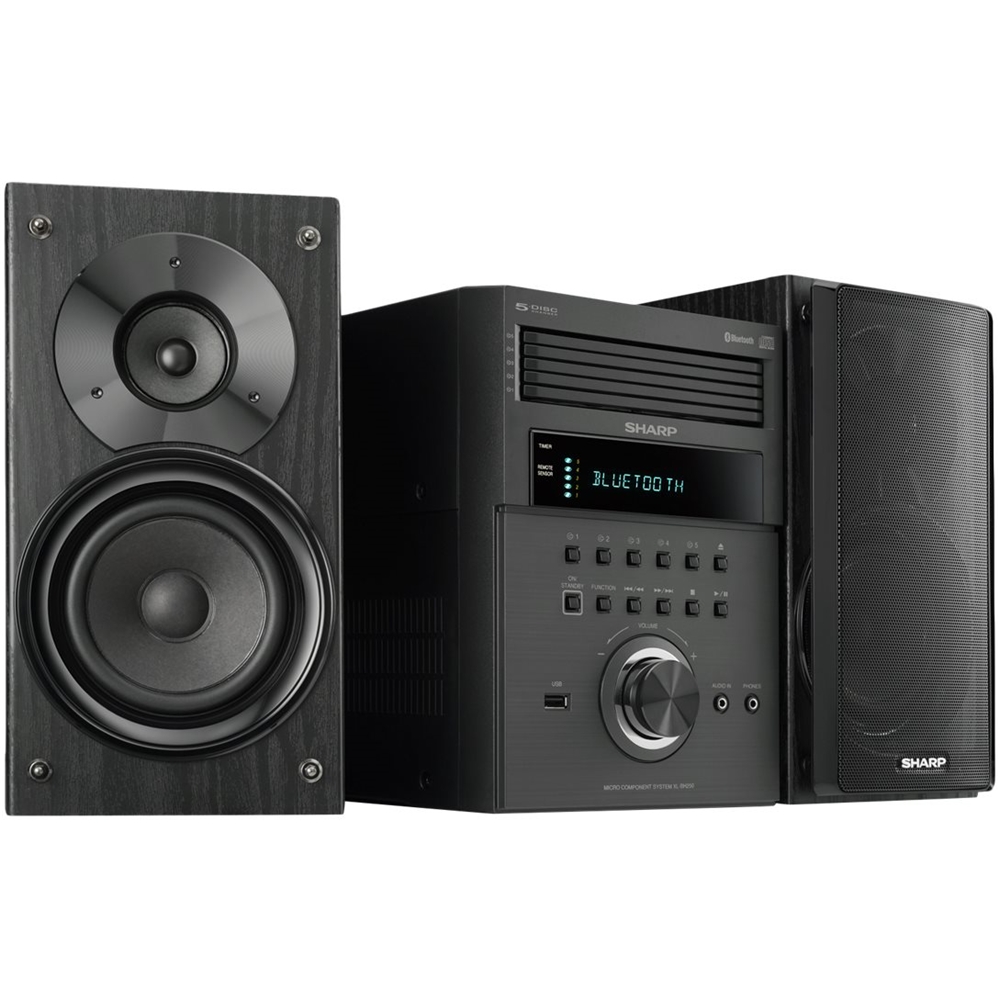
A:AnswerHello, the CD's trays normally plays in random order however, you can chose to play the tray that you want by selecting the associated tray number. If you have any further questions or concerns, please feel free to email us at onlinesupport@sharpsec.com so that we can advise.
A:AnswerHello, you are able to connect an external device (Turntable) to the (audio in) 3.5 mini jack aux port at the front of the unit. When this is done the sound will output through the speakers of this unit.
A:AnswerThe speakers for this unit are not actually attached. They do however have rather short wires built right into them so you are limited on how far apart to put them. If I have to guess, I would say the wires are about 4ft long.
A:AnswerHello, we would like to advise you. Please contact us at onlinesupport@sharpsec.com. Please include the model number of the unit in your email.
A:AnswerHello, we are sorry to hear about this issue. You may cancel the Bluetooth mode by pressing the eco button on the remote. If the issue remains, please email us at onlinesupport@sharpsec.com for additional support.
A:AnswerHello, we are sorry for the inconvenience. It can be an issue where a Bluetooth device that is connected is close to the unit. We suggest that you turn off the Bluetooth feature on this device. If the issue remains please contact us at onlineuspport@sharpsec.com.
A:AnswerHello Susie, please email us at onlinesupport@sharpsec.com so that we may advise you. Kindly include the model number of the unit in your email.
A:AnswerThis unit is in an environment where other people 30 feet way are using Bluetooth for other functions. There should be a warning label that it is non functional for anything but Bluetooth
That’s really not customer friendly
A:AnswerHello, thanks for your question. We would love the opportunity to provide you with further assistance and help resolve any concerns you may have. If you could please contact us at CRL@sharpsec.com or call us at 1-800-237-4277.