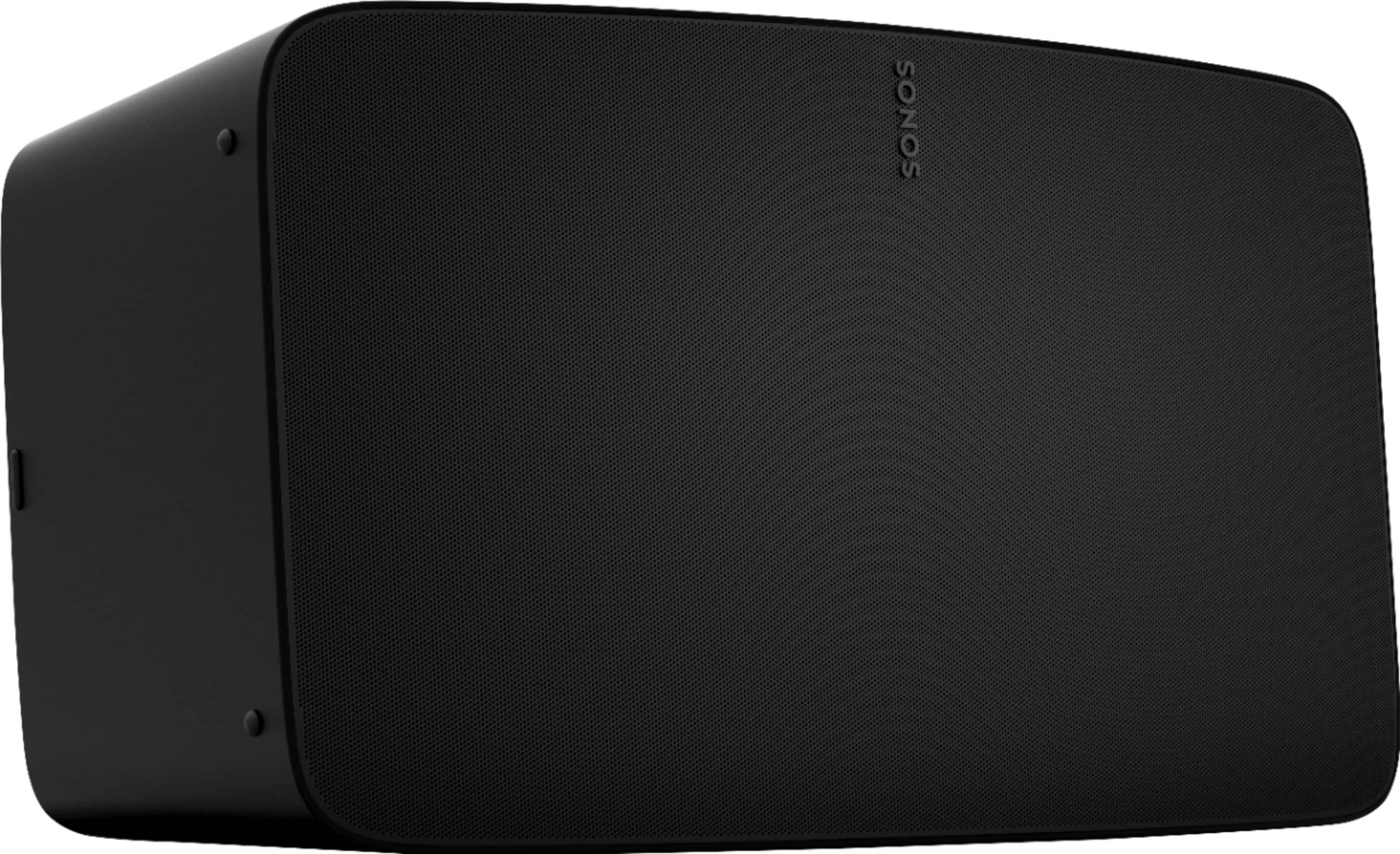
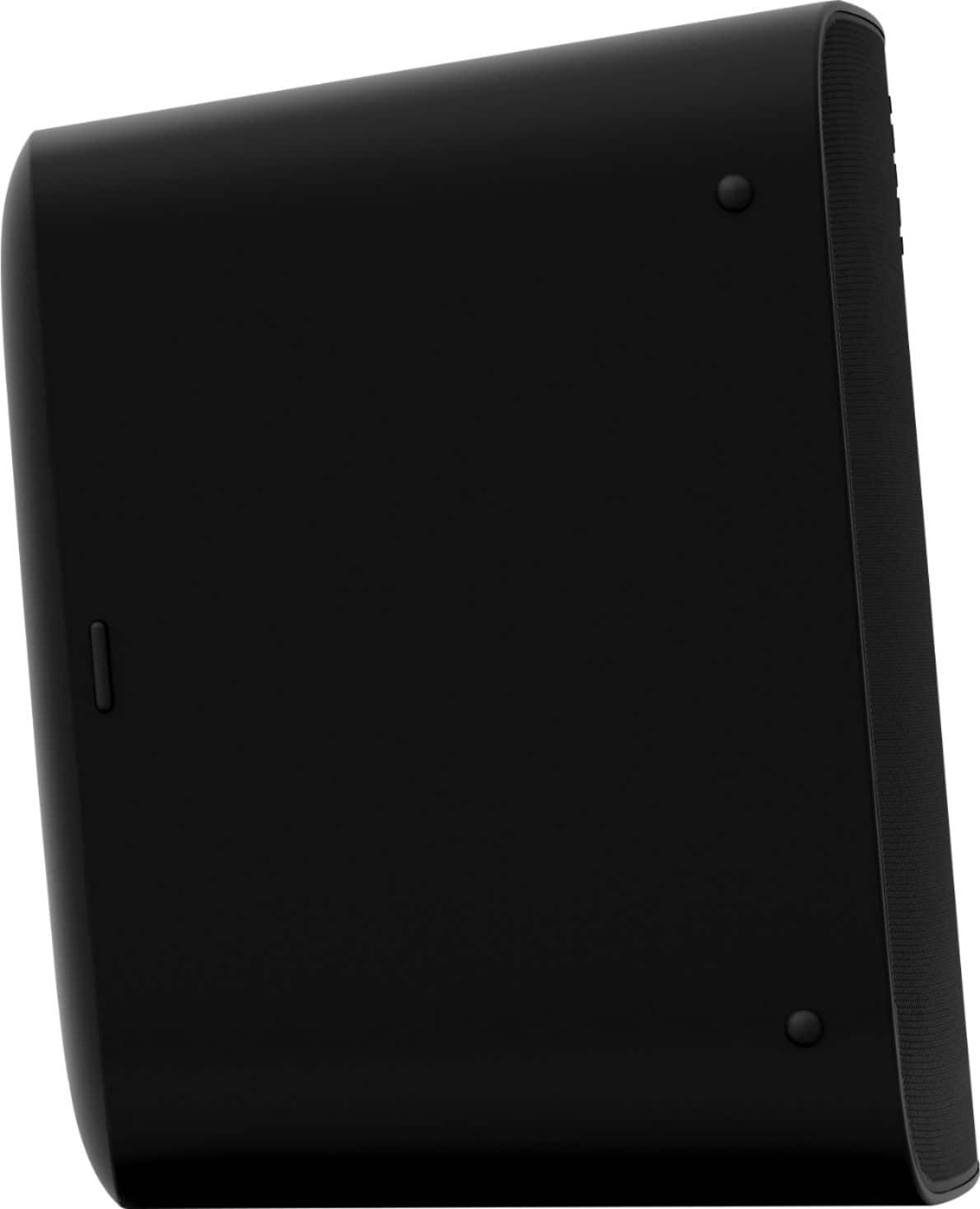
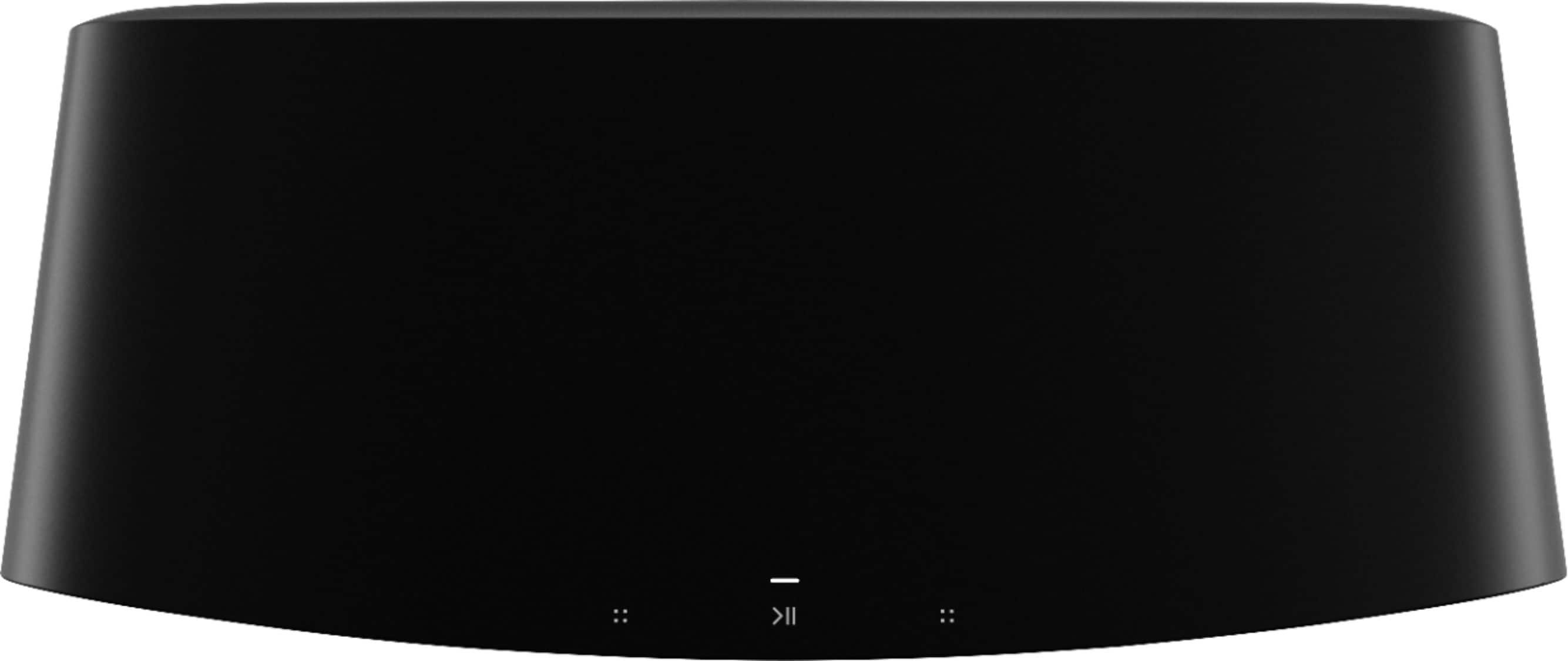
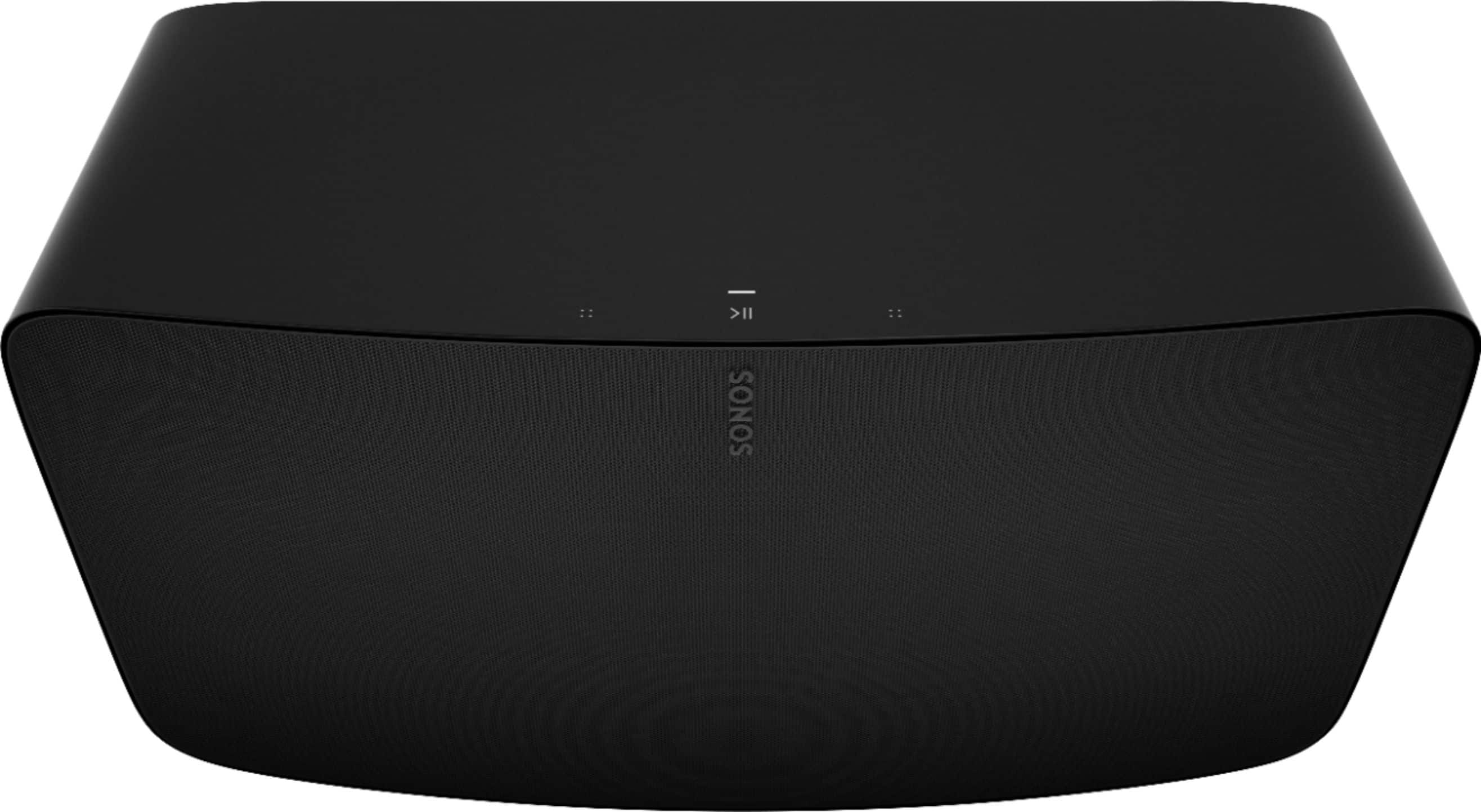
A:AnswerHi, and thanks for your questions. No, the Five would not be compatible with the wifi receiver. However we do have the Sonos Port if you'd like to make that receiver work with Sonos.
https://www.bestbuy.com/site/sonos-port-streaming-media-player-matte-black/6371154.p?skuId=6371154
As far as the Google Hub, we can integrate with that. You could tell it to play "x" in the Living room and your speaker named Living Room will start playing music.
A:AnswerThe Five has its own built in amplifiers that power each speaker inside. Remember this speaker can be used to stream music on its own and does not require to be hooked into a amp. In order to get the 5 to play with other non-Sonos speakers would require the Port to be hooked into amplifier…
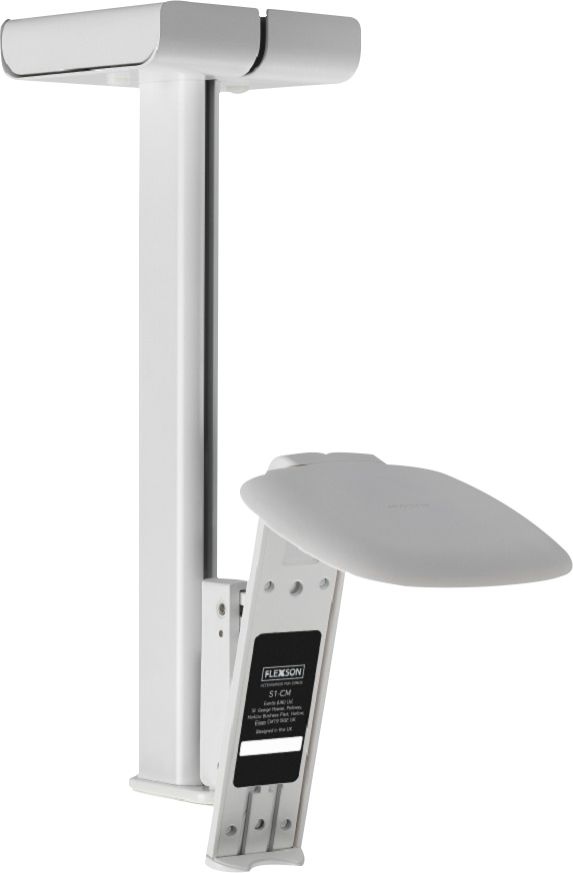
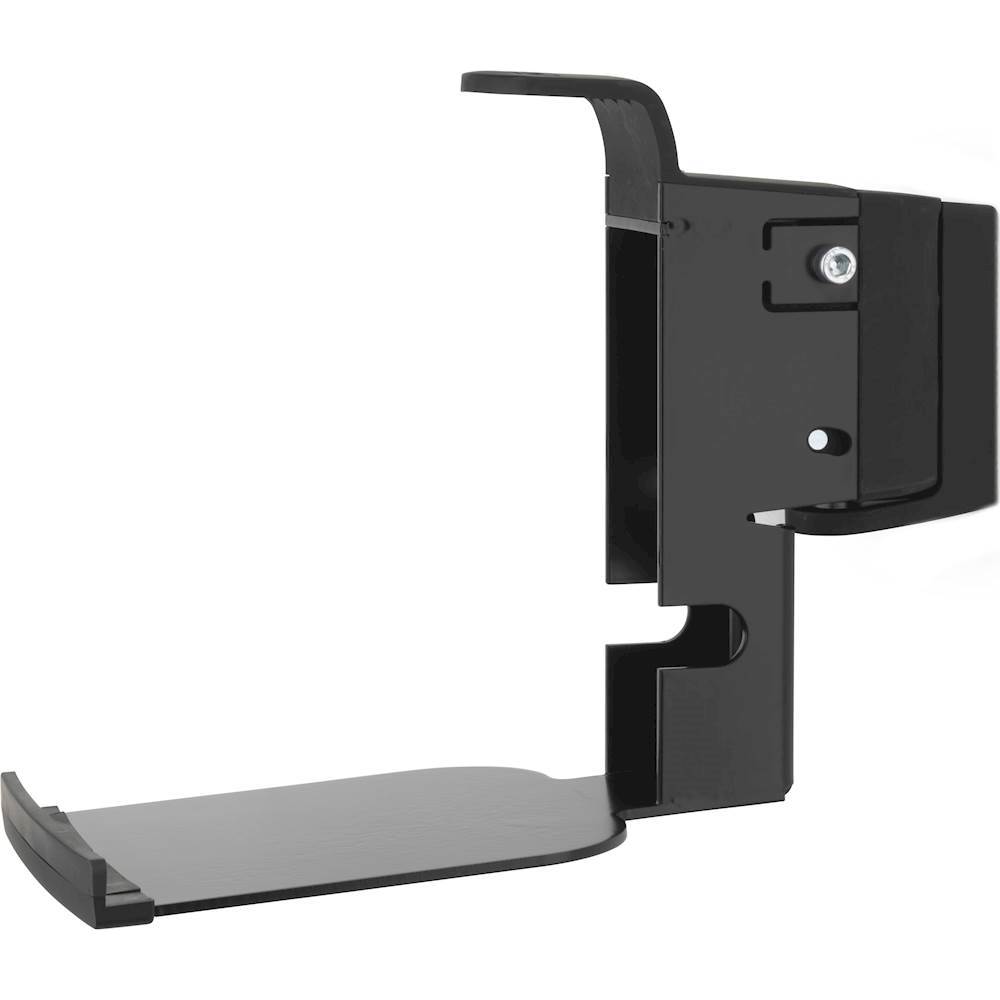
A:AnswerSo long as they're all on the same network (Wired, Wi-Fi or Sonosnet) they will all show up in the Sonos app. They can be grouped together to play the same thing in perfect sync or they can play separate things at the same time. The One and One SL have a quite a few wall mount options from various manufacturers. I've not seen a wall mount specifically for the Five, but a quick Google search tells me they exist.
Good luck! And welcome to the Sonos addiction!
A:AnswerHi, and thank you for this question. The Sonos Five does have an 3.5mm jack (headphone size) to plug in an external source. Once plugged in, select "line in" in the browse portion of the menu to play what is plugged in. You can even group our other products throughout your home to play what's coming from that stereo in any room of your home. Our products have Sonos radio, Tunein radio, and iHeart radio to stream tens of thousands of radio stations, or if you're listening to radio through line it it will play that.
A:AnswerHi, thank you for your question. The Sonos Five requires being plugged into a power outlet and a wifi connection. Though customers can bring it out to a patio or deck near their home and plug it in to enjoy music, it is not weather resistant. For outdoor use you would want to look at the Sonos Move. The Sonos Move is weather resistant and is battery powered.
A:AnswerThanks for the feature request! At this time Sonos speakers are unable to group with Google first party speakers even though both use Google Assistant.
A:AnswerI believe I saw some verbiage while researching Sonos about the possibility of using older Sonos models with newer models using something they refered to as the legacy app or option to be able to talk to the older series speakers
A:AnswerHi, and thanks for your question! The Five simply connects with a 3.5mm line in connection. So it's incredibly easy. There are six speakers inside of the Sonos Five each powered by it's own incredibly efficient amplifier. We think it sounds incredible, and we think you'd agree. However, there are many scenarios that impact acoustics so we can't give you a definite answer. We think you should try it and find out :)