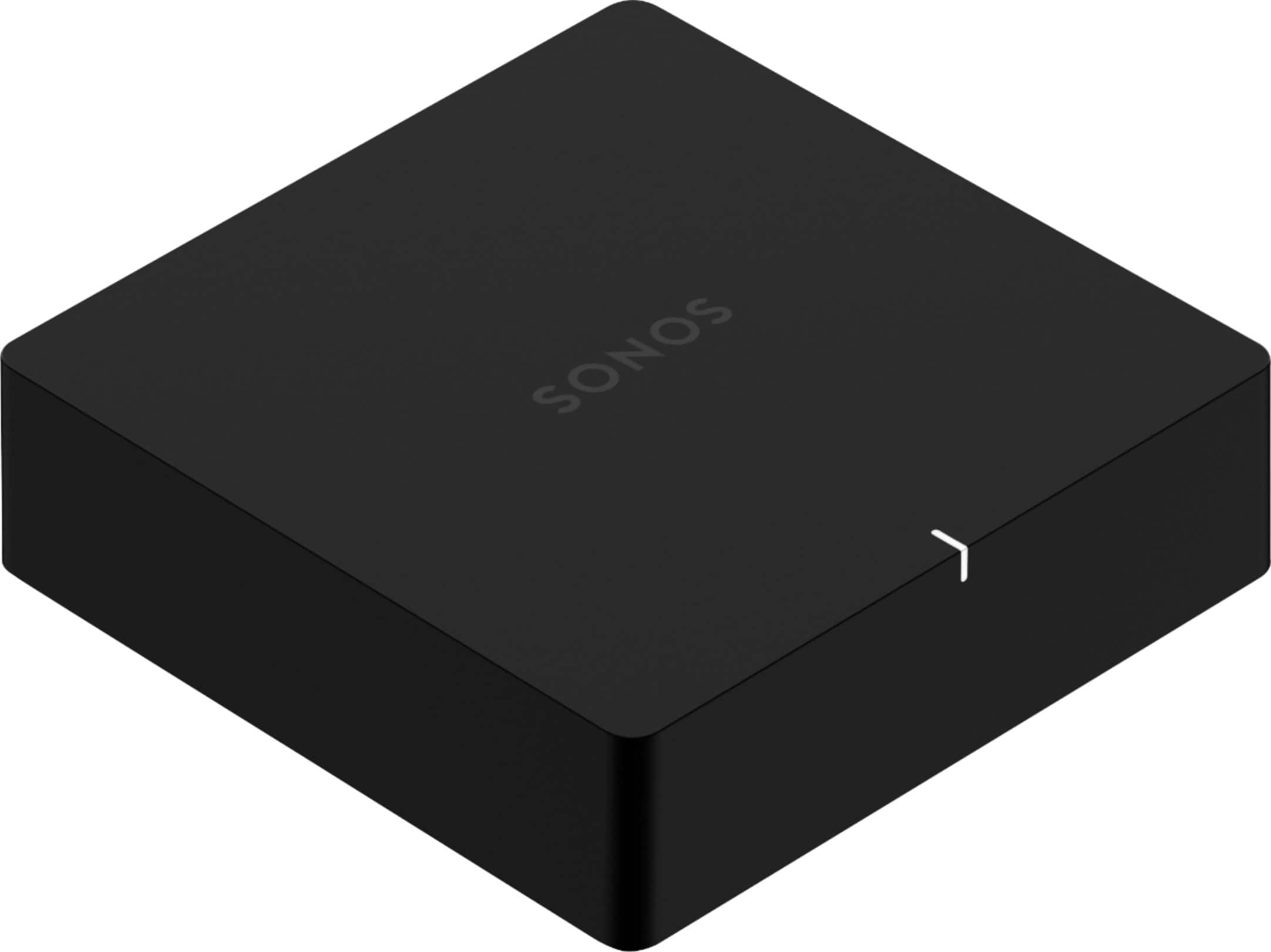
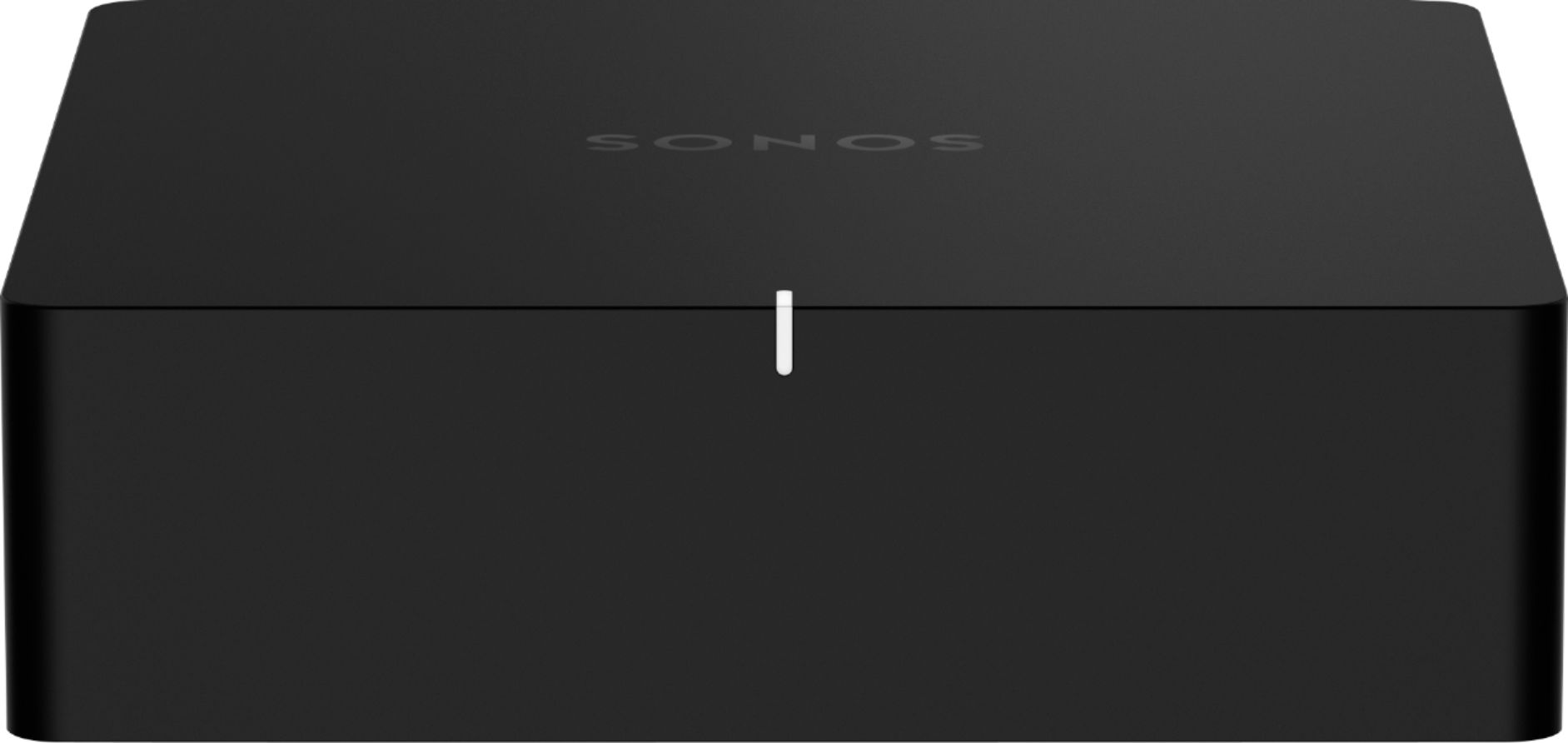
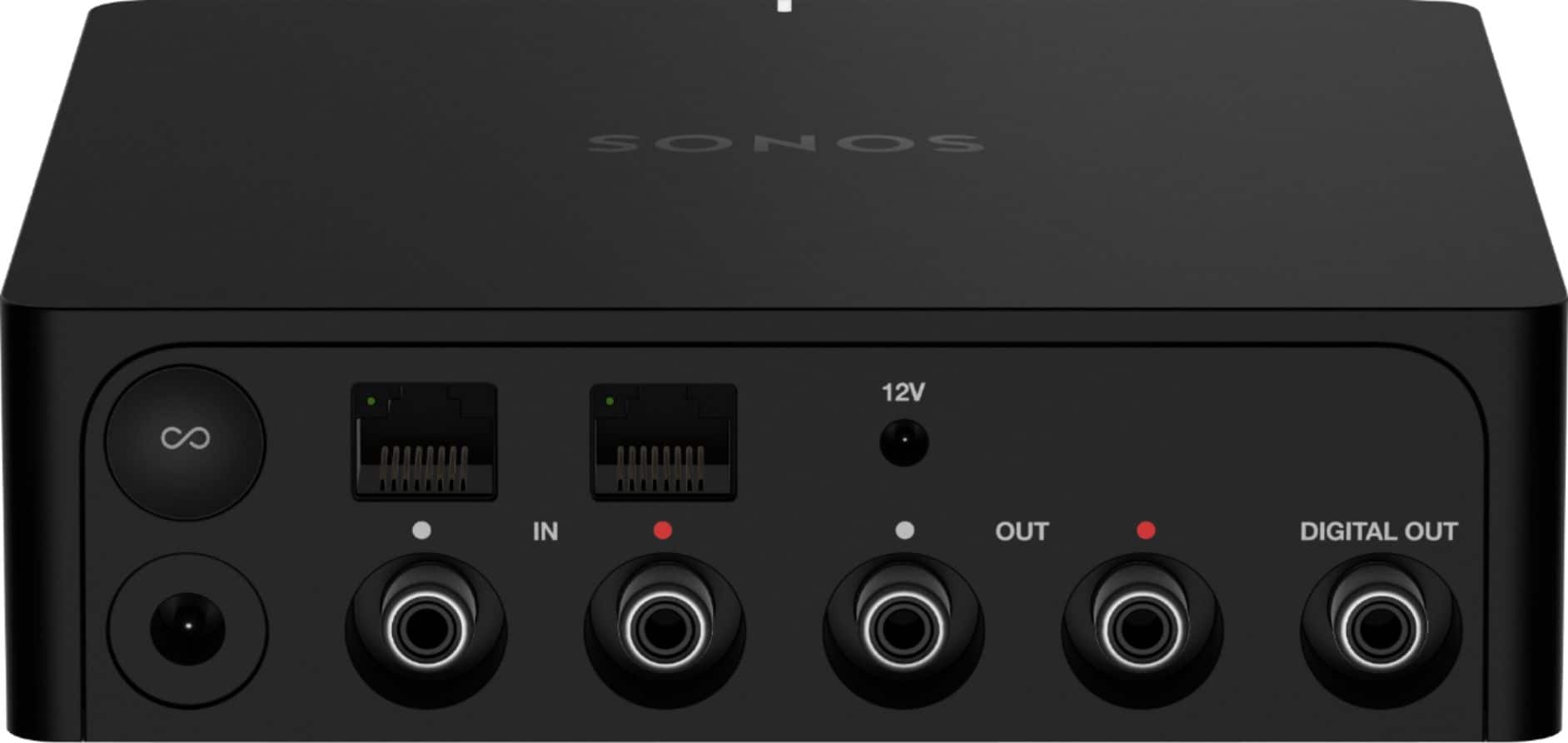
A:AnswerHi and thank you for your question. Yes, you can stream music wirelessly to all of your Sonos products without audible delay. When it comes to the Sonos Port, you may need multple depending on the multi zone amp that you have. If you want to have different songs in different rooms then you would definitely need a Sonos Port of each zone. However, if you don't mind the same song playing all of the time, then in theory you could have one Port connected to the multi zone amp and then group it with your other Sonos speakers/products for in sync wireless audio. It's difficult to give specific advice on what you need based on not seeing/knowing what you have, but the short answer to your question is yes.
A:AnswerYou should be able to plug your CD jukebox output into the input of the Connect. And when you use your outdoor speakers select the “Line IN” for the source. One thing to know is that Sonos have moved to a new software system and the Connect is no longer being supported. I replaced my Connect with a new “Port” which is the newer technology. Hope this helps.
A:AnswerIt would be cheaper to buy a a multi channel amplifier to power the speakers, assuming you can have all of the wiring meet at one point, then add the port to the amplifier if you want the Sonos platform.
A:AnswerIf you currently have wired, outdoor speakers the Sonos Amp would be a great way to power them and allow you to stream music with the Sonos app over WiFi. You could use a port if there is already an amplifier connected to the speakers but a Sonos Amp is the cleanest way to stream music to wired speakers.
A:AnswerYou connect through the app, not directly to the device. You will be able to listen to the music through both the stereo speakers and Sonos one at the same time.
A:AnswerYes, the Sonos Port is backward compatible with the Sonos S1 app. While the Port was designed to work with the Sonos S2 system, it can still be controlled using the S1 app for users who are using legacy Sonos products or prefer to stay on the S1 platform.
However, please note that while it's compatible, you might not have access to some of the newer features available through the Sonos S2 app. If you’re planning to add newer products or expand your system, upgrading to the S2 app may offer additional benefits.
Let me know if you need help with setting it up!
A:AnswerThe Sonos Bridge, a legacy component used for connecting Sonos speakers to a network before the advent of newer Sonos systems, is no longer supported for modern setups. If you're experiencing issues with your Bridge and considering expanding your system, I recommend updating to our Sonos Amp.
A:AnswerThe Sonos Port is designed to integrate traditional audio equipment with the Sonos ecosystem, but it does not work with Sonos Bluetooth speakers. Here's a breakdown:
Sonos Port Functionality:
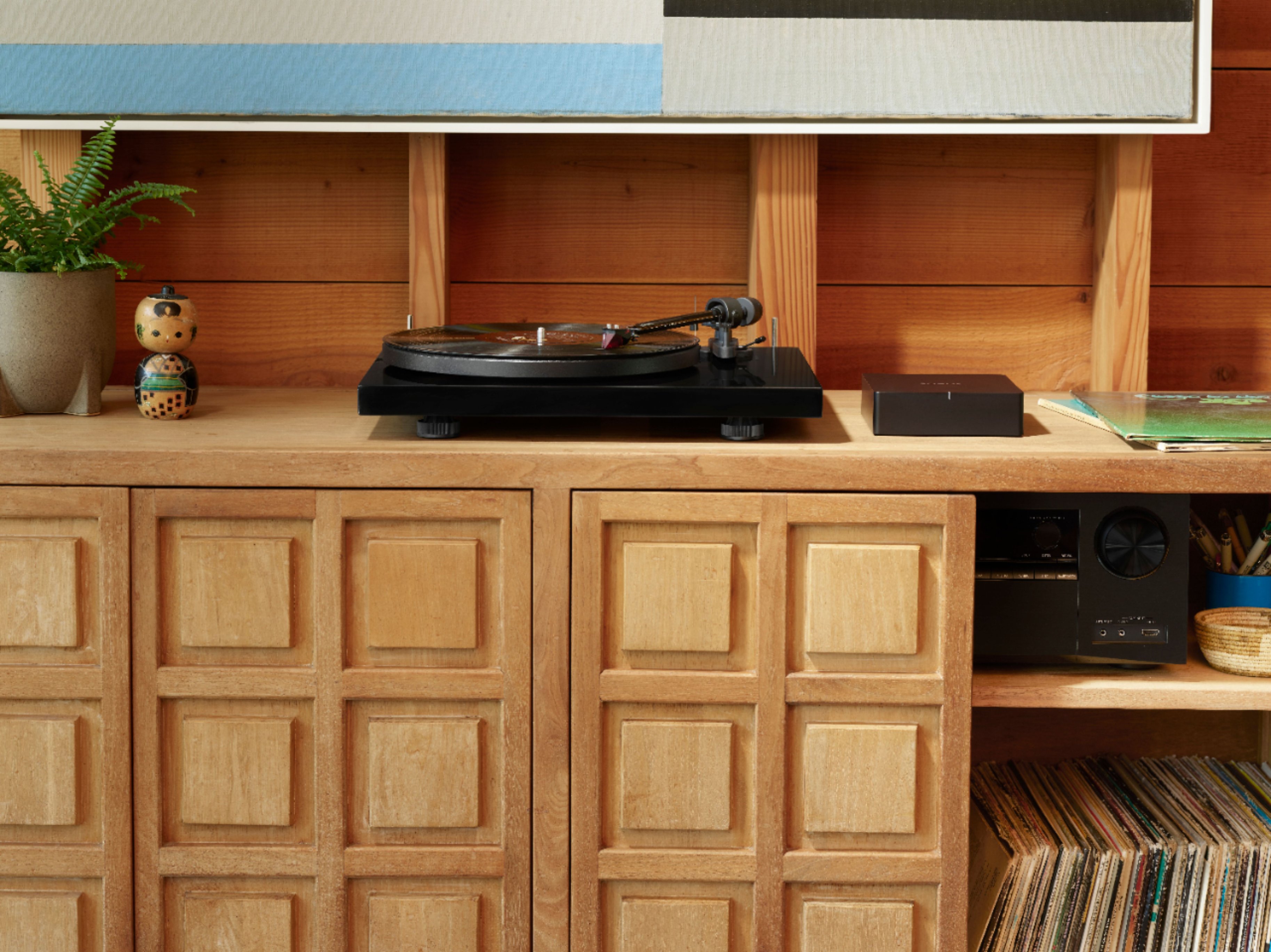
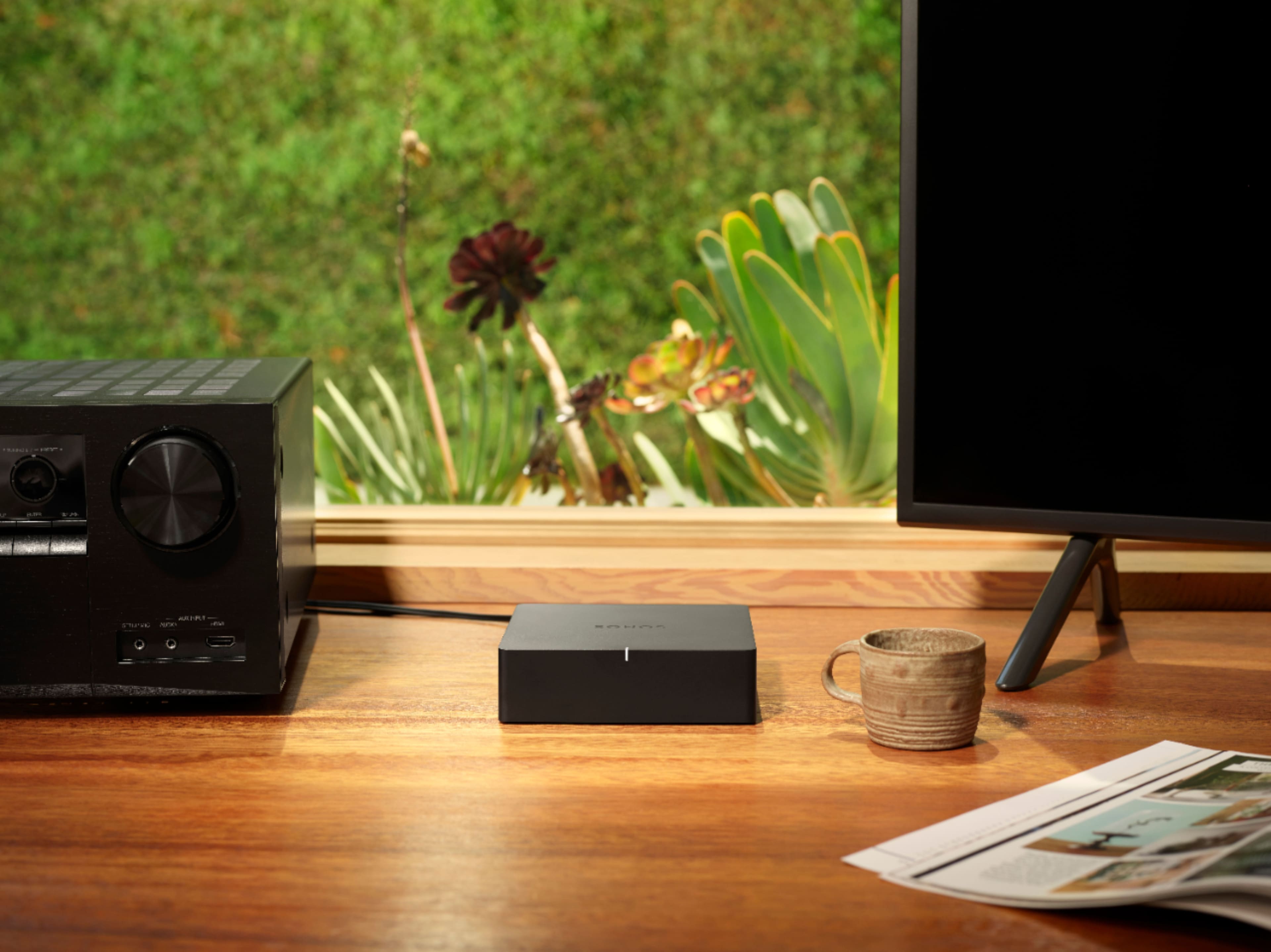
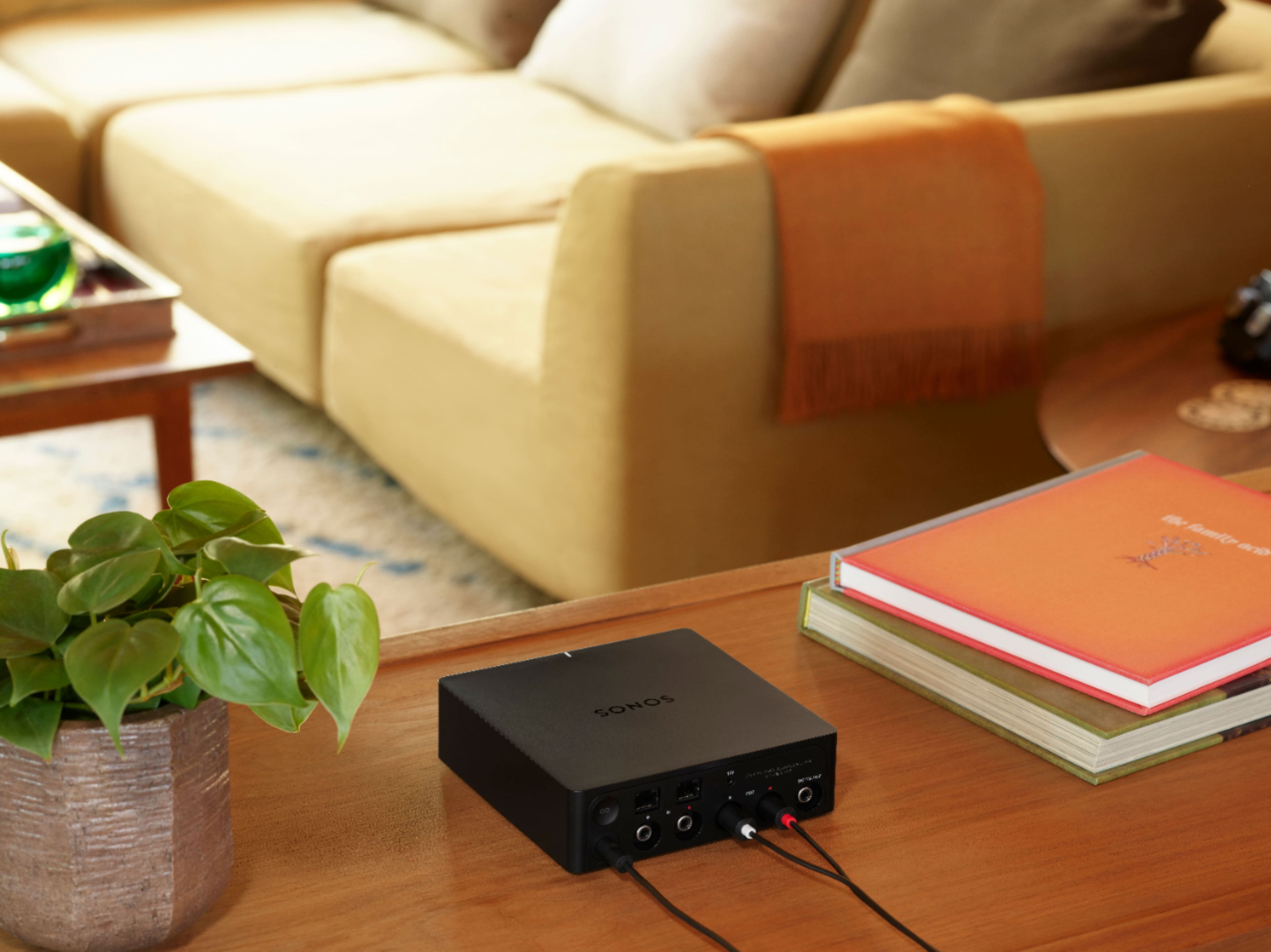
Integration with Wired Audio Systems: The Sonos Port connects to a stereo or home theater system using RCA or digital inputs/outputs. It allows you to stream audio from these traditional systems into your Sonos system.
Streaming and Control: Once connected, you can control and stream audio to the Port from your Sonos app, which will then be played through the connected stereo system or speakers.
Bluetooth Speakers:
No Direct Bluetooth Integration: The Sonos Port does not support direct integration with Sonos Bluetooth speakers. Bluetooth connectivity is not a feature of the Port.
Sonos Bluetooth Speakers: For Bluetooth functionality, Sonos offers products like the Sonos Roam and Sonos Move, which can connect directly to your devices via Bluetooth. However, these speakers are not integrated with the Sonos Port.
If you're looking to integrate Sonos speakers that support Bluetooth, such as the Roam or Move, you would need to connect them to your Sonos system through the Sonos app. The Port would not be involved in this process.
A:AnswerThis Sonos Connect/port purpose is to make passive speakers hook to your Sonos music app. I have a few that I have large amps running 8 speaks and then one that is hooked into my surround sound so that I can play the same music in that roof as the rest of the ceiling speakers in the house. No sure why you would want your projector to hook to you Sonos app and so I think this is not the correct devise. Hope that helps.