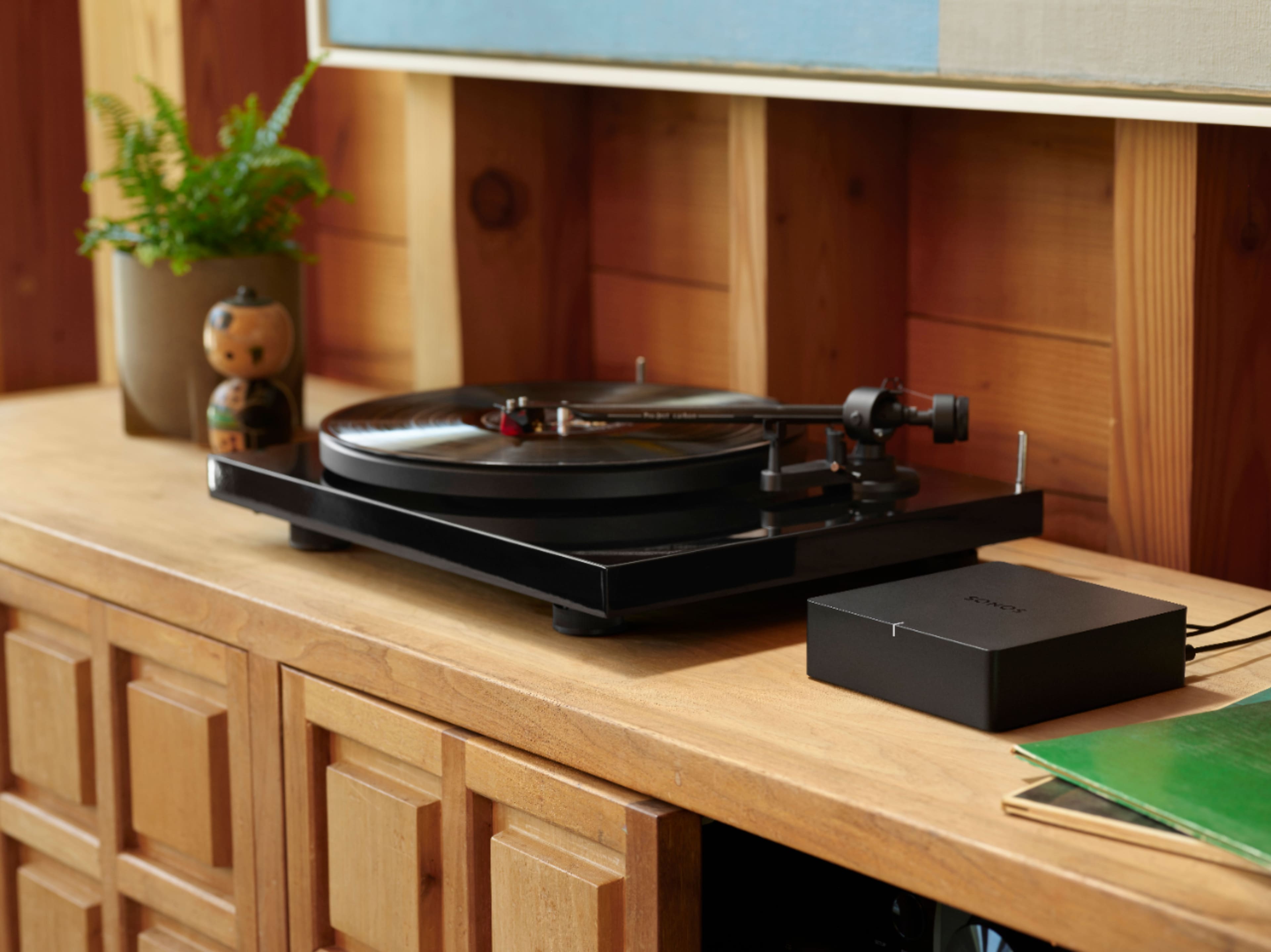
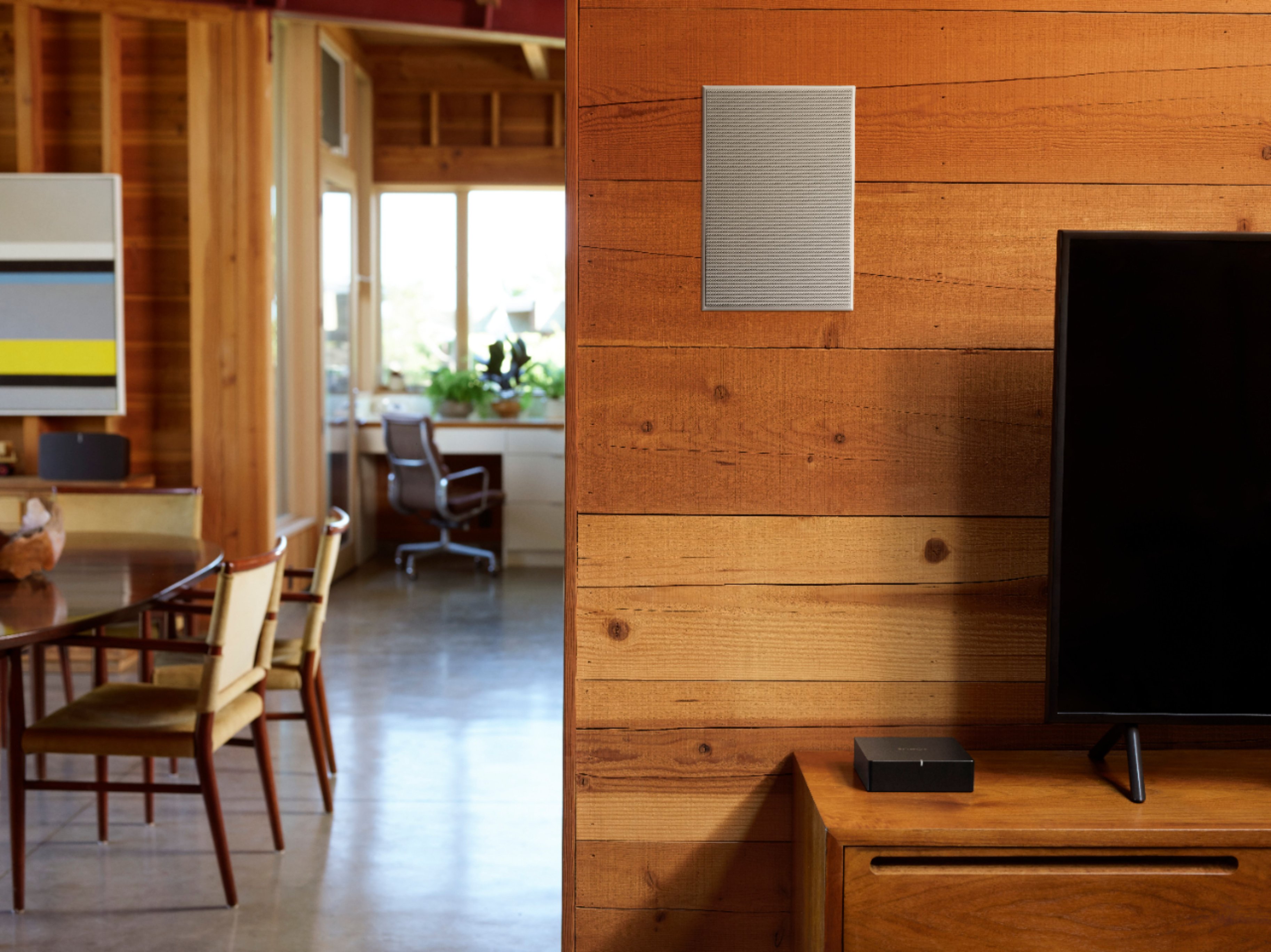
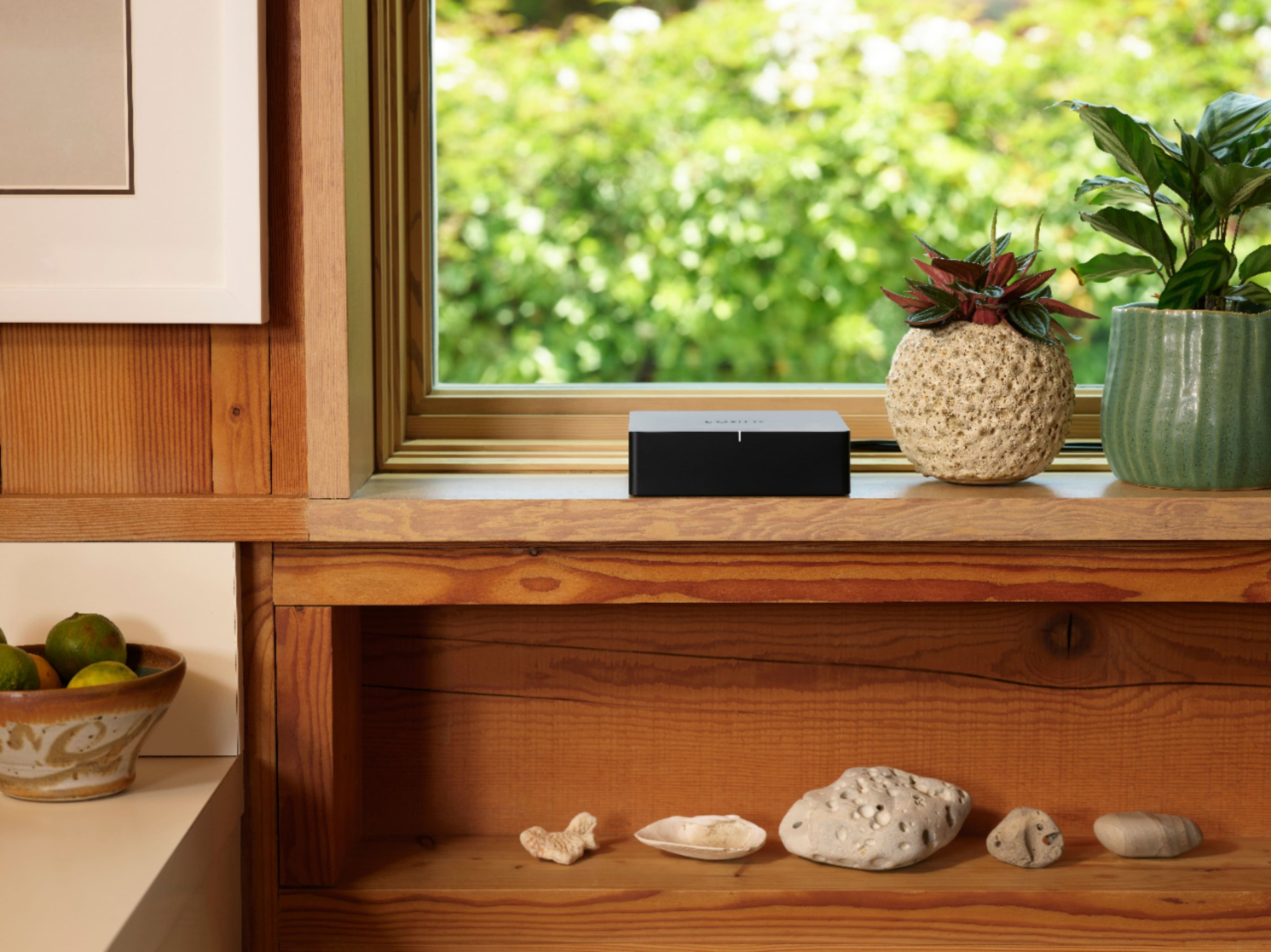
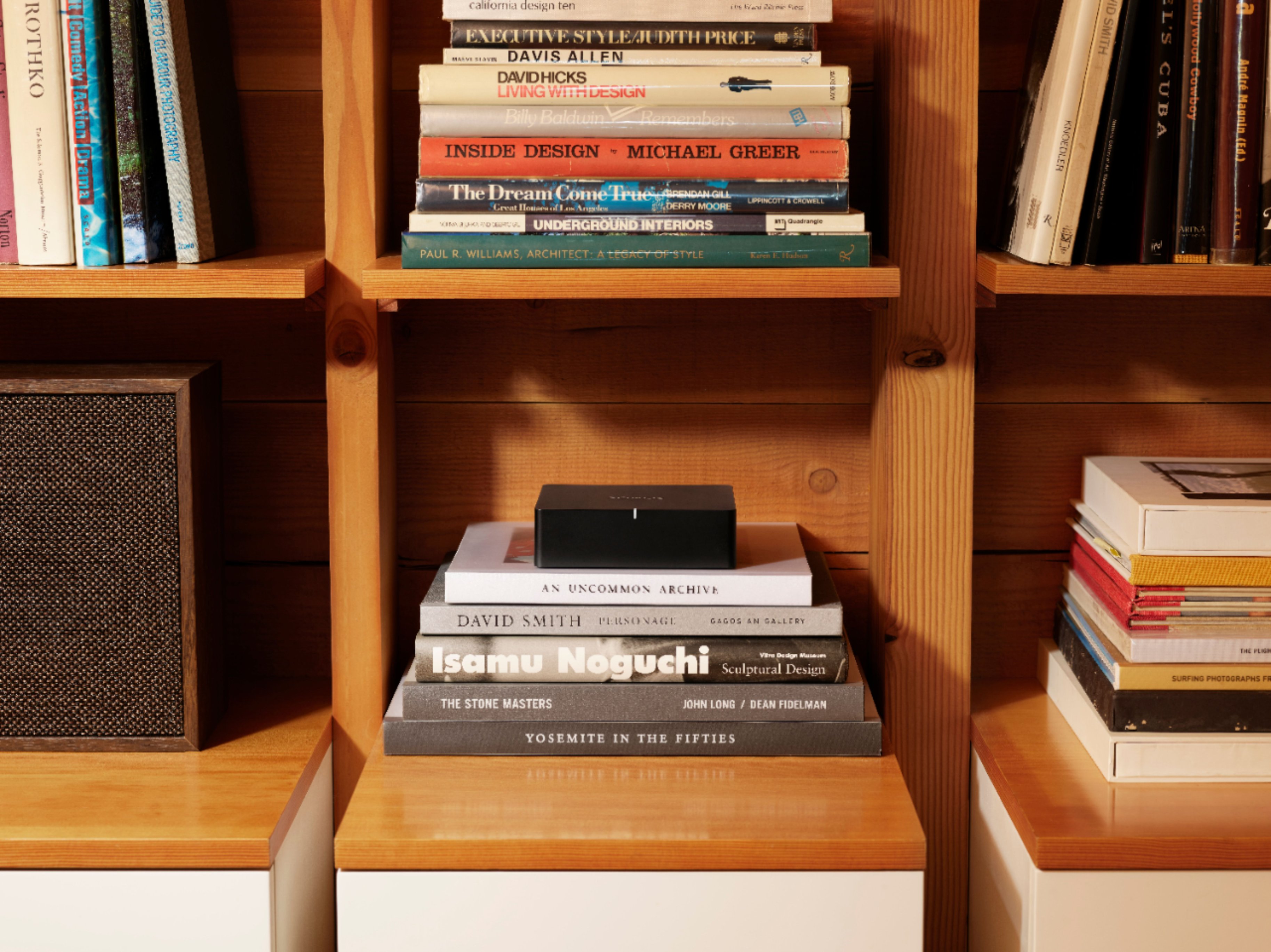
A:AnswerThe Sonos Bridge, a legacy component used for connecting Sonos speakers to a network before the advent of newer Sonos systems, is no longer supported for modern setups. If you're experiencing issues with your Bridge and considering expanding your system, I recommend updating to our Sonos Amp.
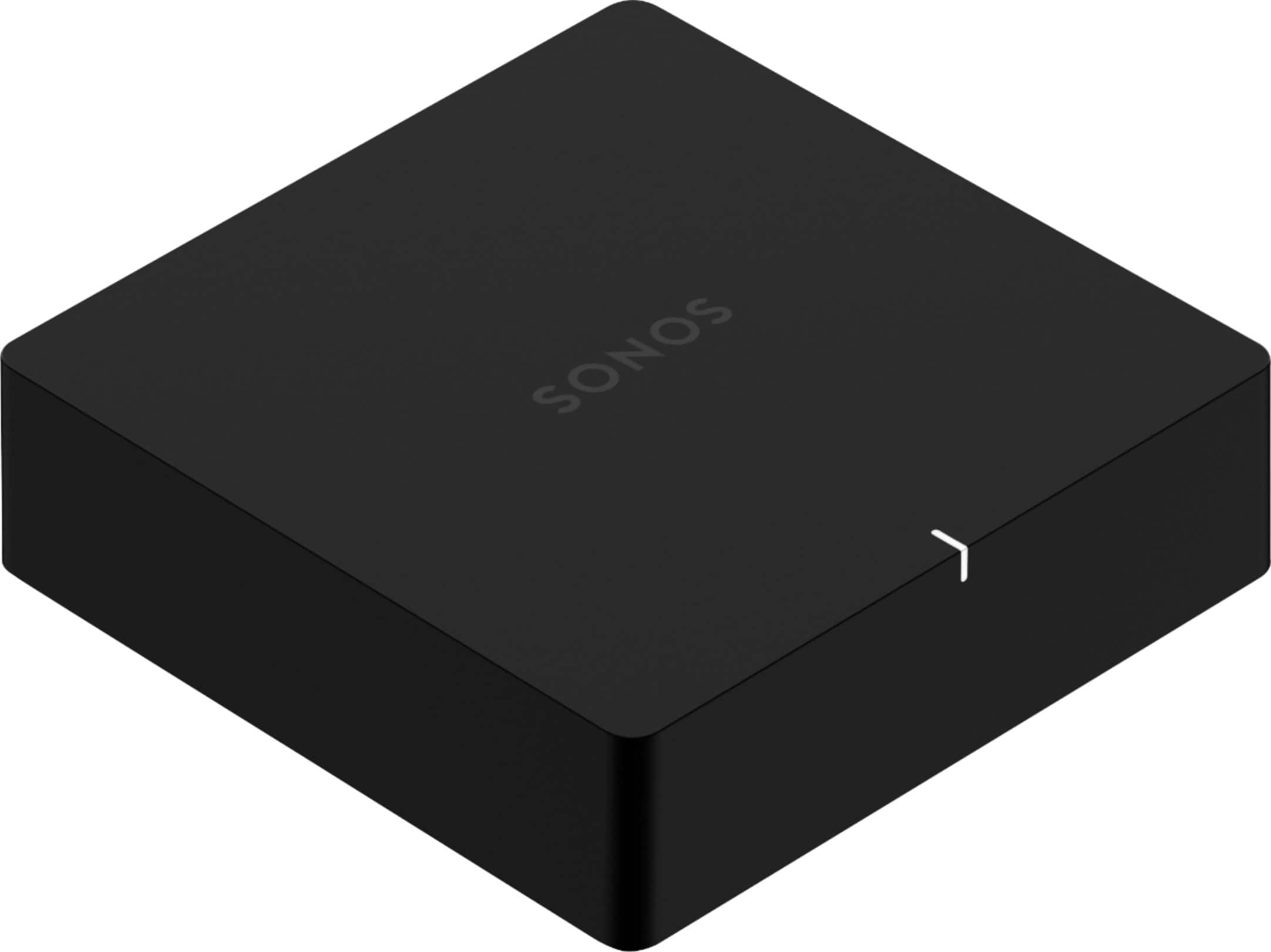
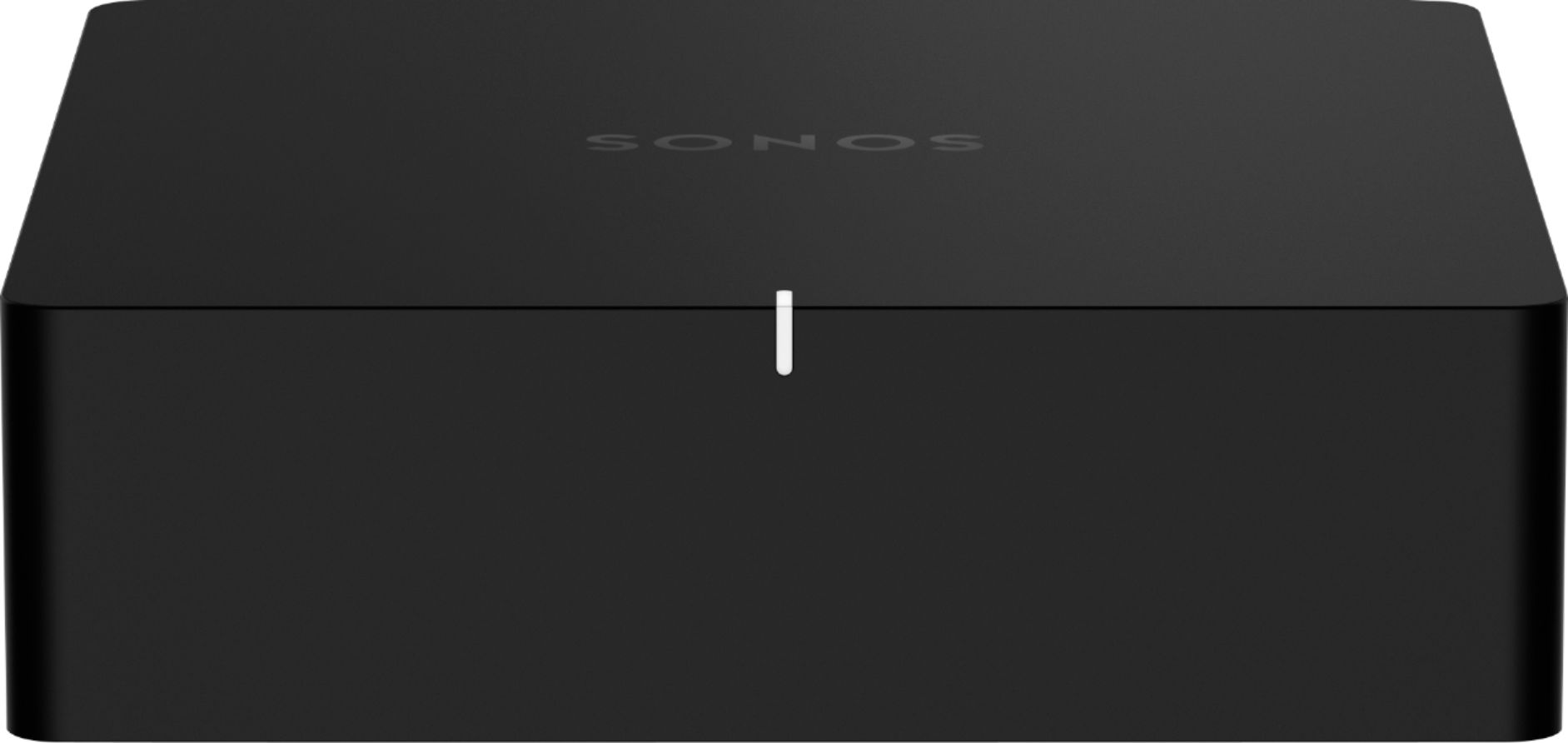
A:AnswerThe Sonos Port is designed to integrate traditional audio equipment with the Sonos ecosystem, but it does not work with Sonos Bluetooth speakers. Here's a breakdown:
Sonos Port Functionality:
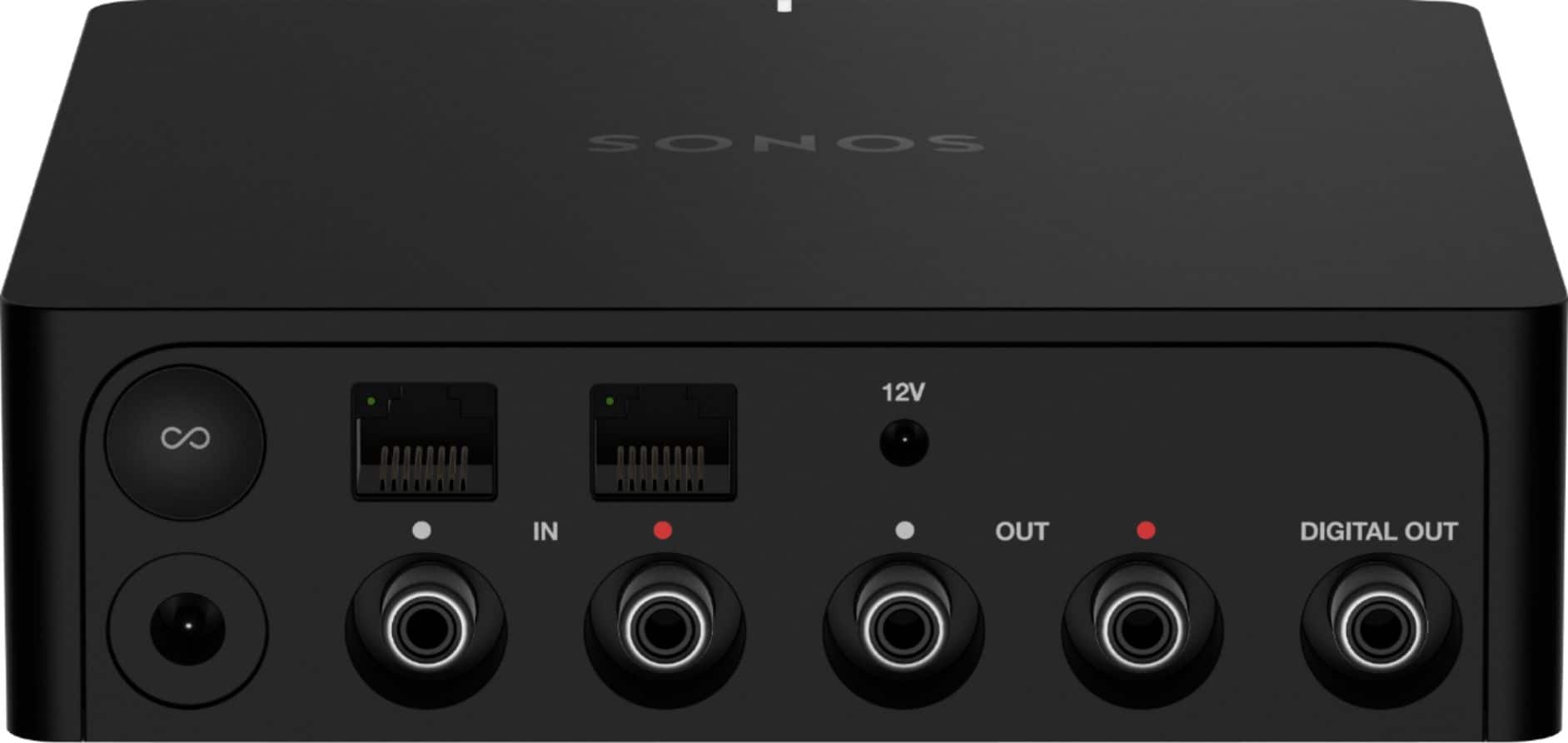
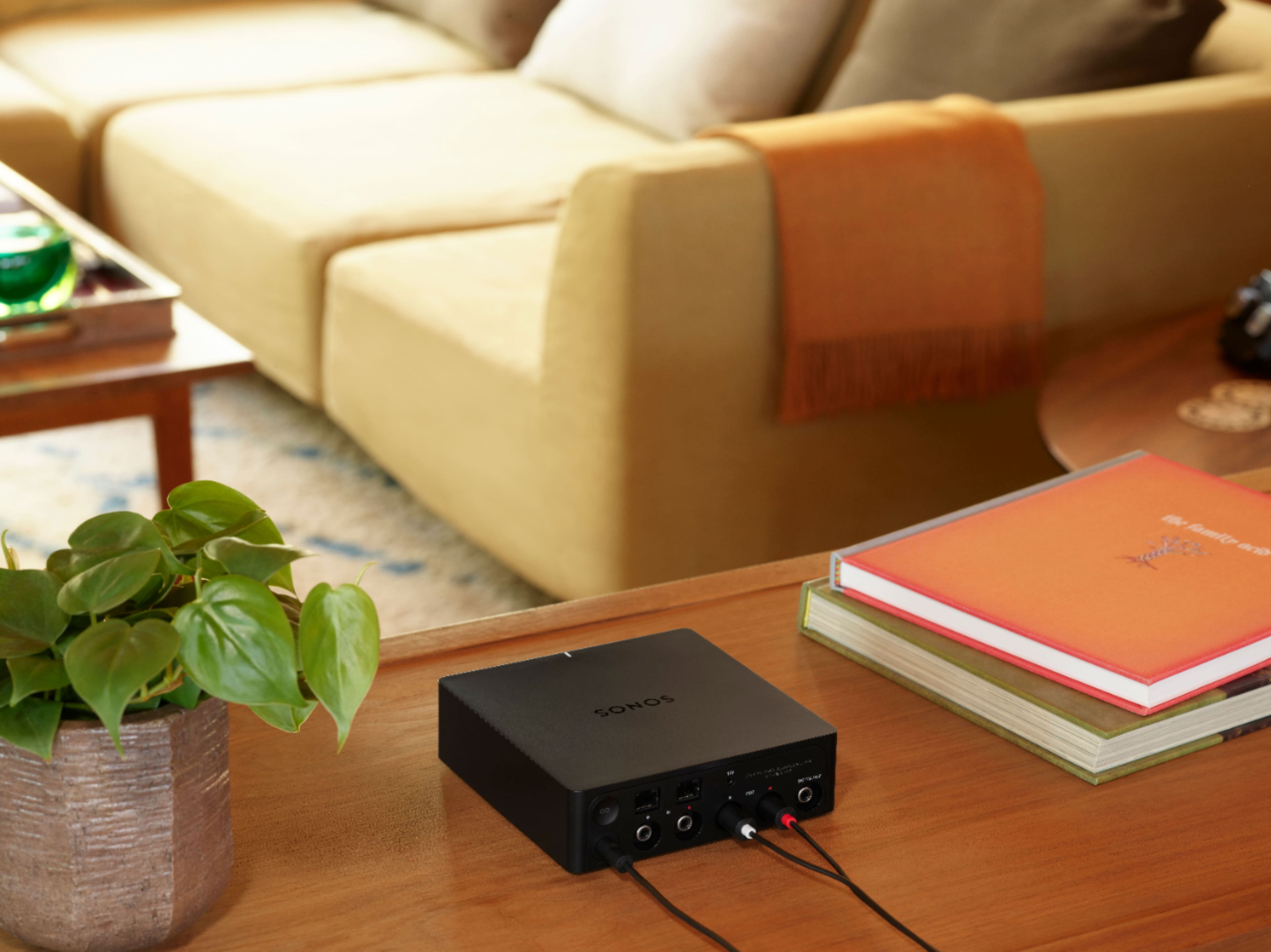
Integration with Wired Audio Systems: The Sonos Port connects to a stereo or home theater system using RCA or digital inputs/outputs. It allows you to stream audio from these traditional systems into your Sonos system.
Streaming and Control: Once connected, you can control and stream audio to the Port from your Sonos app, which will then be played through the connected stereo system or speakers.
Bluetooth Speakers:
No Direct Bluetooth Integration: The Sonos Port does not support direct integration with Sonos Bluetooth speakers. Bluetooth connectivity is not a feature of the Port.
Sonos Bluetooth Speakers: For Bluetooth functionality, Sonos offers products like the Sonos Roam and Sonos Move, which can connect directly to your devices via Bluetooth. However, these speakers are not integrated with the Sonos Port.
If you're looking to integrate Sonos speakers that support Bluetooth, such as the Roam or Move, you would need to connect them to your Sonos system through the Sonos app. The Port would not be involved in this process.
A:AnswerThis Sonos Connect/port purpose is to make passive speakers hook to your Sonos music app. I have a few that I have large amps running 8 speaks and then one that is hooked into my surround sound so that I can play the same music in that roof as the rest of the ceiling speakers in the house. No sure why you would want your projector to hook to you Sonos app and so I think this is not the correct devise. Hope that helps.
A:AnswerYes, you can run the line-out from your ONKYO TX-SR393 receiver to the line-in on the Sonos Port. Here's how you can set it up:
Connect the Receiver to the Sonos Port:
Use an RCA cable to connect the line-out of your ONKYO TX-SR393 receiver to the line-in on the Sonos Port. This will allow the audio signal from your receiver to be fed into the Sonos system.
Configure the Sonos Port:
In the Sonos app, go to the settings for the Sonos Port and configure the line-in source. You can adjust the settings to ensure that the audio from your receiver is correctly routed through the Sonos system.
Set Up the Sonos Amp and Outdoor Speakers:
Connect the Sonos Port to the SR2-125 amp using an appropriate connection method (usually RCA or similar). Then, connect the amp to your outdoor speakers.
Control Volume with the Sonos App:
With the Sonos Port and amp set up, you should be able to control the volume of the outdoor speakers through the Sonos app on your phone. The app allows you to manage the volume and audio settings for connected speakers.
Ensure Proper Configuration:
Make sure the Sonos Port is set to handle line-in audio correctly, and verify that the input levels are set appropriately to avoid distortion or low volume issues.
By connecting your ONKYO receiver to the Sonos Port and using the Sonos app to control volume, you'll be able to integrate your outdoor speakers into your Sonos system and manage them from your phone.
A:AnswerYes, you can hook up four 6.5" speakers to a single amplifier, but there are some considerations to keep in mind:
Impedance Matching:
Ensure that the total impedance load of the speakers matches the output impedance of the amplifier. For example, if your amplifier is rated for 8 ohms per channel, and you are connecting multiple speakers, you need to calculate the combined impedance.
Series Wiring: Adds the impedance values. For instance, two 8-ohm speakers in series result in a total impedance of 16 ohms.
Parallel Wiring: Reduces the impedance. Two 8-ohm speakers in parallel result in a combined impedance of 4 ohms.
Amplifier Rating:
Make sure the amplifier can handle the impedance load of the connected speakers. If the combined impedance is lower than what the amplifier is rated for, it can overheat or become damaged.
Power Handling:
Check that the total power handling of the speakers does not exceed the amplifier’s output power. Ensure the amplifier is capable of driving all four speakers without distortion or damage.
Wiring Configuration:
Use proper wiring techniques to connect the speakers. Poor connections or incorrect wiring can lead to audio issues or damage.
If you are unsure, consult the amplifier's manual or seek advice from an audio professional to ensure a safe and effective setup.
A:AnswerYes, you can stream music wirelessly to the Sonos Port. The Sonos Port allows you to connect traditional audio equipment (like receivers or amplifiers) to your Sonos system and stream music to it from various sources.
A:AnswerI have multiple systems with multiple Sonos devices and I’ve yet to hear a delay between any of them.
I have many setups:
4 original connects with 1 port and 2 SL ones
4 ports
2 ports with an era 300
2 ports
1 arc with a SL one
3 amps
1 amp with an Era 300
Have yet to have an issue with lag on any of these setups.
A:AnswerThe answer is no. At some point in your system, you will need to "amplify" the signal from the turntable. Thus you will need some sort of amplifier/ AV receiver.
A:AnswerThe Sonos port sends the music to the amp, via 1 input. From there you can continue to use the amp to turn on/off zones and set the inputs. You won't be able to set the port to play multiple simultaneous stations or music selections across separate zones.
A:AnswerYou can have a total of 36 zones within the SONOS environment. A zone is defined by a SONOS speaker pair, a PORT, or an ARC/BEAM 5.1 or 5.2 (BAR, Surround Pair, & SUB).
As for the PORT and receiver combination, you can connect as many non-SONOS speakers to your receiver as you wish, so long as they are adequately amplified. The PORT connected to the receiver allows you to integrate the receiver into the SONOS system.
To further explain that integration, let's say you have speakers in your home, on your back patio, and near your pool (Port with receiver and non-SONOS speakers connected to the receiver). Within the SONOS S2 app, you can play the same music on those three zones simultaneously. The above explanation is just one example setup.
As for your original question, it'd be pointless to connect SONOS speakers to a receiver if you're wanting to achieve optimum sound. They should either be setup as a speaker pair (Assuming One or One SL, or FIVE), or be connected to a SONOS AMP (Architectural series).
A:AnswerYou will need at a minimum to install a receiver in that AV closet, that has Bluetooth capability. Prior to doing so, you will need to learn what the RMS capability of those speakers are, so you don't provide too many watts and blow them.
A:AnswerHi, thanks for your question. The Port is designed to get your receiver or amplifier on your Sonos system. It doesn't sound like that's what you're looking to do, so no need for Port. You can have up to 32 of our products on one network, no matter what players you choose.