A:AnswerHi AmyInNH, Thank you for your inquiry! The KD32W830K receives it’s TV Guide information from the OTA broadcasts and not from the internet as some other models do. The only drawback to this kind of Guide is that you have to tune to the channel to receive that broadcasts information, but you get hours of the channels information, and you may also get the related digital channels Guide information. It is up to the broadcaster to determine what information it adds to the TV data stream. And for your last question, there is no on/off switch, but the Voice/Google Assistant function is off by default, and the Voice/Google Assistant function only activates when you press the mic button on the remote. For more information about this Google Assistant function, please refer to this help guide of this TV. Hope this helps!
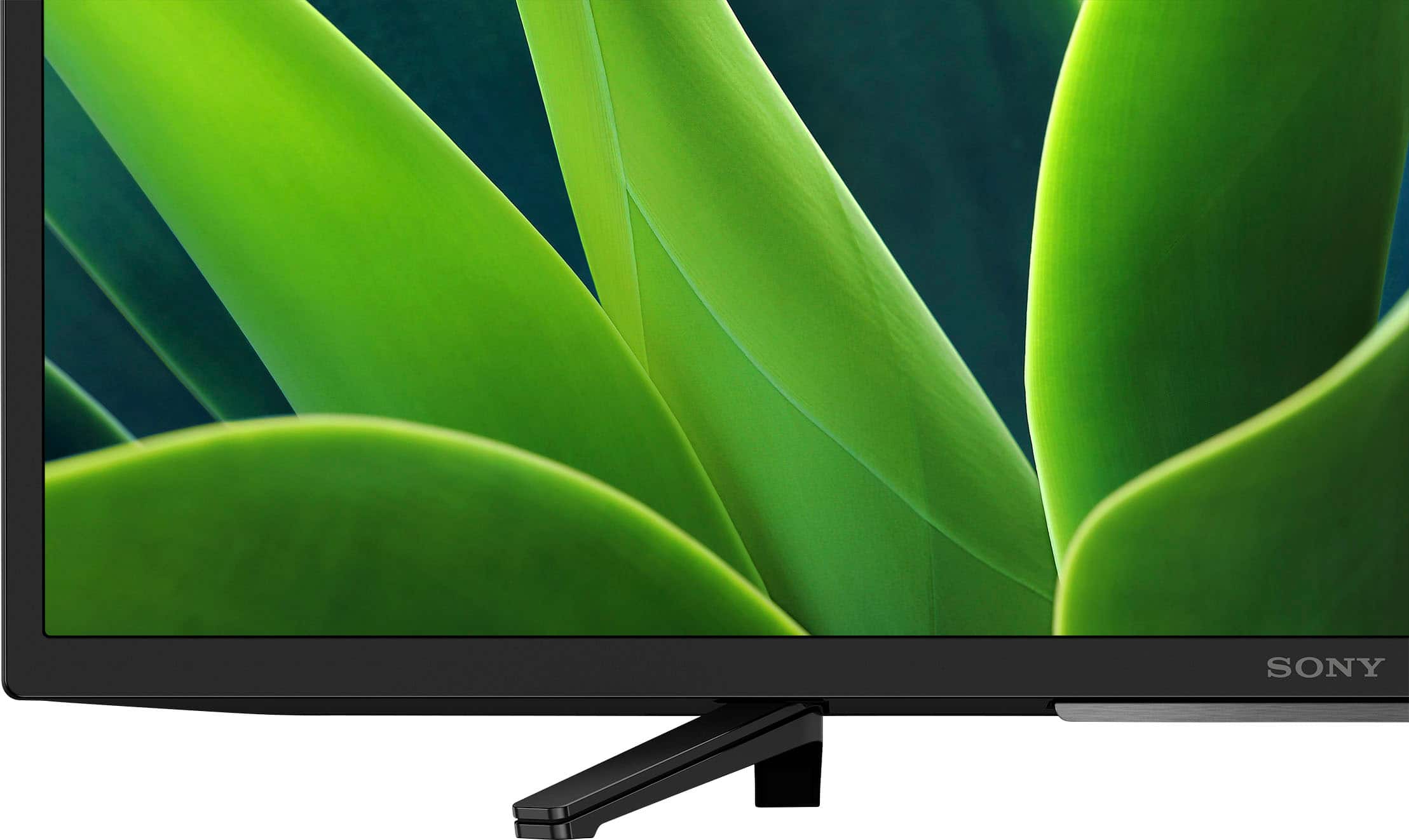
See pictures full of vivid detail and texture on this TV. X-Reality™ PRO upscales every pixel for exceptional clarity, analyzing frames and matching each scene with our unique database to refine images and reduce noise.
Regards,
Sam
A:AnswerHi Ruby, Thank you for your question. Good news! You can download the amazon prime app and stream your favorite movies and shows. Hope this helps!
See pictures full of vivid detail and texture on this TV. X-Reality PRO upscales every pixel for exceptional clarity, analyzing frames and matching each scene with our unique database to refine images and reduce noise. Regards, Sam
A:AnswerHi Sally, Thank you for your interest in the Sony W830K! Yes, it is! The Sony W830K Google TV runs on the Android TV operating system. It comes equipped with a range of features, including the ability to connect the internet, access to a vast library of apps and popular streaming services from the Google Play Store, and use of voice search function. Hope this helps!
See pictures full of vivid detail and texture on this TV. X-Reality™ PRO upscales every pixel for exceptional clarity, analyzing frames and matching each scene with our unique database to refine images and reduce noise.
Regards,
Sam
A:AnswerHi Remrom,
Great question! Absolutely, yes. The W830K is a smart TV (Google TV) with Wi-Fi capability. It supports Wi-Fi Certified 802.11a/b/g/n/ac and Wi-Fi frequency of 2.4 GHz/5 GHz.
Additional information:
With Google TV, you can browse 700,000+ movies and TV episodes from across your streaming services like Netflix, all in one place and organized into topics and genres based on what interests you. And aside from the pre-installed apps, you can download/install compatible apps from the built-in Google Play Store app of this TV. For more details, please visit its Help Guide (can be found in Sony's support website) and search for "Installing apps from the Google Play Store."
See pictures full of vivid detail and texture on this TV. X-Reality™ PRO upscales every pixel for exceptional clarity, analyzing frames and matching each scene with our unique database to refine images and reduce noise.
Hope this helps you, and thanks again for your inquiry!
- Romeo
A:AnswerI know it works with Spectrum. I can’t say for sure if it will work for yours. I know I have to have ROKU Because it doesn’t work with some streaming channels.
A:AnswerHi Lisa,
Great question. Sony TVs are very ECO friendly and do not contain lead or mercury.
See pictures full of vivid detail and texture on the KD32W830K. X-Reality™ PRO upscales every pixel for exceptional clarity, analyzing frames and matching each scene with our unique database to refine images and reduce noise.
Hope this helps you, and thank you so much for considering Sony!
- Romeo
A:AnswerHi Mxnorton,
Thank you for your question! Absolutely, yes. The KD-32W830K has a sleep timer. To set the sleep timer settings using the supplied remote control, simply press the quick settings (gear button) on the remote > and select sleep timer (Times: 15,30, 45, 60, 90, 120 min).
Additional information:
• You can also set the timer using the voice command feature. The google command is: "set sleep timer for xx minutes."
See pictures full of vivid detail and texture on this TV. X-Reality™ PRO upscales every pixel for exceptional clarity, analyzing frames and matching each scene with our unique database to refine images and reduce noise.
Hope this helps you, and thanks again for your inquiry!
- Romeo
A:AnswerThank you for reaching out, Paul. We are sorry if you are having an audio delay issue with your W830K. This is definitely not the experience we wanted you to have. If you haven't yet, please follow the troubleshooting steps on these articles and see if it resolves the problem.
https://www.sony.com/electronics/support/televisions-projectors-lcd-tvs-android-/kd-32w830k/articles/00026069
https://helpguide.sony.net/tv/jusltnr4/v1/en-003/08-05_10.html
https://www.sony.com/electronics/support/televisions-projectors-lcd-tvs-android-/kd-32w830k/articles/00202034
Should you need more assistance/information, please feel free to contact us and we'll be more than happy to assist you. You may send us an email at [email protected] with the following:
Name:
BestBuy Username:
Model Number:
Issue:
Telephone Number:
I hope this helps, and thank you so much for choosing Sony.
Best regards,
Romeo
Sony Social Support