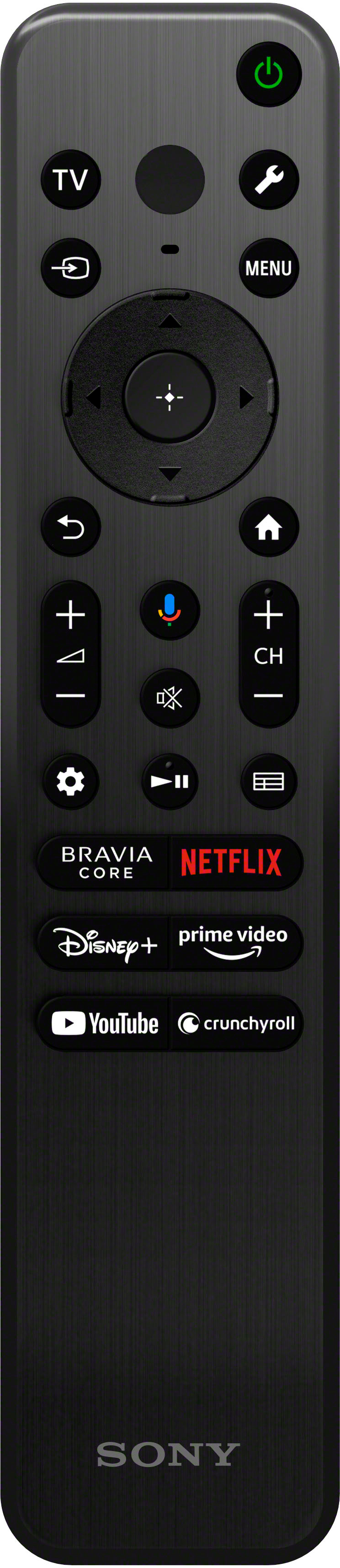
A:AnswerHi remotecontrol, Thank you for your inquiry! Unfortunately, no. The A80L TV does not include the backlit remote controller however, you can purchase the backlit remote and pair it with the A80L.
I hope this helps!
Regards,
Carl
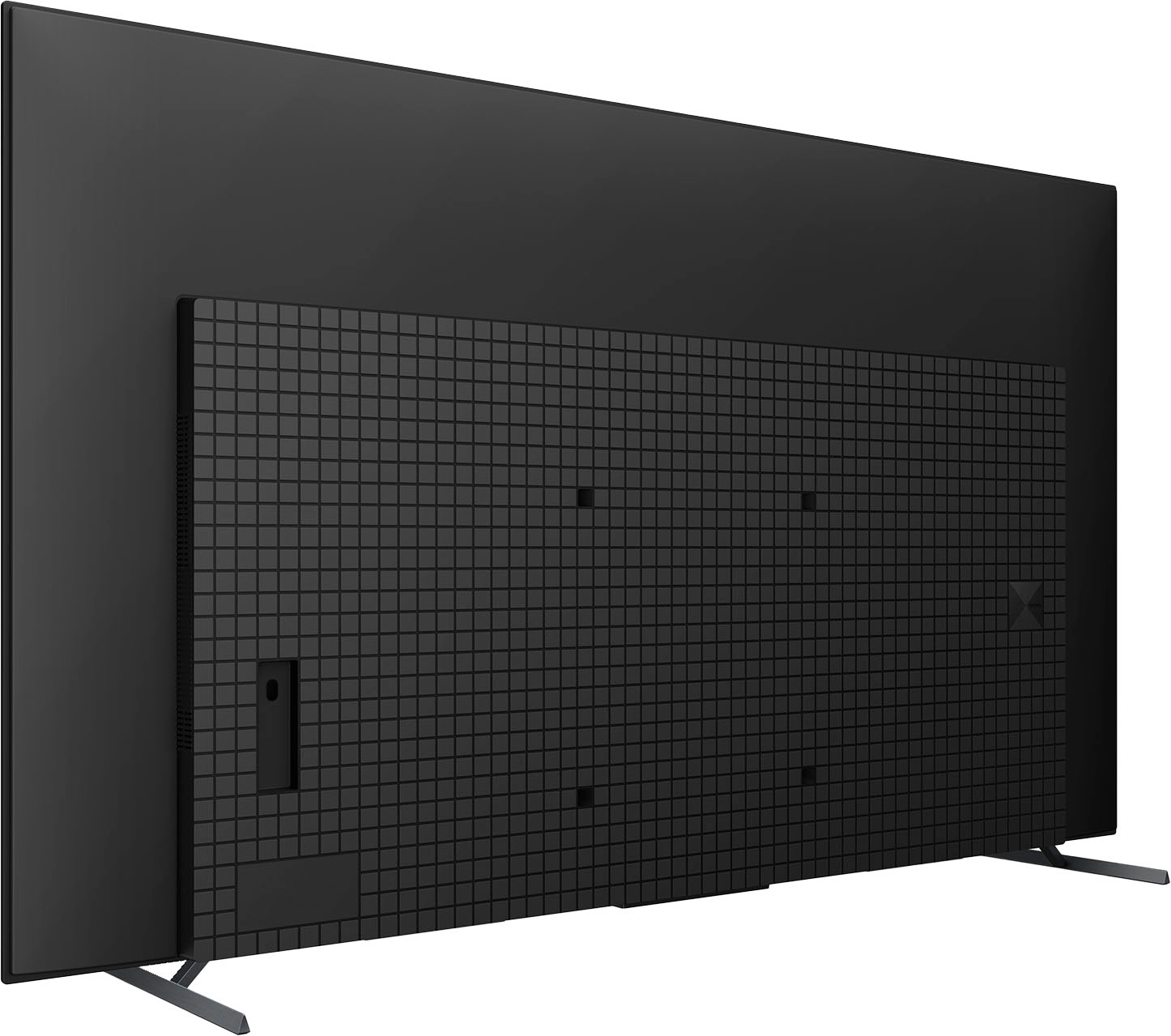
A:AnswerHi Zee, Thank you for your inquiry! The XR55A80L can use multiple TV mounts that support a Vesa pattern of 11 13/16 x 11 13/16 (300 × 300 mm). Sony offers a flush mount TV bracket designed to mount the TV flush to the wall (SU-WL855). Sony strongly suggest that the installation of our TV on a wall be performed by qualified professionals.
Regards,
Carl
A:AnswerHi RONC, thank you for your inquiry. This TV displays all video input signals in a resolution of 3840 dots × 2160 lines (4K). If you are looking for an 8K display, you might consider checking the Z9K 8K HDR Mini LED TV with smart Google TV.
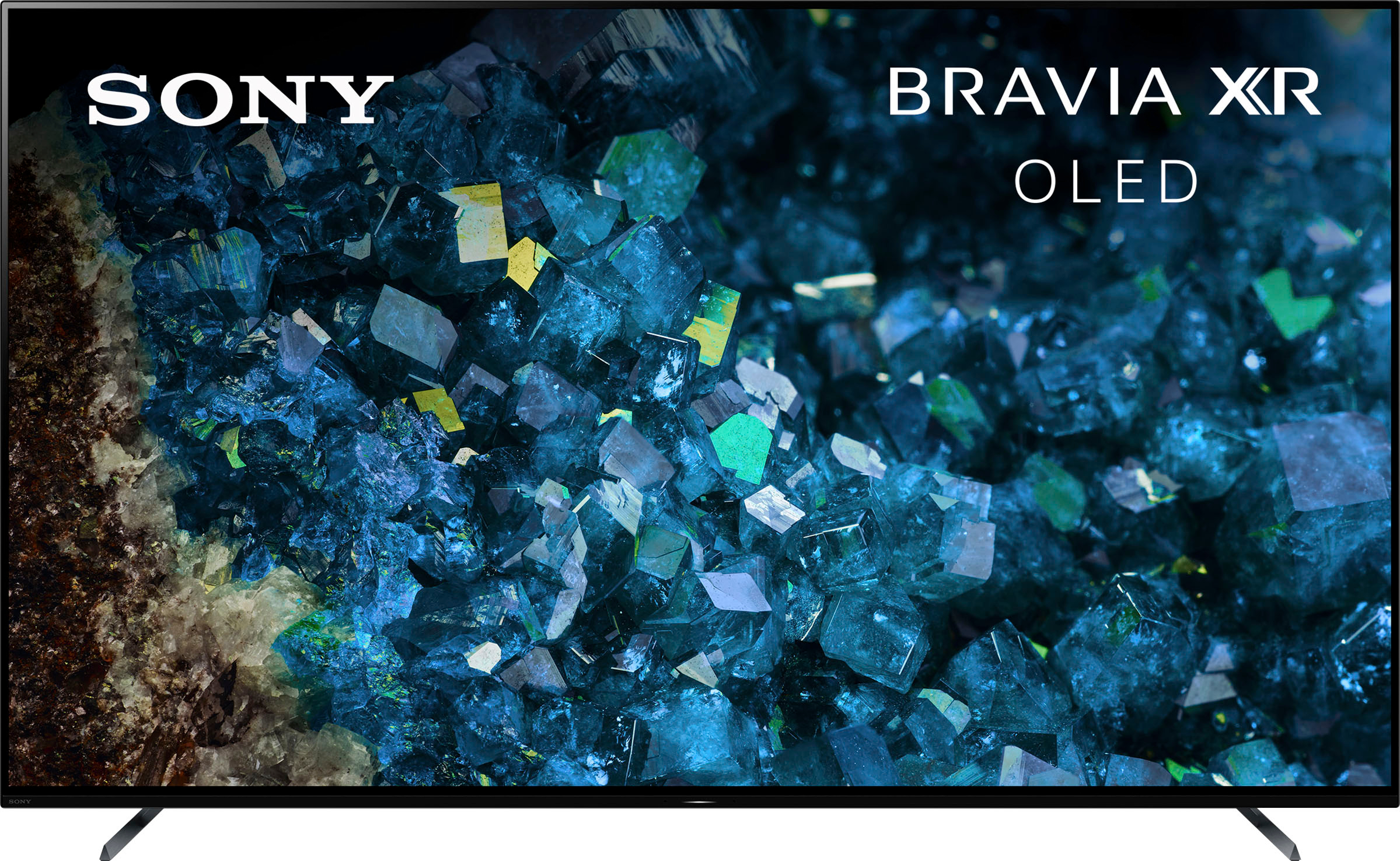
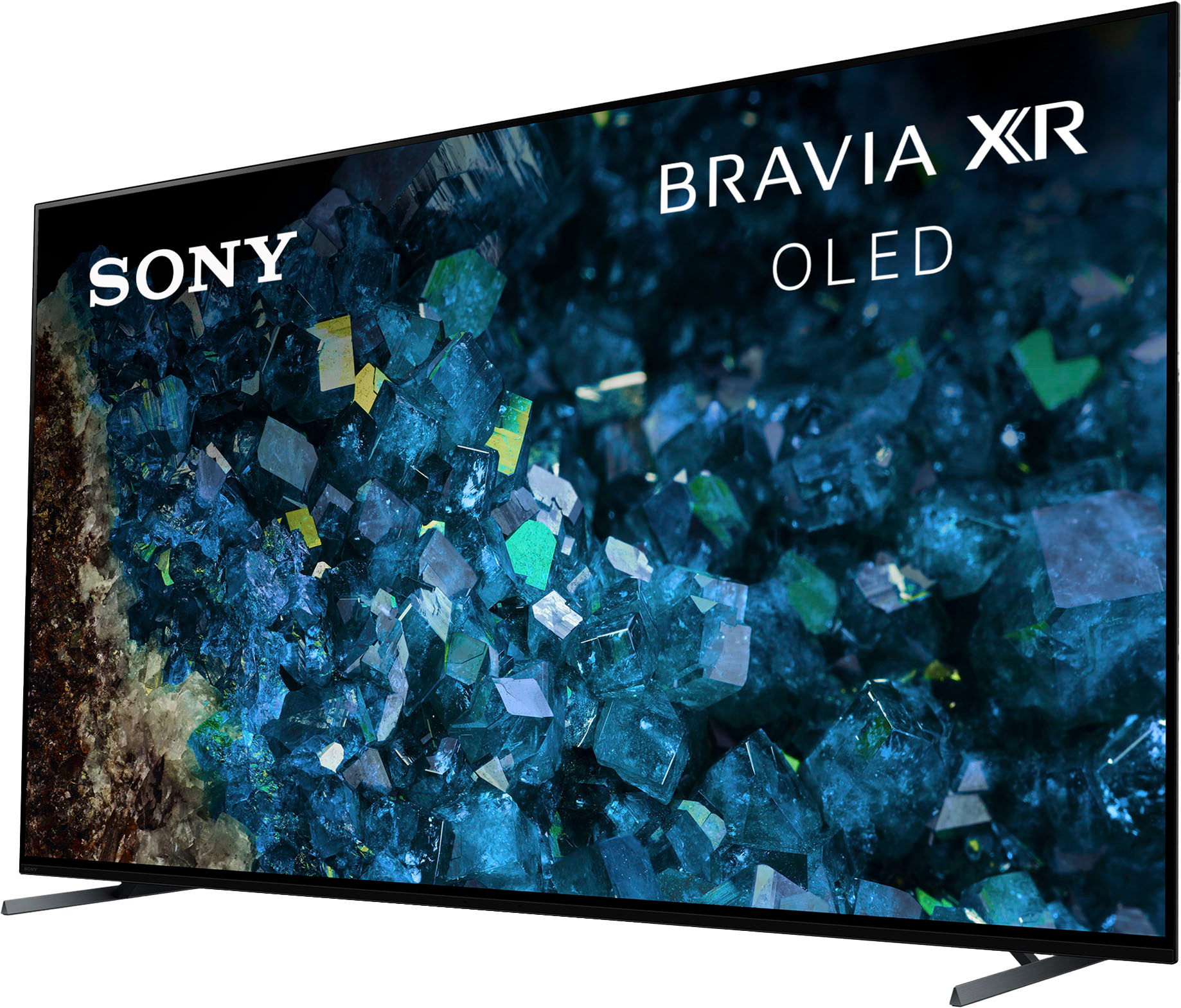
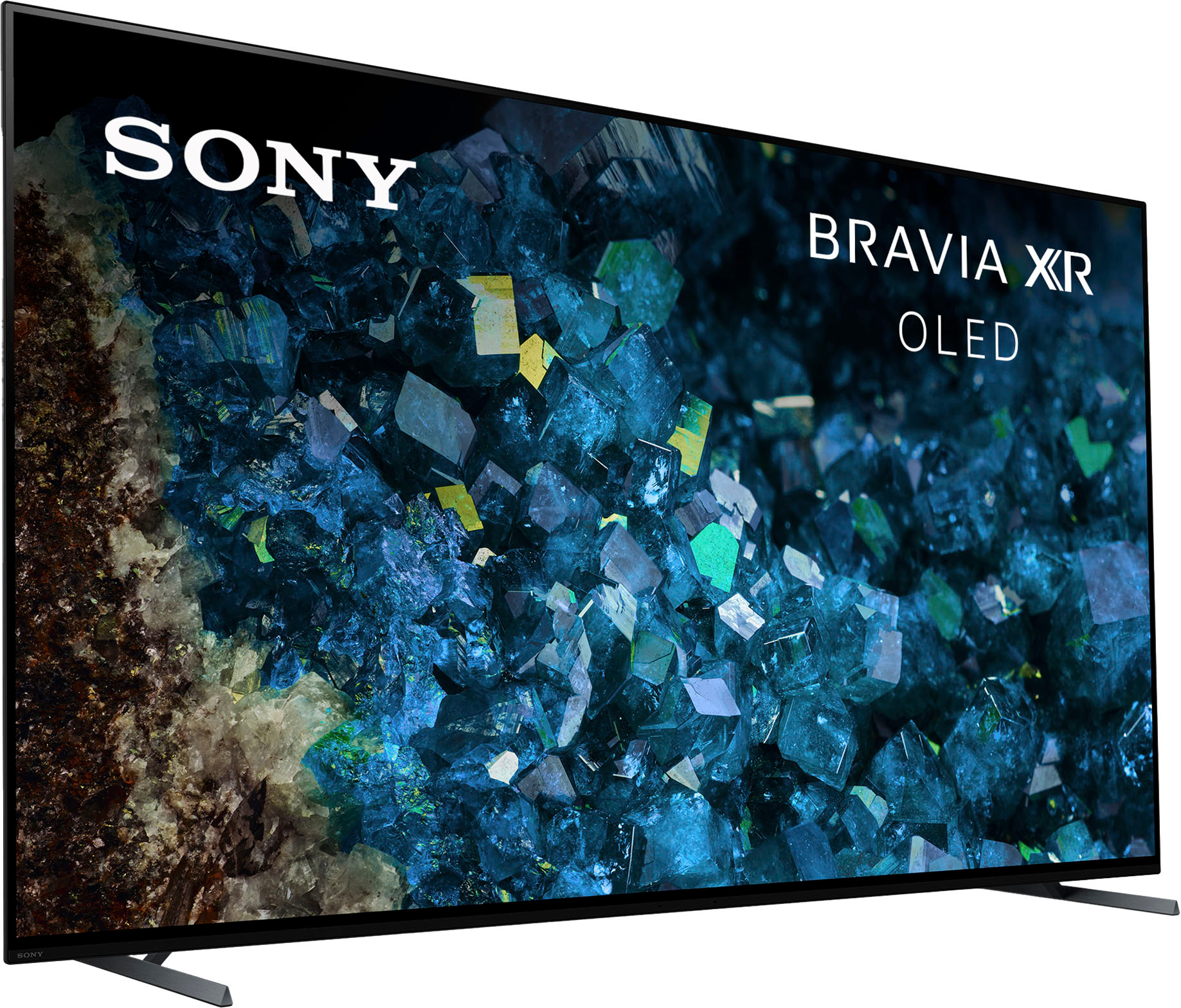
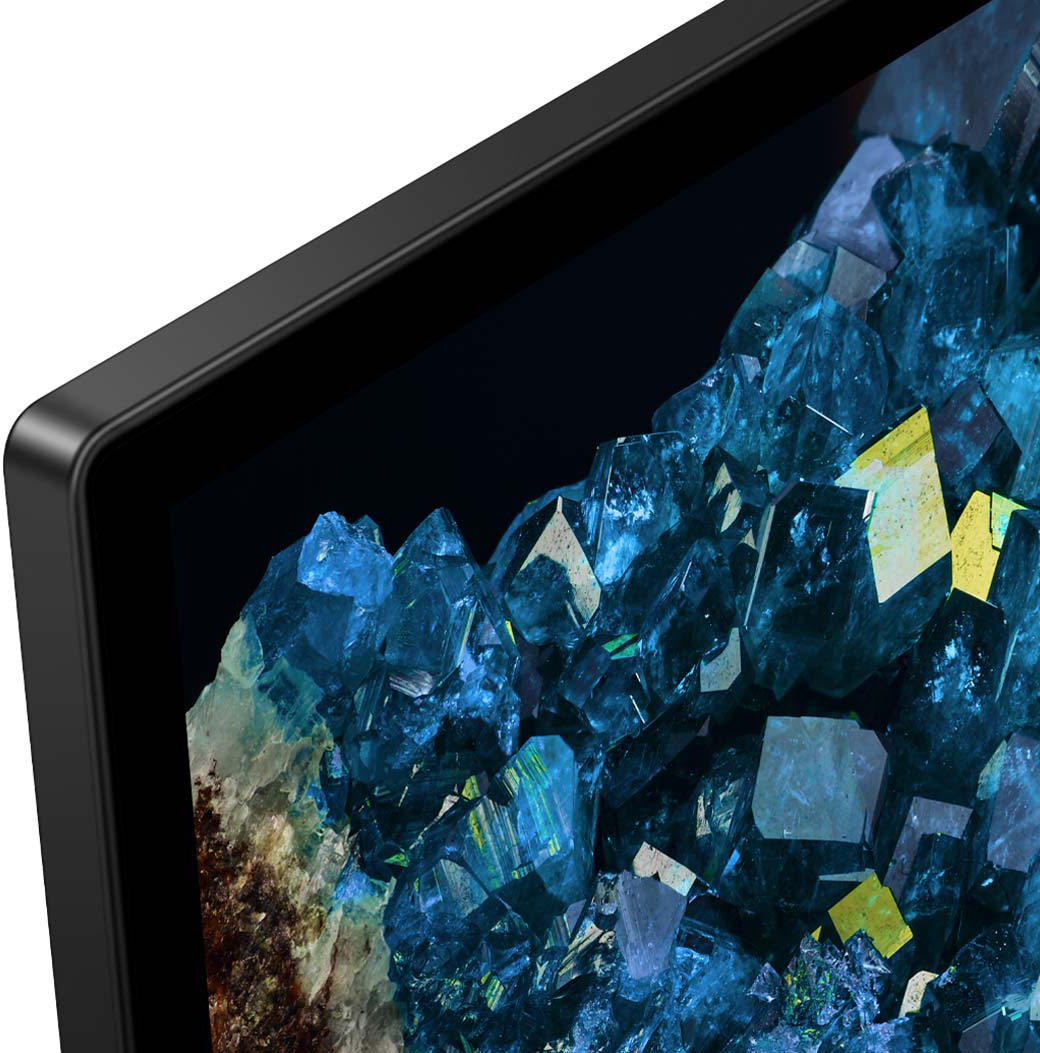
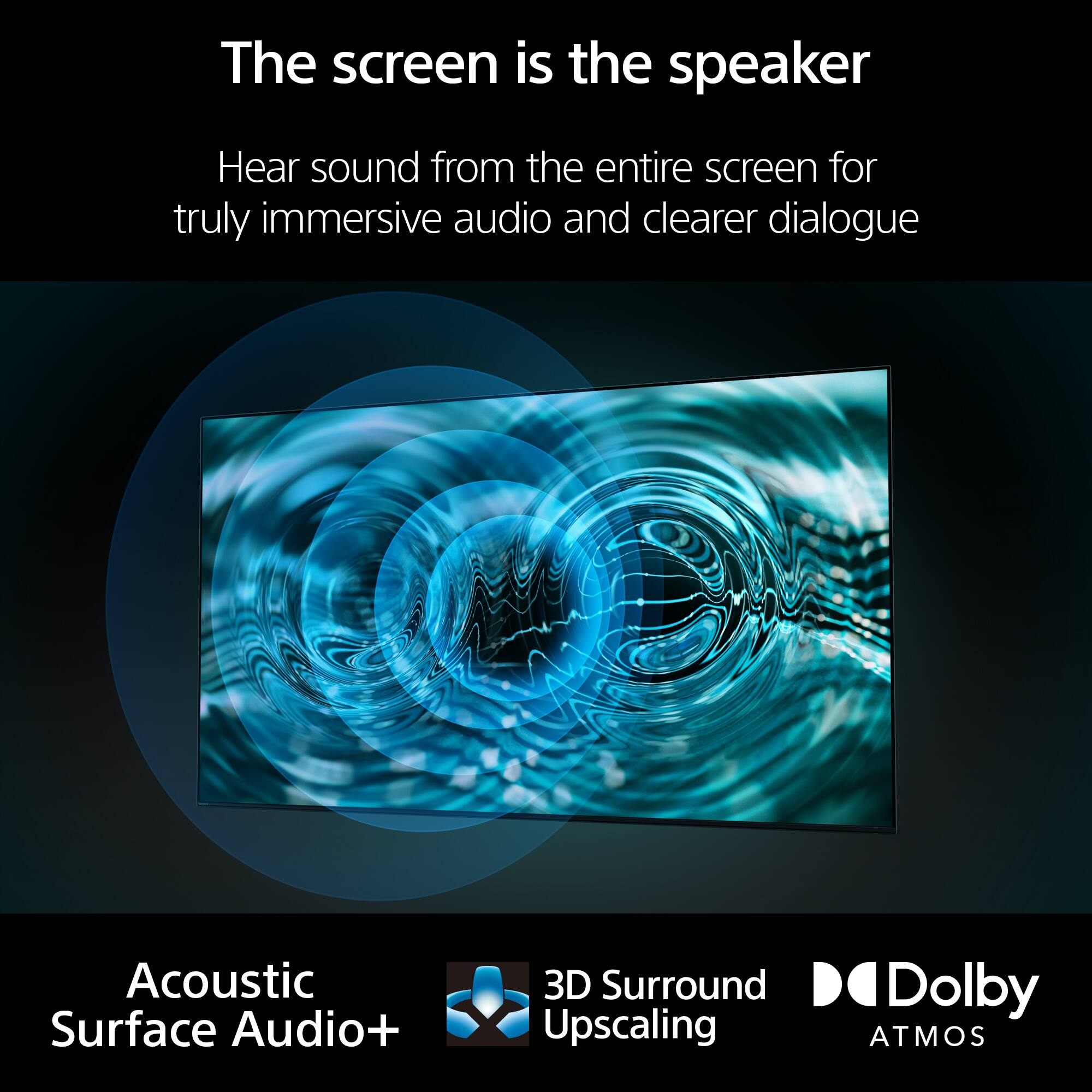
Our Pure Black OLED TV powered by Cognitive Processor XR™ delivers remarkable contrast and every single detail, even in dazzling light or deep shadow. Sound comes directly from the screen, ingeniously immersive.
Hope this helps.
Erin
A:AnswerHi BUCK,
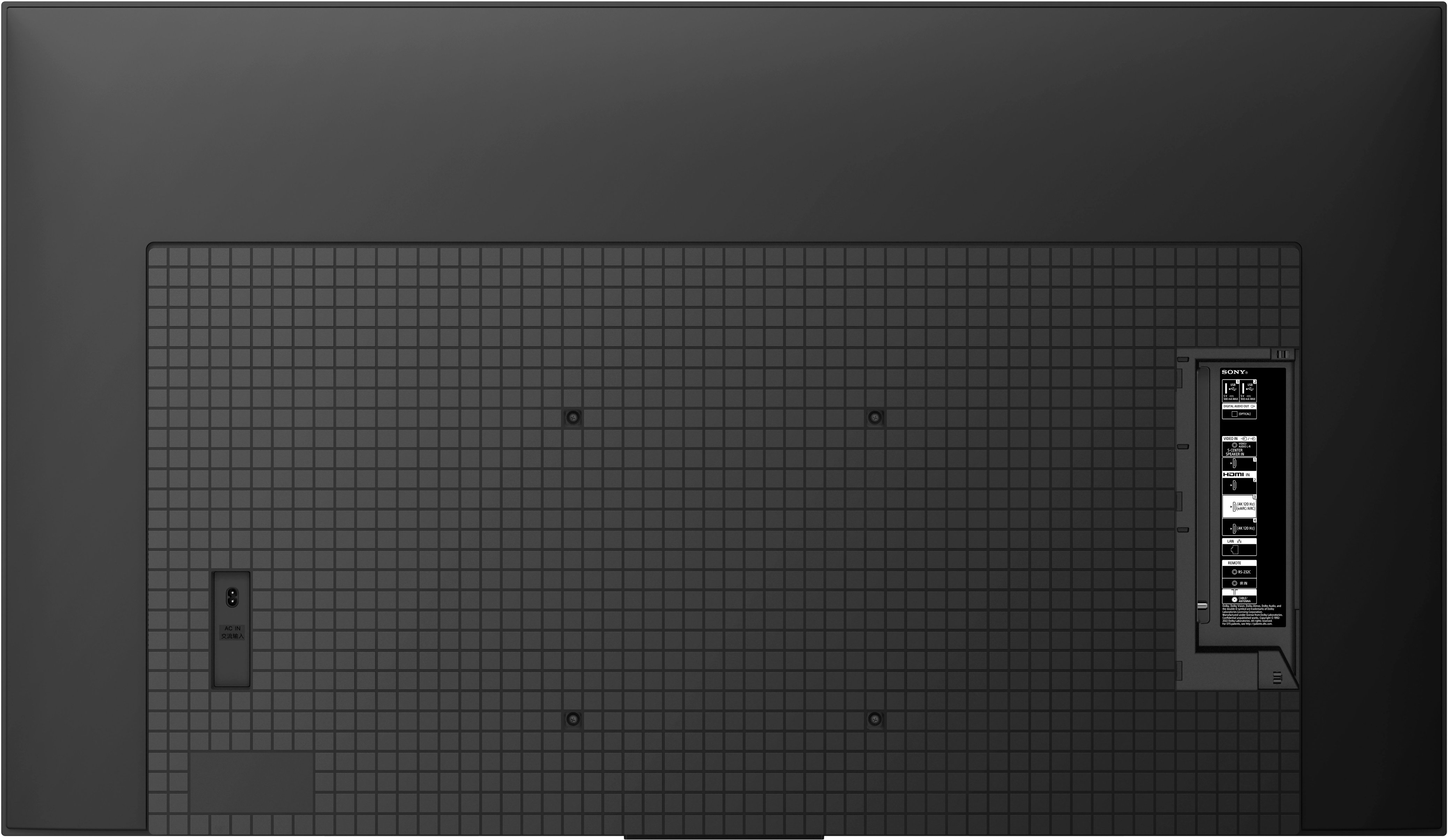
Thanks for inquiring about the TV. It uses an M6 screw with a length of 10 mm – 12 mm (not supplied). The BRAVIA 55" A80L conforms to the VESA Mount Standard and has a VESA hole pattern of 11.81 x 11.81 inch (300 x 300 mm). If you use an optional Wall-Mount Bracket (Except SU-WL855 and SU-WL905), the length of the screw for wall-mount bracket differs depending on the wall-mount bracket thickness.
For more on wall-mount screw size, see “Installing the TV to the Wall” on page 1 from the link below.
https://www.sony.com/electronics/support/res/manuals/5048/e3f22eae0e439ed78de9065697362eb8/50481191M.pdf
For product protection and safety reasons, Sony strongly recommends that installation of your TV on the wall be performed by qualified professionals. Hope this helps.
Regards,
Jess
A:AnswerHi there,
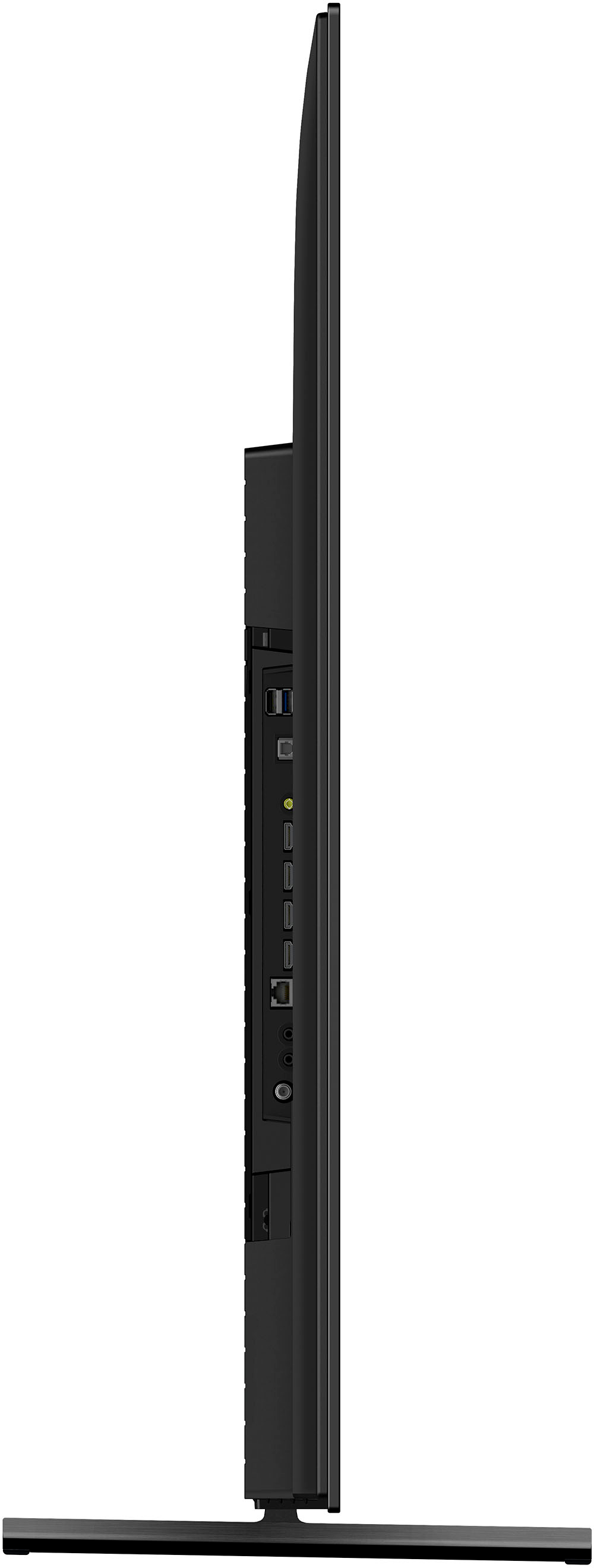
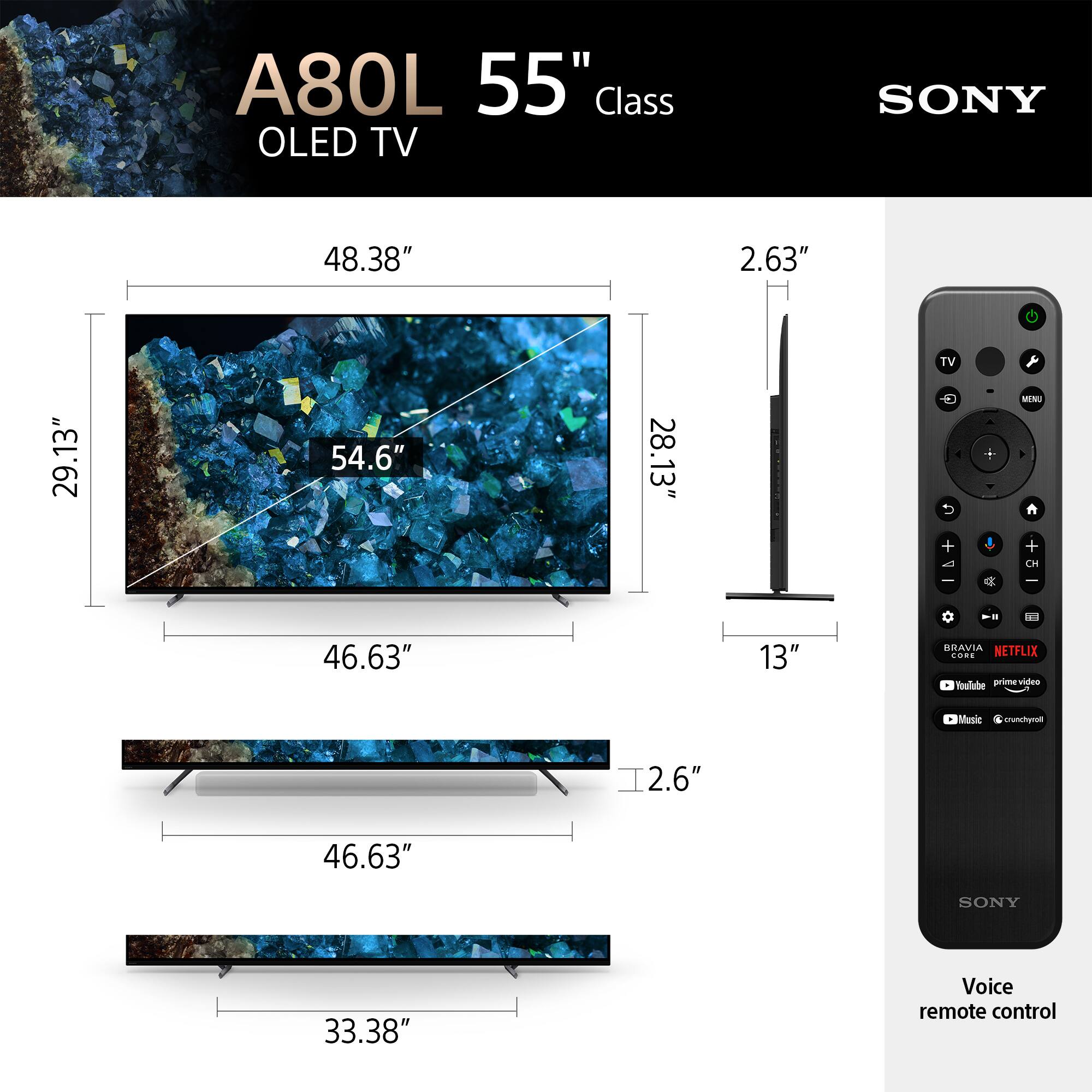
Thanks for your inquiry. If you are looking to figure out the screen width (distance from left to right) of the TV, it is approx. 48.38 inches (1,227 mm) wide. For your reference, please check the approximate dimensions of this TV below:
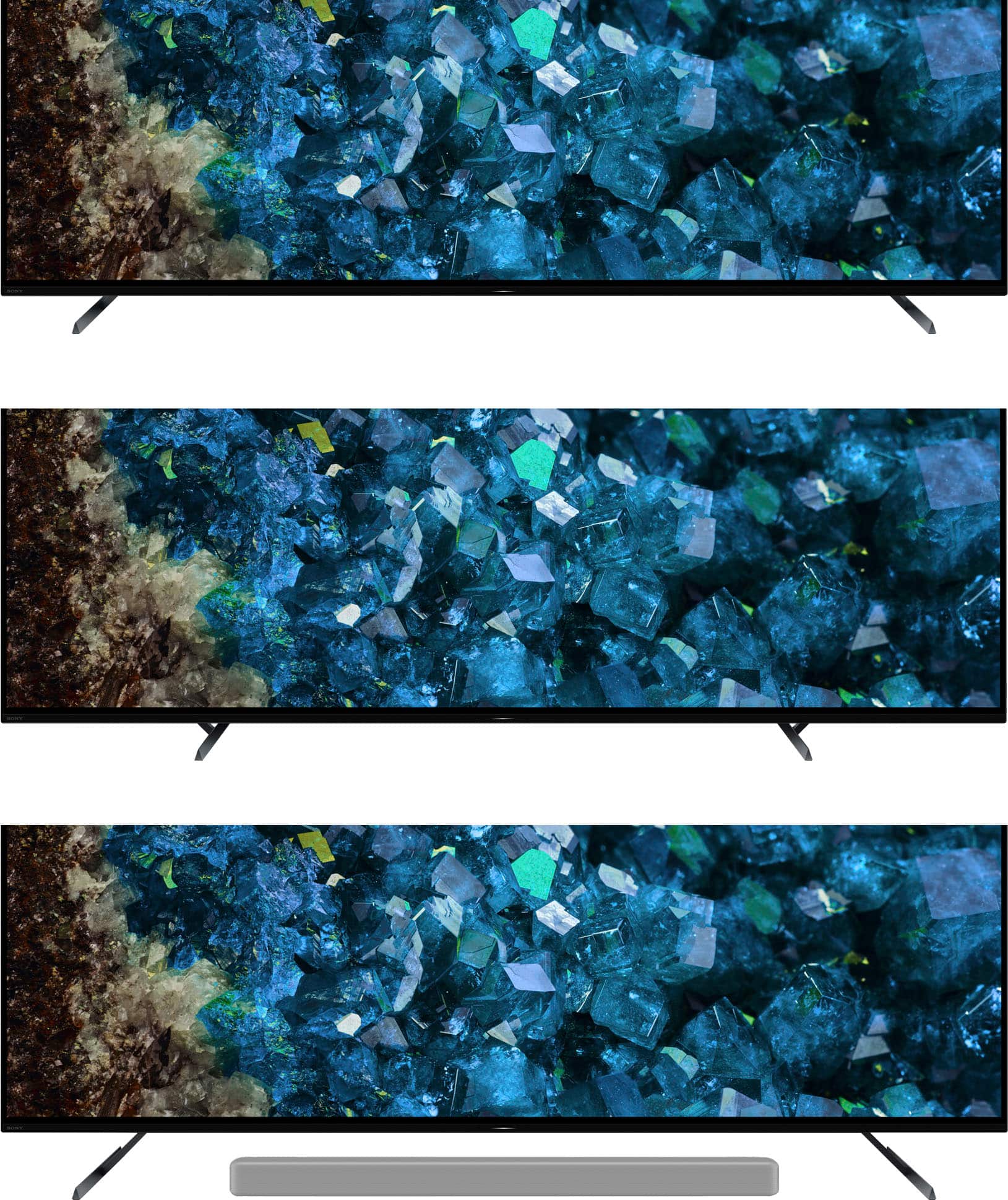
Dimension of TV without Stand (W x H x D): 48.38 x 28.13 x 2.13" (1,227 x 712 x 53 mm)
Dimension of TV with Stand (Standard position) (W x H x D): 48.38 x 29.13 x 13" (1,227 x 738 x 330 mm)
Dimension of TV with Stand (Soundbar position) (W x H x D): 48.38 x 30.75 x 13" (1,227 x 780 x 330 mm)
Dimension of TV with Stand (Narrow position) (W x H x D): 48.38 x 29.13 x 13" (1,227 x 738 x 330 mm)
For more details about the product dimensions for XR A80L series, please visit the link below.
https://www.sony.com/electronics/support/televisions-projectors-oled-tvs-android-/xr-55a80l/articles/00268168
Regards,
Jess
A:AnswerHi Martin, Thank you for choosing Sony! We are sorry to hear that you are experiencing difficulties with your Sony TV. We'd love to troubleshoot the issue and make this a better experience for you. In the meantime, if you are using a soundbar or an external audio device to connect with the TV, please check that the TV is set to audio system on the sound settings and make sure that the connected audio device is powered on. If you are only using the TV speakers, please make sure that the audio setting is set to TV speakers.
Also, please check if the same issue occurs on built-in applications or other inputs.
May we also contact you to help and get more information? If so, please email the below information to socialsupport@am.sony.com.
Apologies if you disclosed some of this information in your review and to customer service, we just want to ensure that we have your accurate details at the time of communication.
Case ID:
Full Name:
Username:
Telephone Number:
Sony Model Number:
Regards,
Carl
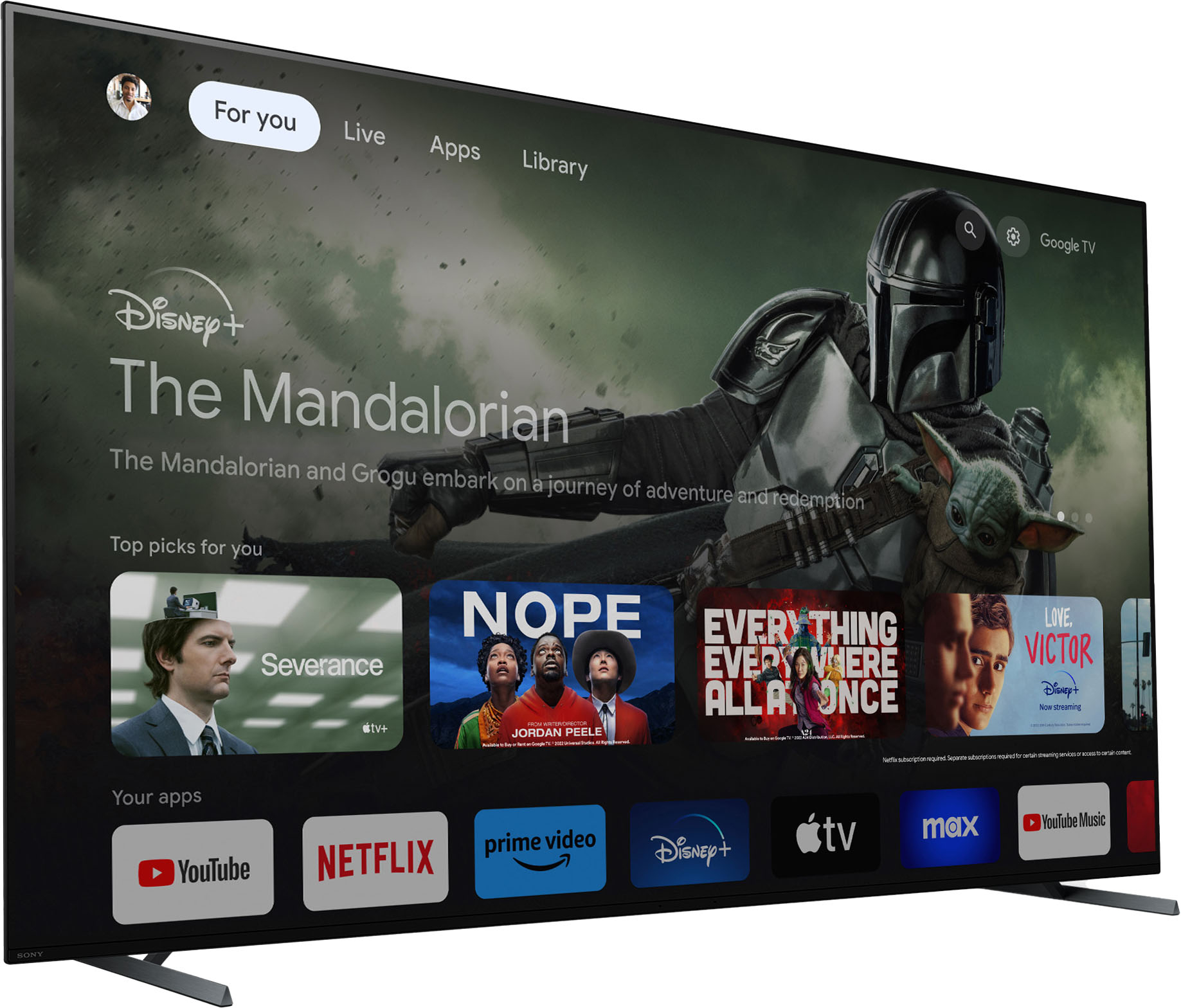
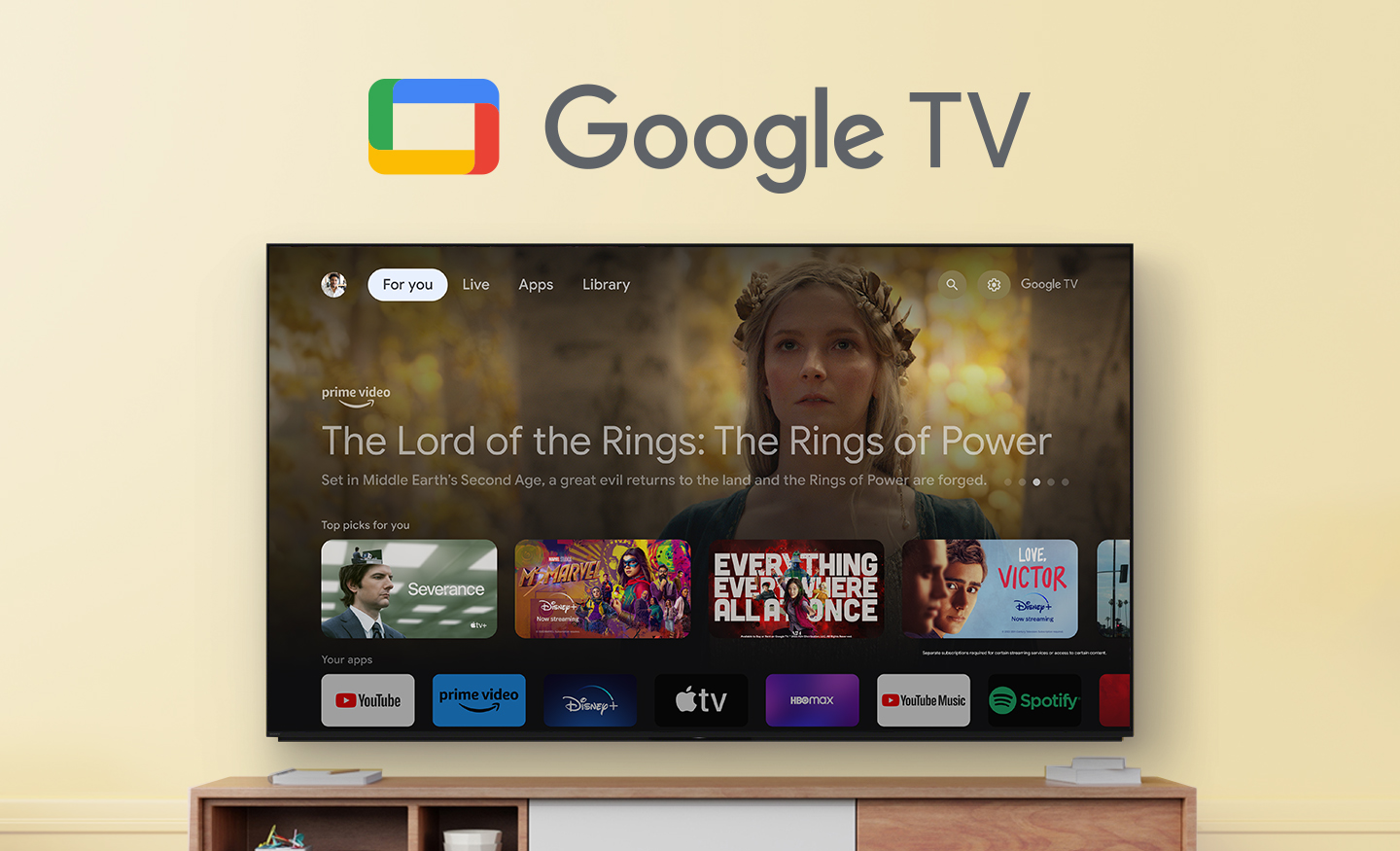
A:AnswerHi Nathan, thank you for your question. The A80L uses Google TV OS. Organic LED displays (OLED) may experience image retention if an image is continuously displayed for a long period of time, or the same image is repeatedly displayed. This is due to the characteristics of the materials used to achieve high-definition imaging. Sony has implemented certain features to combat screen retention when watching any content with Static images. The good news is, we have steps to protect the TV screen from image retention like Pixel Shift and Panel Refresh found within the TV settings just to name a few. Thank you for asking and please let us know how else we can help.
Our Pure Black OLED TV powered by Cognitive Processor XR™ delivers remarkable contrast and every single detail, even in dazzling light or deep shadow. Sound comes directly from the screen, ingeniously immersive.
Regards,
Erin
A:AnswerHi there, Thank you so much for your inquiry! The Sony XR55A80L TV offers several connection options for connecting to a soundbar.
HDMI (ARC/eARC)
Optical Digital Audio Cable
Bluetooth
If your soundbar supports these connections, it will pair with the XR55A80L TV.
For more information on this, please check our related article link: https://www.sony.com/electronics/support/articles/00014997
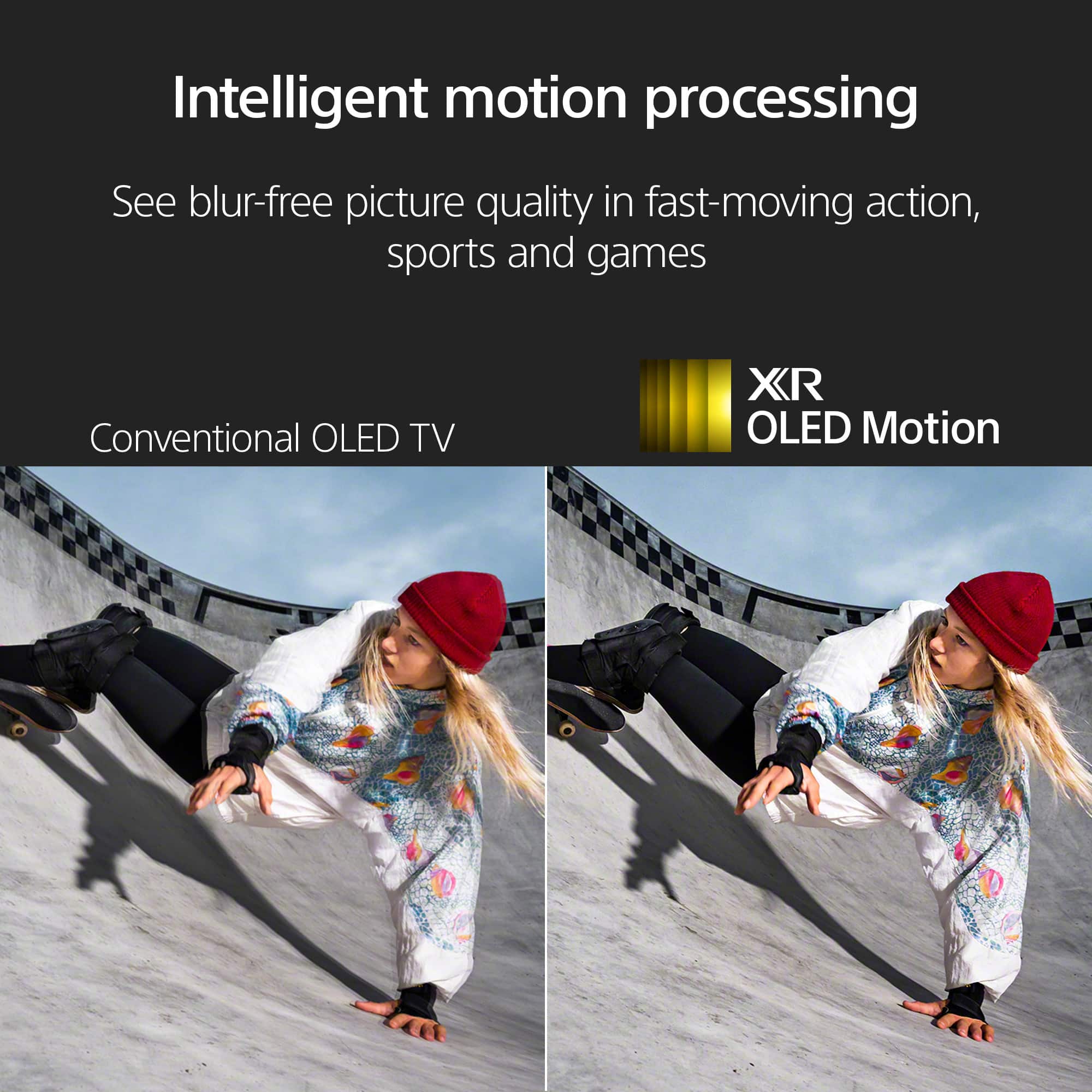
Wonderful pictures with bright, pure black OLED! See every single detail, even in dazzling light or deep shadow. This OLED TV, powered by Cognitive Processor XR, maximizes picture quality for incredible realism. The A80L is designed with less noise, less blur, and more clarity in every picture!
I hope this helps!
Regards,
Carl
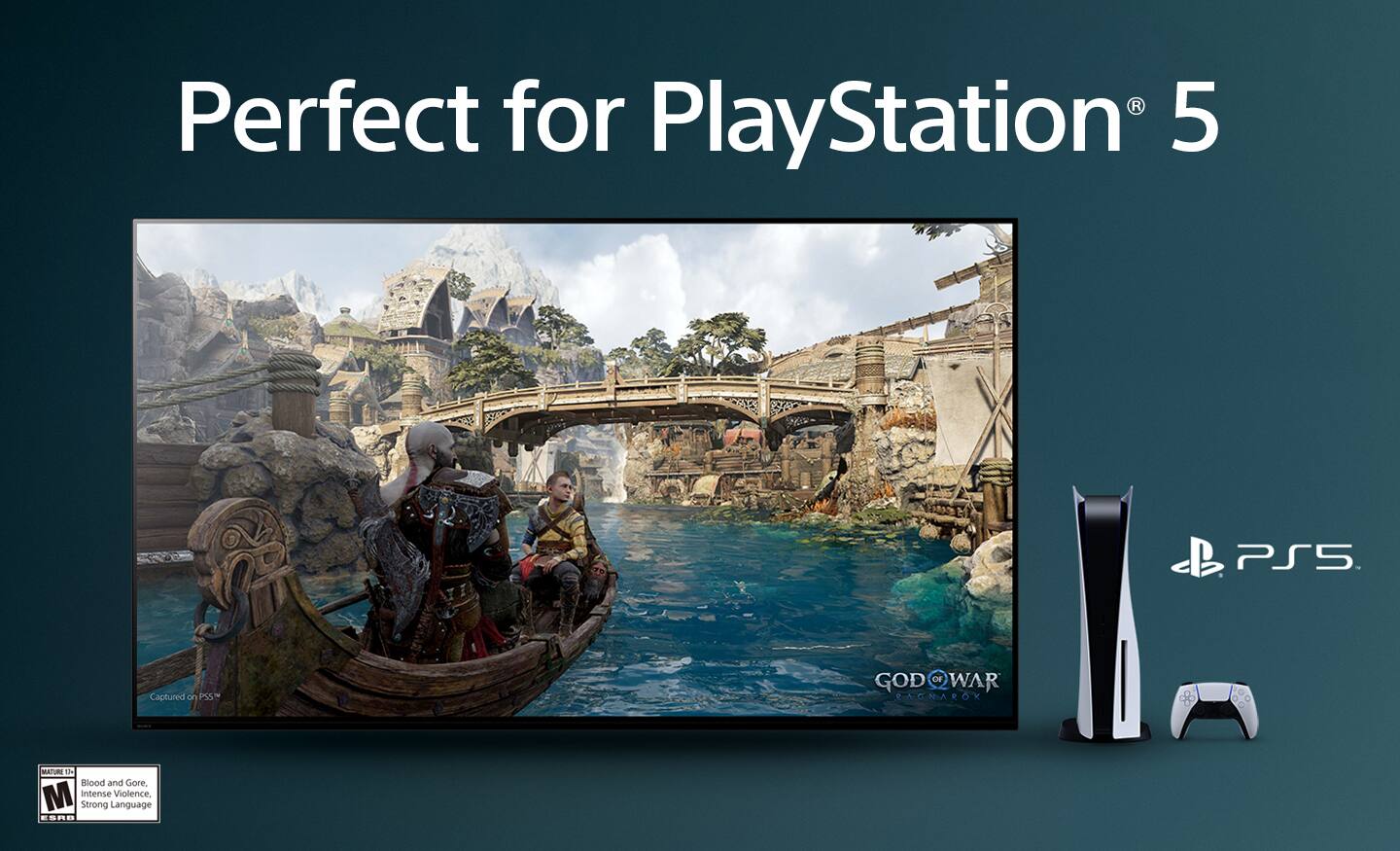
A:AnswerHi SaintKenn, Thank you so much for your inquiry! The XR55A80L TV is a perfect pair for the Playstation 5! Due to the characteristics of the materials used to achieve high-definition imaging, an OLED TV screen may experience image retention if an image is continuously displayed for long periods or when the same image is displayed repeatedly. To protect your TV screen, avoid the conditions that may cause image retention whenever possible. For more information on how to prevent burn in, please see our article link: https://www.sony.com/electronics/support/televisions-projectors-oled-tvs-android-/xr-55a95k/articles/00173479
Regards,
Carl
A:AnswerHi there, Thank you for choosing Sony! You may be referring to the Talk Back or Screen Reader feature. To turn this off, please use the remote controller to change the Talkback and Screen Reader setting. On the supplied remote control, press the HOME button > Select Settings → Accessibility. > Under Services, make sure Talkback and Screen reader are Off.
For reference, please check our related TV article link: https://www.sony.com/electronics/support/articles/00232484
Should you need further assistance, please contact us for help. Please email the below information to socialsupport@am.sony.com
Apologies if you disclosed some of this information in your review and to customer service, we just want to ensure that we have your accurate details at the time of communication.
Full Name:
Username:
Telephone Number:
Model Number:
Issue:
Regards,
Carl
A:AnswerHi Stormtrooper615, This isn't a malfunction of the OLED TV. The panel is bonded to the structure which causes a slight distortion when the TV is turned off. However, this will not affect the picture quality of the TV. If you feel like the ripple effect affects the picture quality of the TV, please reach out to us for assistance.
May we contact you to help? If so, please email the below information to socialsupport@am.sony.com
Apologies if you disclosed some of this information in your review and to customer service, we just want to ensure that we have your accurate details at the time of communication.
Full Name:
Username:
Telephone Number:
Model Number:
Issue:
Regards,
Carl
A:AnswerYes, that is what we did. All you need to do is to connect the HDMI cable from the ARC output of the TV to the ARC input of the Sonos soundbar.