A:AnswerHi Pete, this pdf will show how to change the battery clearly using illustration. Please follow this link to view the pdf file. https://www.sony.co.uk/electronics/support/res/manuals/4528/45287951M.pdf
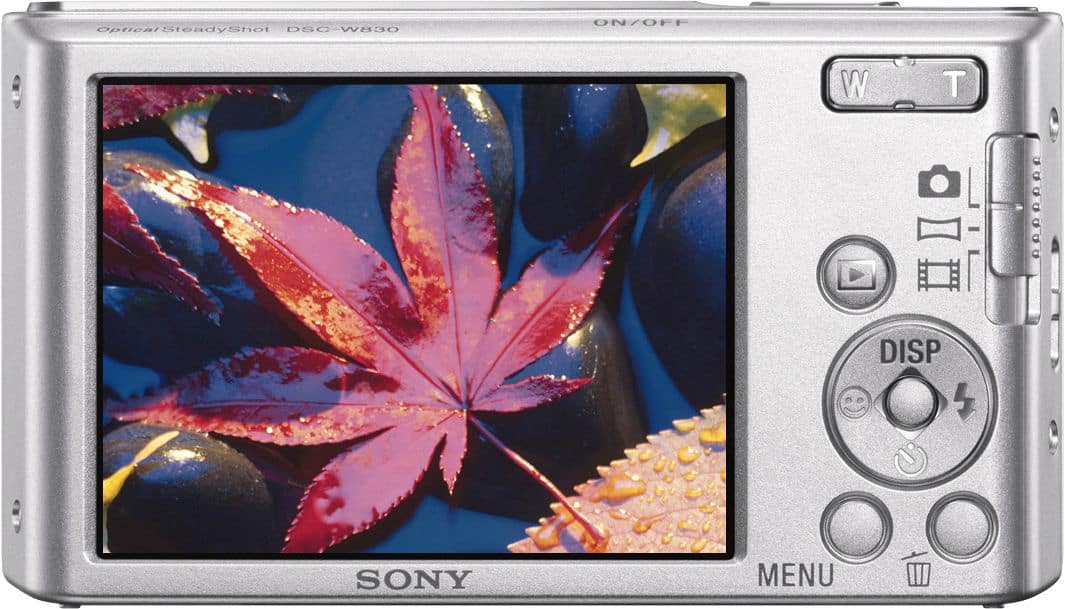
A:AnswerYes you can use the shutter button to take photos. Press down on the shutter button when in still image mode to take a photo
For more information please refer to the help guide link below
https://helpguide.sony.net/gbmig/44880561/v1/en/contents/TP0000233972.html
There are currently no app support that you can use to take photo using your smartphone without using the camera itself
A:AnswerHi dan, Please send us an email at sonysupportusa@am.sony.com so we can further assist you. Do not forget to include the model of the camera and the details of your concern.
Regards,
Vincent
A:Answerthis is a very basic, entry level point and shoot. Nothing fancy and doesn't even have Wi-Fi. Not likely to have the features you're looking for.
A:AnswerI asked that question too. Think you have to get a separate one. There is always the option of removing the memory card and sticking it into a dedicated slot in a computer OR getting a small multi-card unit that plugs into a USB port.
A:AnswerWe recommend The Sony Cyber-shot DSC-TX30 Digital Camera because it’s waterproof to a depth of 33', shockproof to 5', freeze proof to 14°F, and airtight to prevent dust from entering.
A:AnswerI have a Mac so yes. Additionally you can always just connect your memory card to the Mac. This is a HORRIBLE camera...the images come out way to compressed...I am returning mine.
A:AnswerYou probably can crop any picture loaded into your computer - just need a program to do it. Maybe your concern is resolution of what is left in the picture. Use best judgement based on picture size, amount cropped, detail to begin with and trial and error.
A:AnswerTurn the camera off then make sure you have read all of the instructions that came with the camera. Next turn on the camera and try to select the language again. When in settings use the back and forward slider with your finger and try to select the language you want. If you still can't select the language get in touch with Best Buy Geek Squad and maybe they can help you. You can also contact Sony support regurding any problems you have with your new camera. Always do a Google search and usually you'll find the answer to your question about your Sony Camera. Don't return your new Sony camera to Best Buy utill you've tried everything to fix the problem.
A:AnswerThe Sony One Shot 20 megapixel camera is perfect for all my needs. It's lightweight, small, and simple to use. I really like the panoramic view this camera offers. This is my 2nd purchase. I just love it!