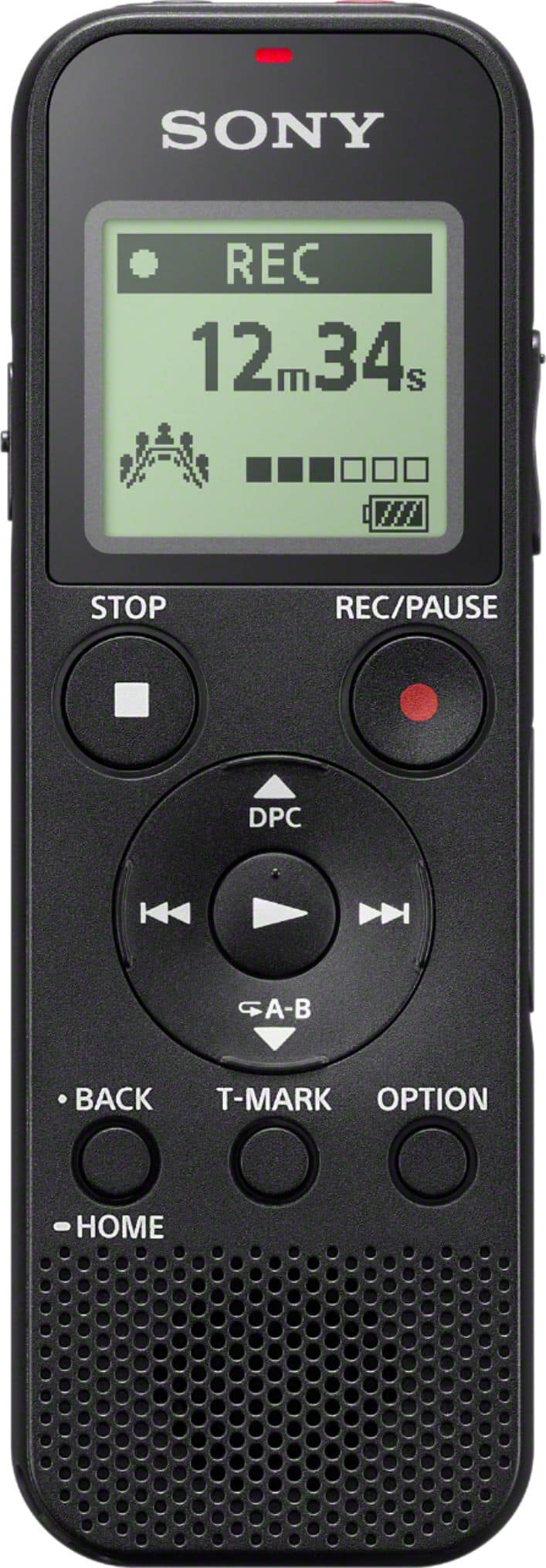
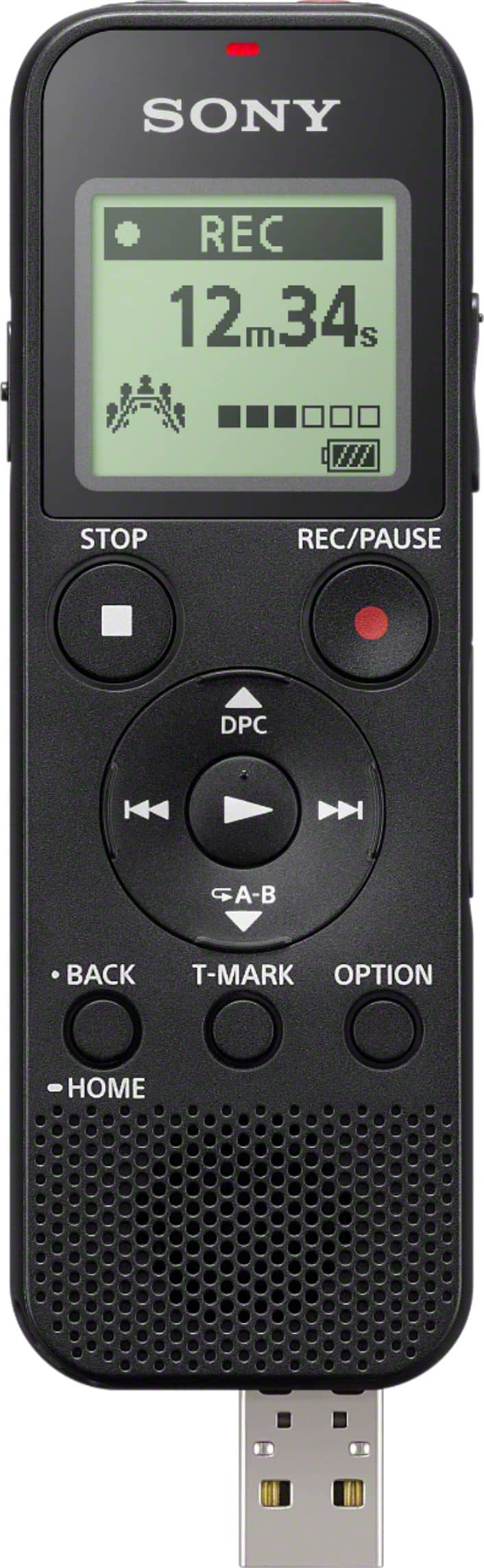
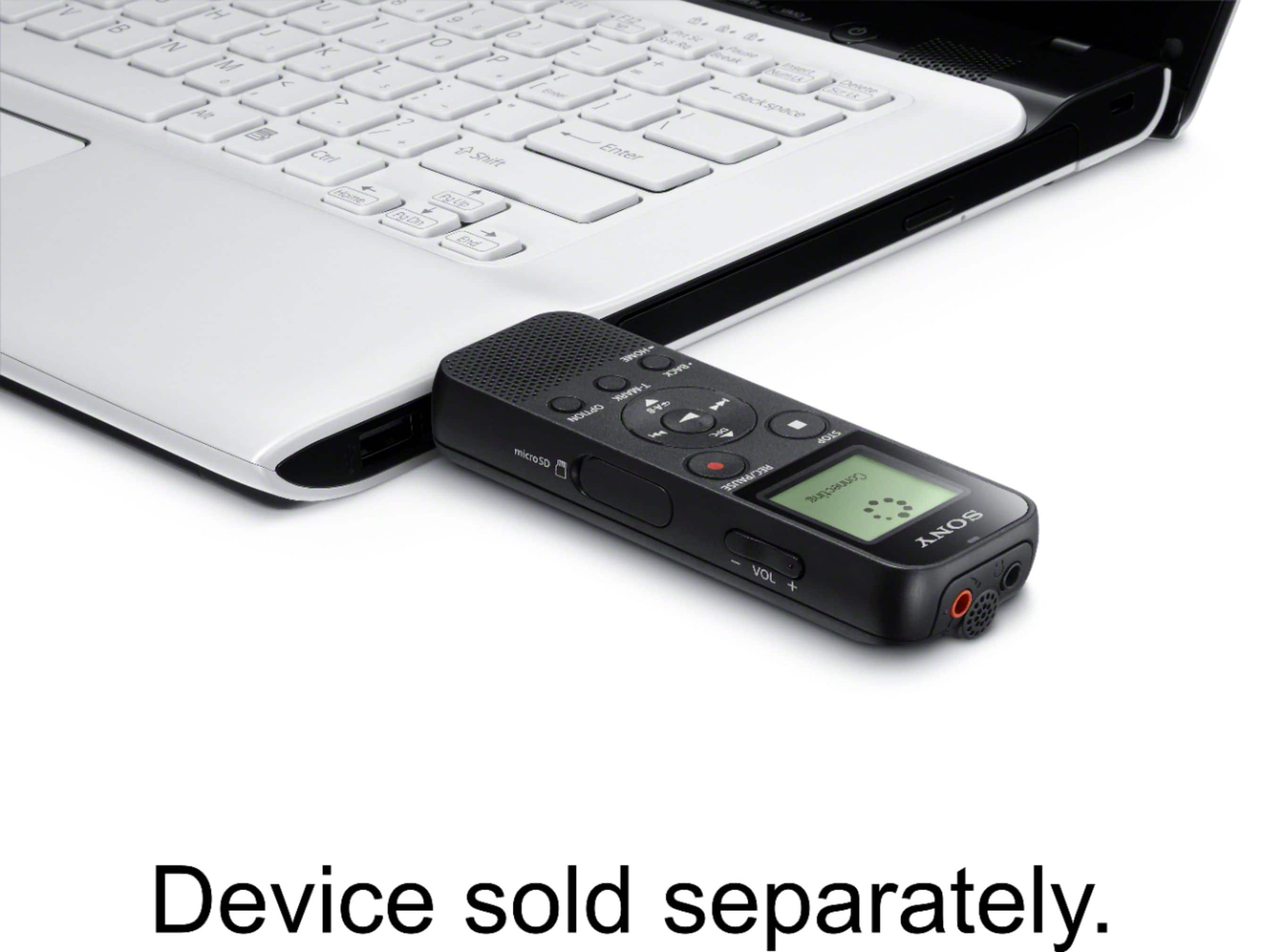
A:AnswerYou can copy/move files to/from the internal memory when the USB is plugged into your computer. You can move/copy files between folders within the internal memory without using a computer. If you record to the optional micro-SD card you can remove the card from the device, plug it into your computer (will probably need a micro-SD to SD adapter), and do whatever you want.
A:AnswerI assume you're asking about voice activated recording.
Yes it is if you set it to be that way. But it doesn't have to be if you don't want it.
That feature is called VOR.
It's clear from many answers already, that it is capable of voice operated/activated recording. At least using the built in microphone.
The PDF referred to in many answers is evidently not there anymore.
But this still exists: https://helpguide.sony.net/icd/p37/v1/en/contents/TP0001271985.html .
A:AnswerHi ash, Good news! The ICDPX370 can pickup and record phone call conversation, just make sure that you're phone is on speaker phone mode. And, you can also use an audio connection cable to connect the audio output jack (stereo mini-jack) on the mobile phone and the (microphone) jack on the IC recorder. Please refer to this link for further details: https://helpguide.sony.net/icd/p37/v1/en/contents/TP0001272002.html -Sam