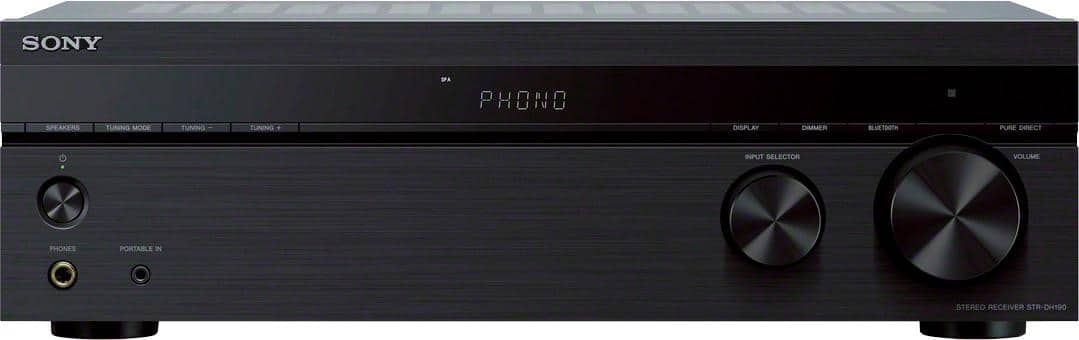
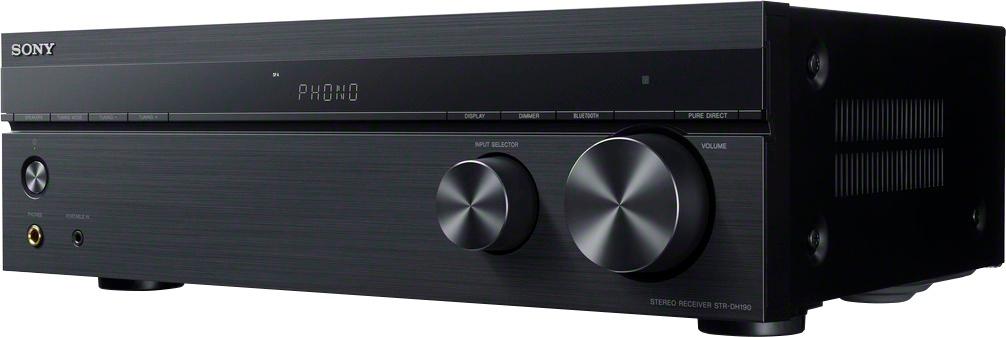
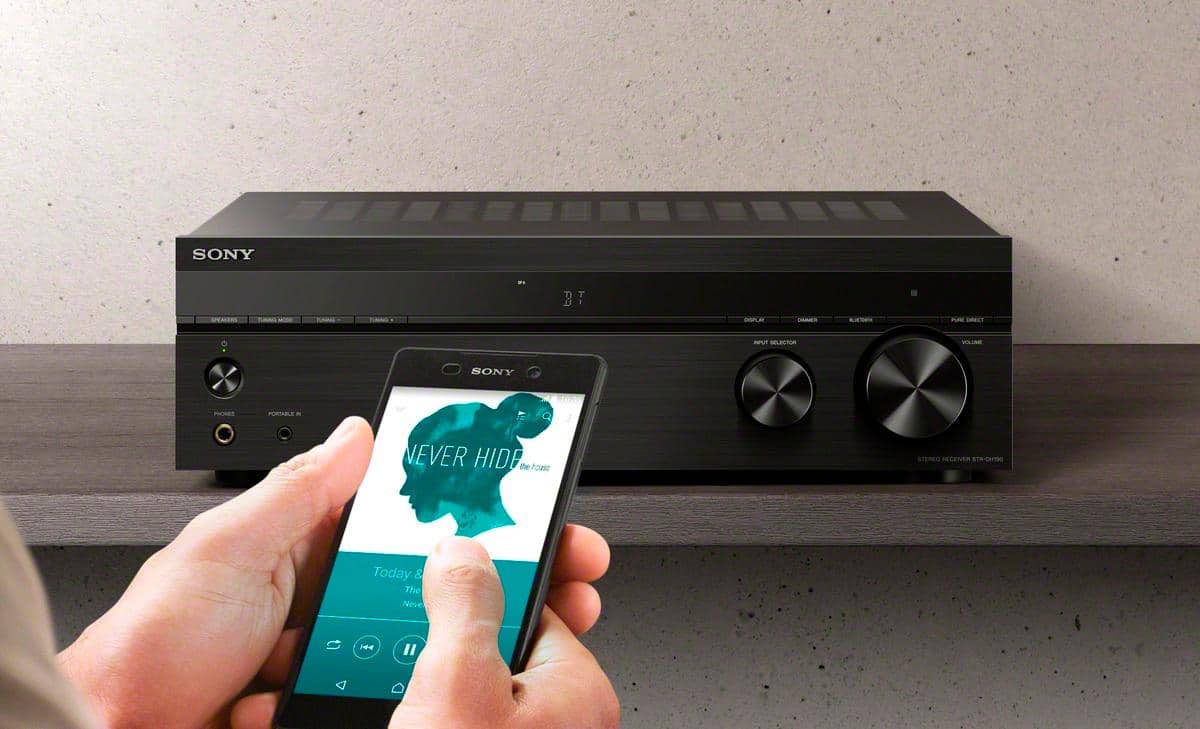
A:AnswerYes, as long as your iPhone pairs with the receiver, which it should, you can listen to your iPhone music through the receiver. This receiver is only a bluetooth receiver though, meaning you can send bluetooth input through it to its connected speakers, but it will not send its output/music to bluetooth speakers as the receiver does not connect to bluetooth speakers for output. Best of luck!
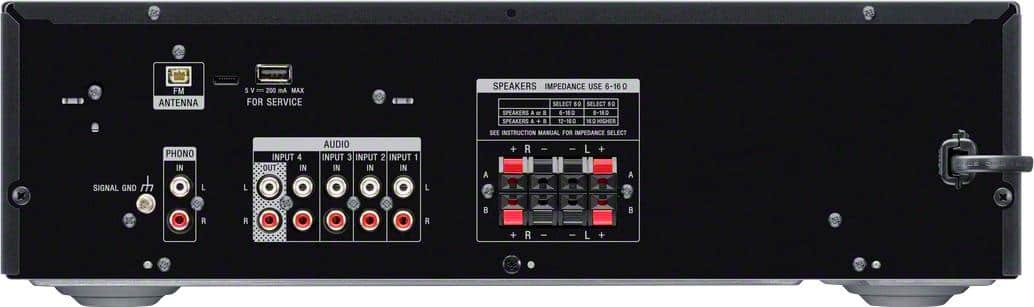
A:AnswerYou can, but it's a bit of a challenge as this receiver has a special port for the FM antenna. Look at the port on the back of the receiver before purchasing to be sure you can find a powered antenna with the right connector. The antenna with this unit is adequate but not great at picking up lower-strength stations clearly.
A:AnswerAs long as the impedance (ohms) is within the ratings of the receiver(any receiver), it doesn't matter about the brand. Bear in mind that this amp has an output of 100w per channel, so make sure you use a speaker rated at least 100w. I've always gone 25% higher on speaker wattage than what the output is. I've used receivers for 40-plus years. I've never blown a speaker yet, going by that rule of thumb.
A:AnswerYes, to a pair of left right stereo speakers. You can connect your basement speakers to the speakers B. You can listen to them independently by switching to speakers B or together with the upstairs speakers by choosing AB speakers.
A:AnswerProbably not as the antenna connection on the receiver is a proprietary Sony connection, for whatever reason Sony doesn't want people to use any antenna but theirs.
A:AnswerHi OldTimer, Thank you for your inquiry. Unfortunately, no. This receiver will only work with speakers with a nominal impedance of 6 ohms to 16 ohms. Hope this helps! -Sam
A:AnswerHi Alexds828, thank you for your question. This unit supports the A2DP Bluetooth profile (for Bluetooth audio). You may check the specification of your TV if it supports the said profile. ~Earl
A:AnswerHi JoeS, Thanks for your inquiry. We only recommend connecting speaker cables with the polarities + (red)/– (black) matched between the receiver. We cannot suggest double wiring as we cannot guarantee its operation. Please refer to this link for setting/connecting speakers:
https://support.am.sony.com/release/Manual_4726907131.pdf (page 13)
Hope this helps!
-Sam
A:AnswerHi Marco2379, Thank you for your inquiry. If your existing Bose speakers connect via regular speaker wires, then yes. You can connect up to 4 speakers to this receiver. Please make sure to connect speakers with a nominal impedance of 6 ohms to 16 ohms. Hope this helps! -Sam
A:AnswerHi Kwess, Thank you for your inquiry. Unfortunately, no. The MHCV71 is already an all-in-one component system that doesn't require to be connected to an audio receiver to function. I would suggest connecting regular stand-alone speakers with a nominal impedance of 6 ohms to 16 ohms. Hope this helps! -Sam
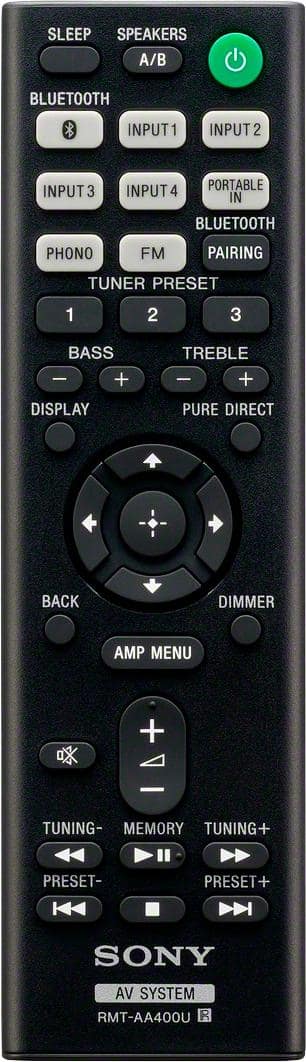
A:AnswerHi Marley, We regret to hear you're having an issue when playing via Bluetooth. To isolate this issue, please try to play music from a different app or connect a different phone to the unit to check if this issue is only happening on your phone. Also, try to change the SPEAKERS A/B function to SPK A+B. If you are unable to resolve your concern, please email us at socialsupport@am.sony.com with the following details:
Name:
bestbuy Username:
Model Number:
Issue:
Telephone Number:
Sincerely,
Sam
A:AnswerHi Bcloc, We regret to hear about what happened. If the words PROTECTOR and PUSH POWER appear in alternating sequence on the display of your home audio device, or if the word PROTECT or PROTECTOR appears, there may be an external speaker issue or connection issue that is triggering the protection circuit. Please follow the troubleshooting steps on this link to resolve this issue:
https://www.sony.com/electronics/support/audio-video/articles/00025095
If you are unable to resolve your concern, please email us at socialsupport@am.sony.com with the following details:
Name:
bestbuy Username:
Model Number:
Issue:
Telephone Number:
Sincerely,
Sam