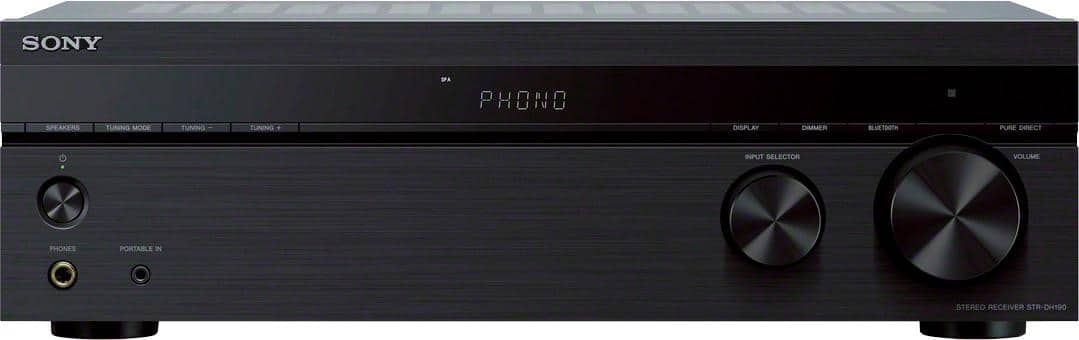
A:AnswerI’m certainly not a tech or an authority on any of this stuff, all can can think of is ya might check to see if you have the button that switched from A B & Ab speakers on the right channel you have your speakers hooked to. That’s really all I can think of. Hope ya find the problem, my are superior loud.
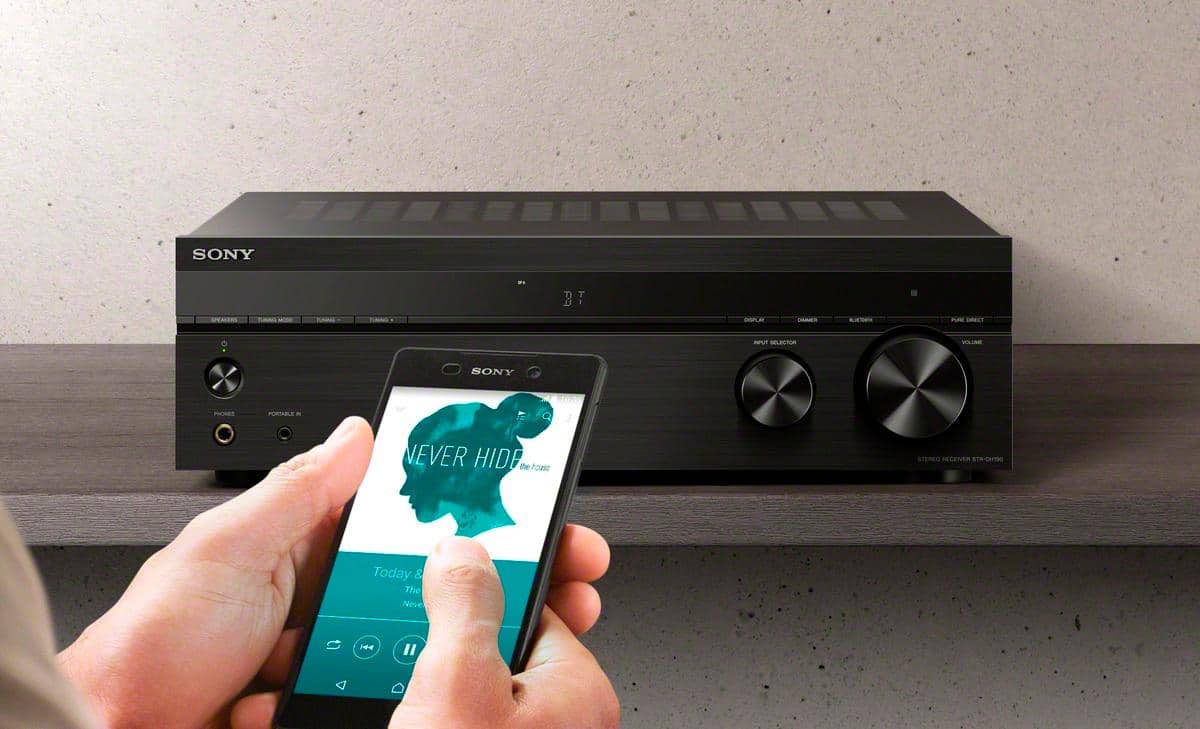
A:AnswerBluetooth range is approximately 10 meters(33 feet). It needs to have no unobstructed distance. The range on the receiver is pretty good. I have no issues with it. I can go in another room in my house and connect to the receiver with no problems.
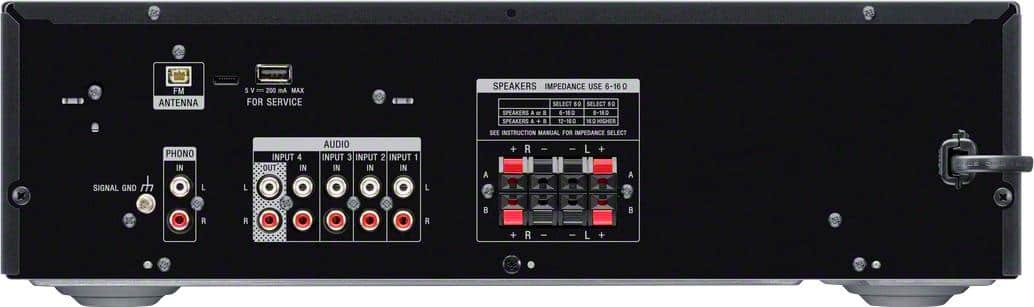
A:AnswerHi Suz, Yes! Good news, this unit already came with an FM antenna. And yes, you can hook up two sets of speakers on this receiver. make sure to connect speakers within the impedance rating of 6 to 16 ohms. -Sam
A:AnswerHi UOU, Thanks for the inquiry. If the Auto standby function is turned on, the receiver switches to standby mode after approximately 20 minutes. -Sam
A:AnswerHi EAW, Unfortunately, you cannot connect your Bluetooth speakers to this unit. The Bluetooth function of this receiver only supports mobile devices like smartphones, tablets, walkman, etc. -Sam
A:AnswerHi patrick, Unfortunately, you can only connect up to 4 speakers on this receiver. And when you do, please make sure to connect speakers that has a nominal impedance rating of 6 to 16 ohms. -Sam
A:AnswerHi 1eastreader, You can connect speakers with a nominal impedance of 6 ohms to 16 ohms. However, this unit doesn't have an input for a subwoofer. -Sam
A:AnswerAn Amazon Alexa could be paired with Bluetooth with the reciever. For Alexa models with an AUX jack you could use a 3.5mm AUX to RCA cable, and connect to one of the recievers audio inputs. The reciever doesn't have any direct Alexa integration.
A:AnswerHi david, Thanks for your inquiry. As long as your speakers are within the nominal impedance of 6 ohms to 16 ohms then it should be enough. -Sam
A:AnswerHi CJ, Unfortunately, you cannot directly connect your TV to this unit. You can only connect audio devices that supports RCA audio connection. And this receiver is also not compatible with wireless speakers. I'd suggest checking out our STRDH590, STRDH790, or STRDN1080 models. -Sam
A:AnswerHi Outdoor, Thanks for your inquiry. You can strip the jacket of your speaker cables to 10 mm (13/32 in) at each end of the speaker cables and then tightly twist the speaker wire strands. Then, you should be able to insert the stripped ends of the cables into the terminals. -Sam
A:AnswerHi Subwoofer, Unfortunately, you cannot hook up your subwoofer to this particular model. I'd suggest looking into our other AV Receivers such as the STRDH590, STRDH790, and STRDN1080. Hope this helps! -Sam
A:AnswerHi GreenGrocer, Unfortunately, this unit doesn't support google assistant. I'd suggest checking out the STRDN1080 model for Google Home app support. -Sam