A:AnswerHi Ode1234,
When matching speakers and Audio/Video (A/V) receivers, the ohm rating of the speaker should be equal to or greater than the ohm rating of the receiver to avoid a risk of hardware damage.
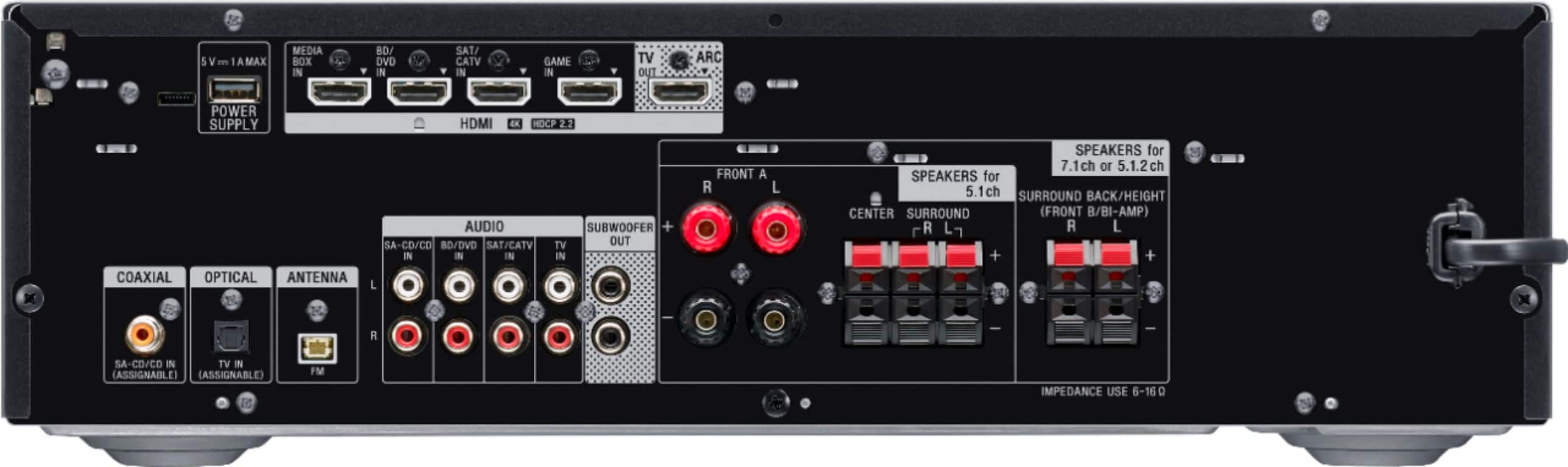
Any speakers that feature bare wire connection will work to this receiver, as long as their impedances are from 6 to 16 ohms. You can adjust the treble and bass of the unit.
Regards,
David
A:AnswerHi BH,
You can adjust the equalizer depending on your preference.
https://helpguide.sony.net/ha/strdh79/v1/en/contents/TP0001605063.html?search=dB
Regards,
David
A:AnswerI got the same message with my sub, but it turns out it wasn't powered on. Sure you are getting sound? I ended up using my own settings instead of the automatic set up anyway, as my back speakers were way too quiet.
A:AnswerHi Customer,
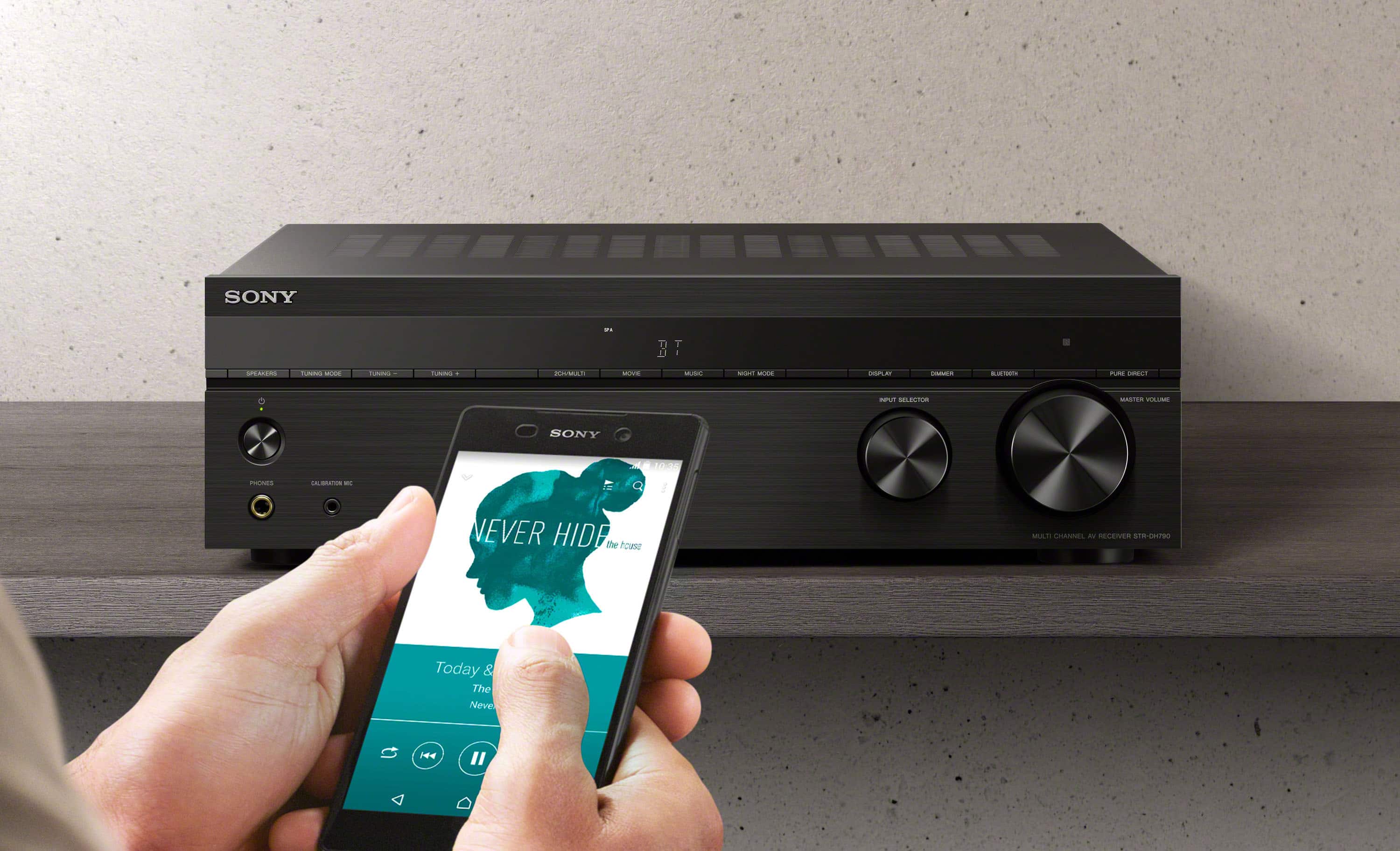
Unfortunately, the AV receiver is not compatible with Sony Music Center. You can receive audio from a walkman, smartphone, or tablet that has a Bluetooth function and listen to the received audio content via this receiver.
https://helpguide.sony.net/ha/strdh79/v1/en/contents/TP0001612188.html
Regards,
David
A:AnswerHi Niko,
Thank you for the inquiry! When two front speaker systems are connected to the receiver, you can select the front speaker system you want to operate. See page 47 from this link for more details.
https://www.sony.com/electronics/support/res/manuals/4726/890436b47fd2ffcc4003f34dc5f2592c/47269051M.pdf
Hope this helps!
David
A:AnswerYou can use any of the 4 HDMI inputs. These are just labeled for convenience by the manufacturer. But you can plug in your ROKU in the GAME or BD/DVD port and it will function just the same.
A:AnswerHi Jerry97tj,
Thank you for the inquiry! It depends on the specification of your speakers. When matching speakers and Audio/Video (A/V) receivers, the ohm rating of the speaker should be equal to or greater than the ohm rating of the receiver to avoid a risk of hardware damage.
Any speakers that feature bare wire connection will work to this receiver, as long as their impedances are from 6 to 16 ohms.
Hope this helps,
David
A:AnswerNot sure what they mean by "processor". Did you purchase this Sony receiver? It should work with your LG TV via HDMI or even Optical (TOSLINK) cable to get surround sound.
A:AnswerHi JAB,
It doesn't have a phono input for AV receiver. To connect a turntable to a stereo system, the stereo system should have a phono input. If a phono input is not available, the turntable must have a built-in amplifier or an in-line amplifier must be used to connect the turntable to another input on the stereo system. Also, we recommend our STRDH190.
Regards,
David
A:AnswerHello jack,
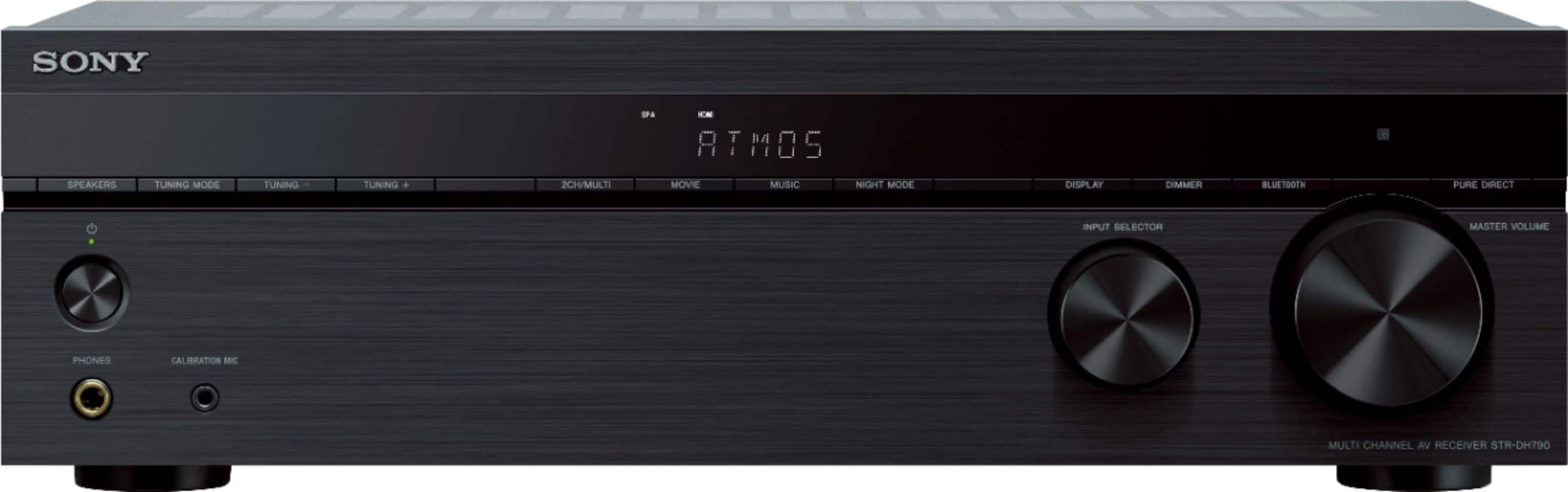
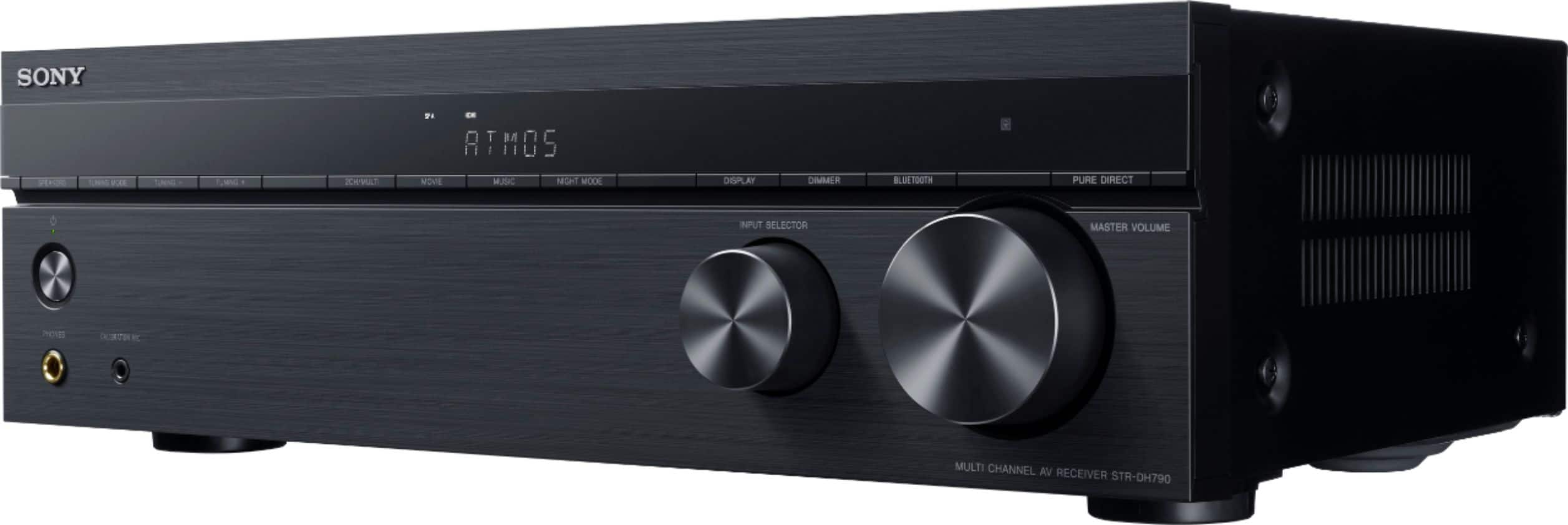
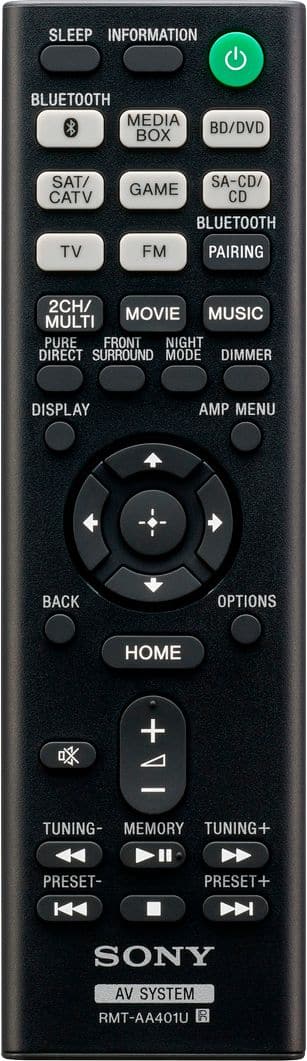
Yes, the AV receiver comes with a remote control. Unless, its a open box unit. Open box unit usually doesn't come with a remote control or other accessories. Unfortunately, you can only receive audio from a WALKMAN, smartphone, or tablet that has a BLUETOOTH function and listen to the received audio content via this receiver. The bluetooth on this unit is input only, and you cannot connect headphones for listening. Wired headphones will definitely work.
Regards,
David
A:AnswerI'm using Bose cube speakers for the rear and side surrounds with zero issues. IDK that they are life style but they are the small single cubes with regular spring speaker wire attachment. They sound great with this receiver.
A:AnswerAnswering my own question. Finally got this to work. Turns out the Geek Squad installers plugged the HDMI into the wrong input on the TV. Switched it over, and now HDR and 10 bit support are enabled.