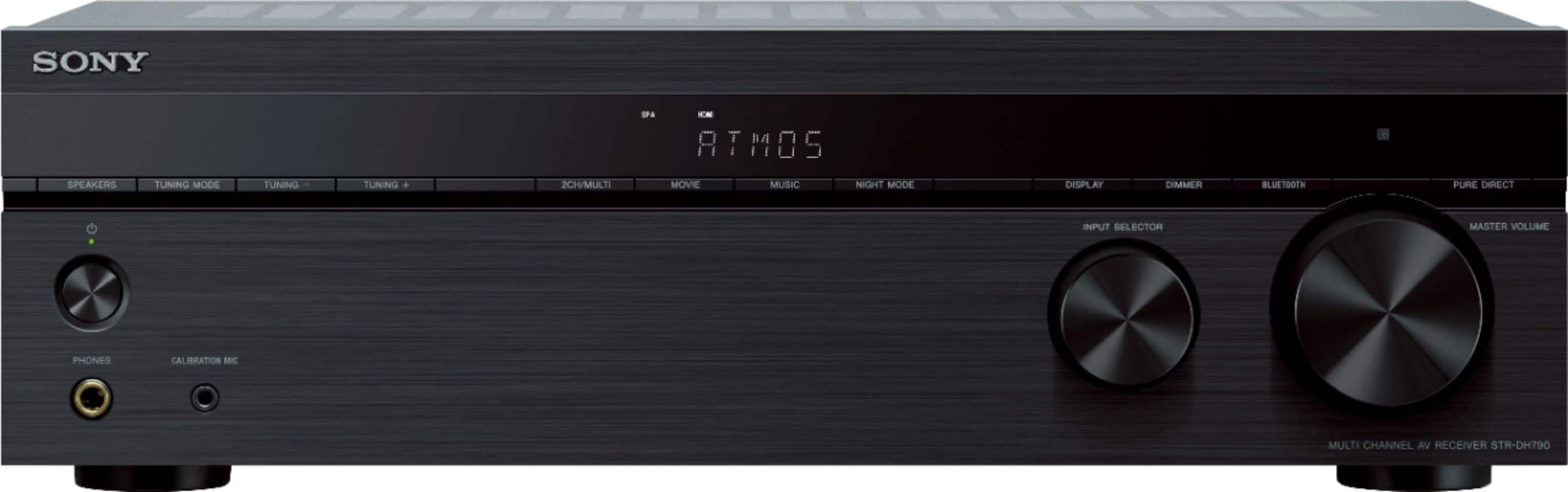
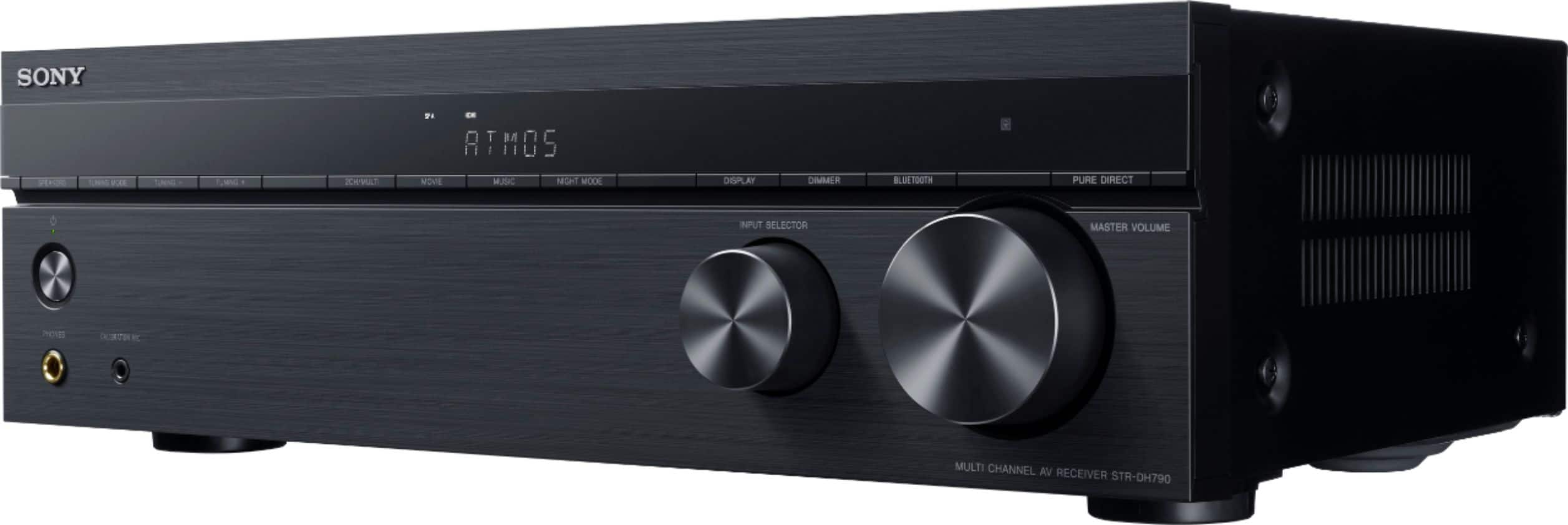
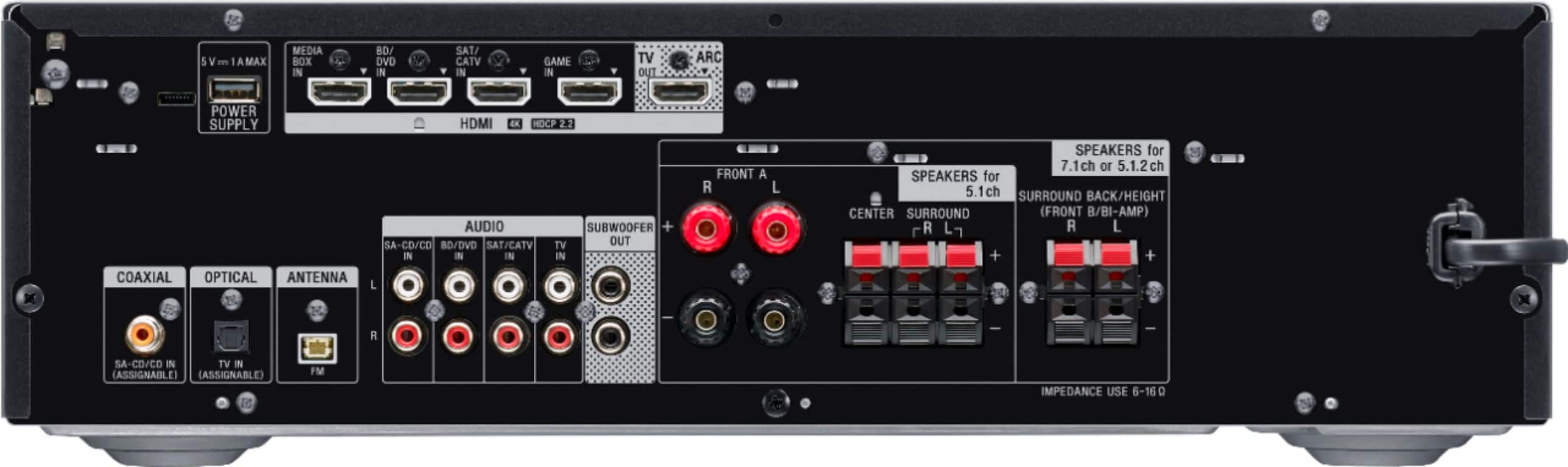
A:AnswerYou should get sound at level 1 initially from the center speaker and subwoofer. The other speakers enhance with the surround sounds which you will need to turn volume up higher to experience the full affect. Make sure you have the speaker wires connected (small pull to see if they don’t move) and use an optical cable to connect from stereo to the TV.
A:AnswerHi bluetoothTransmitter,
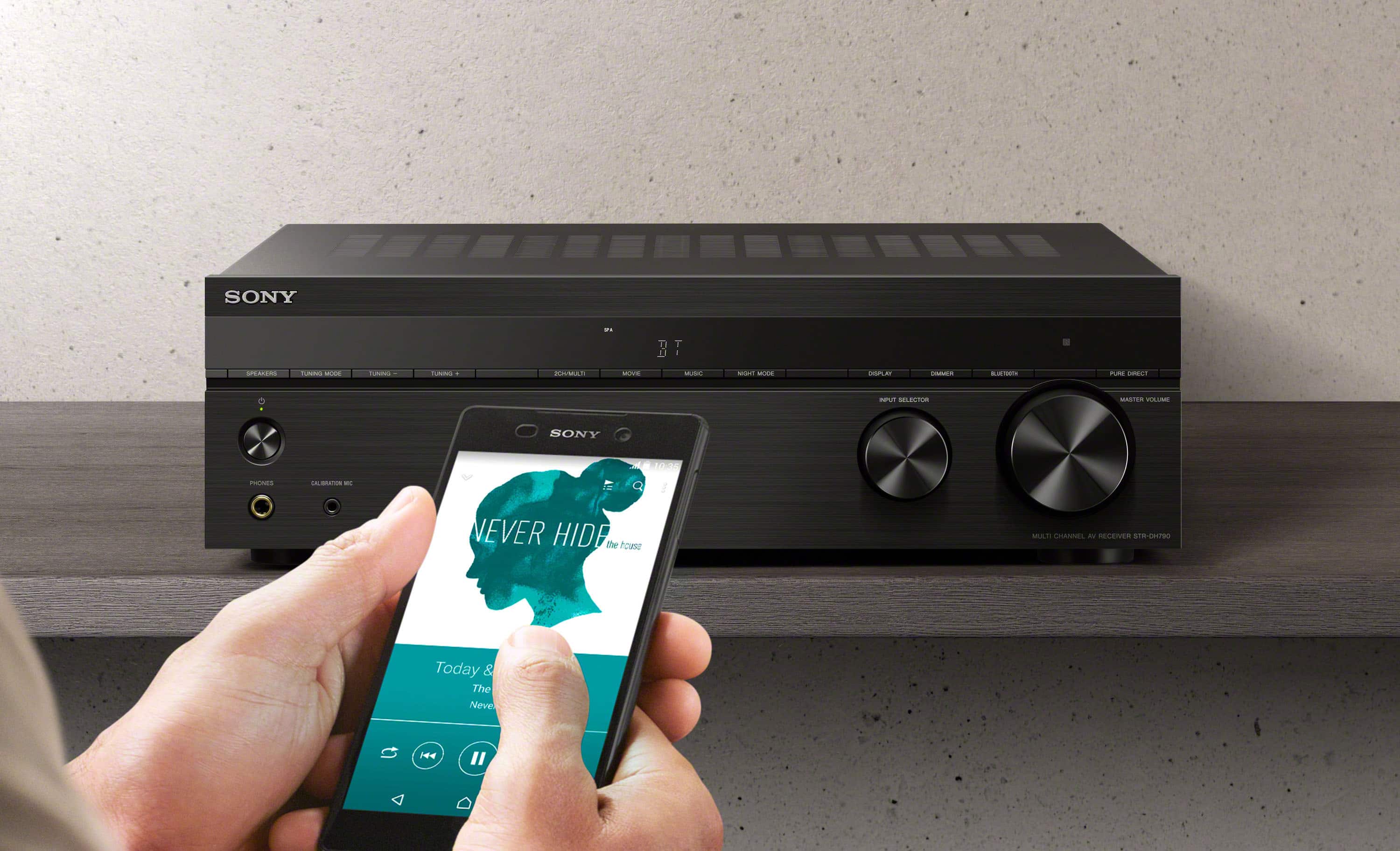
The AV receiver has already a Bluetooth function. You can receive audio content from a
WALKMAN, smartphone or tablet that has a BLUETOOTH function and listen to it via this receiver.
https://helpguide.sony.net/ha/strdh79/v1/en/contents/TP0001612188.html?search=bluetooth
NOTE: We don't recommend using a Bluetooth transmitter with this AV receiver.
Regards,
David
A:AnswerHi Sushil,
This AV receiver can output the audio and video of the Chromecast but you cannot connect a soundbar to this AV receiver. We recommend connecting speakers with a nominal impedance of 6 ohms to 16 ohms.
Regards,
David
A:AnswerHi Rick,
We are sorry to hear what happen. Is there a light on the front panel when you turn on the AV receiver? Power reset the unit, simply unplug the unit and wait 1-2 minutes then plug the device back in and power on. We also recommend connecting the AV receiver directly to wall outlet.
If the unit still has no power, contact our chat support for further assistance.
https://us.esupport.sony.com/support/s/support-contact
Regards,
David
A:AnswerYes, you can control each of 7.1 separately. I used the auto-calibrate then bumped up the center channel. I think it only works with active sub, but you can have two.
A:AnswerThe STR-DH790 should work. I used to have a Sony HT-7000DH home theater system. I then upgraded to an STR-DH920, and now the DH790. I'm still using the (4) wired speakers and (1) subwoofer from the the HT-7000DH.
A:AnswerHi SonyGeek,
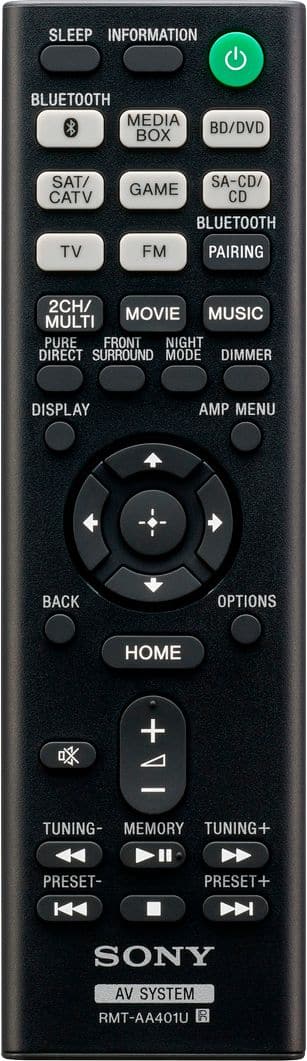
We do apologize for the confusion. The STRDH790 has a supplied remote control. The AV receiver also supports HDMI 4-in/1-out with Enhanced Audio Return Channel.
Happy to help,
David
A:AnswerAs answered previously, short answer, NO.
The unit is designed to receive Bluetooth audio and play (for example from your phone) but NOT send it out to a speaker.
A:AnswerHi JustKPRO62,
You can update the AV receiver via USB method. Check the link below for details.
https://www.sony.com/electronics/support/audio-components-receivers-amplifiers/str-dh790/downloads/00015537
Regards,
David
A:AnswerHi Kfloamy,
Unfortunately, the maximum speaker system that you can do with the STRDH790 is 7.1 so that's center speaker, front left, front right, a subwoofer, surround left, surround right, surround back left, and surround back right. Also, you can only connect speakers with impedance of 6 ohms to 16 ohms. What we recommend is to adjust the speaker size to small or large depending on the source that you're playing. Check the link below for details.
https://helpguide.sony.net/ha/strdh79/v1/en/contents/TP0001605064.html
Happy to help,
David
A:AnswerHi GusGus,
Thank your you inquiry. We recommend to update the software once device is received. Here are the benefits and improvements for the STRDH790 latest firmware update:
Adds support for eARC feature
Notes:
eARC is a new HDMI 2.1 standardized function which adds support for the latest audio formats, in addition to audio formats supported by the existing Audio Return Channel (ARC) function.
The eARC feature allows you to enjoy object audio content such as Dolby Atmos - Dolby TrueHD and DTS:X or multi-channel LPCM content that cannot be transmitted with the ARC function. Thank you for choosing Sony!
Regards,
Kris
A:AnswerHi Sanab,
Unfortunately, you cannot add a soundbar to an AV receiver. A soundbar is an alternative to an AV receiver and not something you use in conjunction with an AV receiver. Please refer this link to check what kind of speakers you can connect to your AV receiver: https://www.sony.com/electronics/support/audio-components-receivers-amplifiers/str-dh790/articles/00205291. However you may connect 2 subwoofer to the STRDH790 Receiver. I hope this helps. Thanks! - Kris