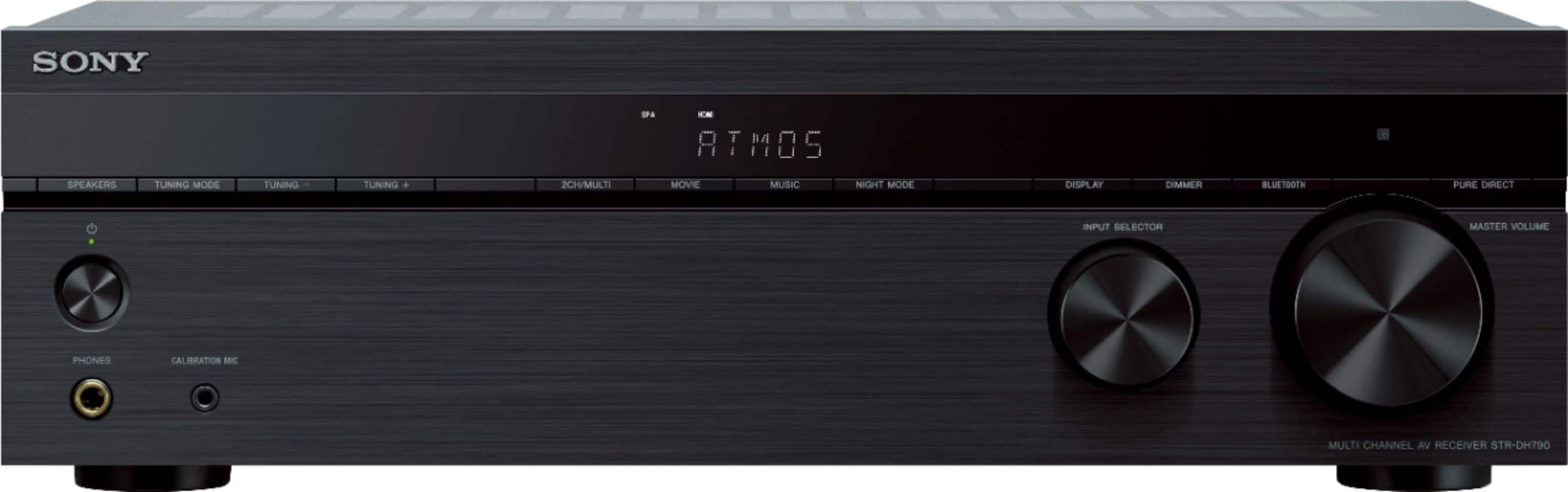
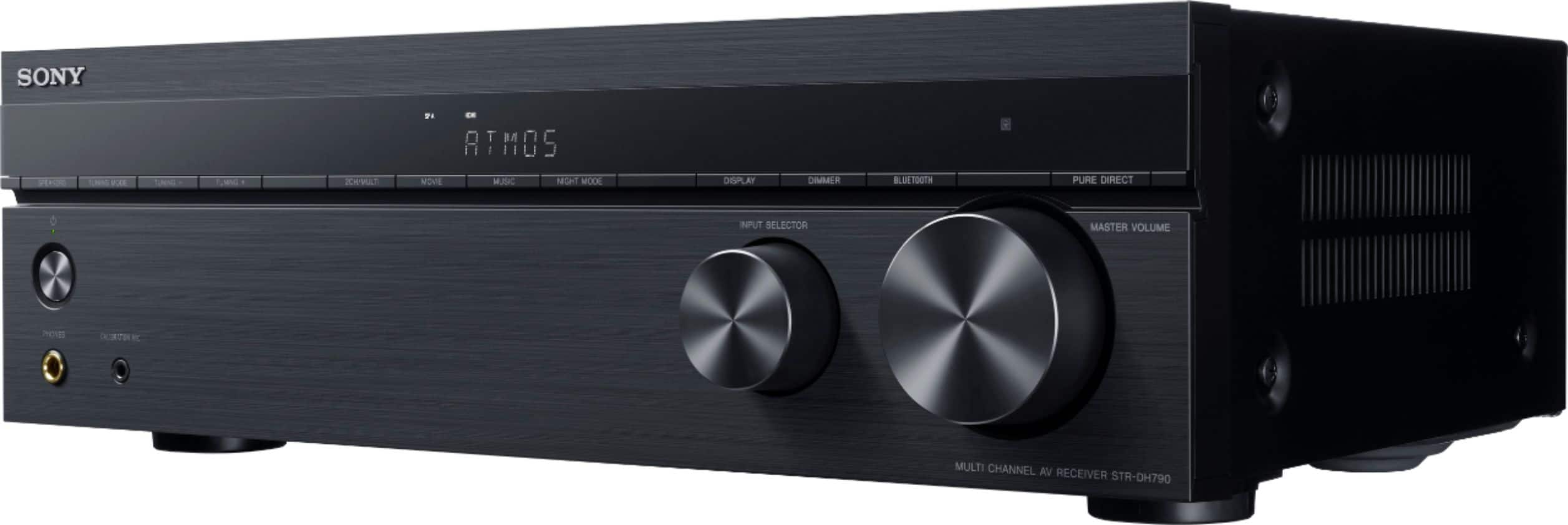
A:AnswerIf your sub has a subwoofer connection and not a 2 wire setup yes . The soundbar should be ok but watch the high volume levels because tuner may be higher wattage than your sound bar . If I had model numbers on your sub and soundbar I could give a definitive answer
A:AnswerHi Customer,
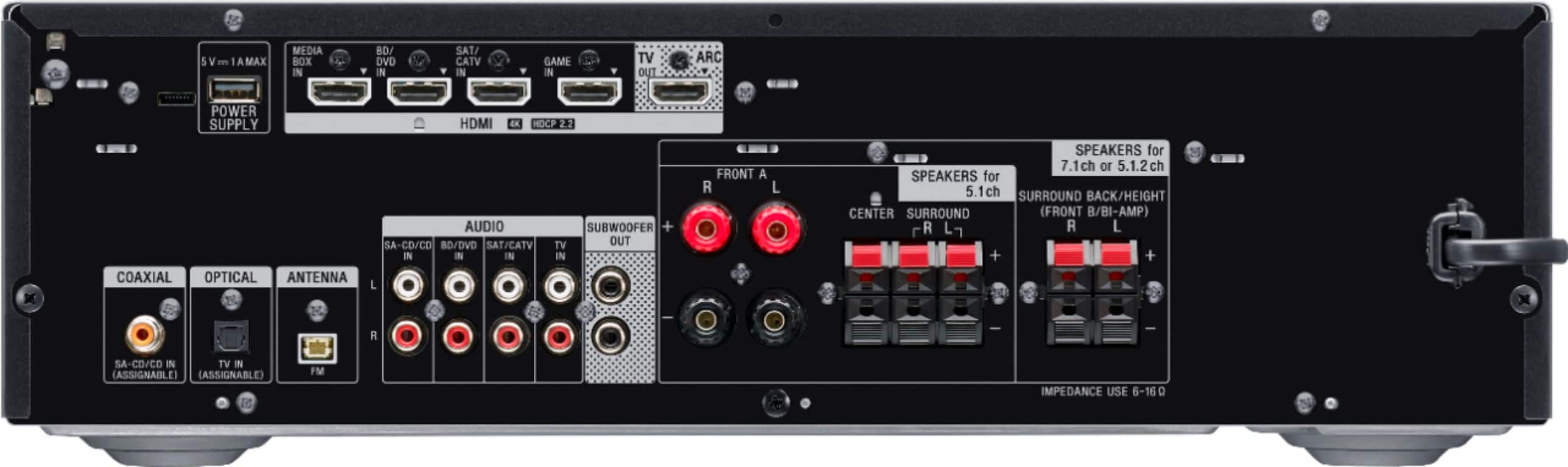
No, you cannot connect your Bose speakers because the Speaker Impedance of this AV Receiver is 6-16ohms. Check this link for the specification of the unit.
https://docs.sony.com/release//SPECS/STRDH790_mksp.pdf
Regards,
-David
A:AnswerHi SonyPony,
Unfortunately, we are unable to speak of future updates or releases. You can always check from time to time our website, we post it as soon as we have new Sony products.
Regards,
David
A:AnswerHi JoshP,
When you power on the AV receiver the USB port automatically turns on and can be used as a source. Take note that the USB port of the AV receiver is for playback of audio or video files using flash drive and updating the AV receiver's software only. We do not recommend using the USB port for powering any device.
Regards,
David
A:AnswerHi Blacky,
The AV receiver only supports ARC but you can connec this AV receiver to a television that supports eARC. You cannot connect a soundbar to this AV receiver. You can only hook up a speaker system that supports 6 to 16 ohms of power impedance.
Regards,
David
A:AnswerHi Customer,
No, you cannot set the level of the rear/surround speakers. The sound level of surround and surround back speakers are adjusted automatically for optimum balance.
Regards,
David
A:AnswerYou can adjust them manually, but the supplied microphone and the auto setup will adjust them as well. I went back in to the settings and balanced them to my liking after initial setup.
A:AnswerHi Customer,
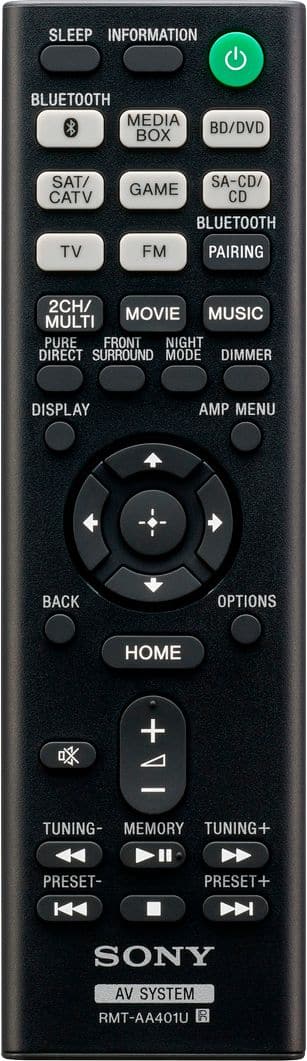
That's a part of a normal operation of the AV receiver if its connected using HDMI cable. Simply press the home button on the remote control to exit.
Regards,
David
A:AnswerHi Poni,
We do apologize for the inconvenience. Are you using a cable box or antenna? Power reset the AV receiver, simply unplug the unit and wait 1-2 minutes then plug the device back in and power on. After the power reset, if you're using a cable box, disconnect the HDMI cable from the cable box to the AV receiver then reconnect them. Make sure the cables are secure at both ends.
If the issue still occurs, please email us at socialsupport@am.sony.com with the following details:
Name:
Best Buy Username:
Model Number:
Issue:
Telephone Number:
Regards,
David
A:AnswerHi dwatk,
Yes, you can hook up 7 speakers and 2 subwoofers with this AV receiver. Check the link for more details.
https://www.sony.com/electronics/support/res/manuals/4726/47269081M.pdf
Regards.
David
A:AnswerHi PeggyL, we appreciate your interest in the STRDH790. This receiver can accommodate up to a maximum of 7 total speaker channels and 2 subwoofers. Unfortunately, the STR-DH790 doesn't have zoning function. You may want to consider the STRDH1080 instead. Thanks. -Jess