A:AnswerHi wood,
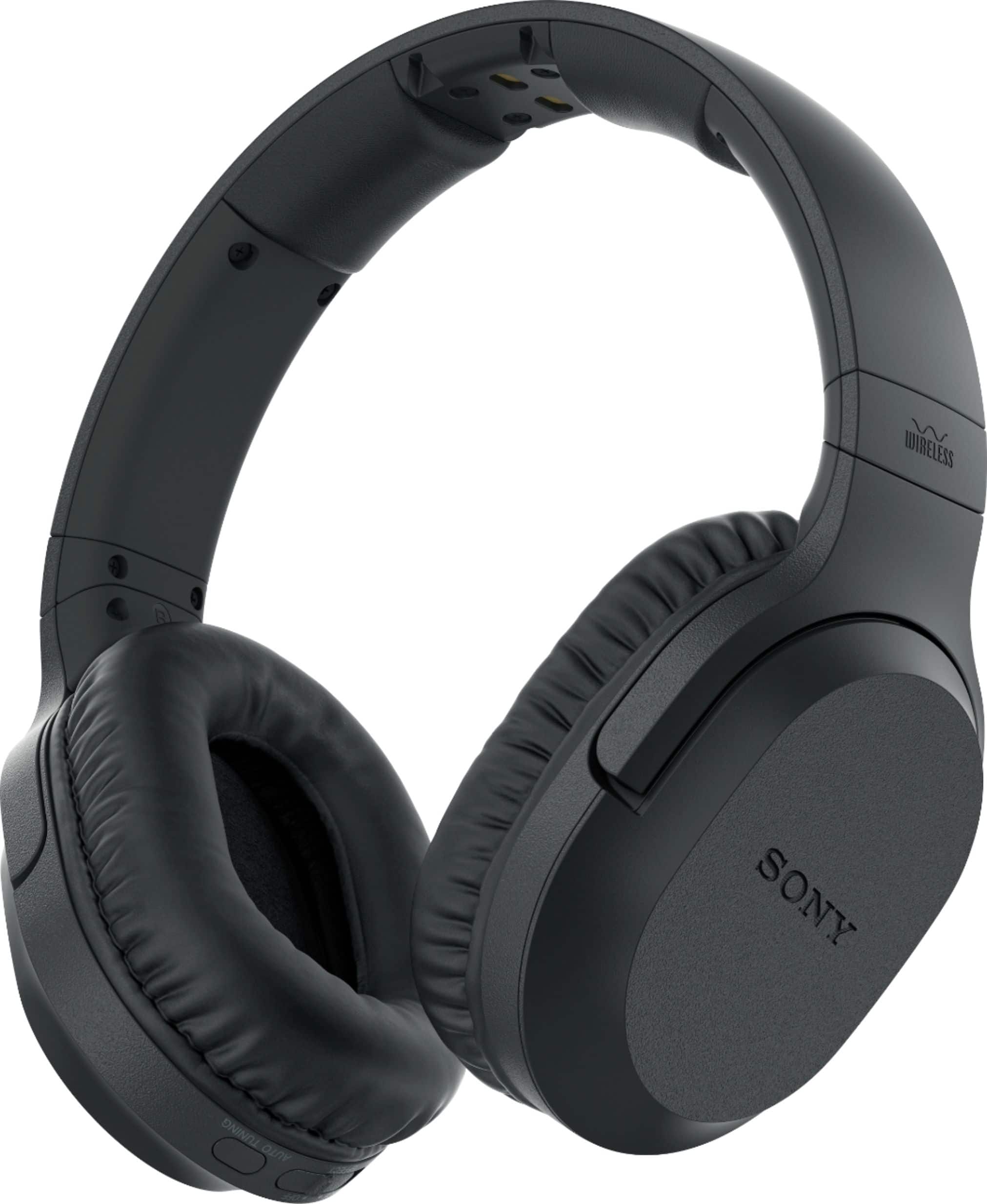
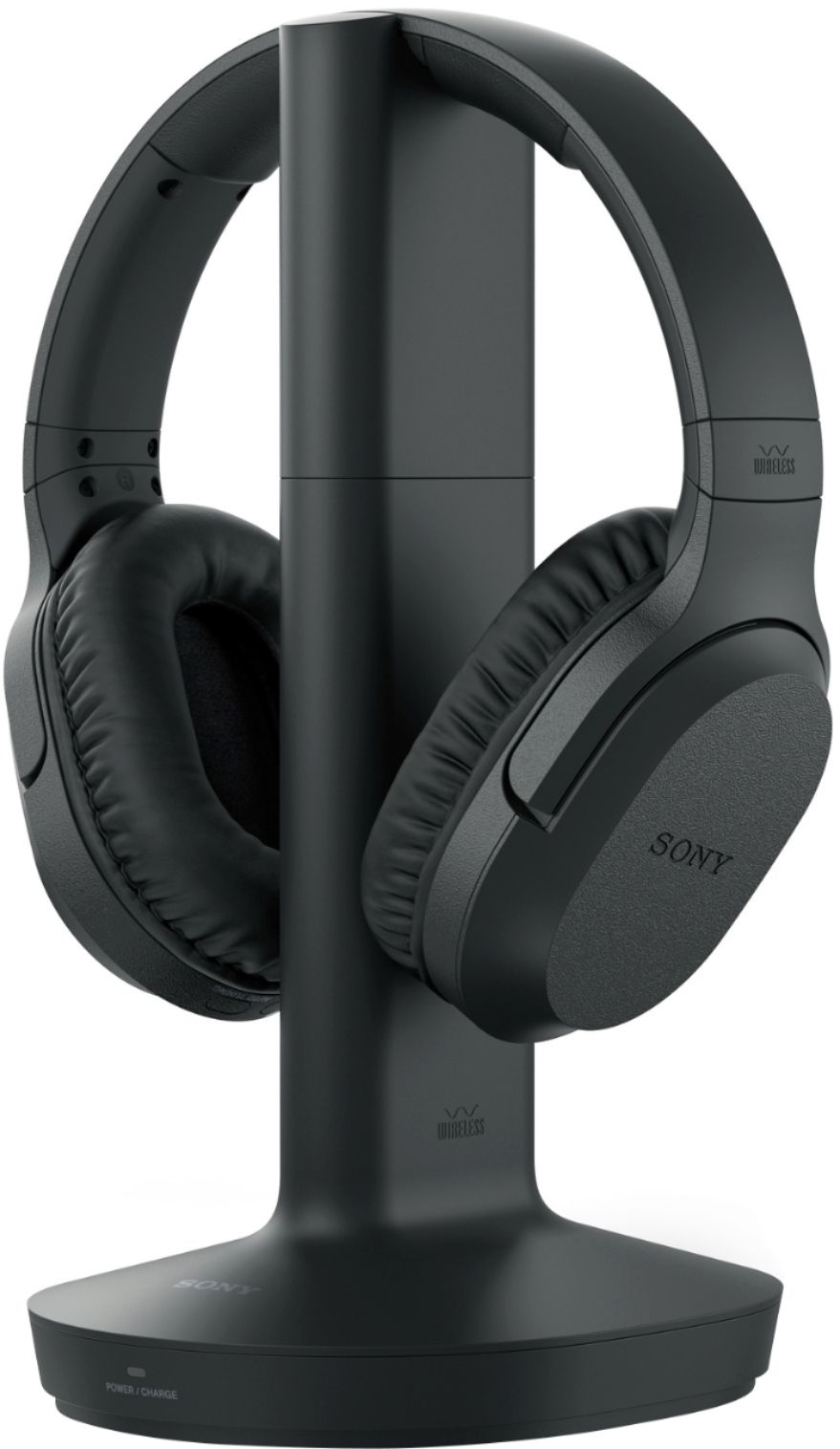
Yes, you can connect these headphones to your TV. See link for more details.
https://www.sony.com/electronics/support/res/manuals/4743/da265ba85491320863fd7b2651202bb7/47438071M.pdf
Regards,
David
A:Answerthe mid range hum may be caused by some electro-magnetc source interference affecting the transmission/headphone charging tower, the headset itself, the 3.5 mm connecting cable, or the connection at the TV headphone input port. Proximity to electrical appliances, especially microwave ovens can be troubling. also interference when crossing cables can hum, which implies the need for a more robustly shielded cable. Sorry that I cannot answer the voice synch issue - above my pay grade.
A:AnswerDepending on the exact model you own, you could have a few options. Just double check you have these connections on your TV if you decide go that route.
Optical - You can get a headset that uses an optical cord to connect to the back of the TV and the base station for the headset. Also, keep in mind that they do not necessarily have to be Sony unless you prefer them over others.
Bluetooth - Your TV may have the ability to transmit sound via Bluetooth. If your TV has the ability, it would be my preferred method because all you need to do is be sure the Bluetooth version on the TV is compatible with the Bluetooth version on the set of headphones that you get. These also can be brands other than Sony.
Good luck with your search!
A:AnswerPatty, This question has been asked more than two or three times. The reason Sony won’t answer is because the answer is no …they don’t work with streaming channels like Amazon Hulu or Netflix. Our old Sony headphones did work with those streaming channels but not this one. I had the same problem as you when I put the headphones on and I’m watching one of the streaming channels I am hearing the local news channel that’s on my TV!
A:AnswerI have a Hisense television and the head phone plug is hard to find. I found it by taking a flash light and using it to look on the back of the television on the same side as all the audio inputs and outputs, and at the top just above the cable input connecter is a small well-hidden input for headphones that's where you want to plug the head phones in. I did and mine works well.
A:AnswerA possible reason for the poor audio performance is that the base unit (the charger) is either too close or too far from the WiFi router. Mine is about 3 feet away and I get excellent audio quality. Another possibility is that the base is too far from the location where you are using the headphones. A third possibility is that you have a source of electrical interference in your vicinity. Such a source can be hard to track down. You could try taking the headphones to a relative's or friend's house to see if the poor results persist. Also, try pressing the tune button on the headset to see if that clears the problem.
A:AnswerYes, absolutely. It has a 3.5mm jack with a stereo RCA adapter. It will plug right into your standard headphone jack or into audio components with the adapter.
A:AnswerThe use of different kinds of batteries is discussed in the manual that comes with the head phones. We have had the headphones for 3 years and have not had to change the batteries yet because the batteries that come with it recharge.
A:Answerconnect a 6' Stereo Audio RCA Cable (not included) from the lg 50Um69 wireless RF transmitter to the back of the cable box red and white audio out...
good luck