A:AnswerInexplicably, BestBuy does not honor Starlink's well publicized 30 day return policy. They only give you 14 days. Had I known that, I would have never bought it from BestBuy. There is really no logic for this, and it's misleading for Starlink to say on its website that you can return it within 30 days without saying that buying it from an authorized retailer will mean a shorter return period. Really frustrating.
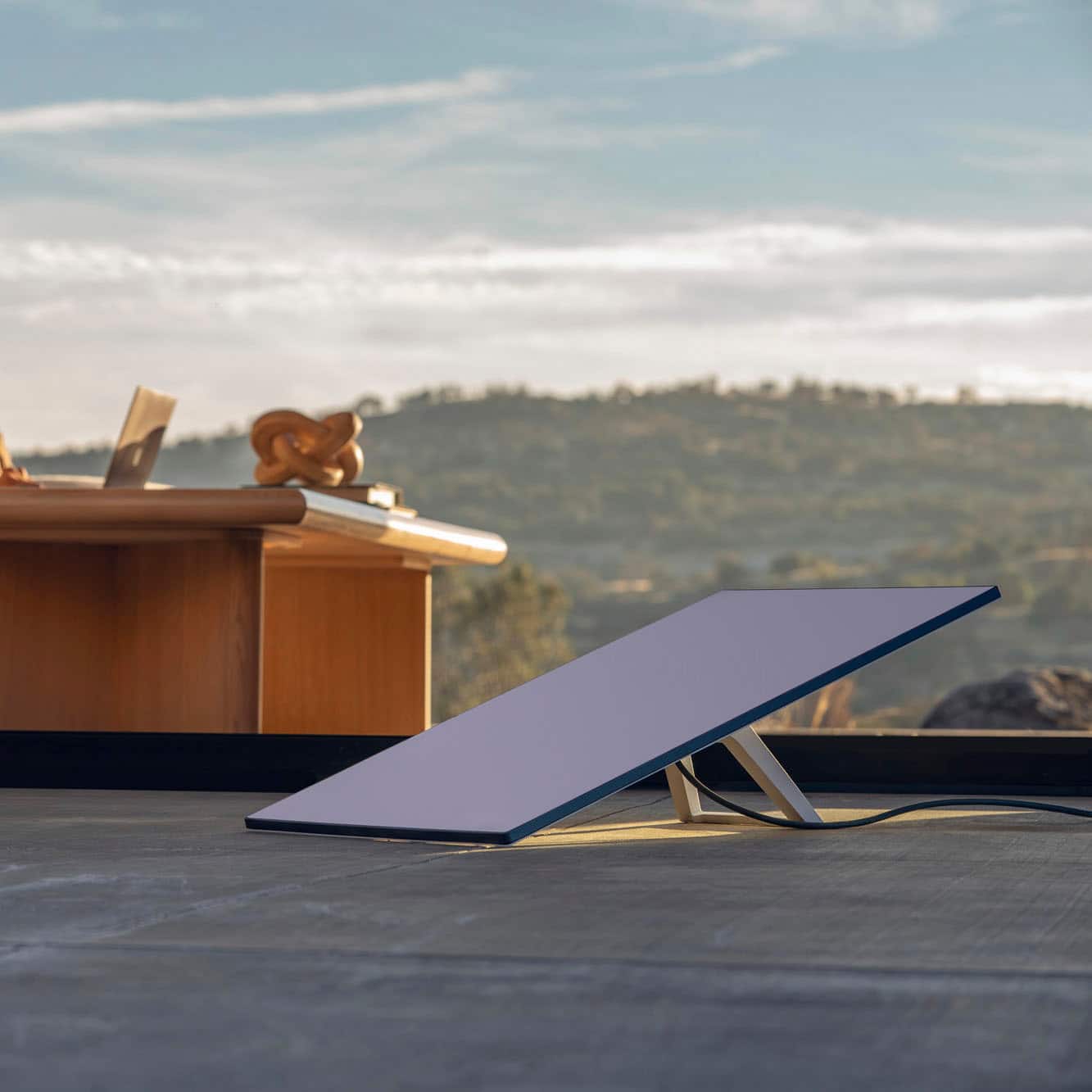
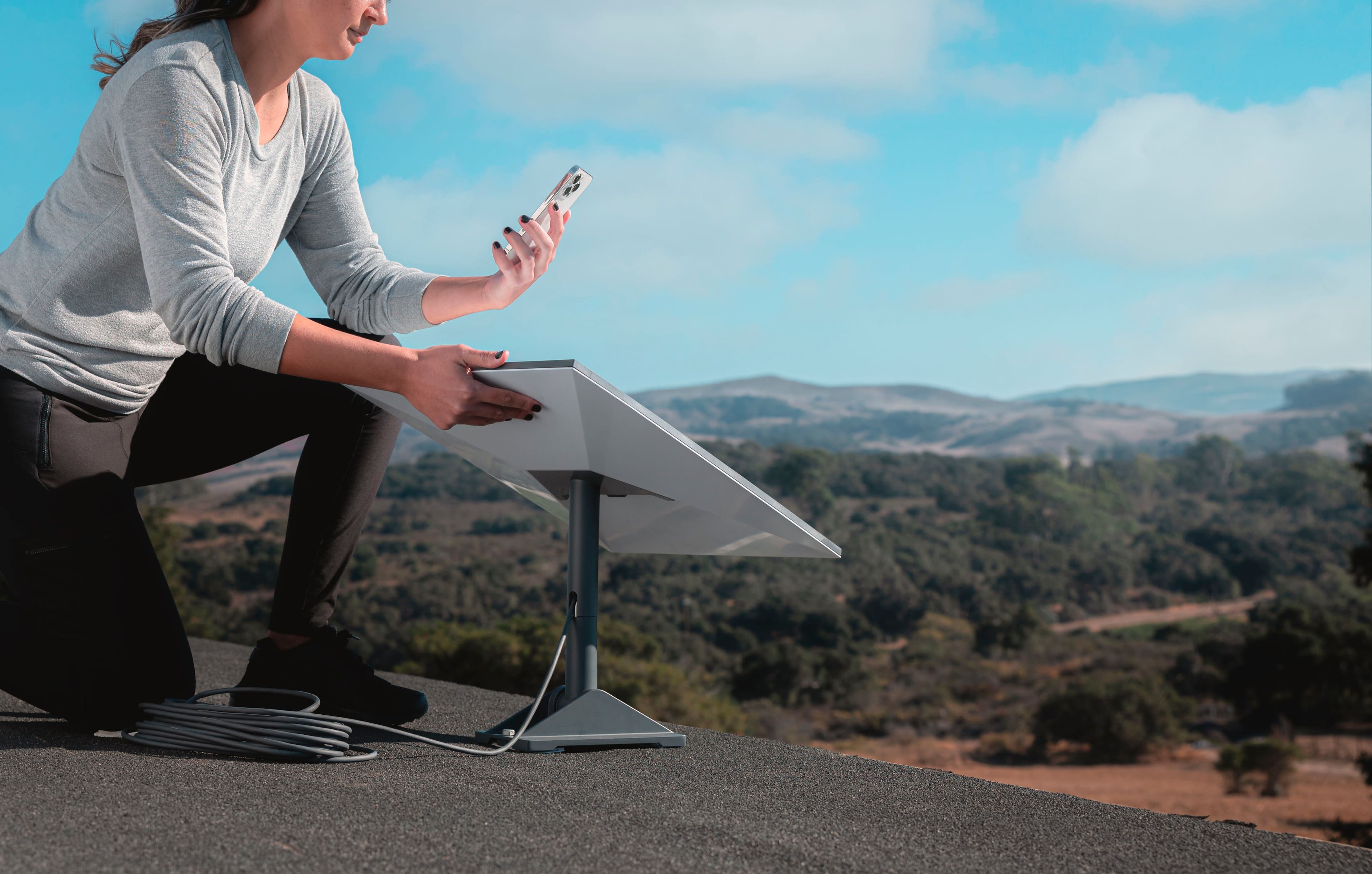
A:AnswerYou need a clear view of the sky.
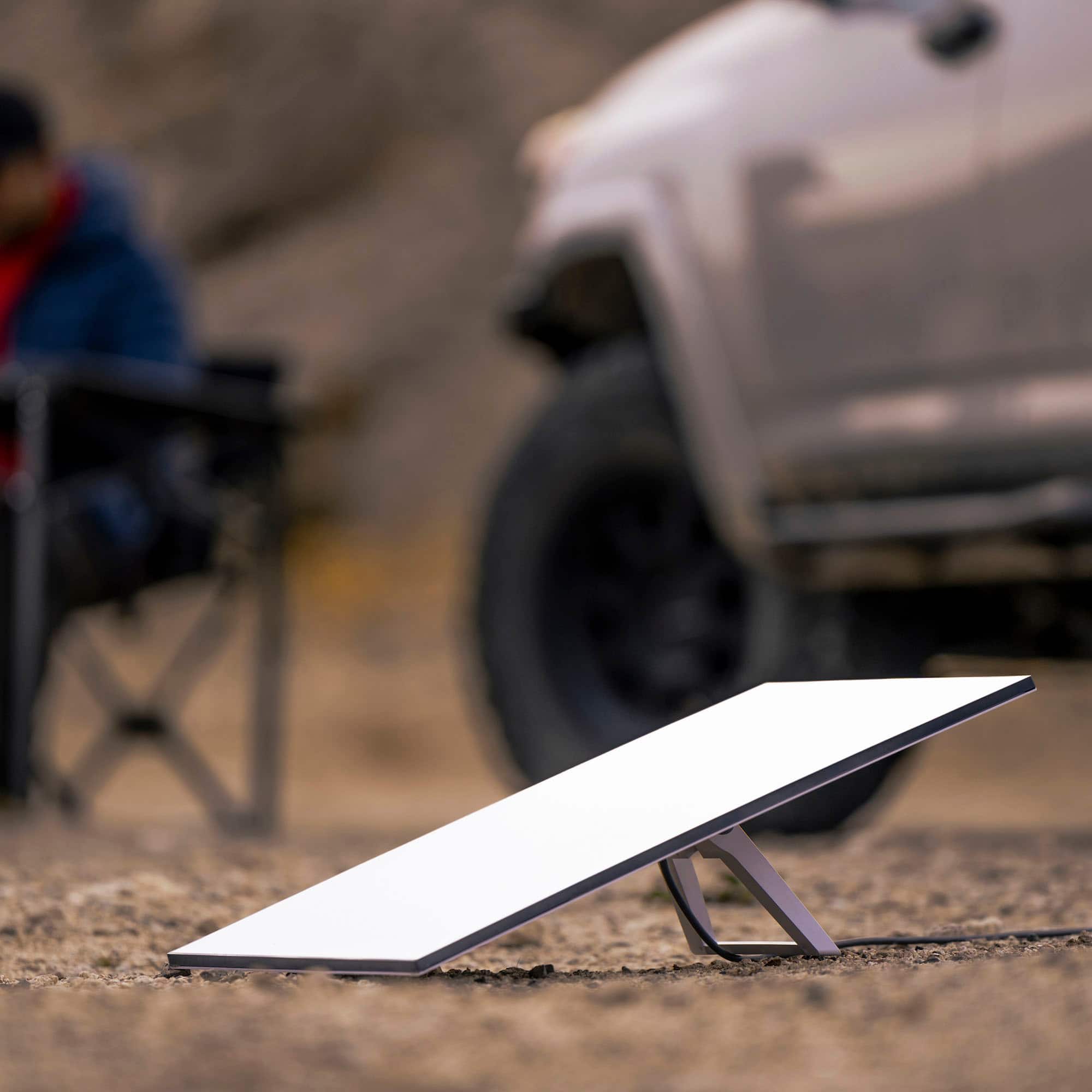
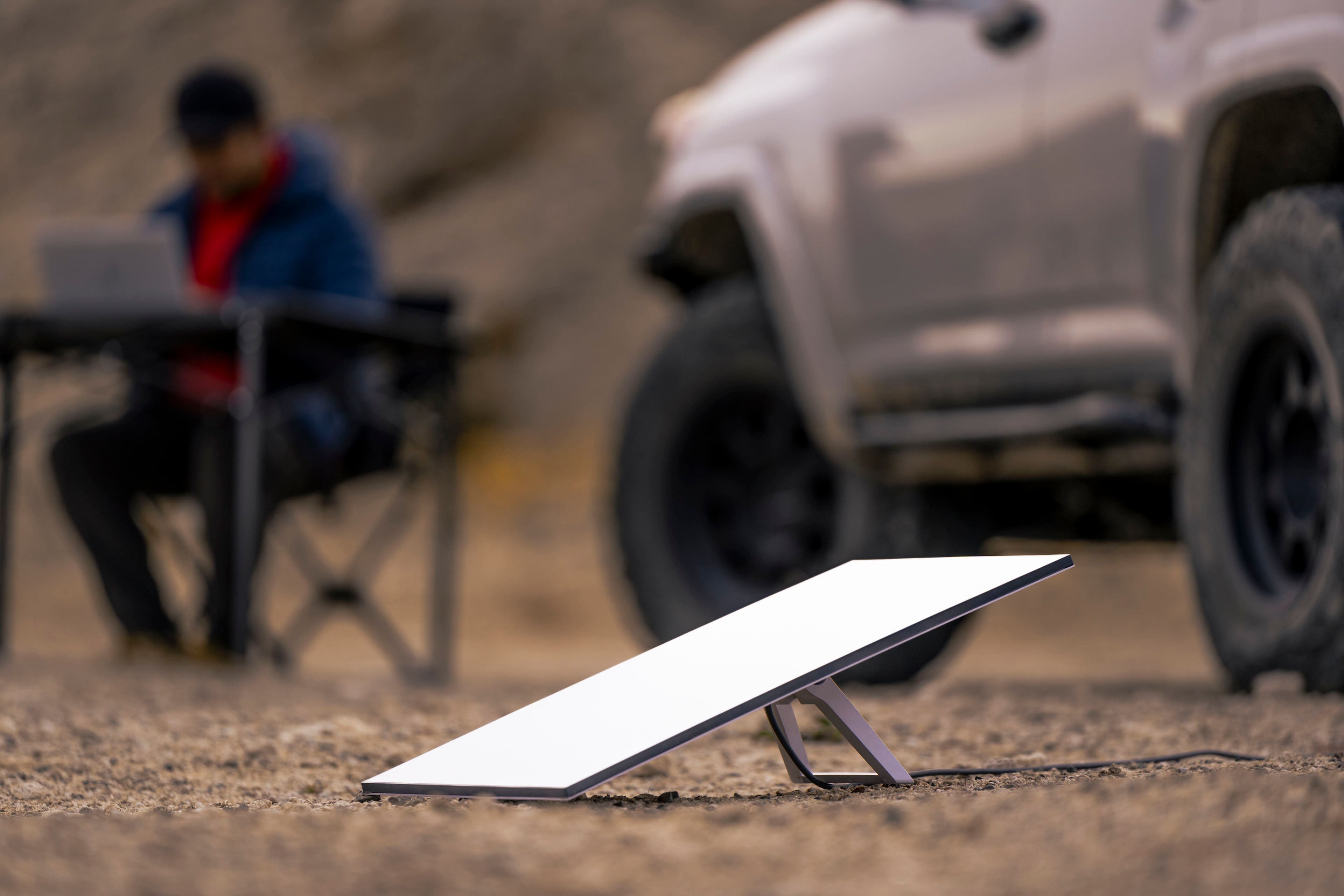
You have to mount it on the top of your trailer or on a pole on the ground when you are not driving. Also make sure there are no tress in close vicinity.
A:AnswerNope. You either have to buy 2 kits and 2 subscriptions or move your antenna. In case of two subscriptions you can cancel/reactivate on a monthly basis with a caveat that if Starlink gets very popular in your area you won't be able to reactivate your residential plan but you'll be able to activate with a lower priority roam plan.
A:AnswerYou'll need the app, but it will give you temporary WiFi (I think 60 minutes) so you can purchase service.
I'd recommend downloading and logging into the app where you have service
A:AnswerIt depends on your location and how many other connections to the satellites are in your area and also how much bandwidth they are using but my case in a city environment was an average of 150+ Mbps down and 20+ Mbps up
A:AnswerAs I understand the terms of service. You pay in 30 day increments and can stop and start at any time. If you use it for one day or 30 days the rate is the same. In my case I am going to use it for about 5 months out of the year and it is definitely worth every penny.
A:AnswerYes. You can purchase the kit in the US and set it up in Panama. It should be activated for the first time in the country where it will be used (very important).
A:AnswerYes, Starlink has 2 mobile plans that allow you to use your Starlink in a different country. With the mobile regional plan, you are able to use your Starlink in any country within the same continent as your account. With the Mobile Global and Mobile Priority plan you can use your Starlink in any country we are active in. You can check out more here: https://www.starlink.com/service-plans you can also check the availability map here: https://www.starlink.com/map
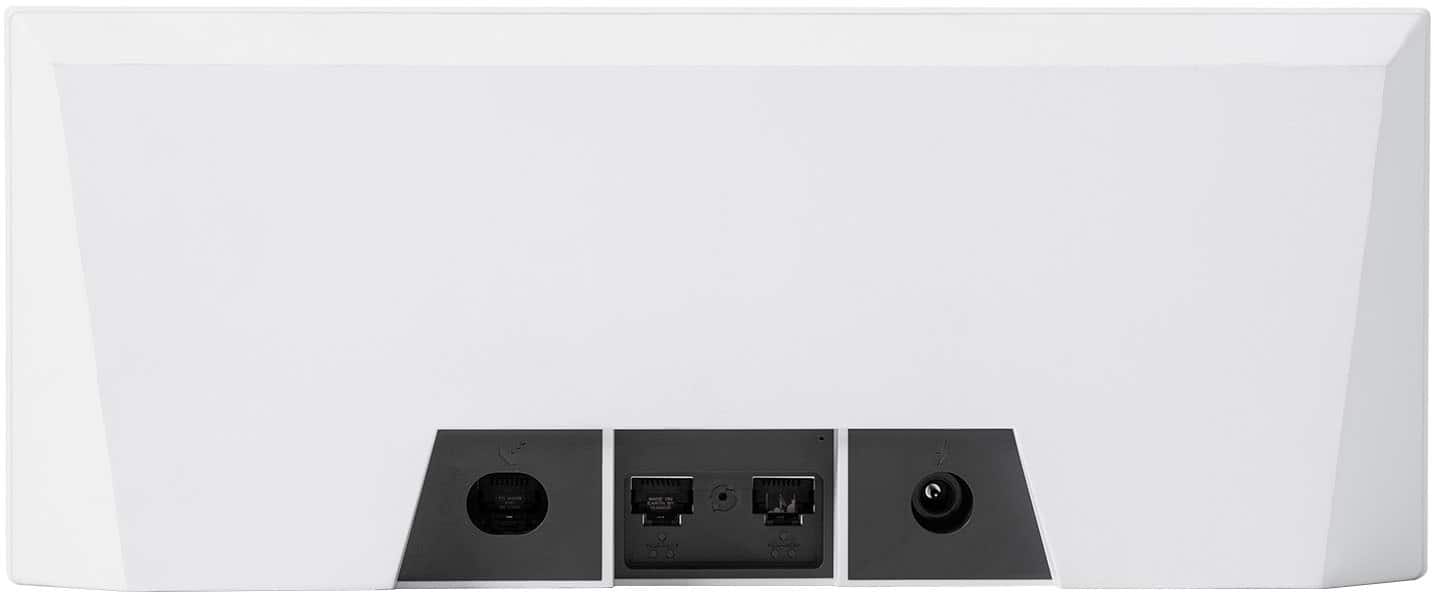
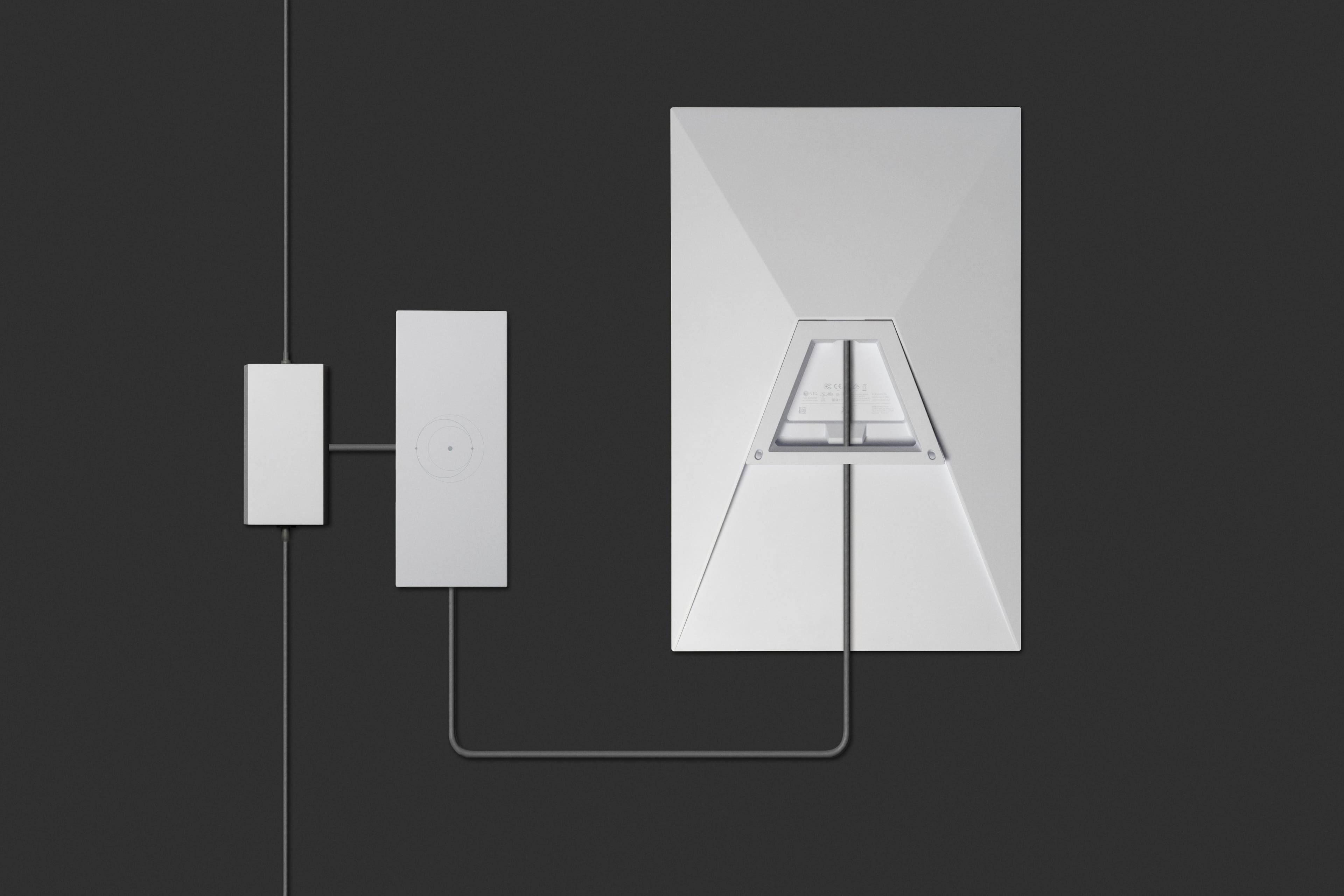
A:AnswerThe router power rating is listed in the instructions that come with the kit under Product Description. It is also printed on the bottom of the router. The router is rated 100-240V, 2.0A, 50/60 HZ. According to this, the router will automatically adjust itself for the voltage change.
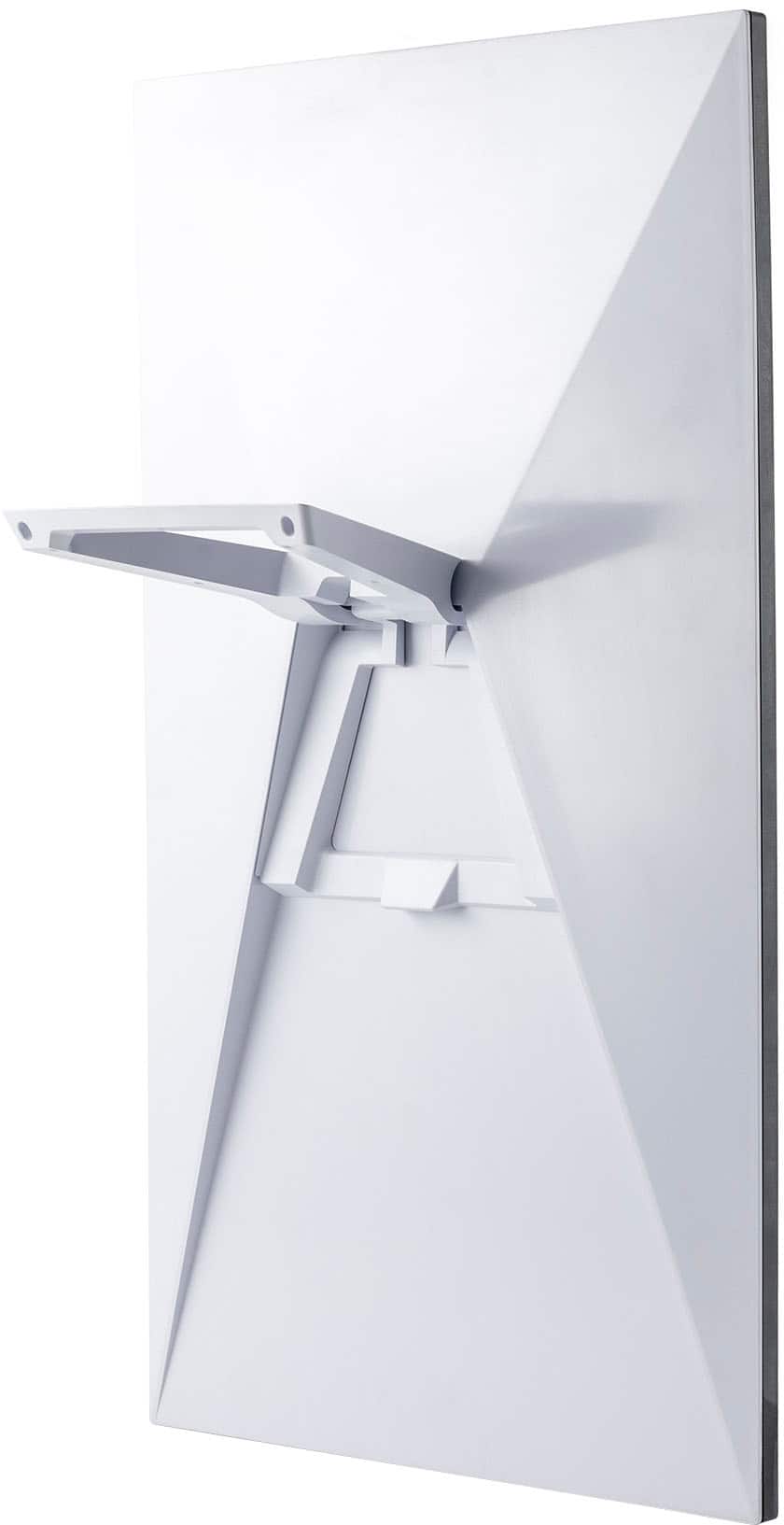
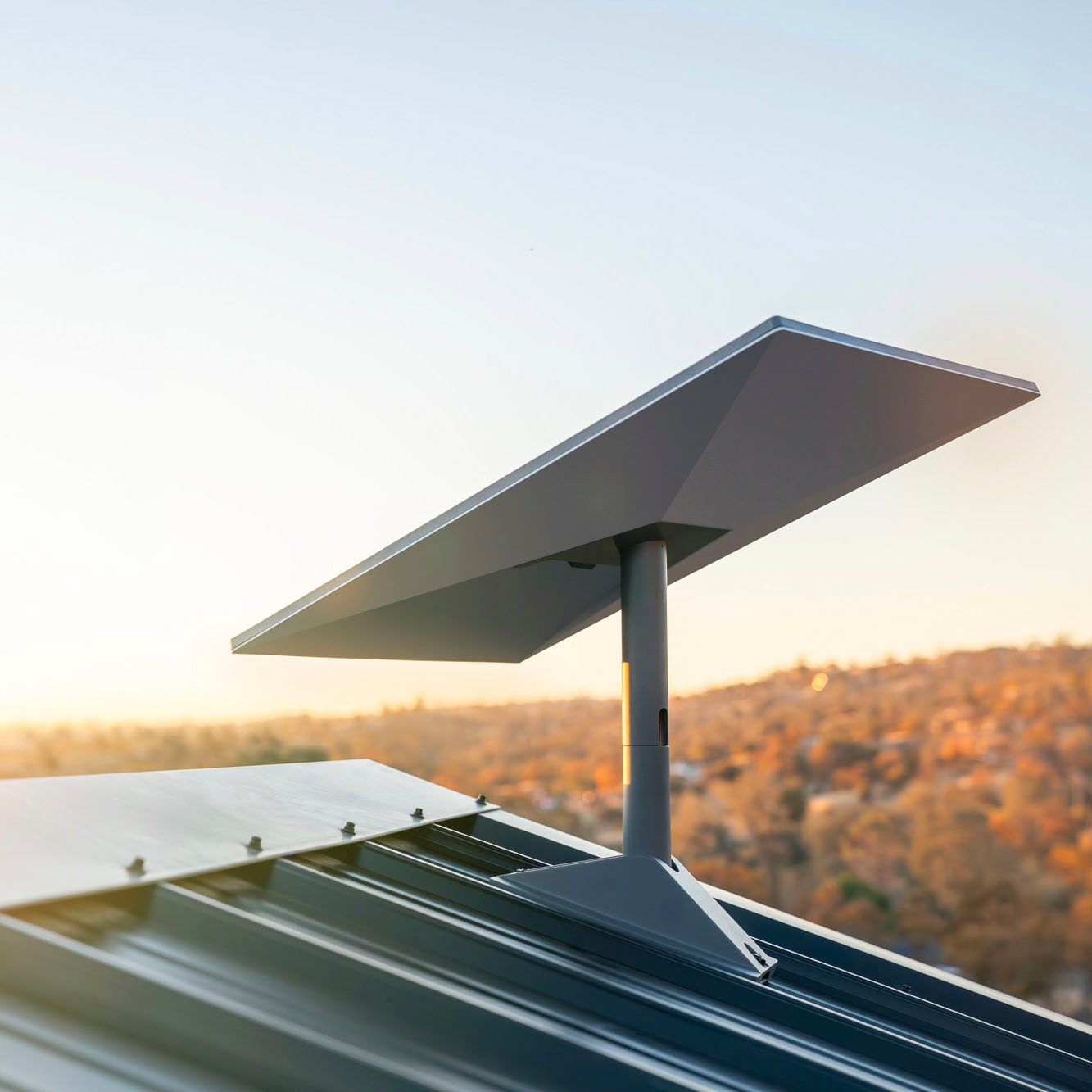
A:AnswerThat is a separate kit purchased separately for wall mount or roof mount. you can buy it from star link or other places including best buy. Search for starlink wall mount.