A:AnswerYes you can!!
.. However, depending on the device with which you are streaming, Roku, Android Box, phone or tablet the way you move ahead is different.
Also, it's not easy to move ahead if the program is still being recorded and sports broadcasts behave a little differently than TV shows or movies that started life as recordings.
hope this helps
S
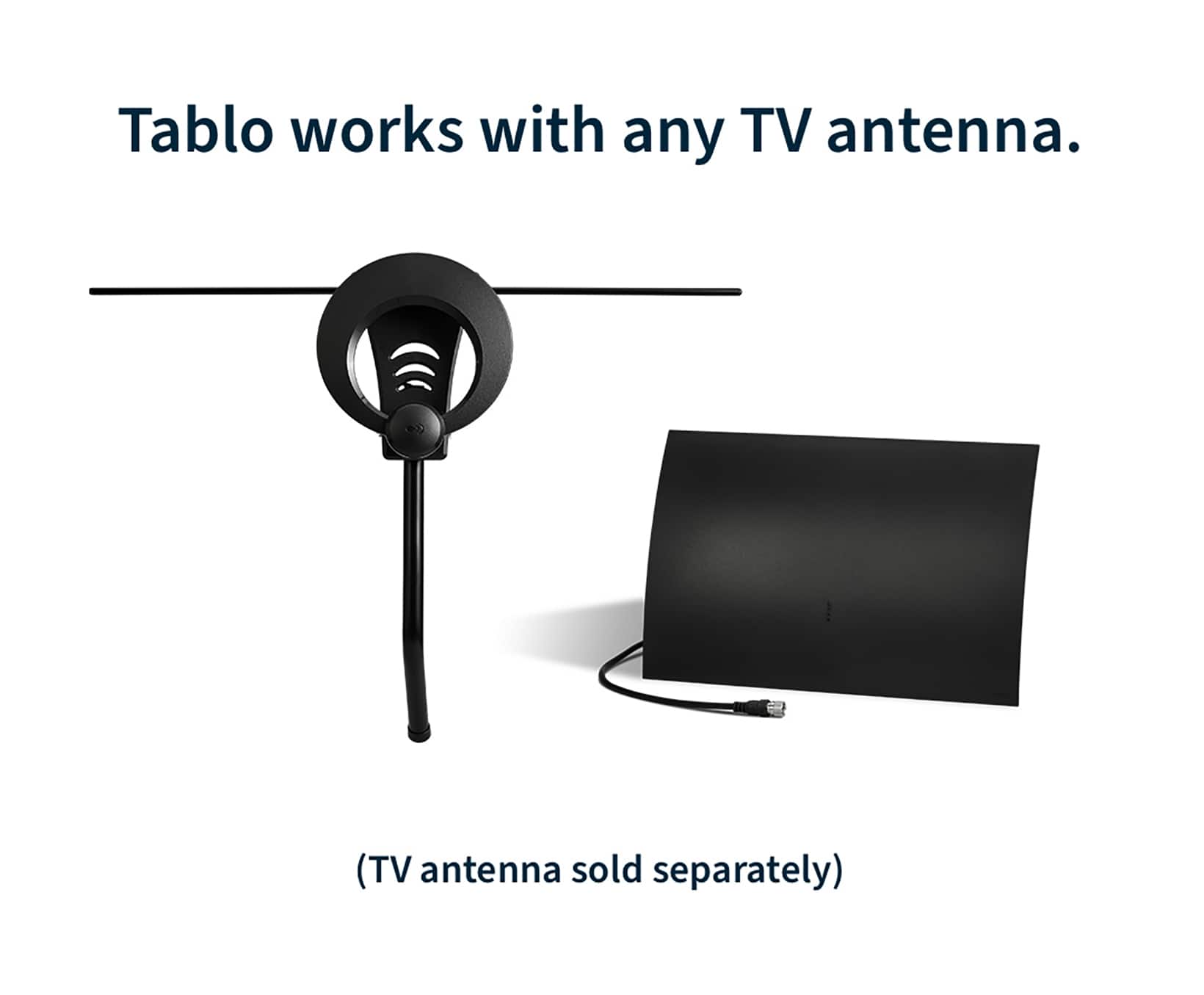
A:AnswerThis Tablo does not include an antenna. Tablo has a package deal that I believe includes an antenna, splitter and a small length of cable for a little more money but I preferred to add my own, better antenna and other equipment.
A:AnswerYour question popped into my email from best buy as a recent tablo dvr purchaser. This is exactly what I am trying to achieve with my Microsoft surface pro (Since I can only get the tablo app to work on my iPhone so far and not on my Samsung TV ). So far no luck. Sorry. I'm really sorry mostly that Best Buy is outsourcing it's technical advice for products it sells to other customers through their email. That is really pathetic customer (no) service. Emily
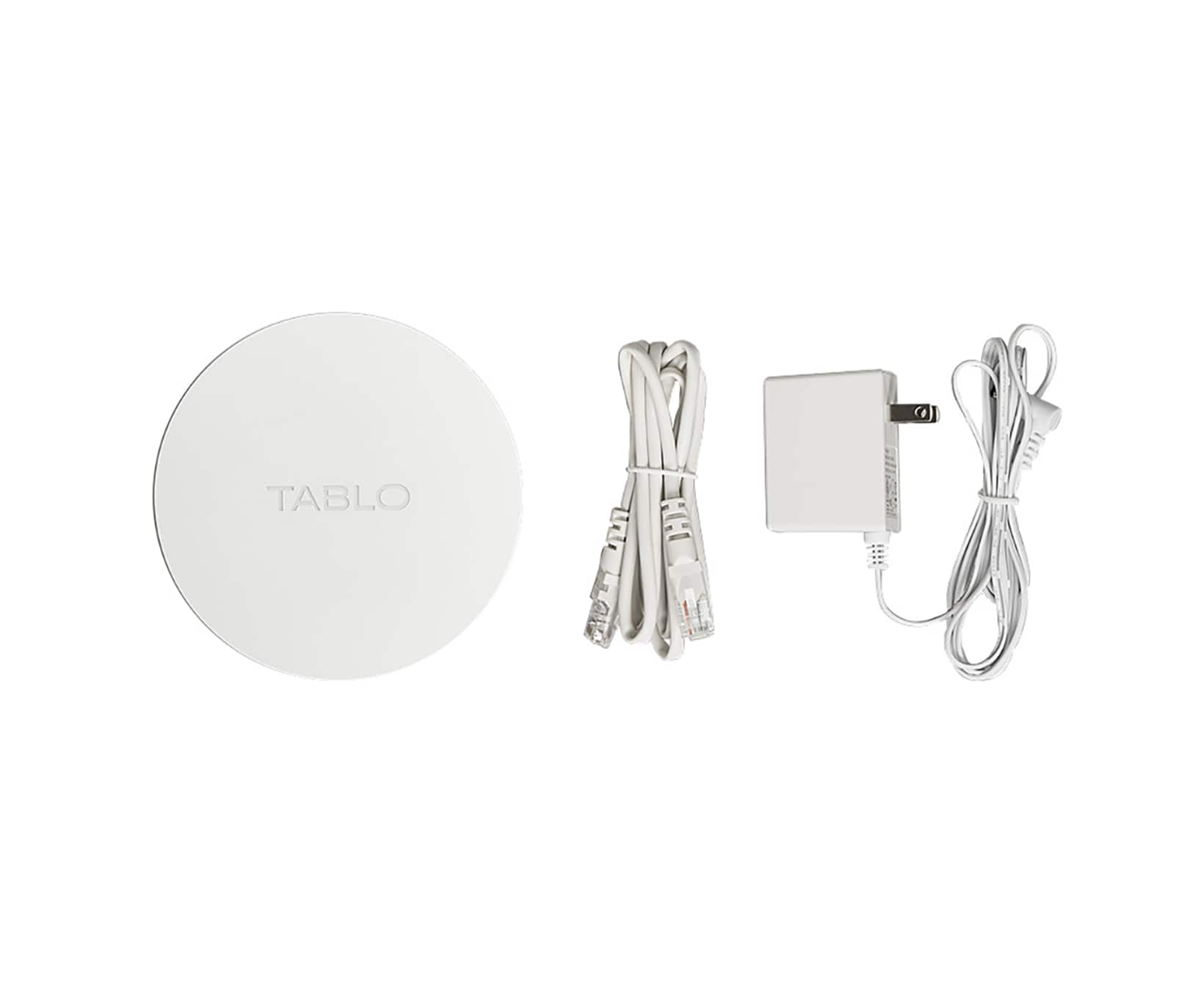
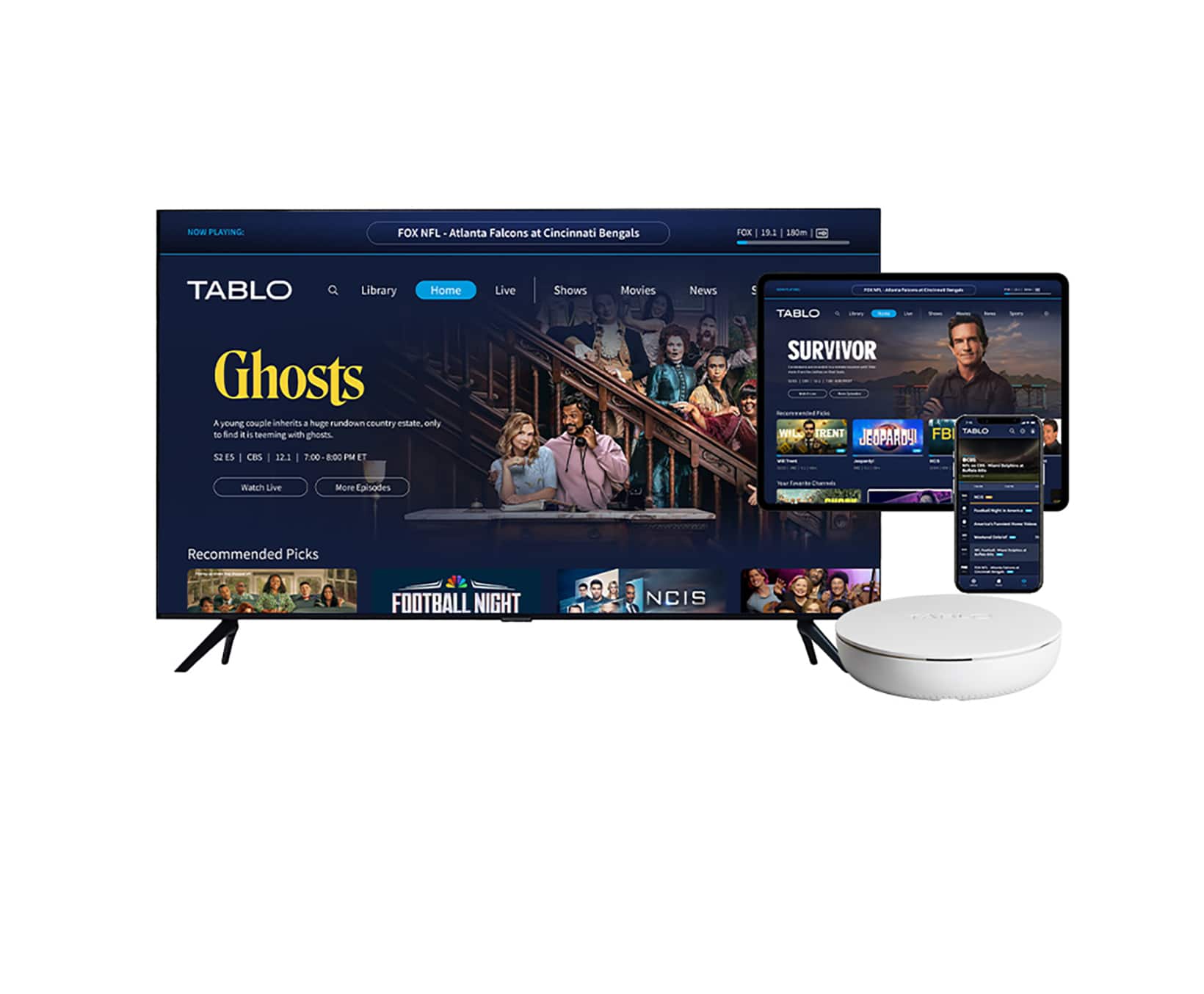
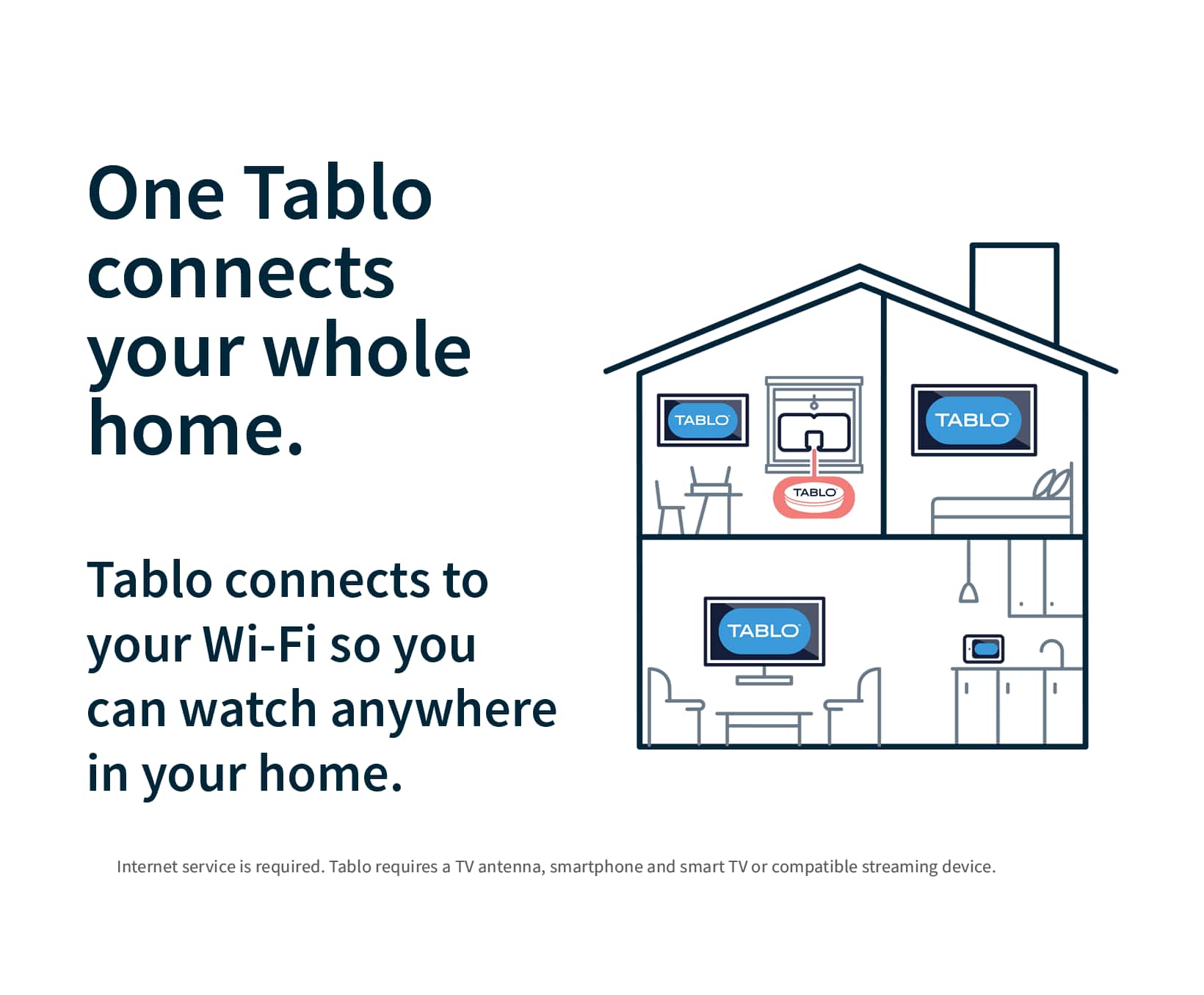
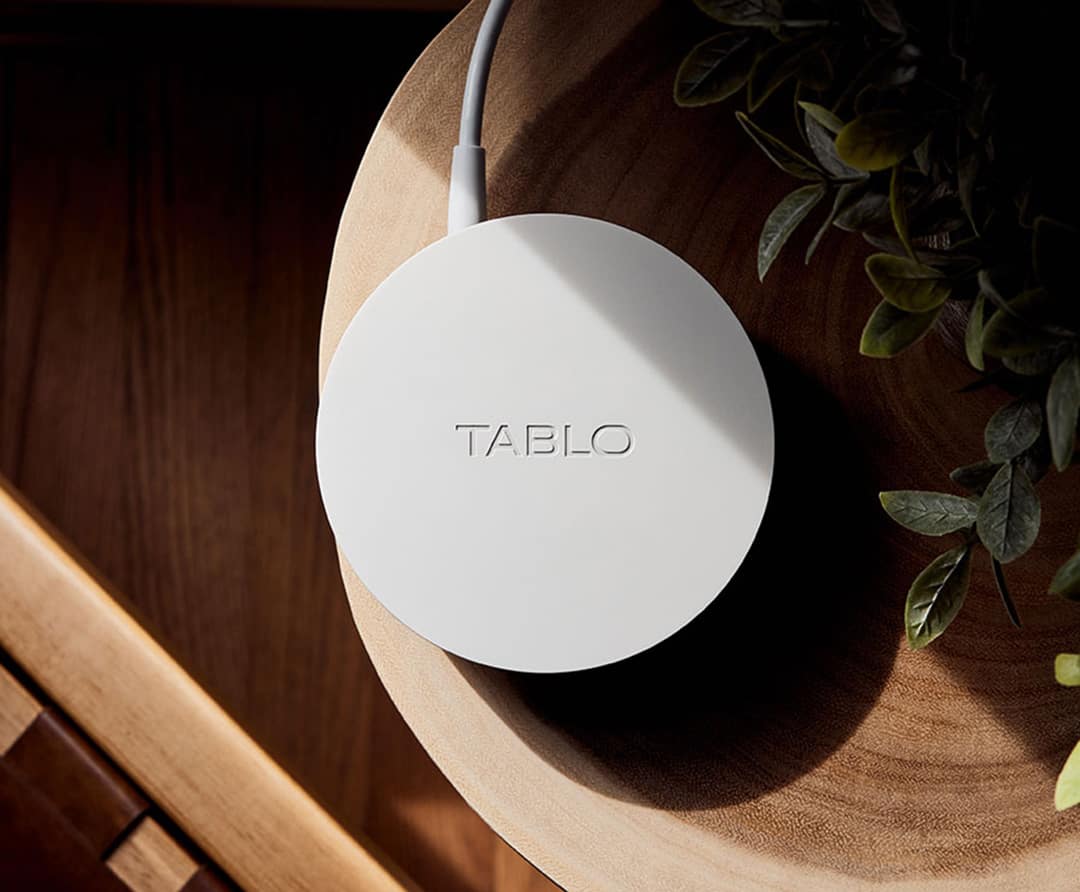
A:AnswerI think Optimum Fiber Optic is your internet service provider? TABLO truly just plugs in to the wall outlet for power and you plug an antenna in to it for TV reception. It uses your Wi-Fi to broadcast to your TVs through something like a Roku stick (that is what we use), but i think Amazon firestick and some smart tvs work as well. You need wifi, but your internet service provider won't matter as long as you have decent internet speeds. The TV signal for the TABLO is not coming through your internet, it is coming through the ante. We are using a cheap flat placemat sized antenna that I put in a window that faces the antenna that the broadcasters use to broadcast the signal and it works well. We are about 35 miles from their antenna.
A:AnswerHeyJohnthesonyfan1! The 4th generation Tablo does not have any subscriptions or trials for TV guide data. Your 4th generation Tablo purchase includes a rolling 14 days of TV guide data. That means that you will always have guide data for the upcoming two weeks at all times.
A:AnswerUnfortunately, Tablo does not supply apps for Windows or Mac PCs, and there is no web browser app. But you can connect an Android phone or Tablet to the computer and mirror/control the app using Genymobile scrcpy.
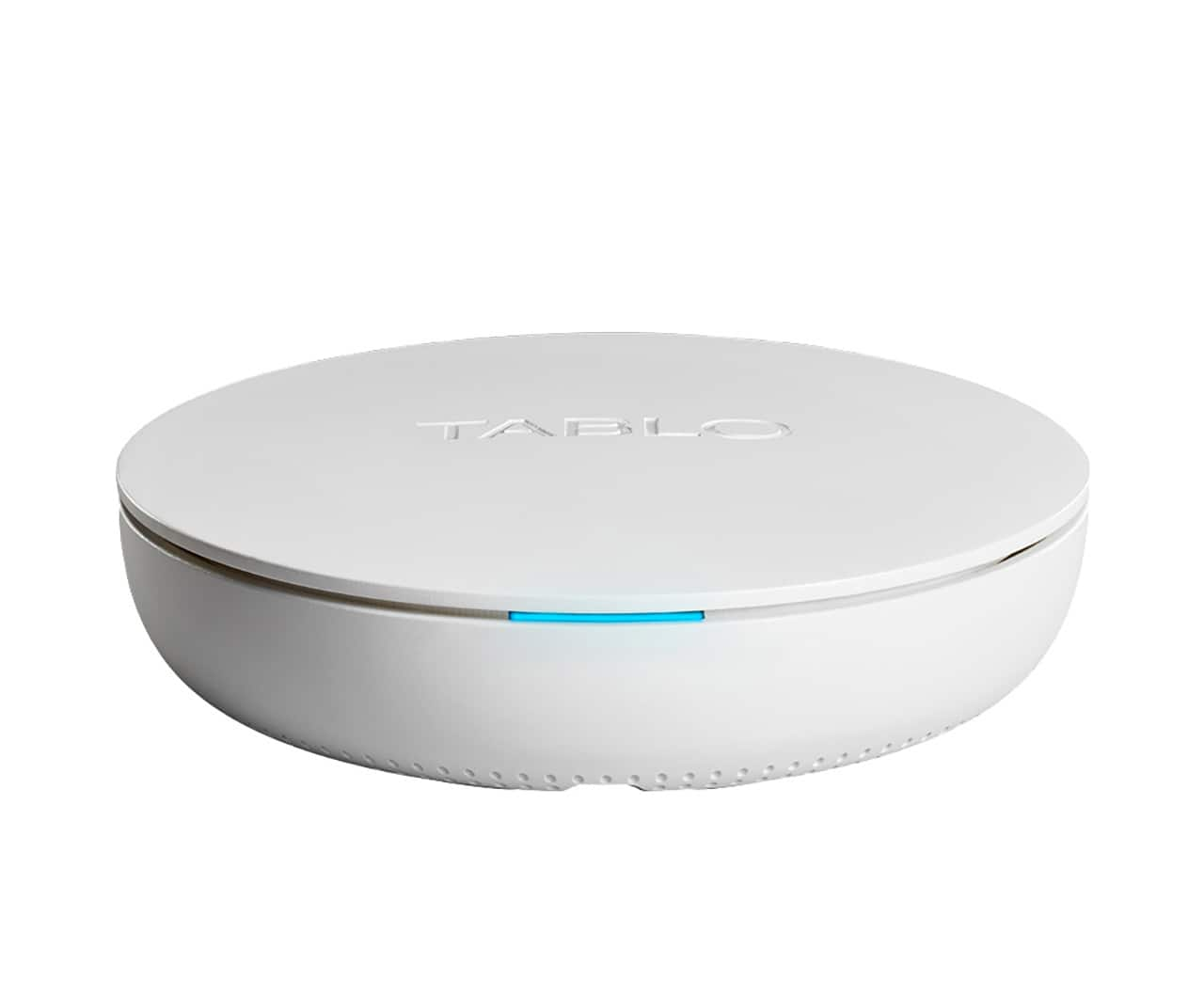
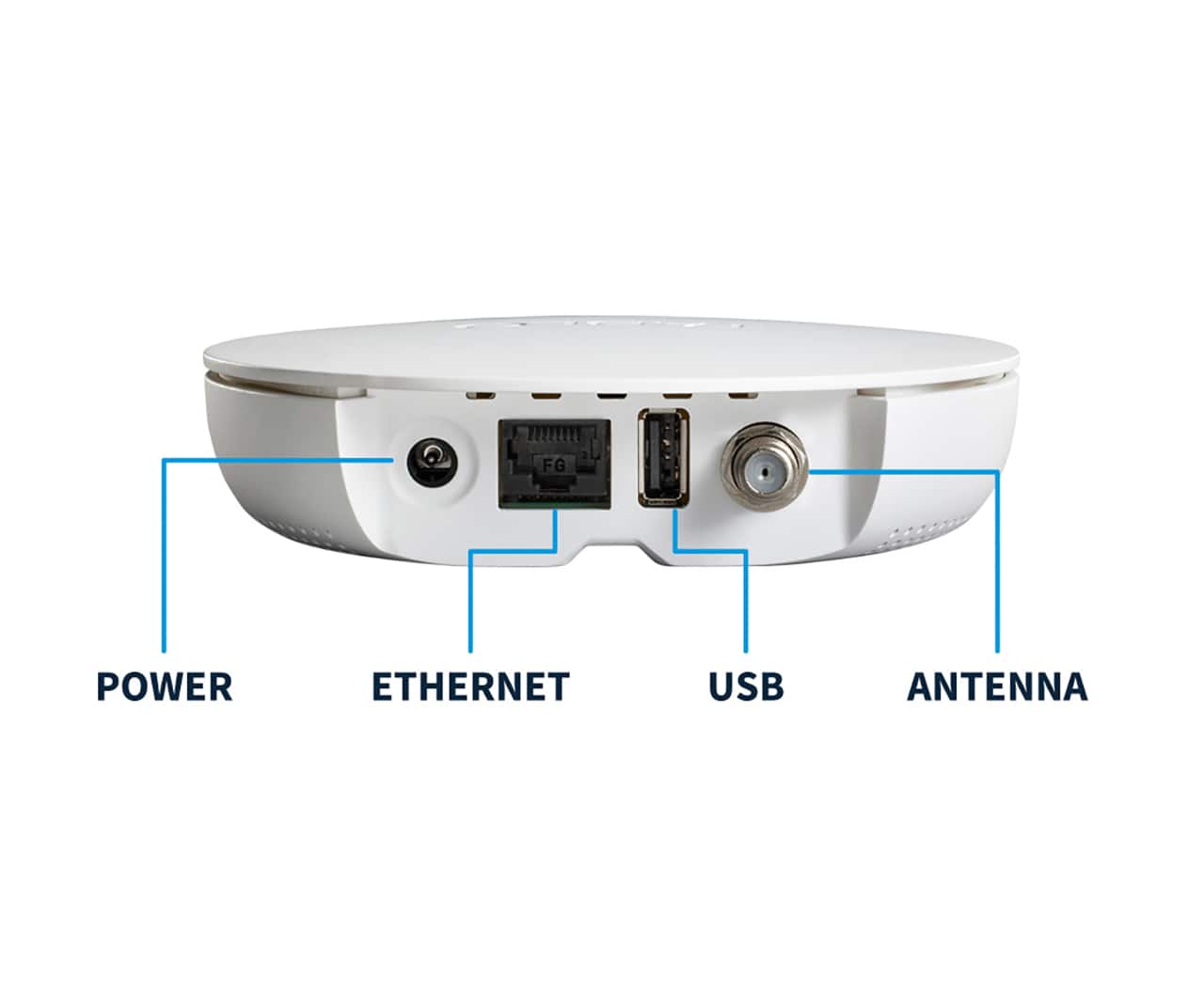
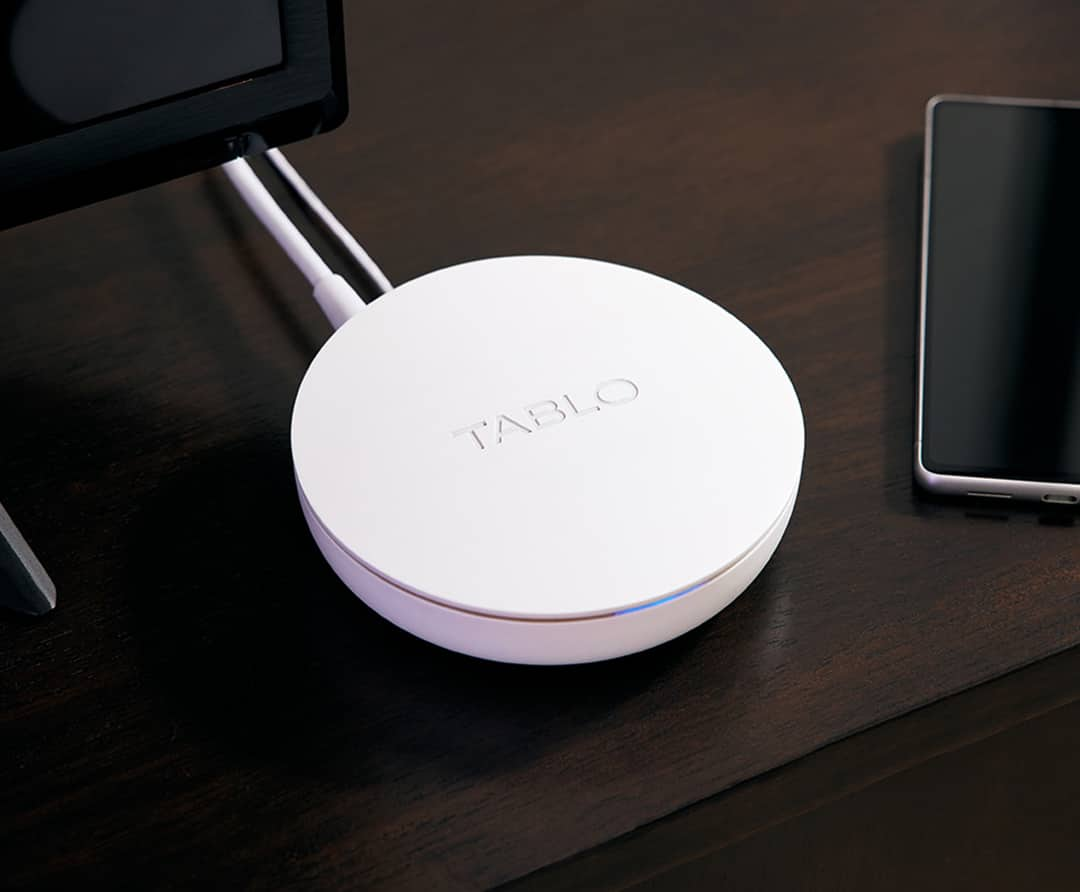
A:AnswerThe Tablo device has a Coax input . A TV antenna of some type must be attached for the TABLO to receive any kind of OTA signal . But that's just the tip of the iceberg. There is also an ethernet input terminal . You "can" use a ethernet cable from the TABLO to your Router for a "Wired" connection . Although it is marketed as a WiFi connection also .. I have never got the thing to work at all without using an ethernet "wired" connection .. Once that is established the TABLO is supposed to put a new SSID of TABLOXXXX on your network .. That did not happen on my network . I had to rename my "guest SSID " to "TABLOXXXX" to get past this hurdle .. Finally if you are lucky the TABLO app on your Smart TV , ROKU , Firestick etc is supposed to find the "TABLO XXXX" as a WiFI connection and away you go.. That happens about 40% of the time .. 60% of the time the APP abends saying it can't find "The TABLO" .. A nice idea but the "TABLO" is not yet ready for prime time .. I was very disappointed.
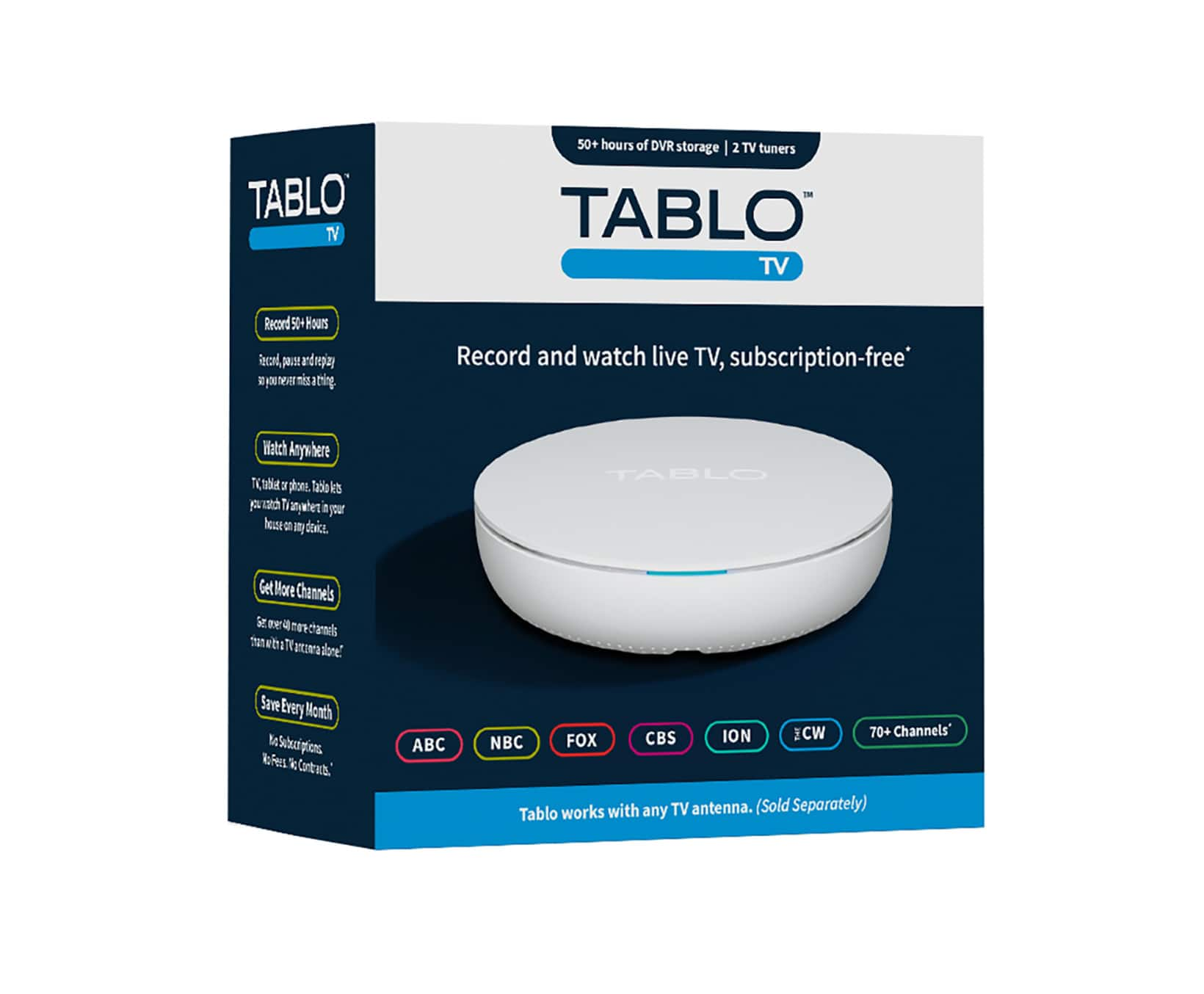
A:AnswerInstructions say up to 50 hours. You can also plug in a thumb drive (up to 8GB) to expand storage. I have not tried this, I purchased it to connect antenna to TV's via WiFi.
A:AnswerYou can attach the external hard drive to your Windows PC and use the Linux Filesystem for Windows program from Paragon systems. Once you start the software it will see the drive in file explorer as an ext4 formatted drive and can then browse the files and directories on the drive and copy them to another drive. You can also access the files on the external drive using a web browser by entering the URL http://192.168.0.105:18080/pvr. You need to use the IP address of your tablo instead of the 192.168.0.105, you find the address in the settings in the tablo app. When enter the URL you will get a list of the recording id's which aren't very usefull so you have to navigate down to seg directory that contains the multiple .ts files and play one of them to see if it is the video you want to download. You can play the video using the vlc player click on the record id, the the pl directory and right clicking on the playlist.m3u8 file and select copy link address. The in VLC you select media then open network stream and the paste the link you copied into URL then select play on the bottom right of the pop up. I think you can also select the down arrow and it will give the option to convert. When find the record id of the video you want to download/transfer you can use same URL of the playlist.m3u8 file with fmmpeg program to convert all the .ts files to an .mp4 filel. Here is an example of the command line:
ffmpeg -i http://192.168.0.105:18080/pvr/107452/pl/playlist.m3u8 -c:v copy -c:a copy 107452.mp4
This is all one line and will convert the video off the tablo to the .mp4. I haven't figures out how to get the videos off the internal 128mb because the web browser doesn't show them in the lists. I also noticed that you are watching a channel on another device you can also watch in the VLC player on you PC. by copying the link address of the playlist.m3u8 file of the record id's that are only 2 to 3 digit numbers.
A:AnswerHi John- Thanks for reaching out! You will need to format the hard drive once you connect the Tablo. You will then need to go to 'Settings' in the Tablo app and there will be a button to start the format process.
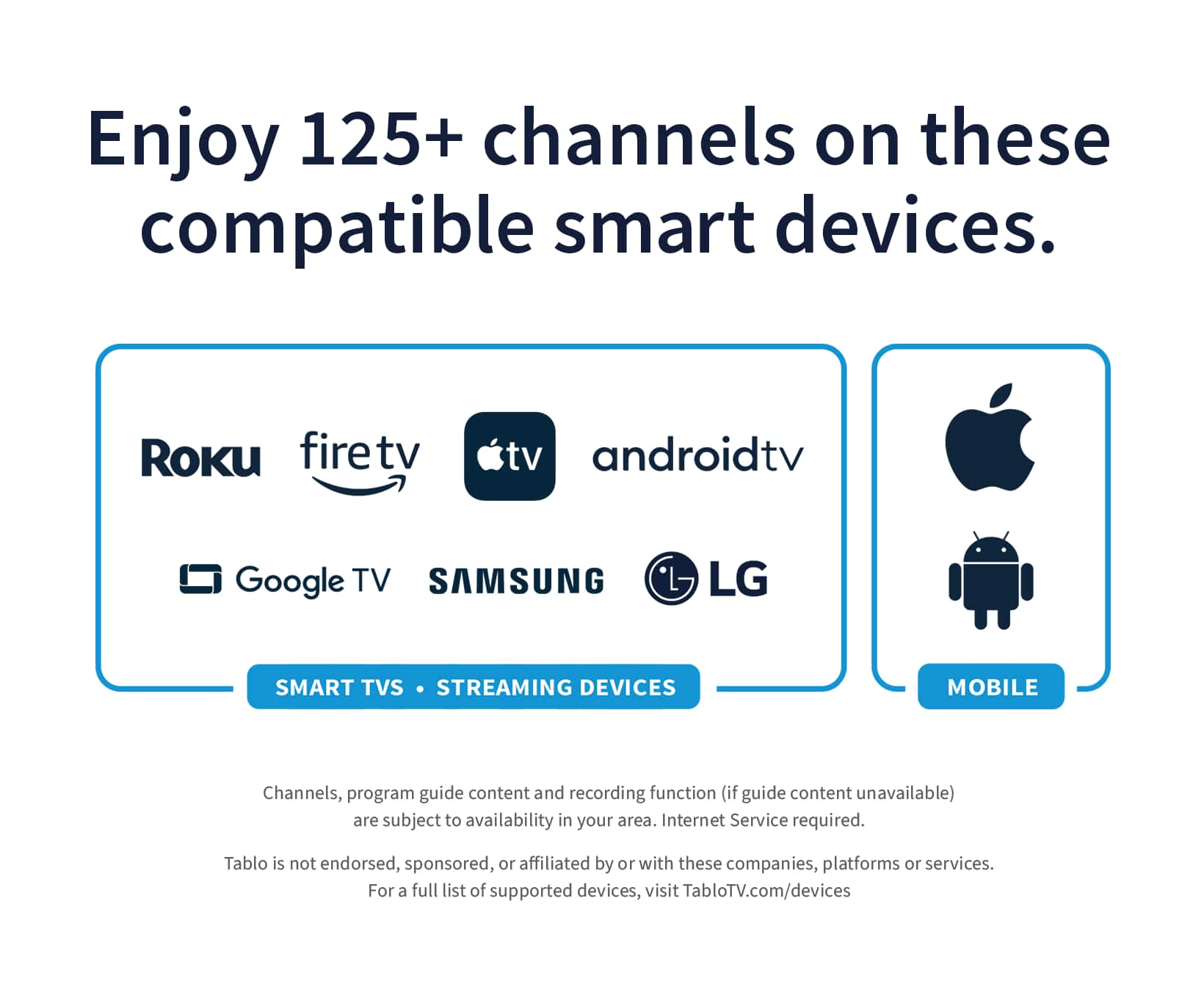
A:AnswerTablo is compatible with Goggle TVs. To be sure -- double check that the Tablo app (dark blue and white branding) is available in your TV's app store.
A:AnswerIt means that you can record two shows that air at the same time. For instance, 20/20 and Dateline both air at the same time on Friday night. The two channel tuner allows me to record them both at the same time.
A:AnswerWith the two-tuner you can record two shows, or watch one and record one at the same time (two things happening at the same time). The four-tuner allows you to record up to 4 shows at the same time, or watch one and record three. If your antenna signal is strong, you can get a good quality coax splitter to put on your antenna so that you can hook an additional coax cable directly to your TV and watch an additional channel while the others are occupied recording (if your TV has a tuner). I did this with a two-tuner so I can watch a show while two are recording.