A:AnswerYes, as long as you don't attach to many things that it is trying to power.... as long as you are just transferring information and keep the powering objects down.
A:AnswerNormally you would want a powered USB port for this as many external hard drives get there power from the USB drive.
That being said, as long as you are not plugging in many things that are using the USB port to power them then it should be fine.
A:AnswerYes it will work. The dongle itself is intact usb 2.0 and this should work with any devices that are usb 2.0. In addition, it will let you connect more usb devices to a computer that doesnt have anymore free ports.
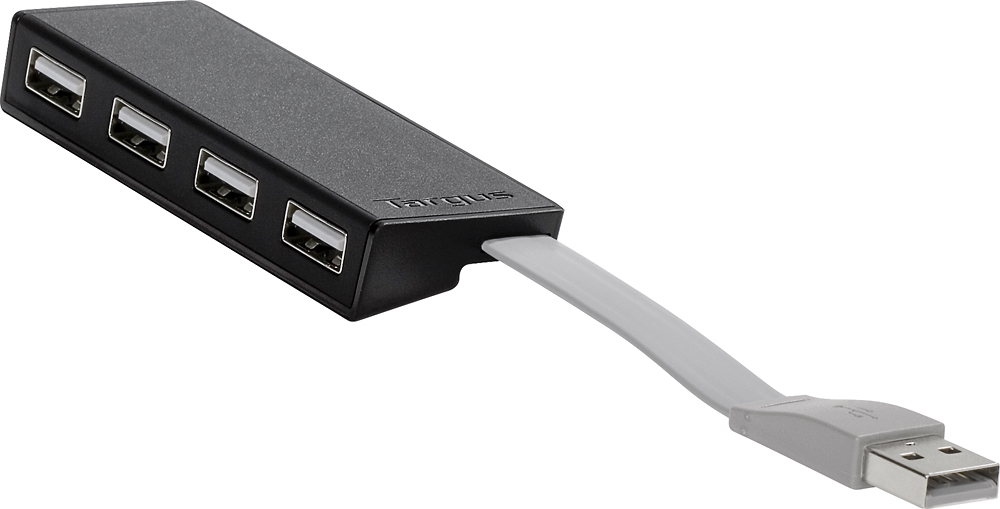
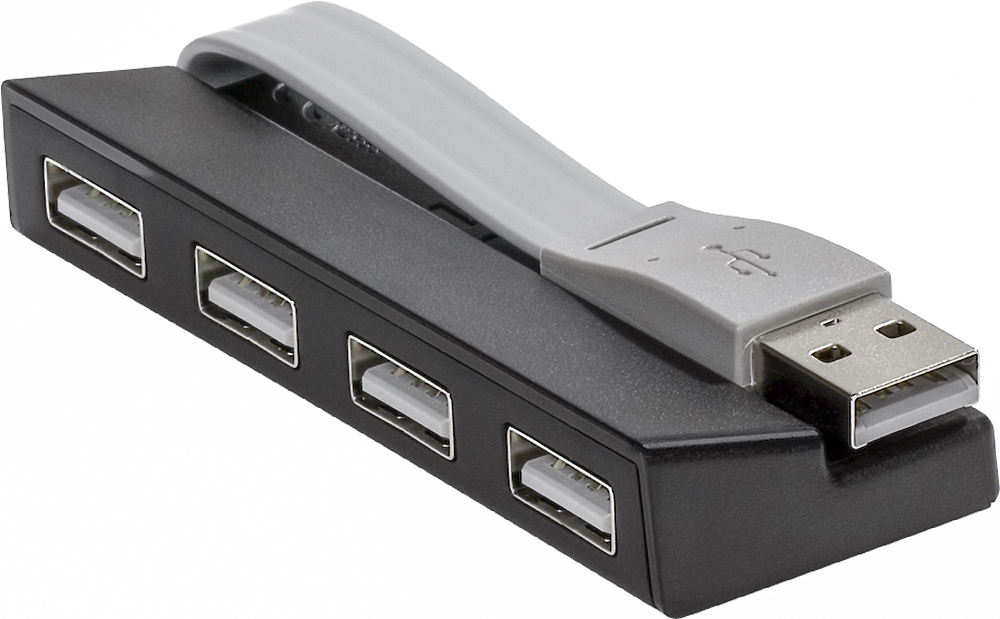
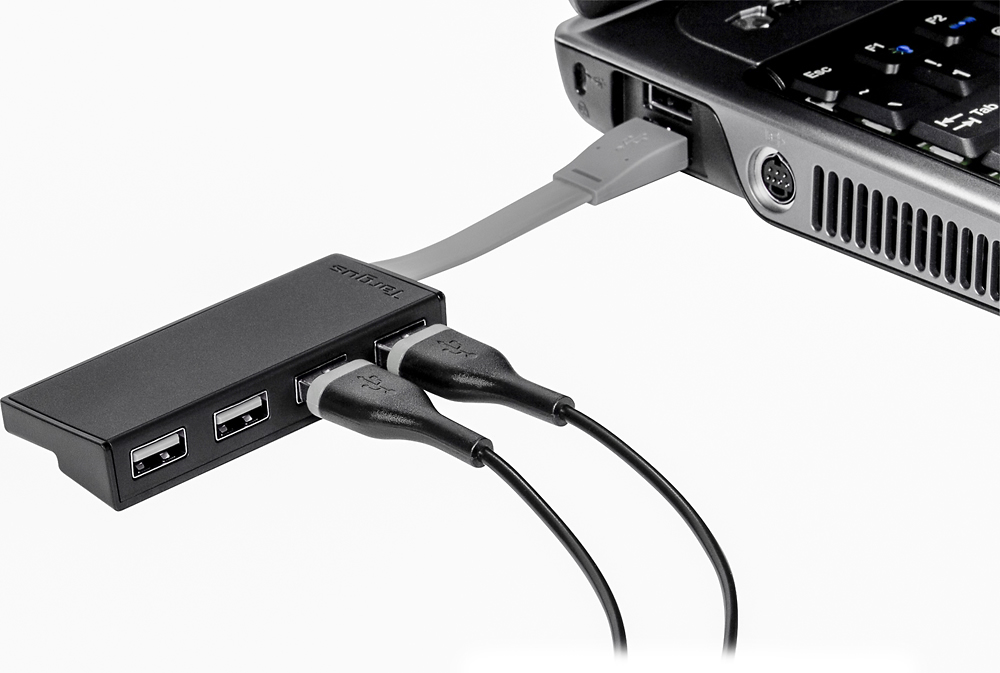
A:AnswerThe single USB port on my Surface Pro is on the right side, toward the top, of the screen/monitor when the Surface Pro is open. Because of the short connecting cord on my Targus 4-port hub (about 4") it "hangs" along the side of the Surface Pro. I have no problem plugging and unplugging accessories into it. If it were on the keyboard, or the bottom portion of the Surface Pro and on the right side, the hub ports, without any accessories plugged in, would probably face straight up because it is a flat cord connecting to the PC. However, once you plug something into the hub, it will turn forward or backward, depending on where you place your accessory. If it's just a flash drive, turn it whichever direction you want...should work fine.