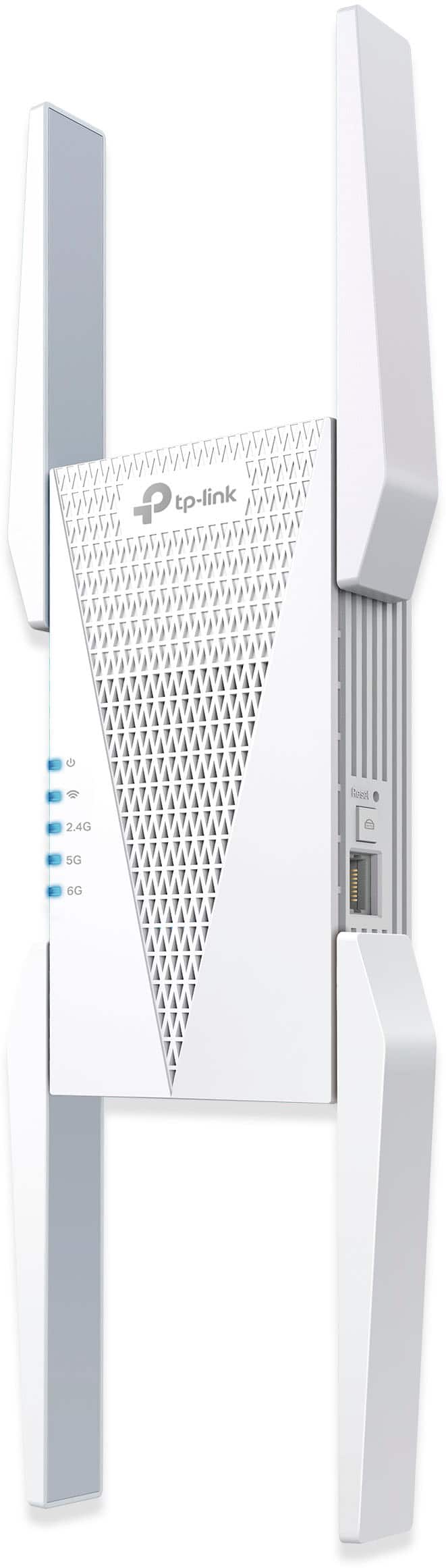
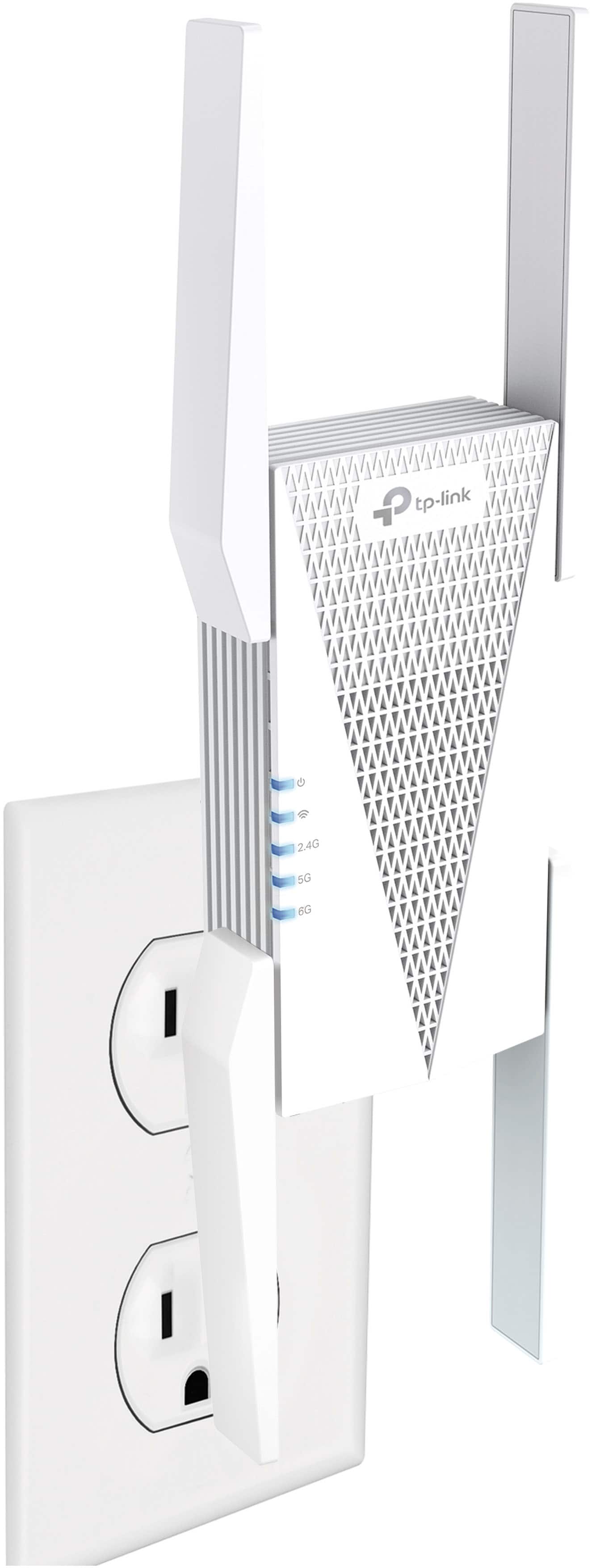
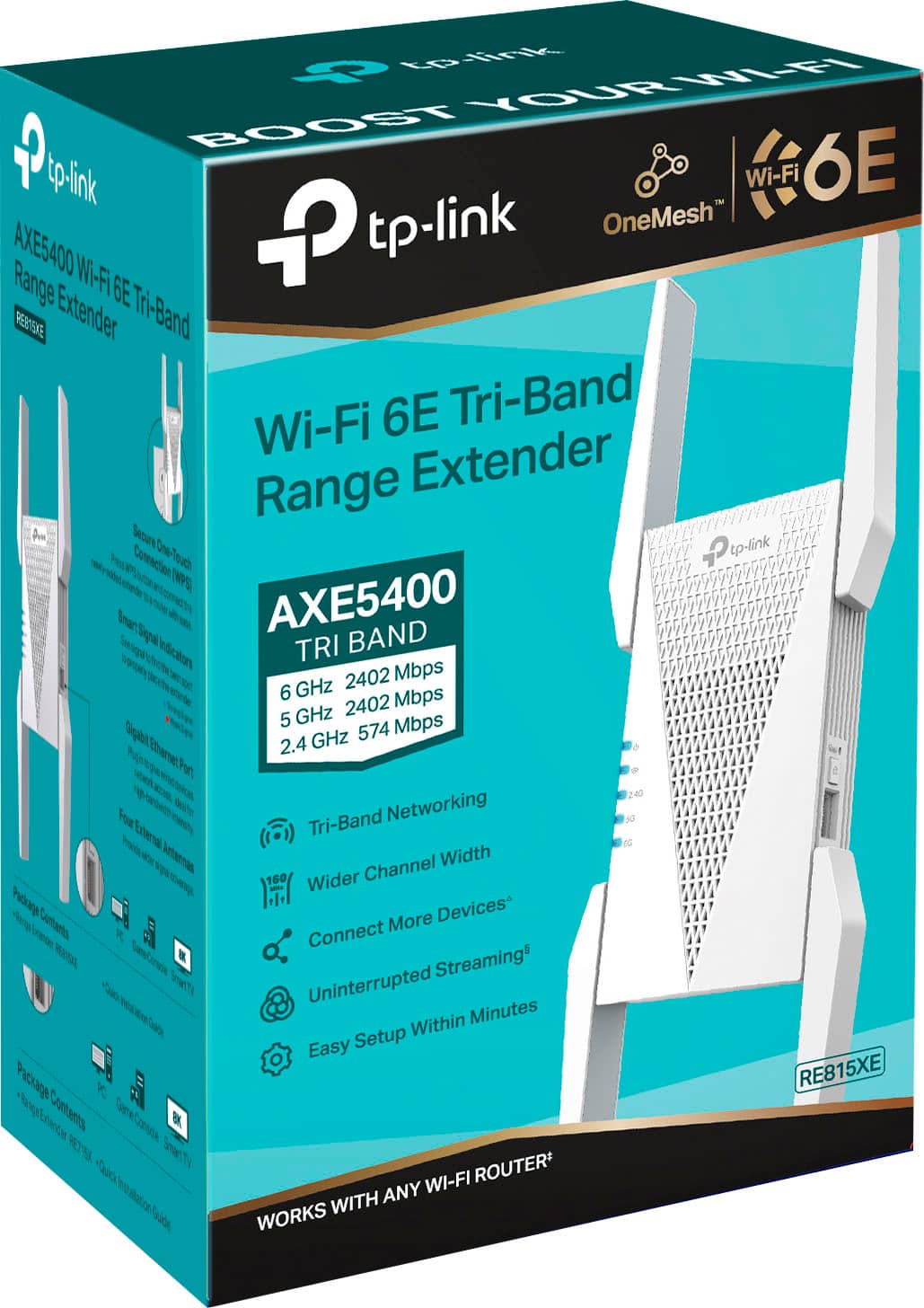
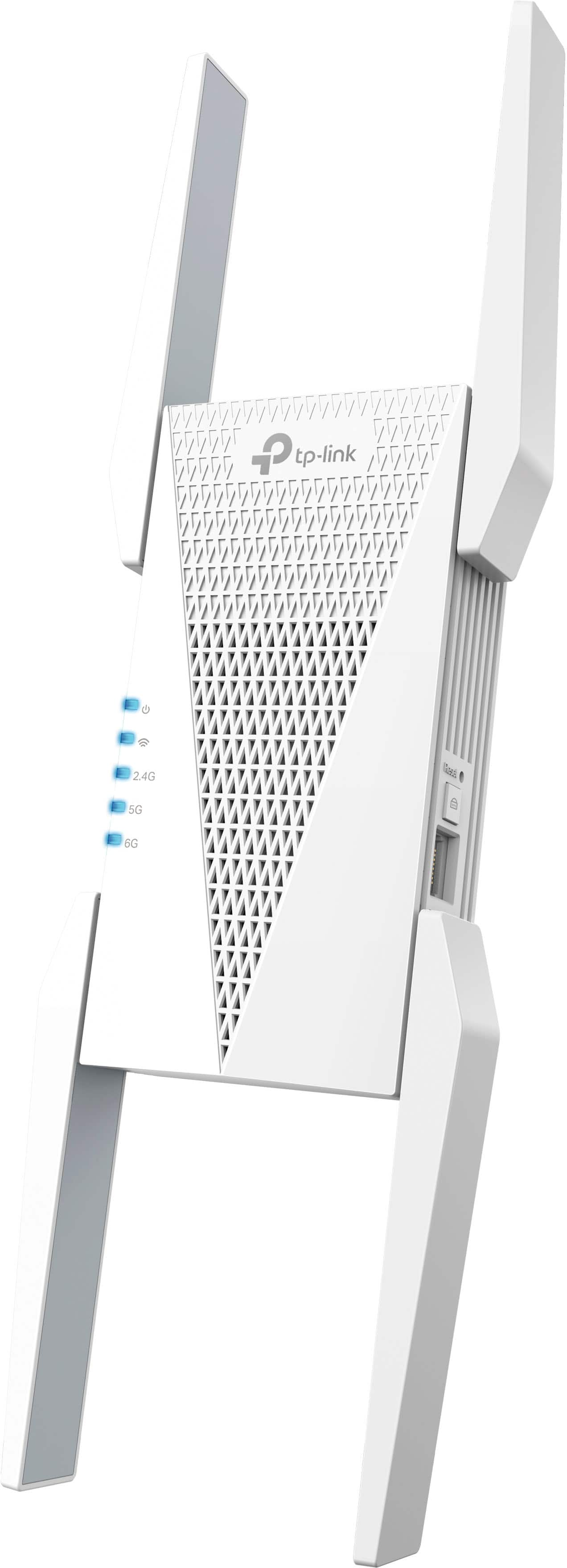
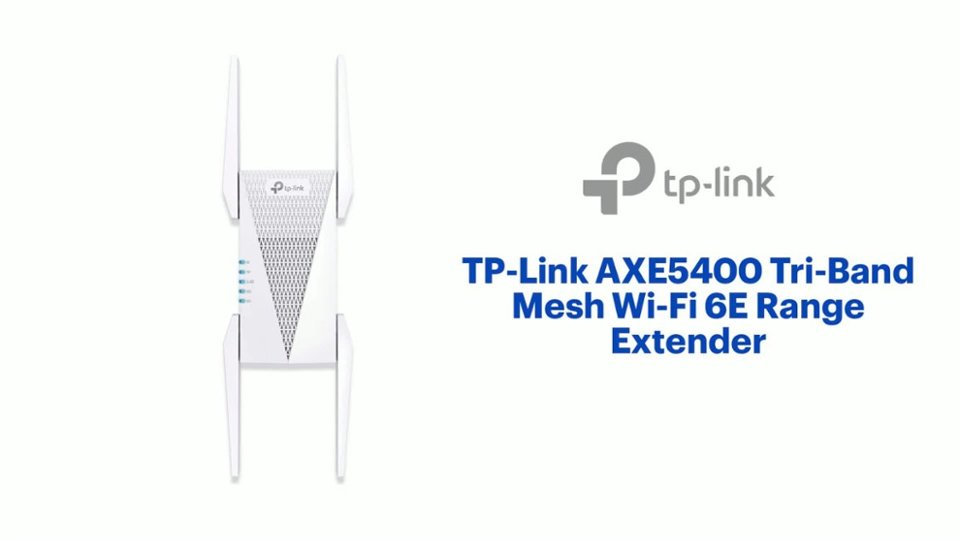
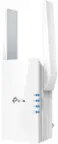
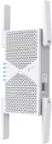
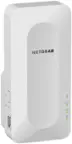
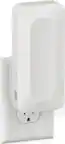
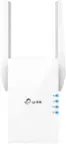
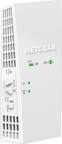
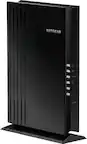
A:AnswerYes, absolutely! The RE815XE supports Access Point Mode operation and can be easily configured using the Tether app or its web management interface.
A:AnswerHi,
Thank you for your review. The maximum amount of RE815XE extenders you can introduce to your network will depend on your existing network hardware (router) and environment (placement of router, placement of devices, and obstructions between).
For example, assuming your router is primarily struggling due to dead zones or limited range to some of your devices, then introducing Wi-Fi extenders could help. However, in the scenario that your router is struggling due to hardware limitations (CPU, Wi-Fi bands being maxed out on bandwidth), then introducing extenders will not necessarily improve things since they will simply be extending the signal of the existing router and will be influenced by its limitations - other than Wi-Fi range.
In summary, Wi-Fi extenders are a valuable tool for extending coverage, but they may not be the answer for all network performance issues. We would recommend that you contact our support team directly for a comprehensive assessment and tailored product recommendations.
A:AnswerThe extender will need to be installed in a location where your existing router's Wi-Fi signal is sufficiently strong/stable, so it can acquire the signal and extend it further.
A:AnswerNo. The extender connects to your existing router's Wi-Fi network, then extends the router's Wi-Fi signal further within your home. Cell service is not required or needed for setup or use of the device.
A:AnswerEffective extended range can vary, depending on existing network and environmental conditions. Ideally, the extender should be placed in a location where your router's Wi-Fi signals are still sufficiently stable, yet far enough from the router to effectively extend its range. Depending on the layout of your home and current placement of the router, this position may vary. Furthermore, depending on the build materials of your home and potential obstructions (walls, etc.), the effective range of both the router and the extender can be directly affected. Additionally, the Wi-Fi band you choose to connect to will also play a role in Wi-Fi range. The 2.4GHz band typically travels furthest indoors, with 5GHz and by 6GHz being more rapidly obstructed by objects or walls. Yes, you can connect one Wi-Fi extender to another. In this configuration, their available features and performance may vary depending on whether you intend to use them in a OneMesh or EasyMesh setup, or as standalone extenders.
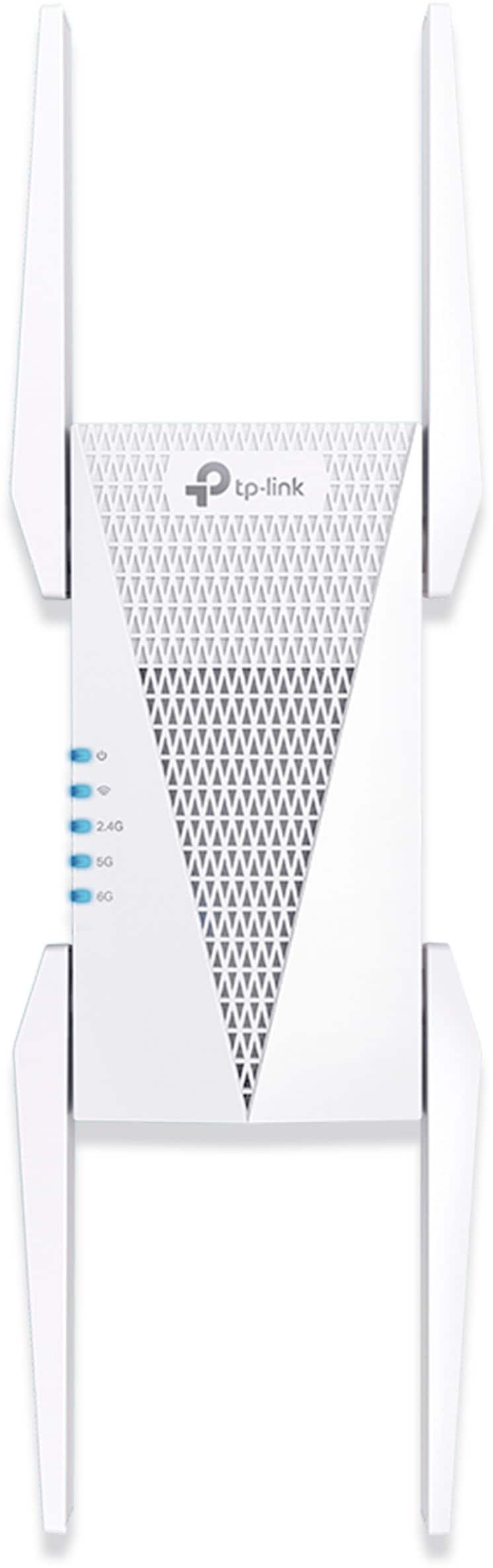
A:AnswerHi! TP-Link Wi-Fi extenders are universally compatible with Wi-Fi routers. As long as your existing Starlink network provides Wi-Fi connectivity, this TP-Link Wi-Fi Range Extender can be used.
A:AnswerHi! TP-Link Wi-Fi Range Extenders are universally compatible with devices that connect via Wi-Fi or Ethernet. Once the extender has been set up and connected to your router's Wi-Fi network, you can use the Ethernet port to connect a wired device (e.g., your PS5) via Ethernet cable.
A:AnswerYes. TP-Link Wi-Fi Extenders are universally compatible with Wi-Fi routers. Distance will depend on your existing router's Wi-Fi signal strength and coverage. A general rule of thumb is to install the extender in a location where your router's signal is sufficiently strong, yet far enough from the router to effectively extend its range.
A:AnswerHi! This TP-Link Wi-Fi Range Extender is not weatherproof, and is not designed for outdoor use. We cannot guarantee functionality or warranty coverage if the product is used outside its intended design. For outdoor Mesh Wi-Fi deployment, we suggest considering one of our Deco Mesh Outdoor products.
A:AnswerThe real power of 6e is that there's an extra channel to do the "backhaul", ie combination between the wireless routers. 6 has two channels, one for backhaul and the other for your devices to connect. 6e is try channel, so you can daisy chain with two other wireless routers and still have a channel for devices. Adding a 6e router to a 6 based router system won't really be able to take advantage of that, because the old router doesn't have the extra channels and you're only adding one.
A:AnswerThe shirt answer is no. 250 feet is well past the range of standard routers or APs. You'd need to get a setup that uses a cable to cover that distance, or get special directional dish based towers for each side, which are very expensive.
A:AnswerHi! If you want to utilize AXE5400 Tri-Band Wi-Fi 6E connectivity, you can install the RE815XE in Access Point Mode and wire it to your router via Ethernet cable. However, if you do not need Tri-Band Wi-Fi 6 connectivity, the dual-band, AX3000 Wi-Fi 6 connectivity offered by the TL-WA3001 is an excellent standalone, feature-rich Access Point option, as well.