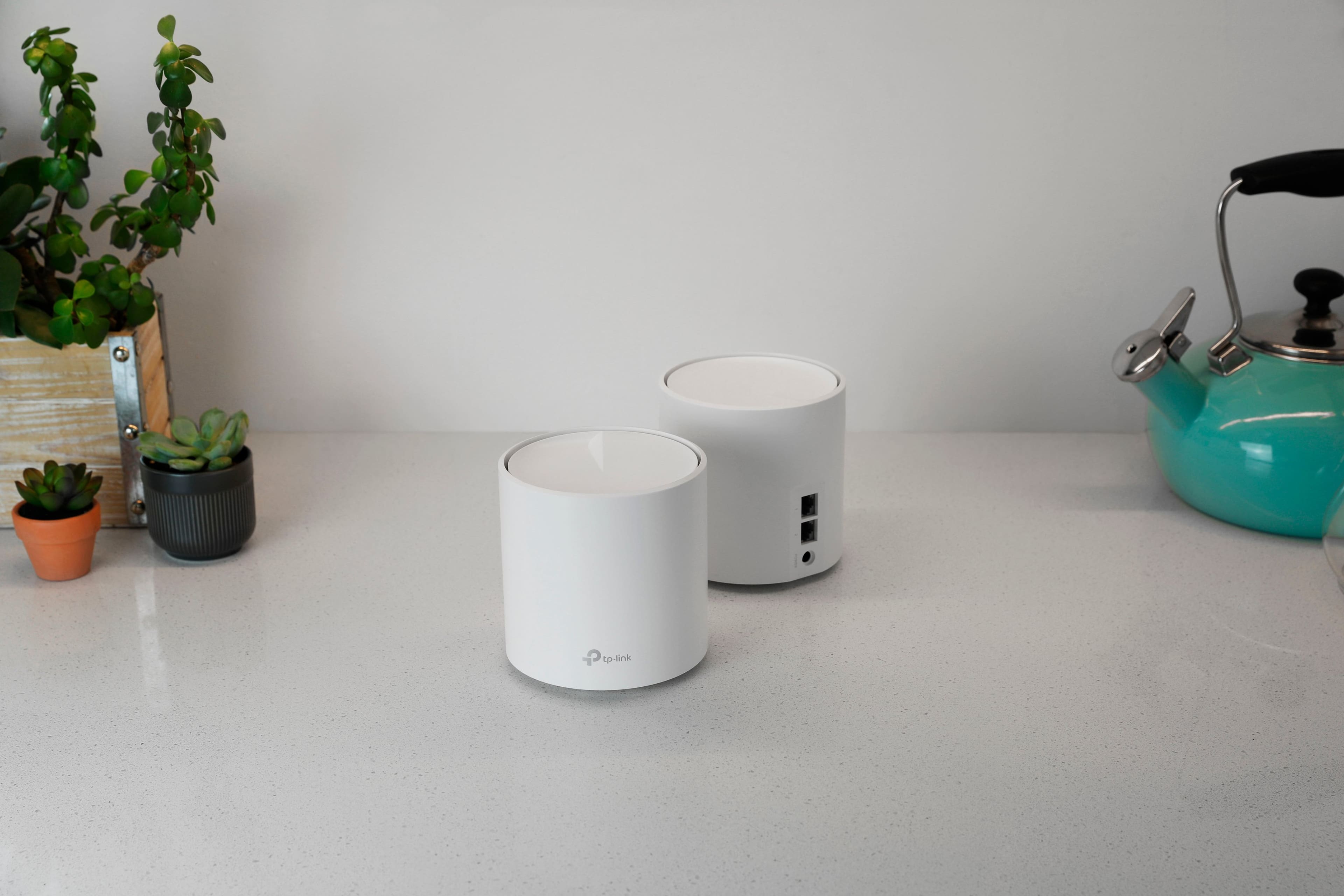
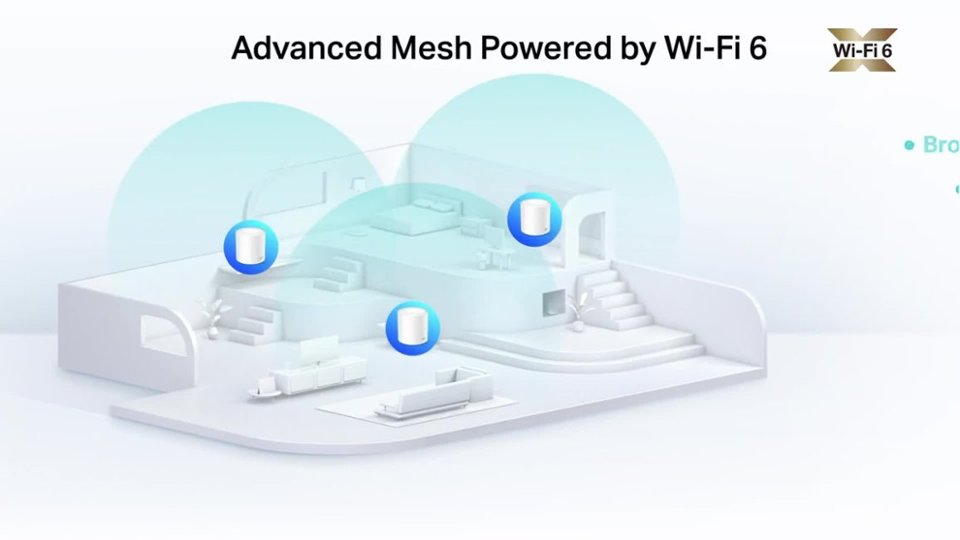
A:AnswerHi! Deco nodes transmit omnidirectionally. We would recommend trying both positions and testing coverage results. The Deco app can also help determine ideal placement.
A:AnswerI also have a xfinity rented router with WIFI. I tried to disable wifi in it, but I could not find a way to do that. Then I just changed the SIDD for the Xfinity wifi, then connected one of the DECO devices to the Xfinity router using an Ethernet cable. then following the deco instructions to get the mesh set up. It was very easy to set up.
A:AnswerHi Judy,
The primary Deco node needs to be connected to your existing Internet source (e.g., modem, ONT, gateway, or hotspot) via Ethernet cable. If your portable hotspot provides Ethernet connectivity, and you are able to connect the main Deco to it, you should be able to use the Deco app to set up a Mesh Wi-Fi network.
A:AnswerHi Laurie,
Our Deco Mesh Whole Home Wi-Fi Systems are designed for quick and intuitive setup. In your case, the main Deco node will connect to your existing Internet source (e.g., the Ethernet cable). Then, using the Deco app, you can conveniently set up and manage your Mesh Wi-Fi network.
A:AnswerHi MillterTyme,
Deco Mesh Wi-Fi Systems can replace an existing router (generally recommended for the most feature-rich and comprehensive mesh experience), or they can be used in Access Point Mode if you prefer to keep your existing router at the head of your network.
A:AnswerHow is your setup, is your modem/router from AT&T on bridge mode so that it utilizes the Deco mesh system properly? Also, in the deco app, have you tried the Network Optimization feature? Because that is a considerable difference in what you should be getting in speed