A:AnswerIt does for me and works great. you have to reprogram the Starlink box to act like a simple modem and pass the internet signal straight through with no router function.
A:AnswerYes this is a router. Mine is hooked via ethernet from my cable modem, and then is set up to meet my networking needs. Simple setup and works great.
A:AnswerHi! The Deco AX3000 can be connected to a non-Deco network/Internet source via Ethernet cable. However, it cannot directly mesh via Wi-Fi with non-Deco products, nor will the Deco app support non-Deco models.
A:AnswerHi! Yes, you can use it in either Router Mode or Access Point Mode configuration options.
For Router Mode, we would suggest configuring your existing router + modem in a "modem-only" state, or "bridge mode", so it operates only as a modem, allowing the Deco to become your primary router.
For Access Point Mode, you can leave your existing modem + router as is, then configure the Deco in access Point Mode. Please note that in Access Point Mode, some features that are exclusive to Router Mode will not be available.
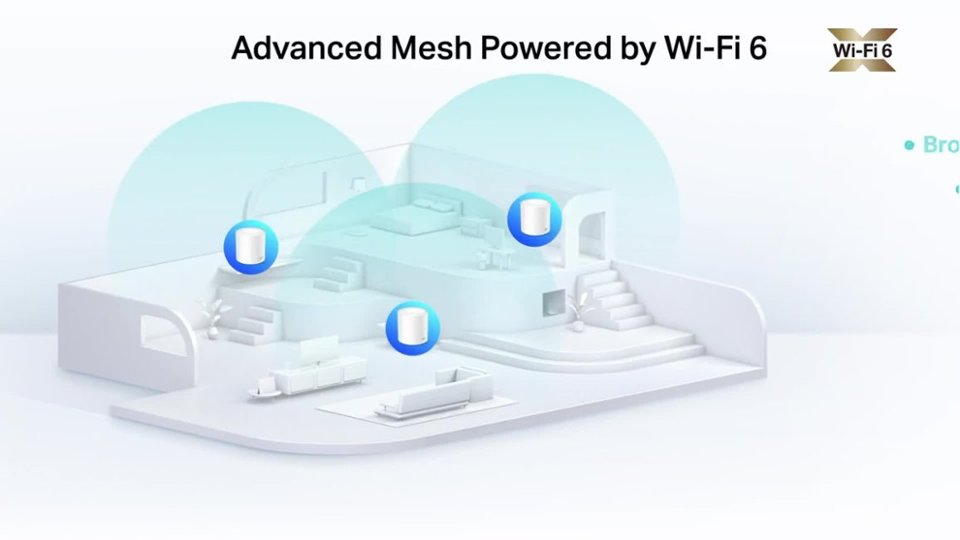
A:AnswerWith this unit, I doubt that you'll need an extender. I'm not absolutely certain, but I think you can. This device is rated to cover a 7000 sqft home. And I believe it.
A:AnswerHi! Yes, during setup, the Deco app will guide you through designating one of the Deco nodes as the primary/router node. This Mesh Wi-Fi system is designed to perform as your network's router, while providing robust, seamless mesh Wi-Fi for your whole home.
A:AnswerAs long as your roof top wifi has an internet connection (via ethernet cable) then you should be good to go.
It's hard to say exactly because I don't know exactly what you mean by "roof top wifi dish".
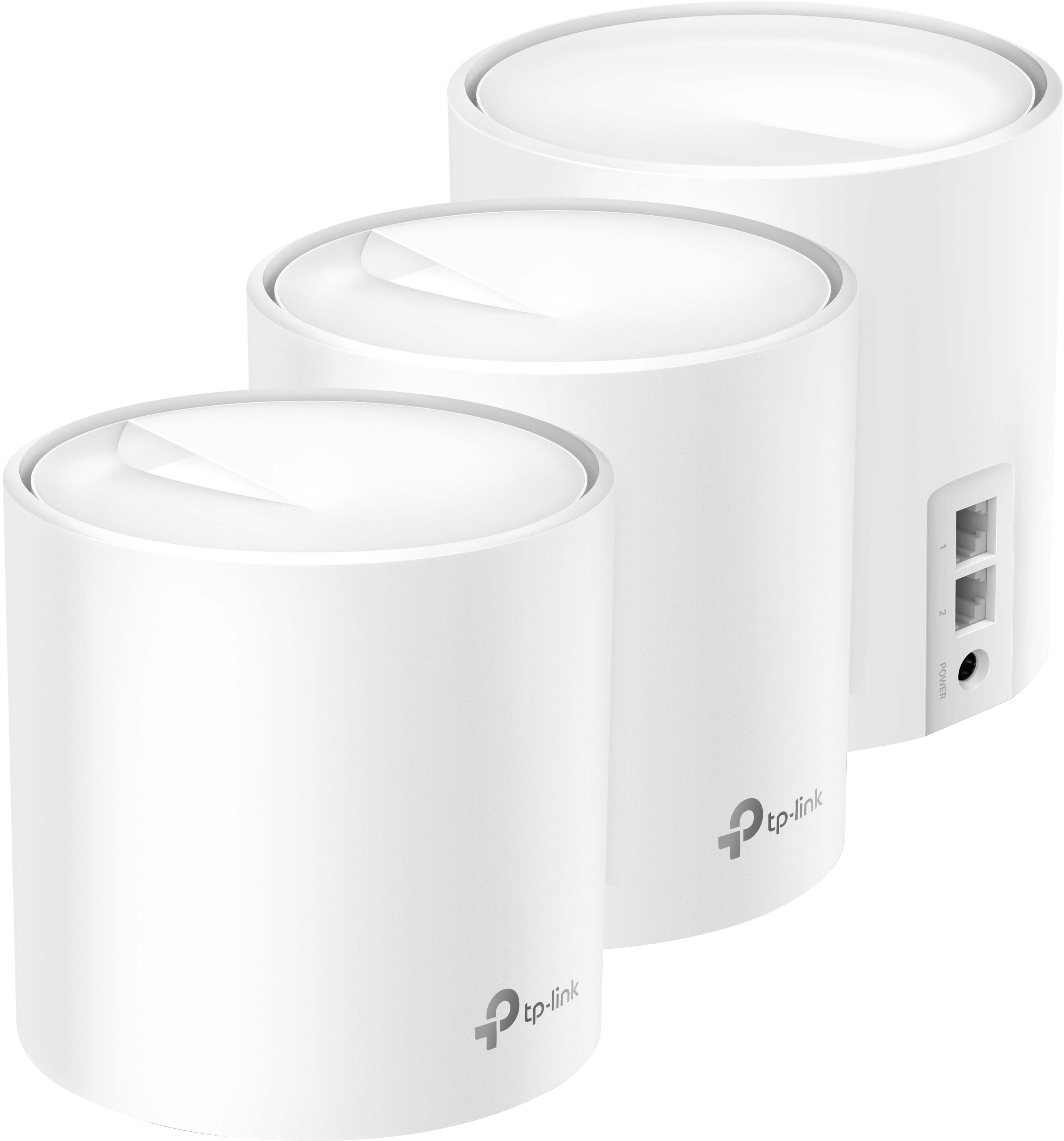
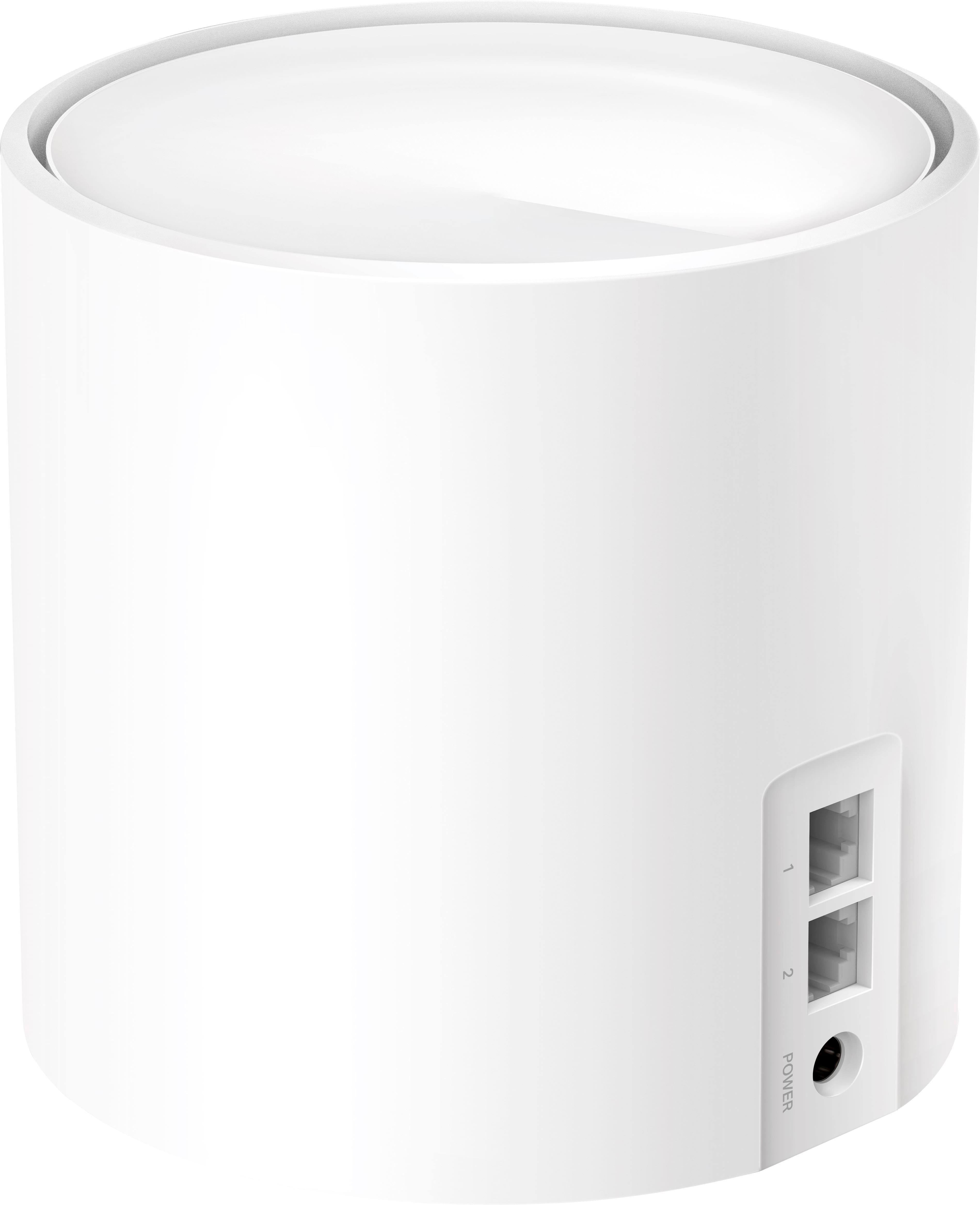
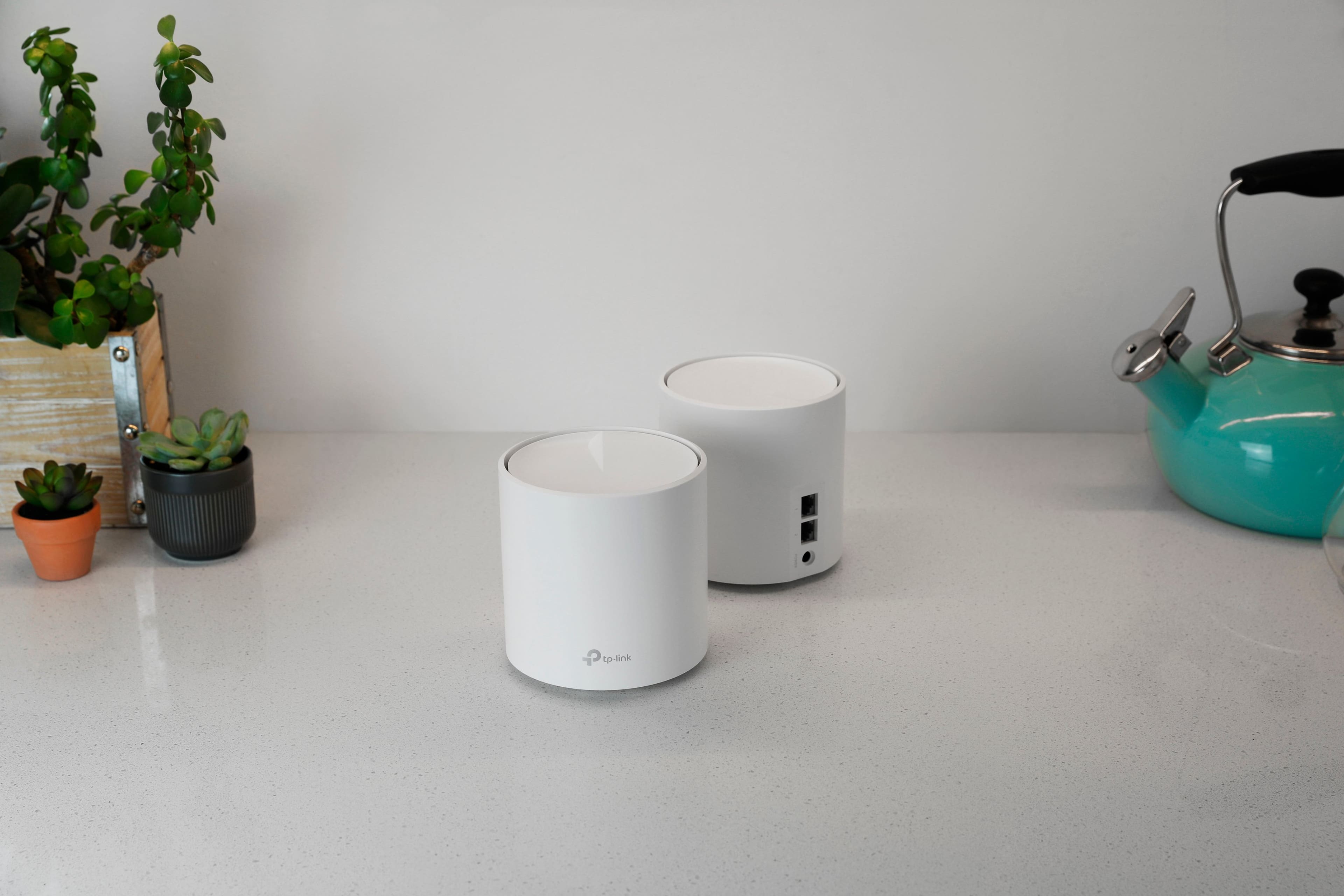
What kind of network ports does it have, etc
A:AnswerThere should be any buffer with cheapest router in market with good signals.
If there is buffering and you have good signals then it might be your internet or defective modem not wifi router or mesh